
HR Joining PDF Automation in India for Employee, Branch, Bank, and Asset Forms
HR joining packets work best as a reviewed template group where employee, branch, bank, emergency contact, and asset fields share one source record.
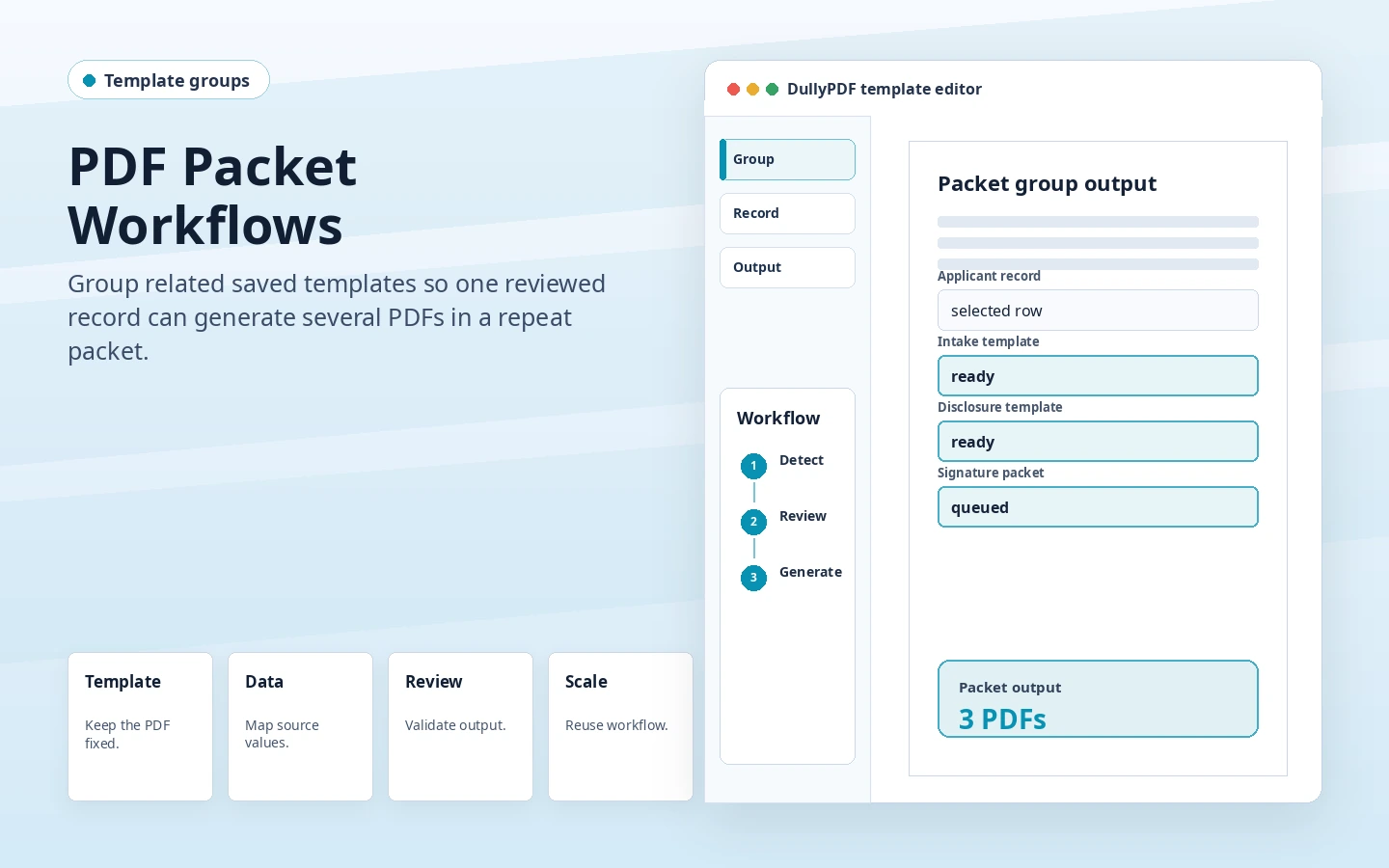
Treat joining forms as a packet, not one PDF
HR joining in India can include employee details, branch assignment, bank information, emergency contacts, policy acknowledgements, asset handoff, and internal review fields. These documents often repeat together, so one clean source record should be able to fill more than one template.
The useful setup is not a generic PDF conversion. It is a repeatable HR joining PDF automation workflow where the same reviewed template accepts source data from joining trackers, HR spreadsheets, employee master exports, branch onboarding queues and produces a PDF that the team can inspect before sharing or archiving.
Map employee and branch fields consistently
Start by naming the fields around the record the team already trusts. For HR joining PDF automation, that usually means explicit columns such as employee_id, employee_name, branch_code, joining_date, bank_account, emergency_contact rather than vague labels like name, id, date, or notes that become hard to review later.
A joining packet becomes easier to maintain when the same field names repeat across nearby PDFs. If employee_id or branch_code appears in several templates, use the same name and mapping each time.
- Separate employee, branch, bank, and contact fields.
- Use consistent field names across the packet.
- Test blank optional fields for assets or emergency contacts.
- Review date formatting for joining and confirmation dates.
Use links when the employee owns the input
Search and Fill is the first runtime to test because it lets an operator select one row, compare the mapped values, and open the generated PDF before the workflow grows. That is the right first pass when the source data is still reviewed by a branch, back-office, finance, HR, clinic, school, logistics, property, or procurement user.
Fill By Link works better when a new employee, HR coordinator, or branch onboarding user should submit values through a web form instead of editing a PDF. API Fill should come later, after the same template has survived a spreadsheet review and an internal system can send clean JSON for HR joining PDF automation.
Validate a full joining packet before reuse
The first HR output should include the full packet, not only the shortest form. That reveals whether repeated employee values, branch details, bank data, and optional sections behave consistently across documents.
After the first output is correct, expand only to nearby PDFs that share the same source record. That keeps the India blog and route cluster grounded in real workflow families instead of creating pages that only swap keywords around.
- Fill one complete employee record across the packet.
- Open every generated PDF before marking the template ready.
- Check date fields and long employee names.
- Keep final archived copies flat when further editing is not needed.