India industry workflow page

India HR Joining PDF Automation for Employee Onboarding Packets

Build reusable HR joining PDF templates for Indian employee records, bank details, nominee details, PF, ESI, policy acknowledgments, and branch onboarding.

Workflow examples for India HR Joining PDF Automation

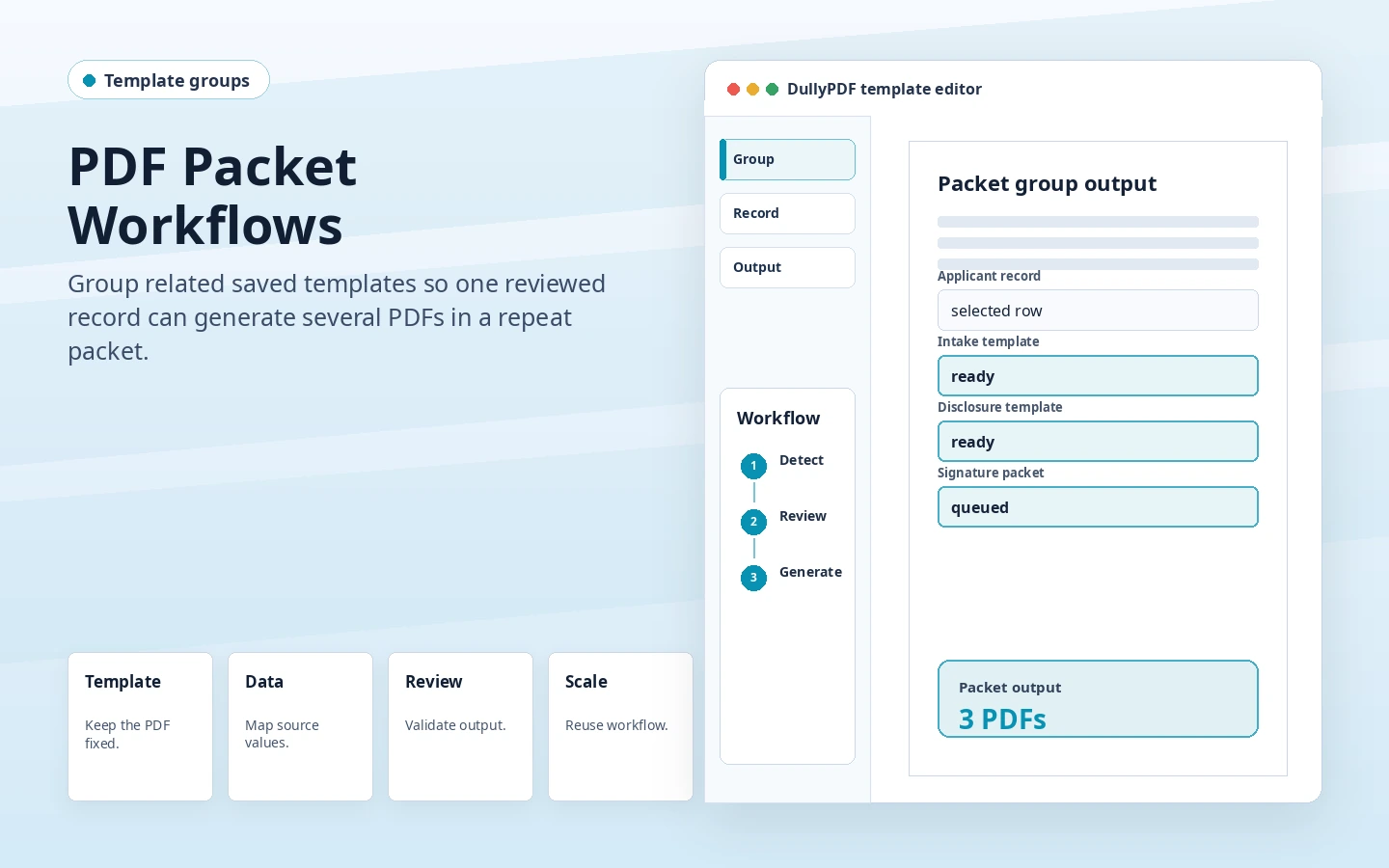
DullyPDF grouped packet workflow preview for filling several PDFs from one record.
HR joining work is packet-heavy, so one reviewed employee row should fill joining, bank, nominee, policy, and asset forms consistently.

India HR Joining PDF Automation starts with India-specific records

HR joining work in India is packet-heavy because one employee record feeds several internal forms. The same name, employee ID, bank details, location, and statutory identifiers get typed repeatedly unless the packet is mapped once.

The recurring PDF set is usually not one generic form. It often includes employee joining forms, bank-detail and nominee PDFs, PF and ESI information sheets, asset issue forms, and policy acknowledgment checklists. DullyPDF is useful when those layouts are already approved and the changing record data needs to land in the same places every time.

  • employee joining forms
  • bank-detail and nominee PDFs
  • PF and ESI information sheets
  • asset issue forms
  • policy acknowledgment checklists

Map HR joining data before adding volume

Start with the source data the team already trusts: HRIS exports, recruitment trackers, joining spreadsheets, branch HR records, and Fill By Link submissions. Upload a representative CSV, XLSX, JSON, or TXT schema, then map those headers to reviewed PDF fields before anyone treats the template as production-ready.

Treat the employee row as the source of truth and keep repeated fields named consistently across all joining PDFs. That makes grouped packet filling practical instead of mapping each form as a separate island.

  • employee_name, employee_id, joining_date, department, work_location
  • pan_number, uan_number, pf_number, esi_number, bank_account_number
  • ifsc_code, nominee_name, emergency_contact, reporting_manager
  • policy_acknowledged, asset_issued, document_pending_status

Choose the right runtime for HR joining

Fill By Link is useful when a new hire supplies details directly. Search & Fill is useful when HR already has a joining tracker. API Fill becomes practical after the HRIS or internal onboarding system can send the employee payload.

Search & Fill is the safer first pass when an operator still needs to inspect one row and compare the output. Fill By Link is better when the applicant, employee, vendor, patient, student, tenant, or branch user should submit answers without opening a PDF editor. API Fill is the production path after an internal system can send clean JSON to the saved template.

Roll out the India template without creating duplicate work

Start with the most repeated joining form, then group it with nominee, bank-detail, policy, and asset forms after the core employee fields are stable.

A practical rollout is one document family, one real record, one output review, then expansion into nearby PDFs. That prevents the India page cluster from becoming thin country-token content and keeps each template tied to a workflow that a team would actually reuse.

  • Run one employee record through every grouped HR template.
  • Check long names, addresses, nominee details, and date formatting.
  • Confirm optional PF, ESI, and document-pending fields behave when blank.
  • Use consistent employee_id and joining_date field names across the packet.

Keep compliance and policy decisions outside the PDF tool

HR policy, statutory eligibility, employee document collection, and retention rules stay with the employer. DullyPDF should only automate the reviewed PDF output and repeat field mapping.

DullyPDF can help detect fields, rename them, map values, fill outputs, and preserve reusable templates. It does not decide whether a team is allowed to collect a particular identifier, store a document, approve a file, or accept a record without review.

Why teams use India HR Joining PDF Automation

  • Map employee ID, joining date, PAN, UAN, PF, ESI, bank, IFSC, nominee, department, and work-location fields.
  • Use Fill By Link for new hires when HR wants structured answers before generating the final packet.
  • Group templates when one employee row fills several joining documents at once.

Implementation signals for India HR Joining PDF Automation

  • Group workflows can reuse the same employee record across multiple HR PDFs.
  • Search & Fill lets HR inspect one employee row before generating the final joining packet.
  • Date and checkbox mapping keeps joining date, policy acknowledgments, and optional benefits fields consistent.

Need deeper technical details about india hr joining pdf automation? Use the Rename + Mapping docs and Search & Fill docs to validate exact behavior.

Frequently asked questions about India HR Joining PDF Automation

Can DullyPDF automate HR joining PDFs for India teams?

Yes. Upload the existing PDF, review detected fields, rename and map the template to employee, branch, bank, nominee, PF, and ESI fields, then fill it from Search & Fill, Fill By Link responses, or API JSON.

Which source data should HR joining use first?

Use the HR joining tracker or HRIS export that already drives onboarding. It should include employee ID, joining date, department, location, bank, IFSC, nominee, and optional PF or ESI fields.

Should HR joining output be flat or editable?

Use editable output while HR is still correcting a joining packet. Use flat output for the final retained employee copy or packet handoff.

Core DullyPDF workflows for India pages

These India solution pages should connect back to reusable product mechanics that apply across regions: field detection, Search & Fill, Fill By Link, API Fill, and stable template mapping.

Guides for India HR Joining PDF Automation

These walkthroughs and comparison posts cover the same workflow cluster from an operator point of view, which helps you move from a route summary into a more specific implementation path.

Docs for India HR Joining PDF Automation

Use these docs pages to verify the exact DullyPDF behavior behind india hr joining pdf automation before you ship it as a repeat workflow.

Related routes for India HR Joining PDF Automation

These adjacent routes cover neighboring document workflows and team use cases that usually get evaluated alongside india hr joining pdf automation.