
PDF Form Automation in India: KYC, Vendor, HR, GST, and Branch Workflows
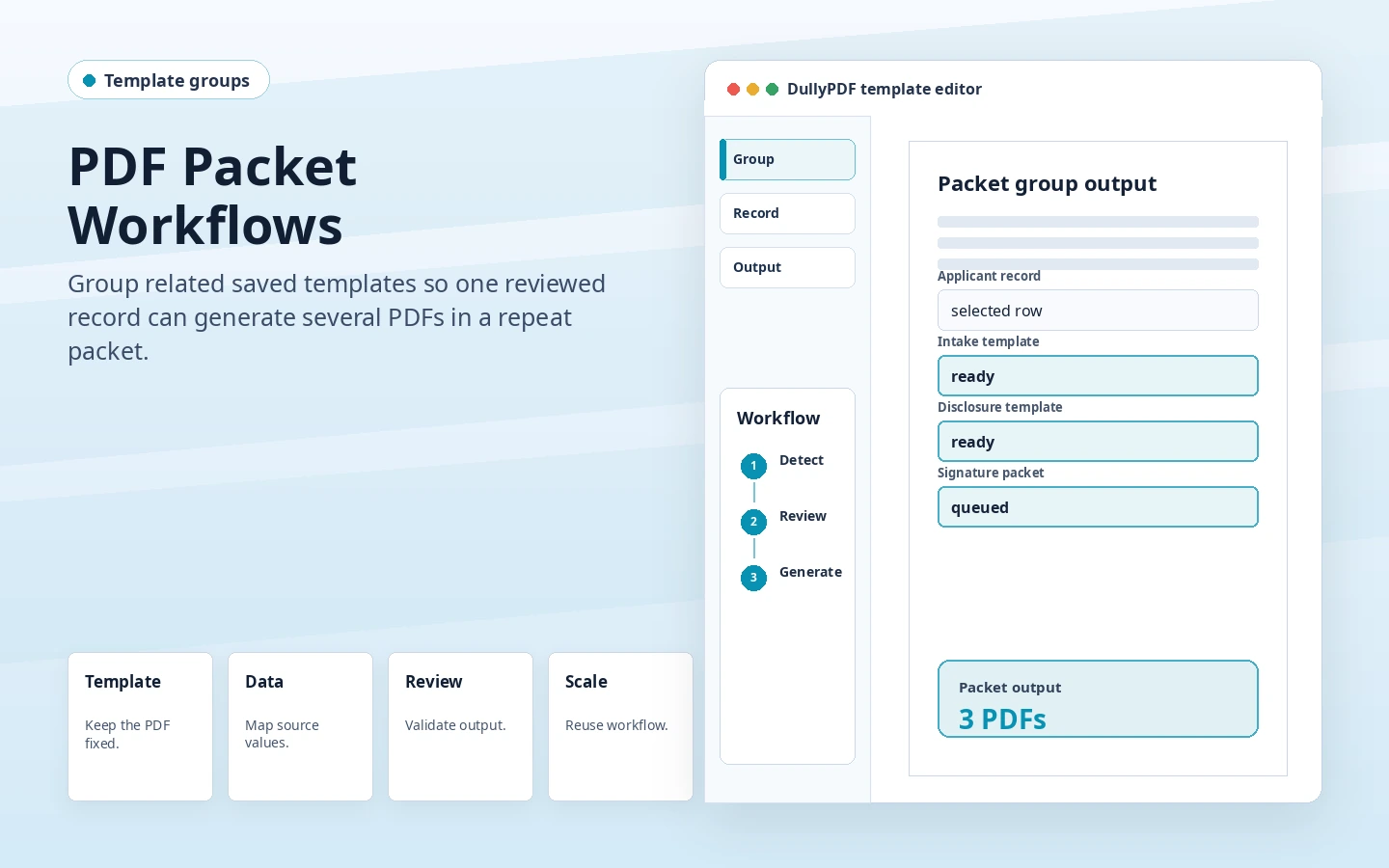
India PDF automation should start with one recurring document family, one trusted source record, and one reviewed output before expanding into nearby KYC, vendor, HR, GST, school, clinic, finance, or branch templates.
Start with one India document family, not a copied route set
The strongest India SEO and product workflow starts with a real operating problem: a KYC packet, vendor setup PDF, HR joining form, GST invoice coversheet, school admission form, clinic intake PDF, loan file, delivery challan, tenant packet, or purchase order that comes back every week with different record data.
Do not begin by cloning many generic pages with India inserted into the heading. A useful India cluster should prove how Indian teams name fields, map PAN or GSTIN values, review branch codes, handle long addresses, and decide whether the source record comes from Excel, a respondent link, or an internal system.
Name the source record before mapping the PDF
Most failed automation attempts start by treating the PDF as the only important object. For Indian workflows, the source record is just as important: a branch spreadsheet, vendor master export, HR joining tracker, clinic appointment sheet, school admission row, finance system payload, logistics register, or procurement queue.
Once the source record is clear, field names can be reviewed deliberately. Names such as pan_number, gstin, branch_code, employee_id, vendor_code, invoice_number, ifsc_code, student_id, patient_id, challan_number, and approval_status tell a reviewer what the value means before a batch or API run ever begins.
- Use one stable header for every repeated identifier.
- Separate long address fields when the PDF has separate printed regions.
- Keep optional review fields blank when the source record does not provide a value.
- Test one row with long Indian names, addresses, and mixed identifier formats.
Choose Search and Fill, Fill By Link, or API Fill by who owns the data
Search and Fill is the safest first runtime when a staff member still needs to inspect one spreadsheet row against one PDF output. That is common for KYC, vendor setup, GST invoice coversheets, HR joining packets, purchase orders, and branch paperwork where a reviewer wants to compare the source record before generating the final copy.
Fill By Link fits workflows where the applicant, vendor, employee, student, patient, tenant, branch user, or field user should submit answers without opening a PDF editor. API Fill fits later, after the team already trusts the template and an internal system can send clean JSON with the same field names that were reviewed in the first spreadsheet pass.
Use India-specific examples that change the page substance
A localized page should change more than the country word. KYC pages should discuss PAN, GSTIN, branch review, account type, and supporting-document status. Vendor pages should discuss supplier master data, bank details, IFSC, MSME or Udyam references, payment terms, and approval queues. HR pages should discuss employee IDs, joining packets, emergency contacts, branch assignments, and asset handoff paperwork.
GST invoice and finance pages should talk about invoice numbers, taxable values, line items, totals, purchase orders, loan packets, reviewer IDs, and accounting exports. School, clinic, logistics, tenant, and procurement examples should each bring their own documents and source records instead of borrowing an American paperwork model that does not fit Indian operations.
Validate one output before expanding the India cluster
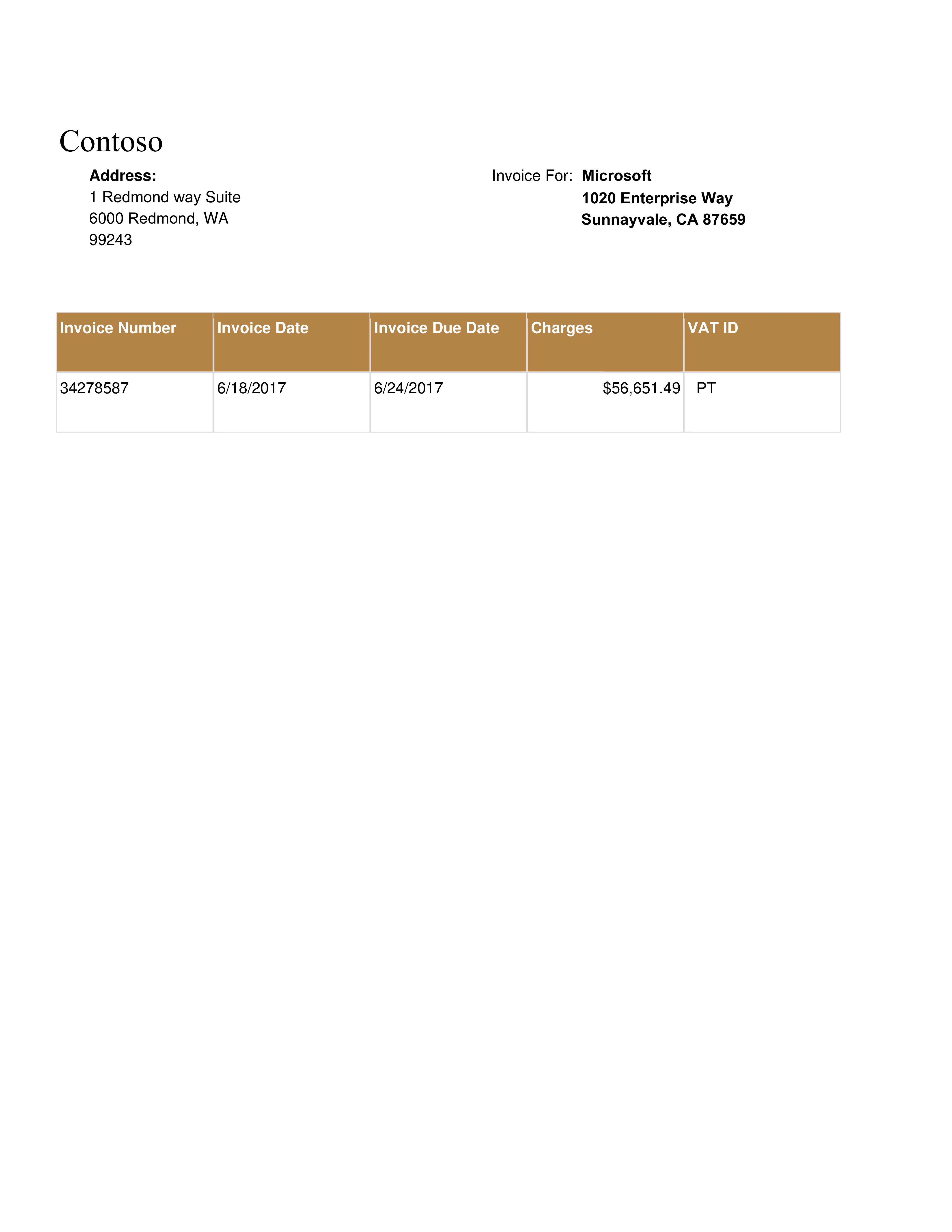
The practical rollout is one recurring PDF, one source record, one reviewed template, one generated output, and one correction pass. After that, the team can expand into adjacent PDFs in the same workflow family because the naming, mapping, and output rules have already been learned from a real Indian document.
This also helps Google understand why the India cluster exists. The homepage, workflow pages, industry pages, and blog guide should reinforce the same distinct examples instead of spreading thin duplicate content across many routes. That is how the India pages can earn test impressions without asking Google to index near-identical copies of global pages.
- Check field alignment against the original PDF labels.
- Review long names, long addresses, GSTIN, PAN, IFSC, branch code, and invoice values.
- Open the generated PDF in the viewer the team actually uses.
- Only create the next template after the first one survives a real output review.