
Automate Medical Intake Forms: Reduce Front-Desk Data Entry by 80%
Front-desk teams do not usually suffer from a lack of patient data. They suffer from having to re-enter the same patient data into too many fixed forms that all ask for the same information in slightly different places.
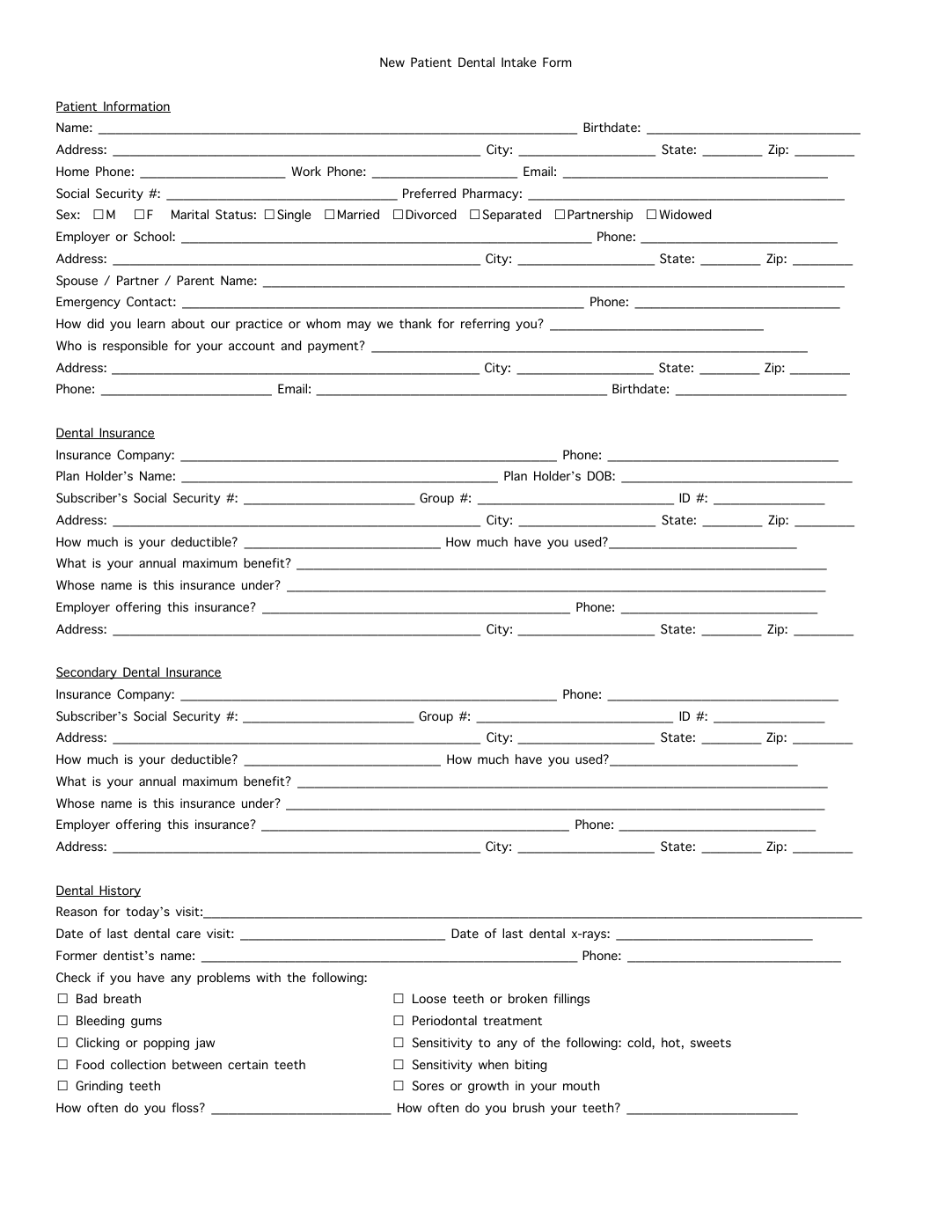
The real cost is repeated demographics, not just long packets
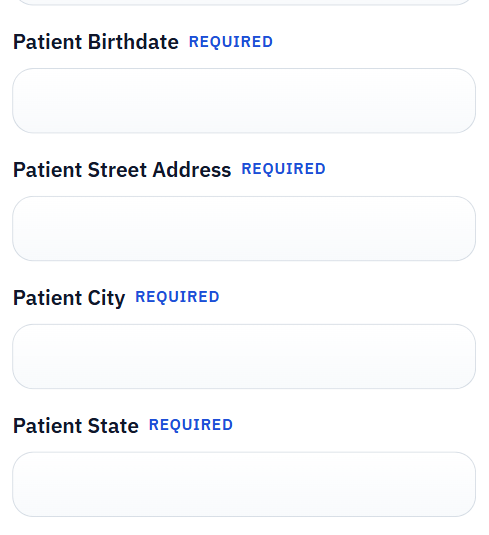
Medical intake work feels heavy because packets are long, but the deeper problem is repetition. The same patient name, address, birth date, insurance details, emergency contacts, and consent choices show up across multiple documents. Staff are effectively acting as a human copy engine between systems that already know the same facts.
That is why the best first automation target is usually the form that repeats those shared demographics most aggressively. When you remove the first layer of retyping, the rest of the intake packet becomes much easier to reason about.
Start with one form the staff already trust
Healthcare teams often want to automate the whole packet immediately because the overall pain is obvious. In practice, the safer route is to start with one intake or registration form that the front desk touches constantly. Review it carefully, map it to the record source, and use that early success to prove the workflow.
This keeps rollout grounded in reality. The template is tested against the same document and the same data staff use every day, which makes the QA feedback far more useful than a theoretical pilot on a rarely used form.
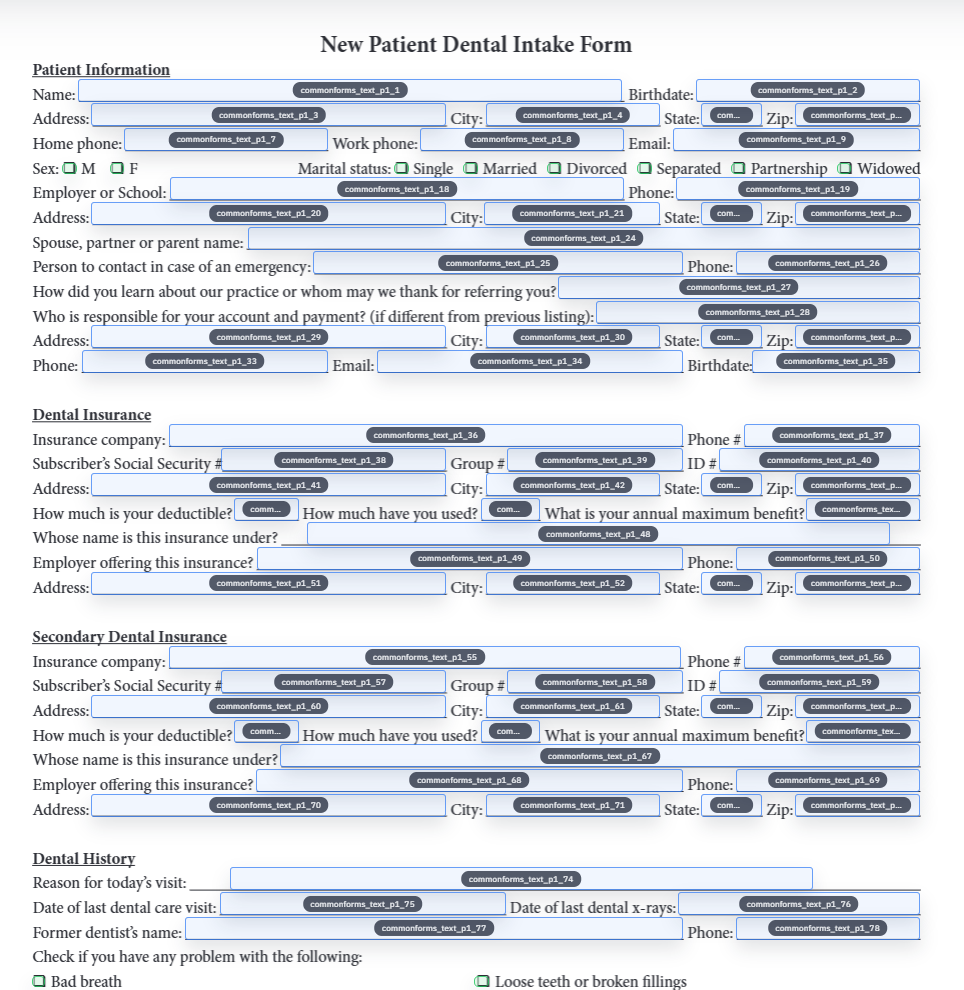
Checkbox-heavy medical history sections deserve explicit attention
Intake packets are full of structured answers: yes-no pairs, symptom checklists, allergy disclosures, medication histories, and acknowledgment blocks. Those are exactly the places where a shallow fill setup starts to break. The field names might look reasonable, but the grouped logic can still be wrong.
The safest pattern is to treat those sections as high-risk during template review. If the checkbox and group behavior is dependable there, the rest of the form is usually much easier to trust.
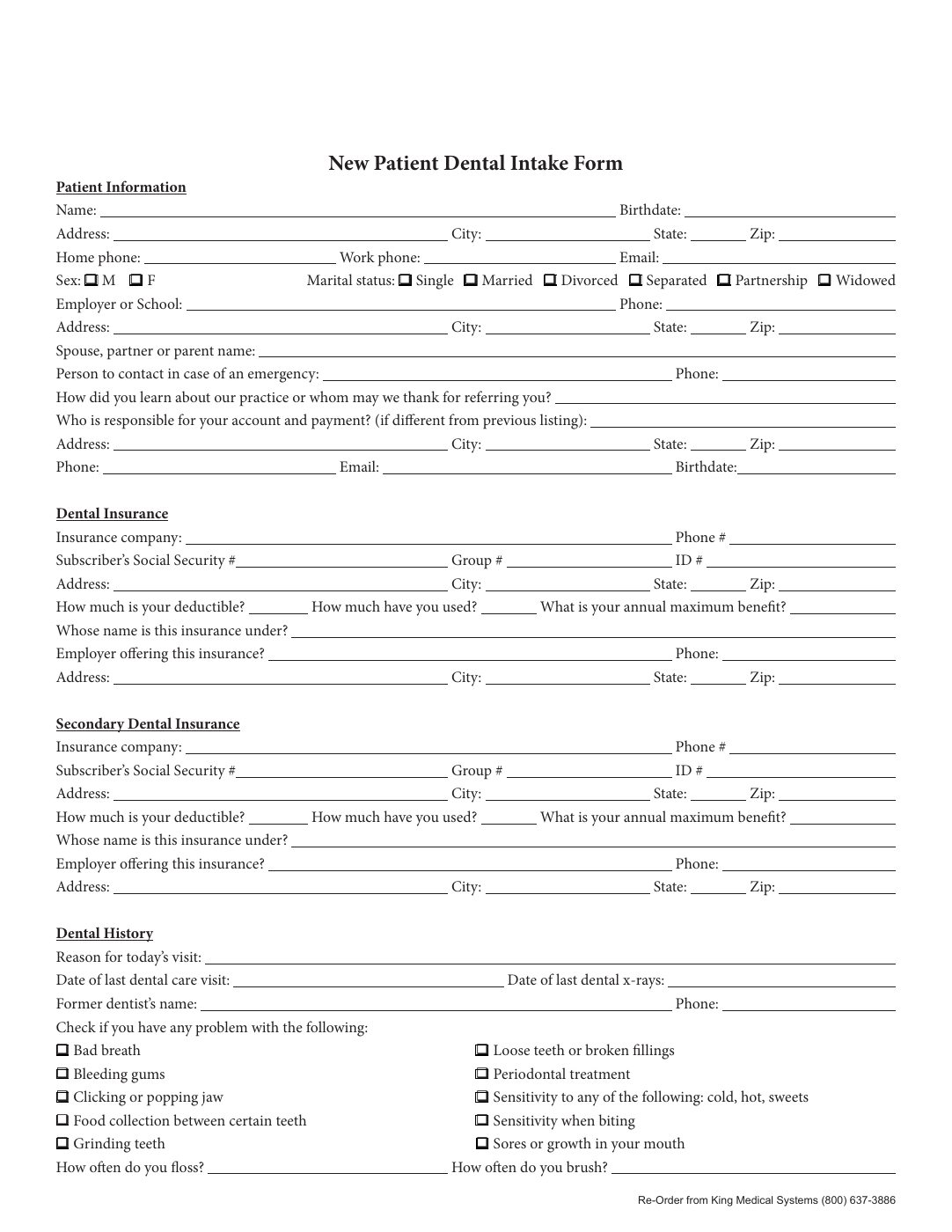
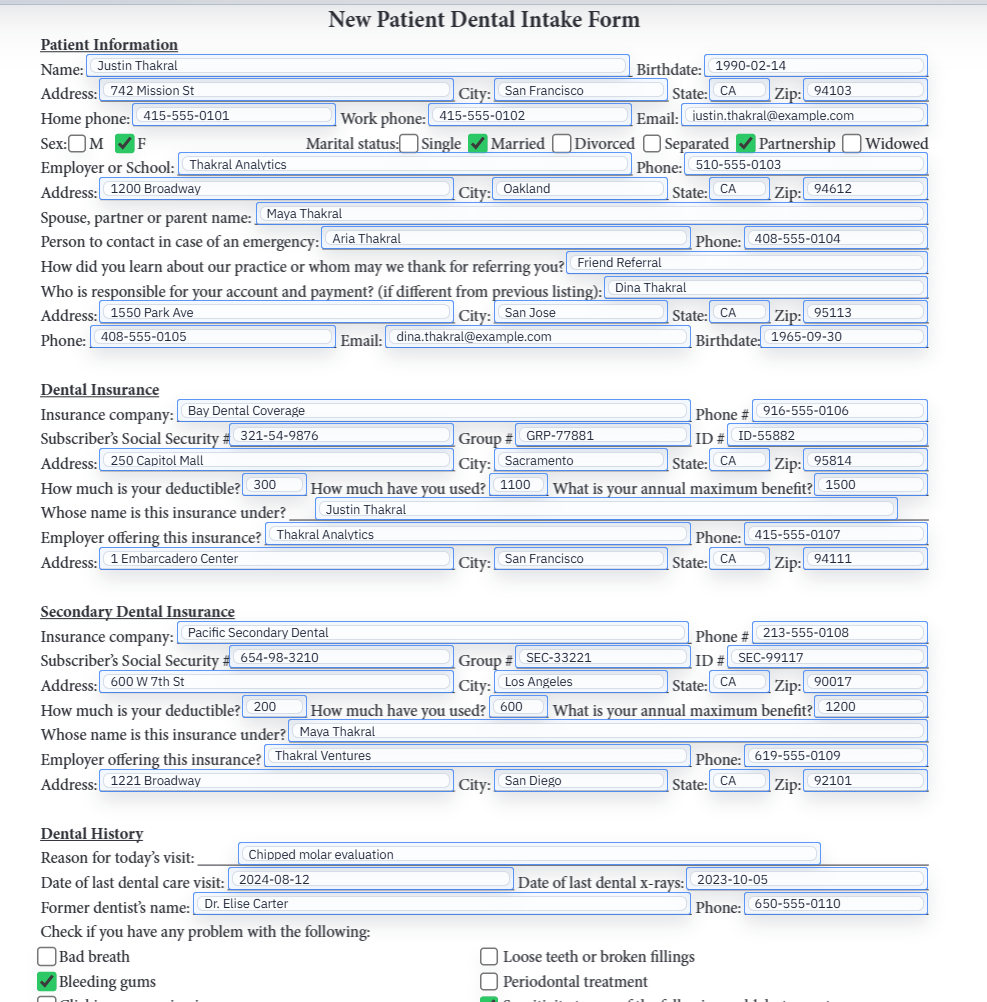
EHR exports and patient-submitted answers can feed the same template
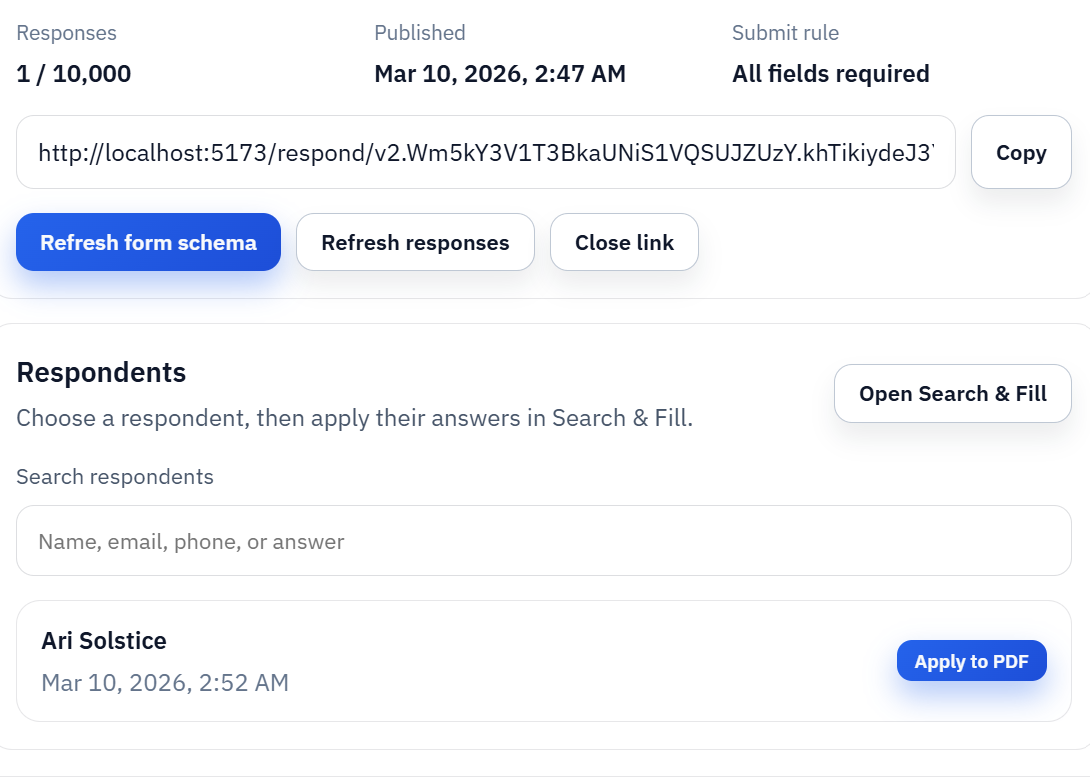
Some practices already have the record in an EHR or scheduling export before the form needs to be produced. Others want the patient to submit information first and only create the PDF later. Those two intake paths can still share one template as long as the data ends up in a stable structured shape.
That is one of the main advantages of the template model. You are not building one workflow for internal staff and a completely different workflow for respondents. You are building one reviewed form definition that can accept the same facts from more than one source.
Keep privacy expectations and rollout sequence clear
Healthcare teams are right to care about where data lives during the workflow. That is one reason the initial validation pass matters. You want staff to understand exactly when they are using local row data, when PDF page images are involved, and how the saved template fits into the overall process.
Operationally, the rollout sequence should stay simple: one recurring form, one dependable template, one realistic patient record, then broader expansion once the staff actually trust the result. That sequence usually earns adoption faster than grand promises about full packet automation on day one.