
Industry hub
Industry Solutions for Repeat PDF Workflows
Browse industry-specific landing pages for healthcare, insurance, legal, HR, finance, logistics, and other document-heavy operations that still rely on recurring PDF packets.
All industry pages
These pages are organized for teams searching by vertical. Choose your industry route to see targeted implementation guidance and examples.
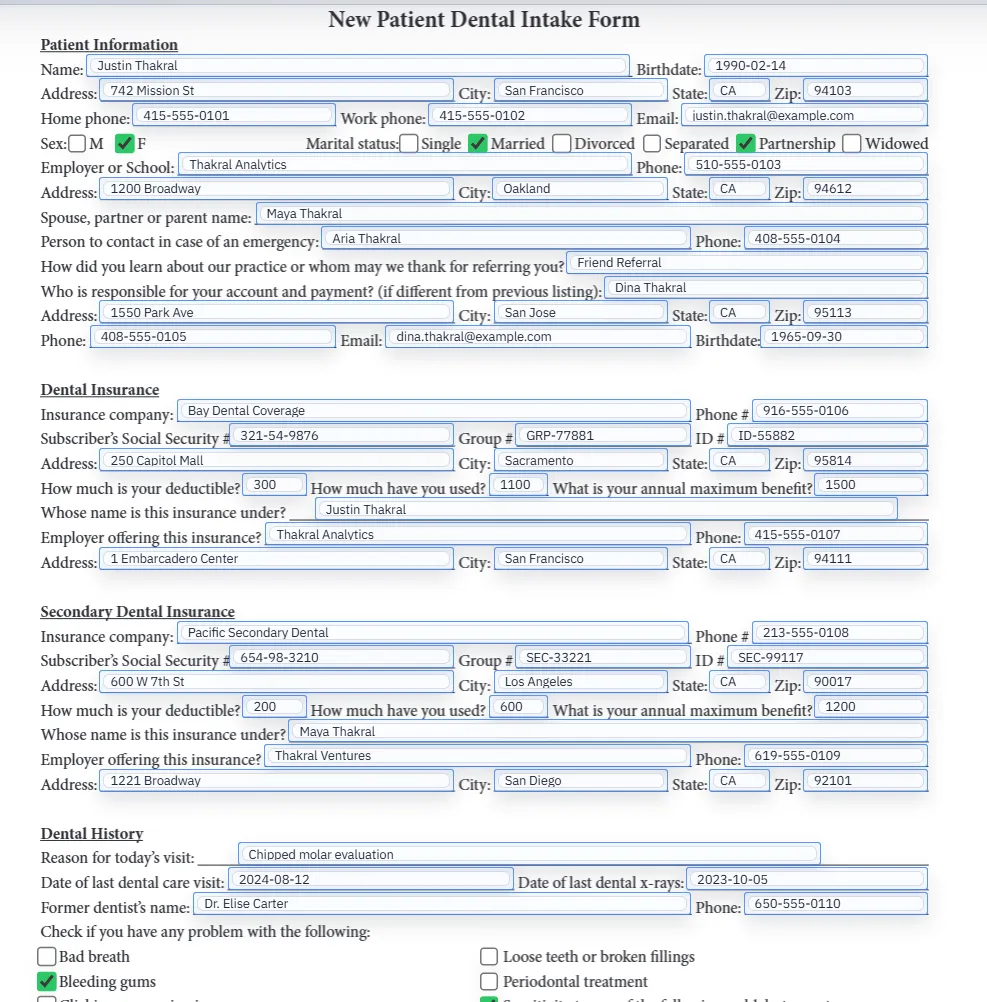
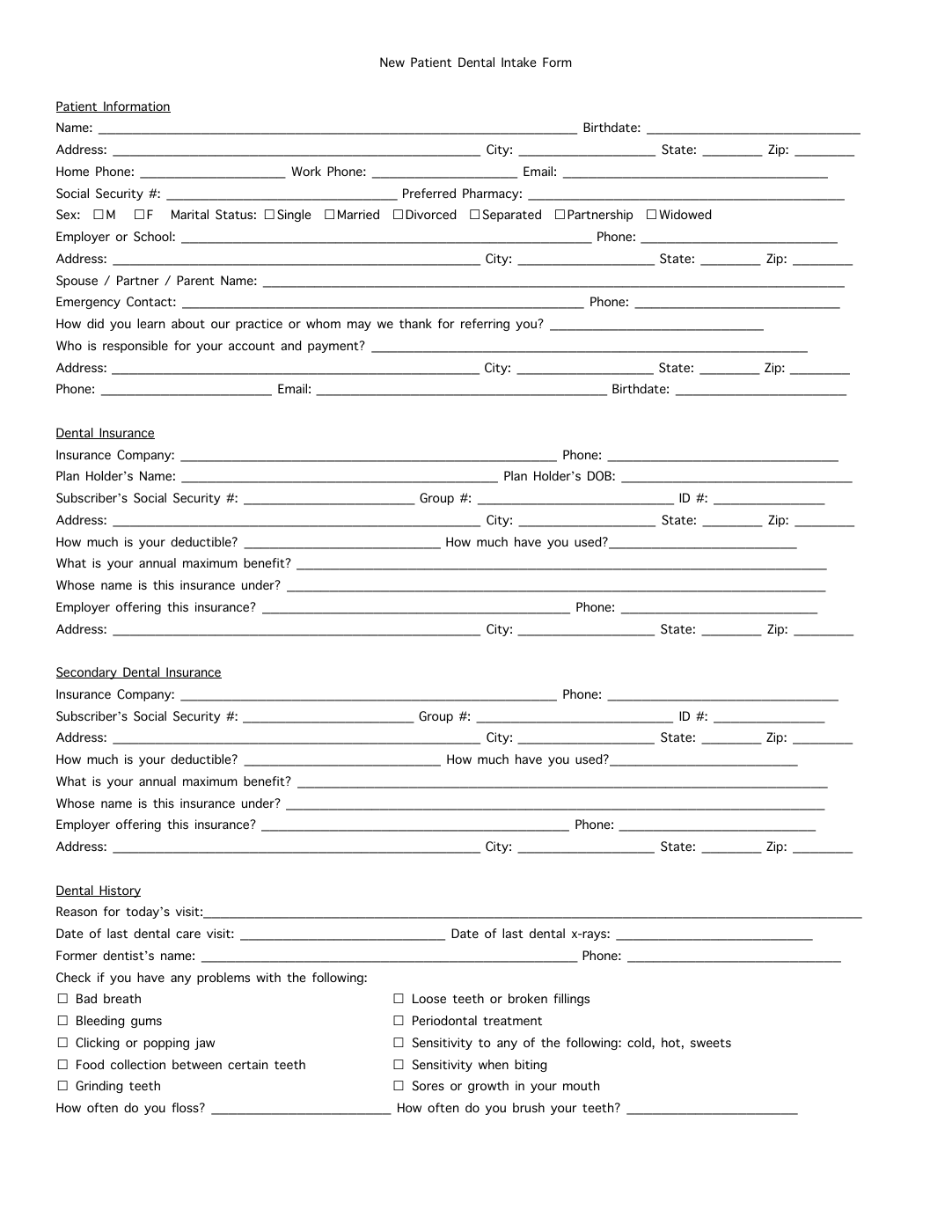 Healthcare intakeHealthcare PDF AutomationConvert medical and dental intake, registration, history, consent, and HIPAA release PDFs into reusable templates that map directly to structured data columns.
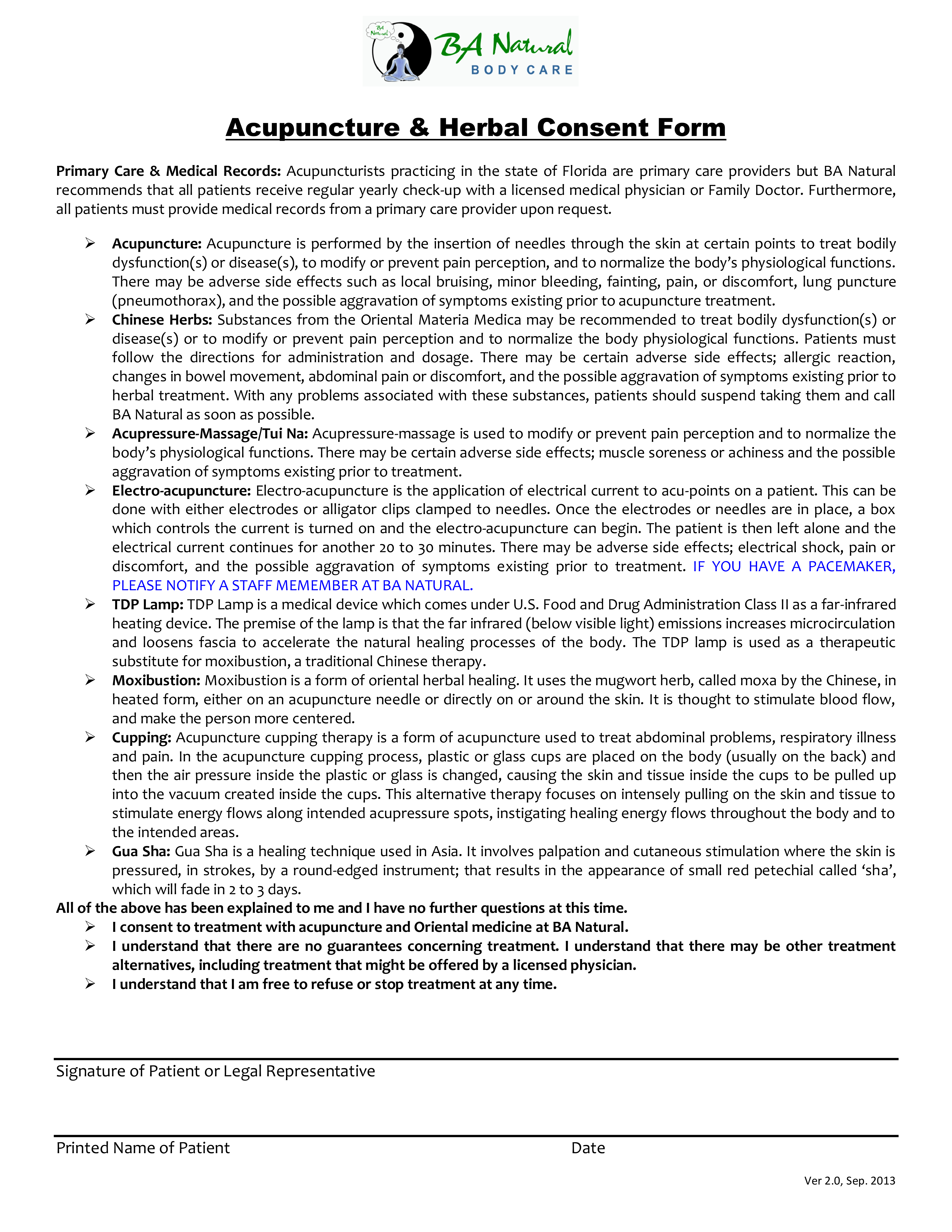 Insurance formsACORD Form AutomationHandle ACORD workflows such as ACORD 25, 24, 27, 28, 126, and 140 by mapping form fields to structured data and reducing repetitive manual entry.
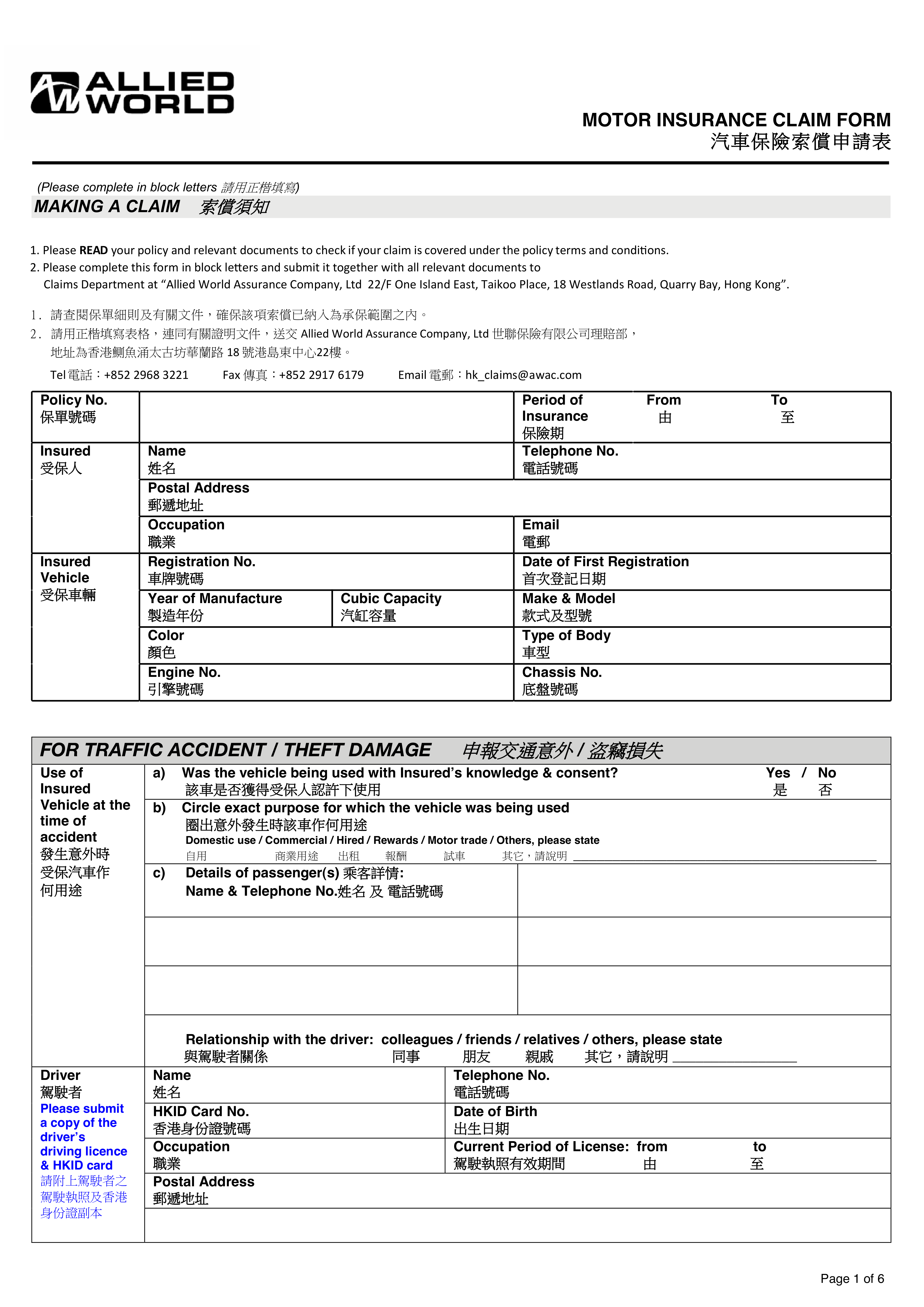 Carrier workflowsInsurance PDF AutomationAutomate carrier supplements, renewal packets, policy summaries, endorsements, and claims-intake PDFs by mapping to agency data.
 Leasing intakeReal Estate PDF AutomationAutomate rental applications, lease packets, mortgage forms, and inspection PDFs by converting them into mapped, reusable fillable templates.
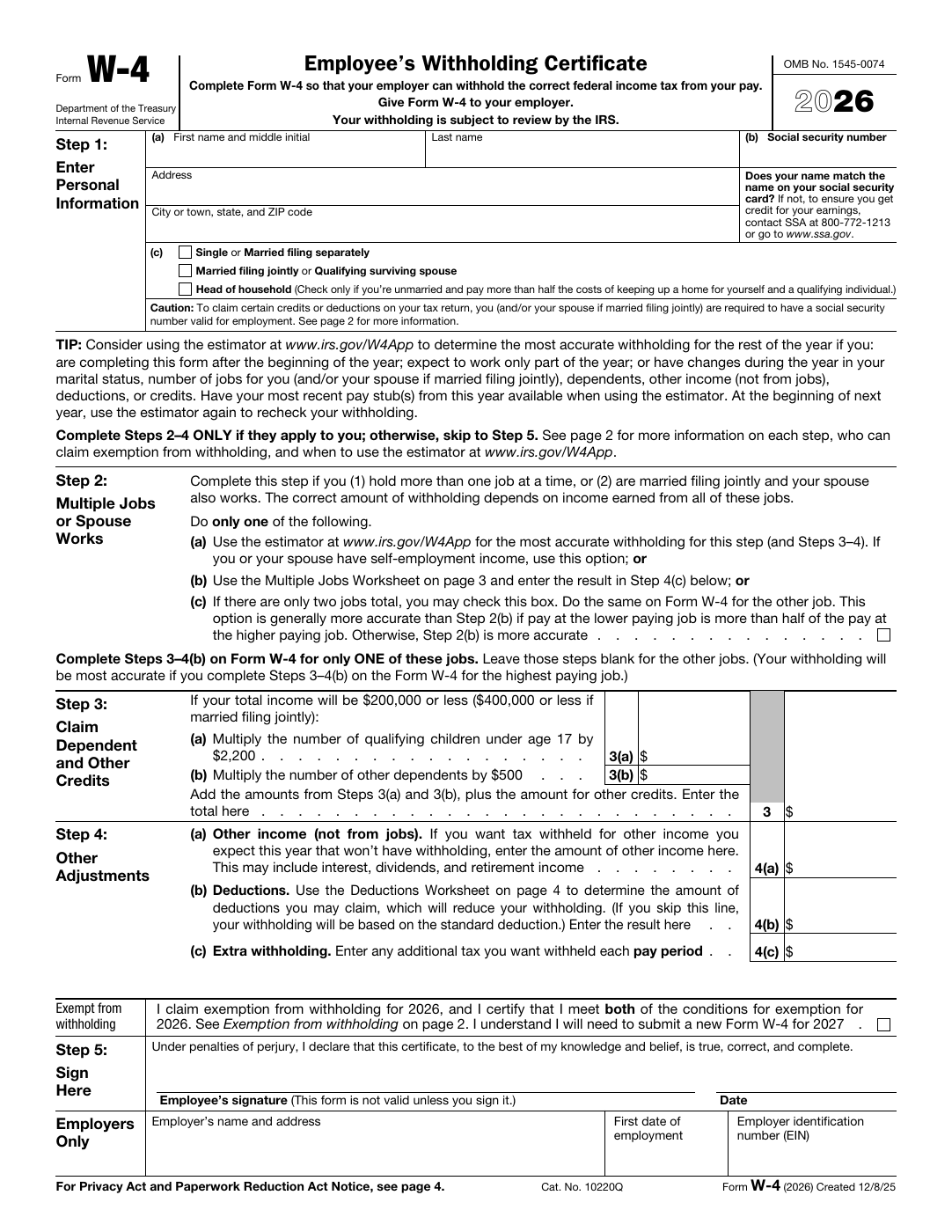 Official formsGovernment Form AutomationConvert permit, tax, licensing, and social services forms into mapped templates to reduce manual entry and improve consistency in public-sector workflows.
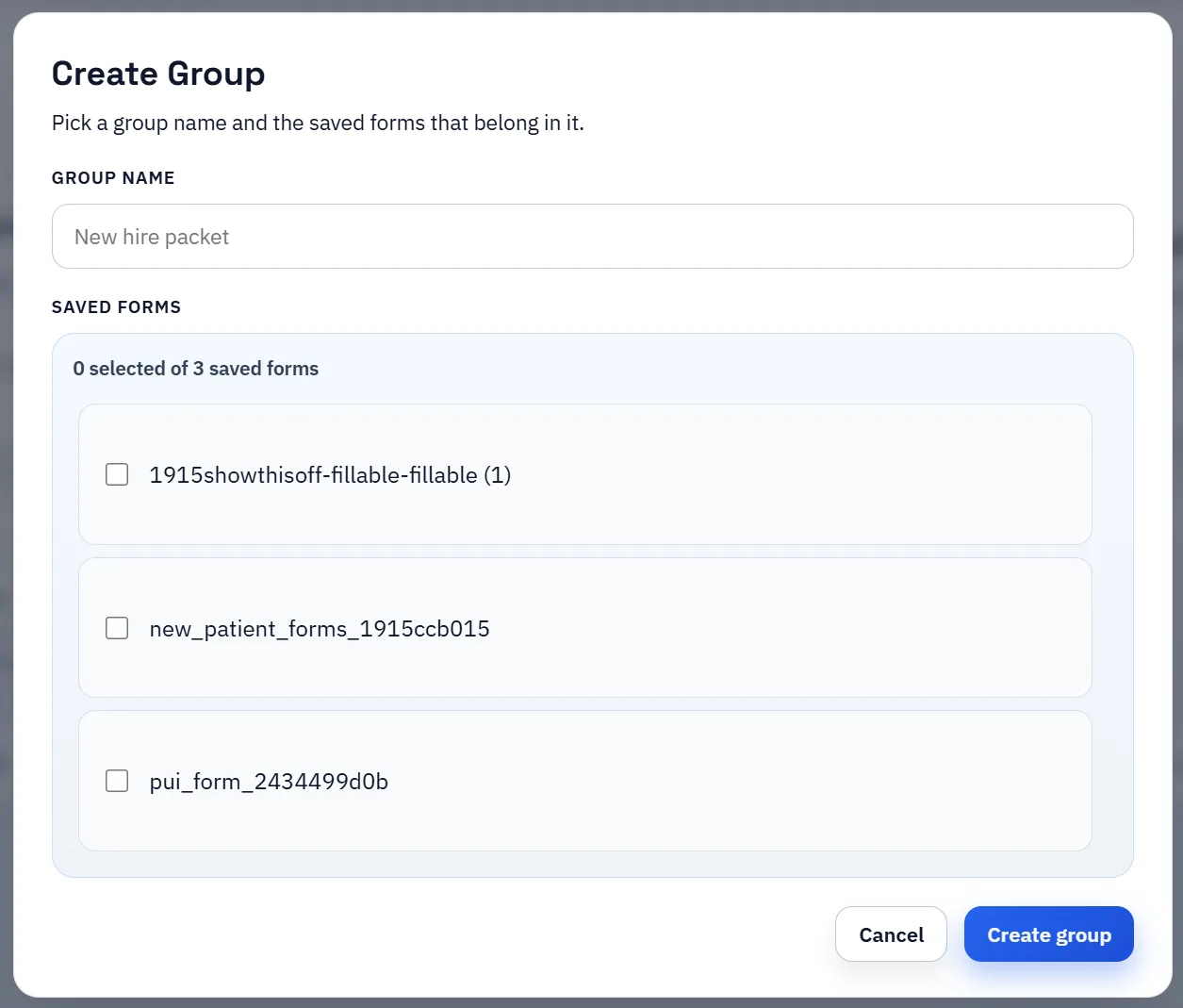
 Borrower mappingFinance and Loan PDF AutomationAutomate loan applications, financial disclosures, and compliance documents by mapping PDF fields to structured lending and underwriting data.Onboarding packetsHR PDF AutomationUse one employee record to populate W-4s, acknowledgments, benefits forms, and grouped onboarding packets instead of retyping the same data into each document.
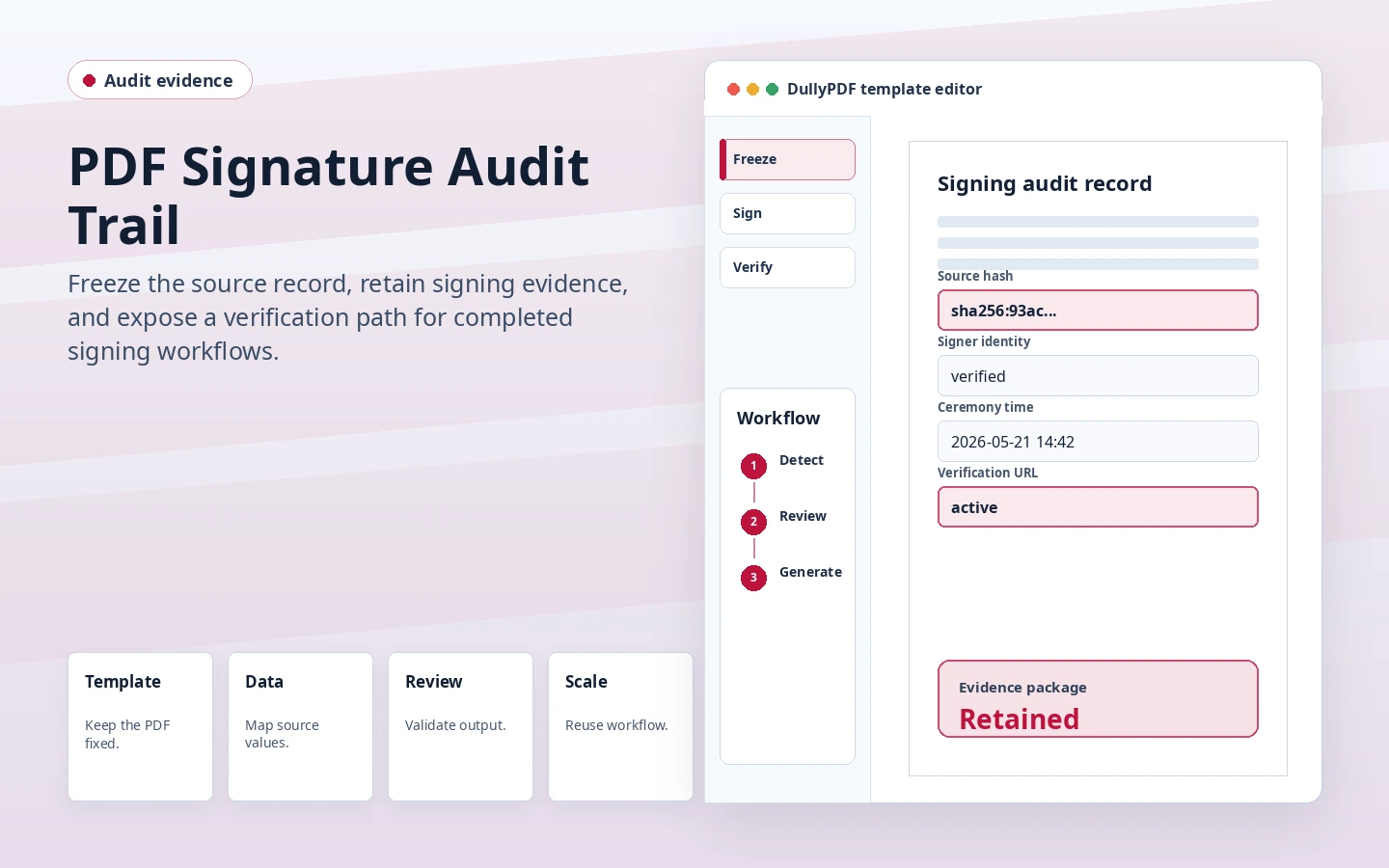 Record controlLegal PDF Workflow AutomationAutomate contract packets, affidavits, motions, and other legal PDF templates by mapping common fields to case or client record data.
 Student intakeEducation Form AutomationAutomate student application, enrollment, consent, and transcript-request PDFs with reusable templates mapped to admissions data fields.
 Program intakeNonprofit PDF Form AutomationAutomate grant, volunteer, intake, and funding-compliance PDFs with reusable templates mapped to your structured nonprofit program data.
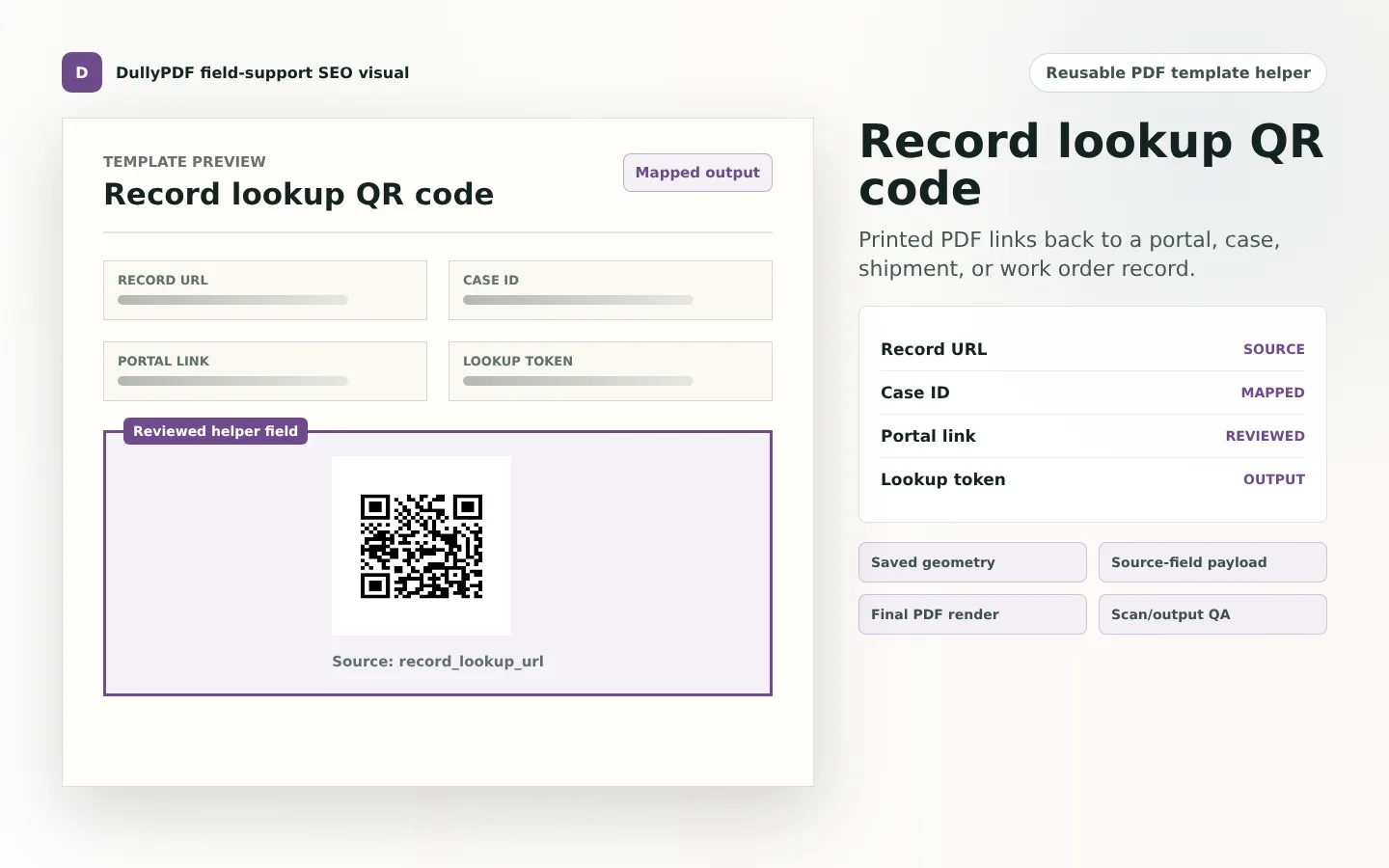 Shipment outputLogistics PDF AutomationAutomate bill of lading, safety inspection, and delivery receipt PDFs by mapping logistics form fields to structured shipment and operations data.
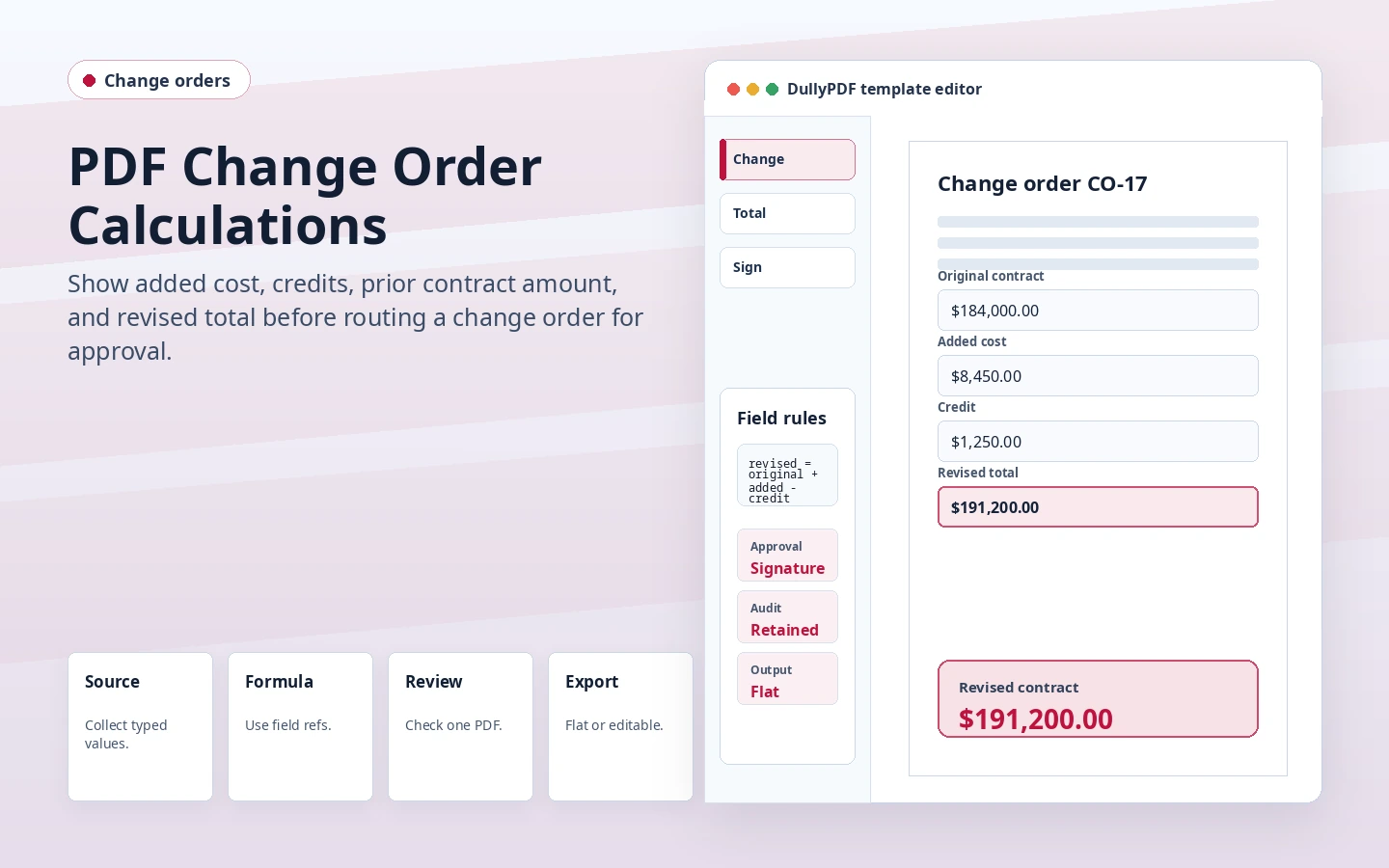 Project packetsConstruction PDF AutomationAutomate construction permits, safety inspection forms, change orders, and daily logs by mapping PDF fields to project and subcontractor data.
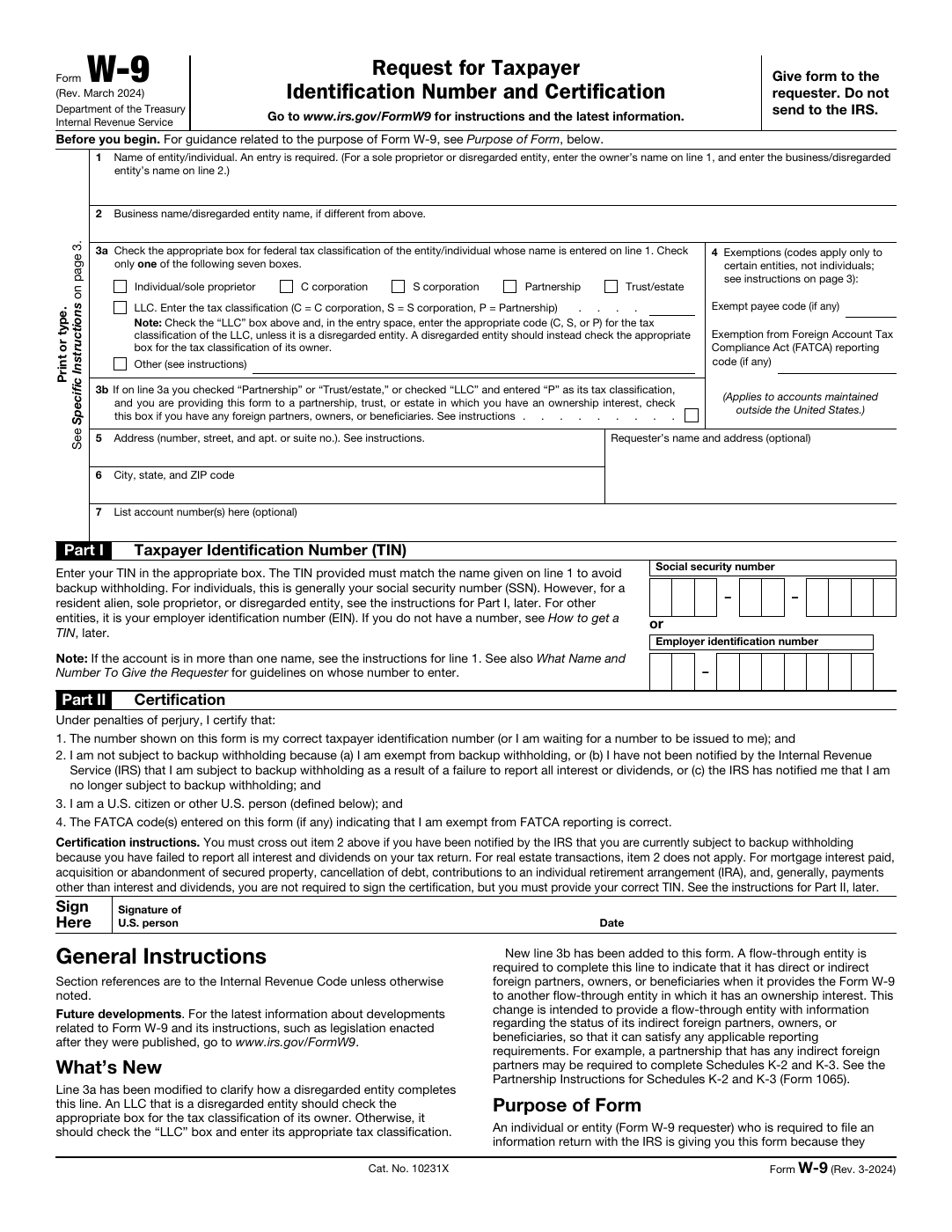 Tax formsAccounting & Tax PDF AutomationAutomate W-9s, 1099s, engagement letters, and other accounting-related PDFs by mapping form fields to client records and tax preparation data.
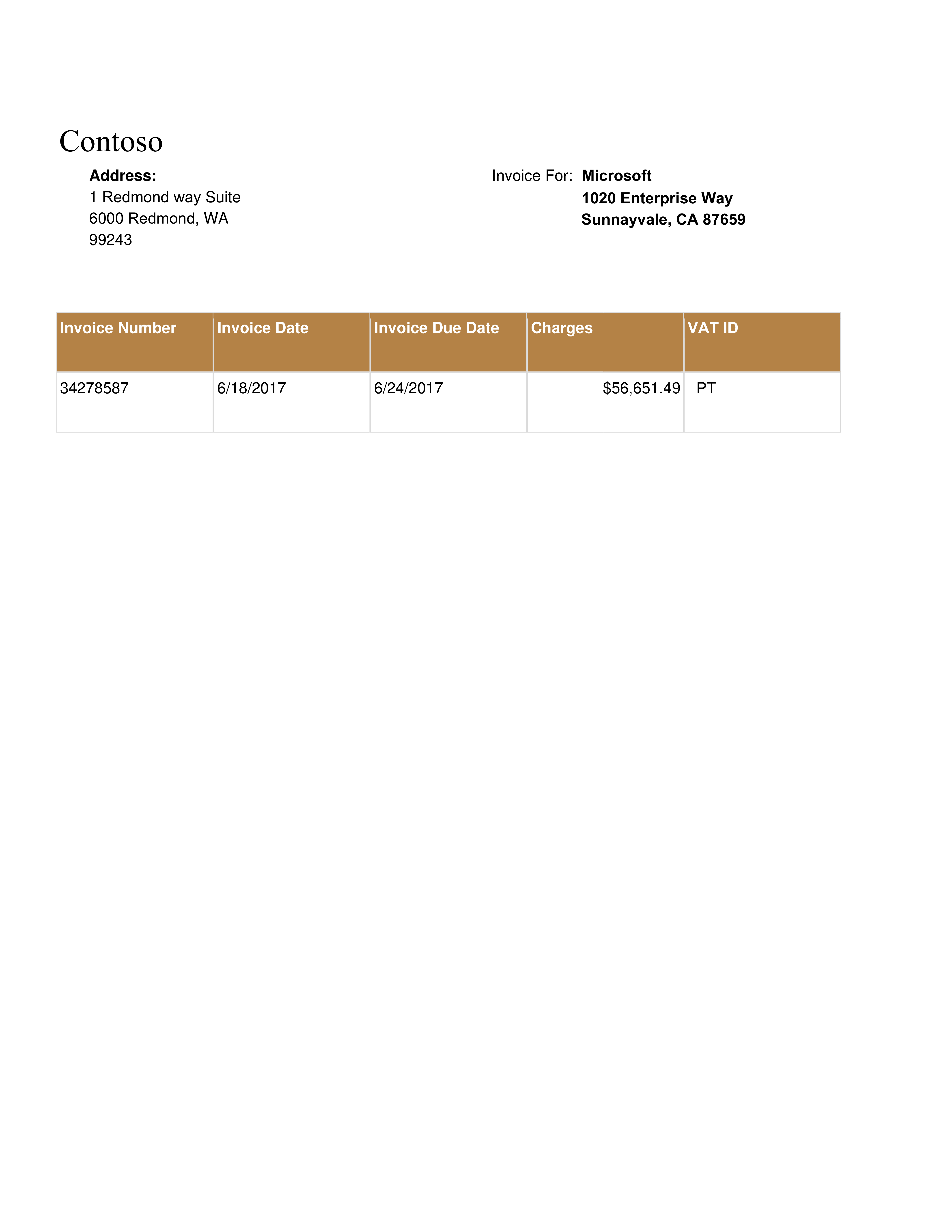 Invoice extractionInvoice PDF ProcessingUpload invoice images or scanned PDFs and let DullyPDF extract vendor names, amounts, dates, and line items into your form fields using AI vision.
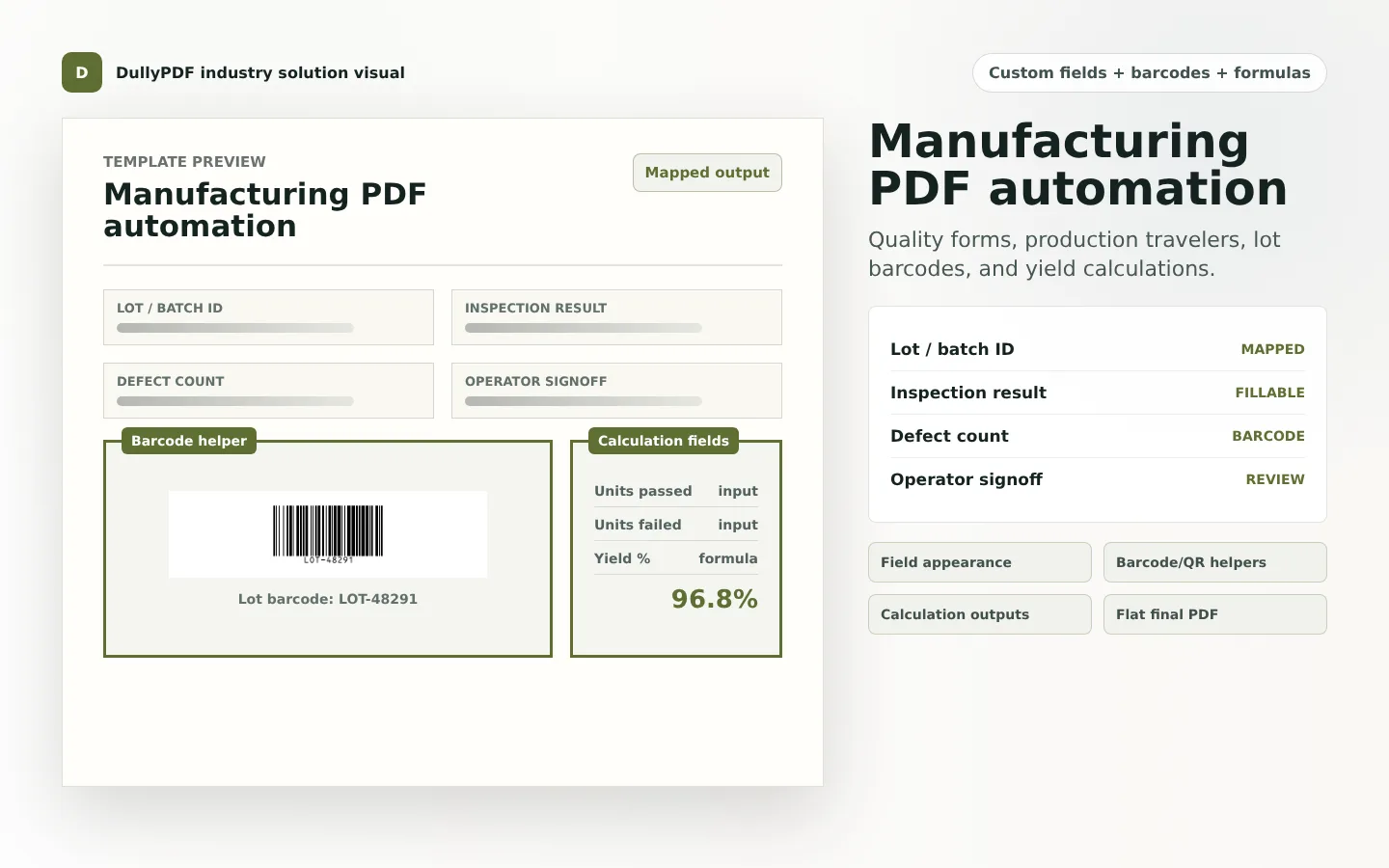 Manufacturing templatesManufacturing PDF AutomationBuild highly customizable manufacturing PDF templates with lot barcodes, inspection fields, yield calculations, defect counts, and final flat PDF records.
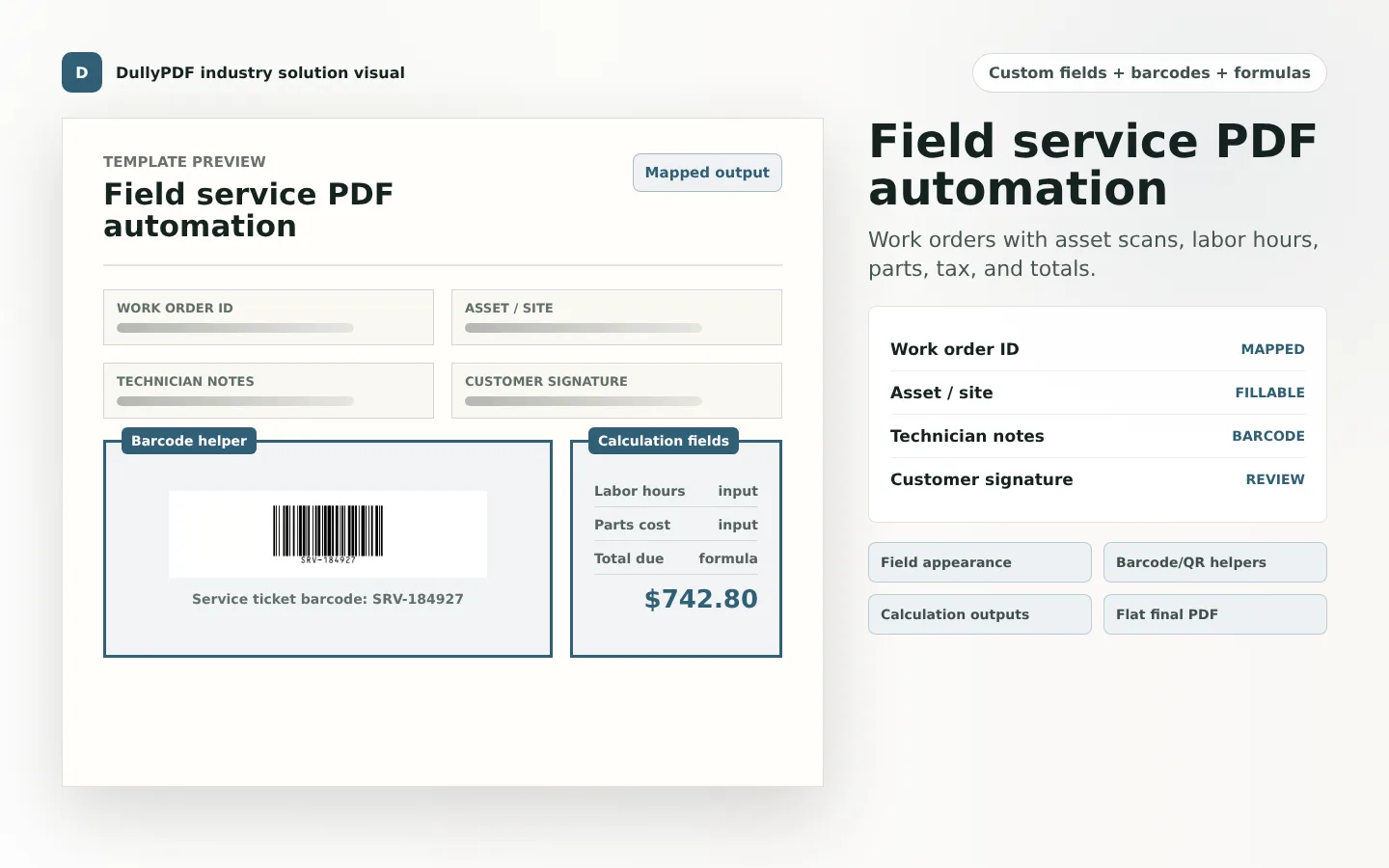 Field service templatesField Service PDF AutomationCreate customizable field service PDF templates with work order barcodes, asset QR codes, labor and parts calculations, technician notes, and customer signoff.
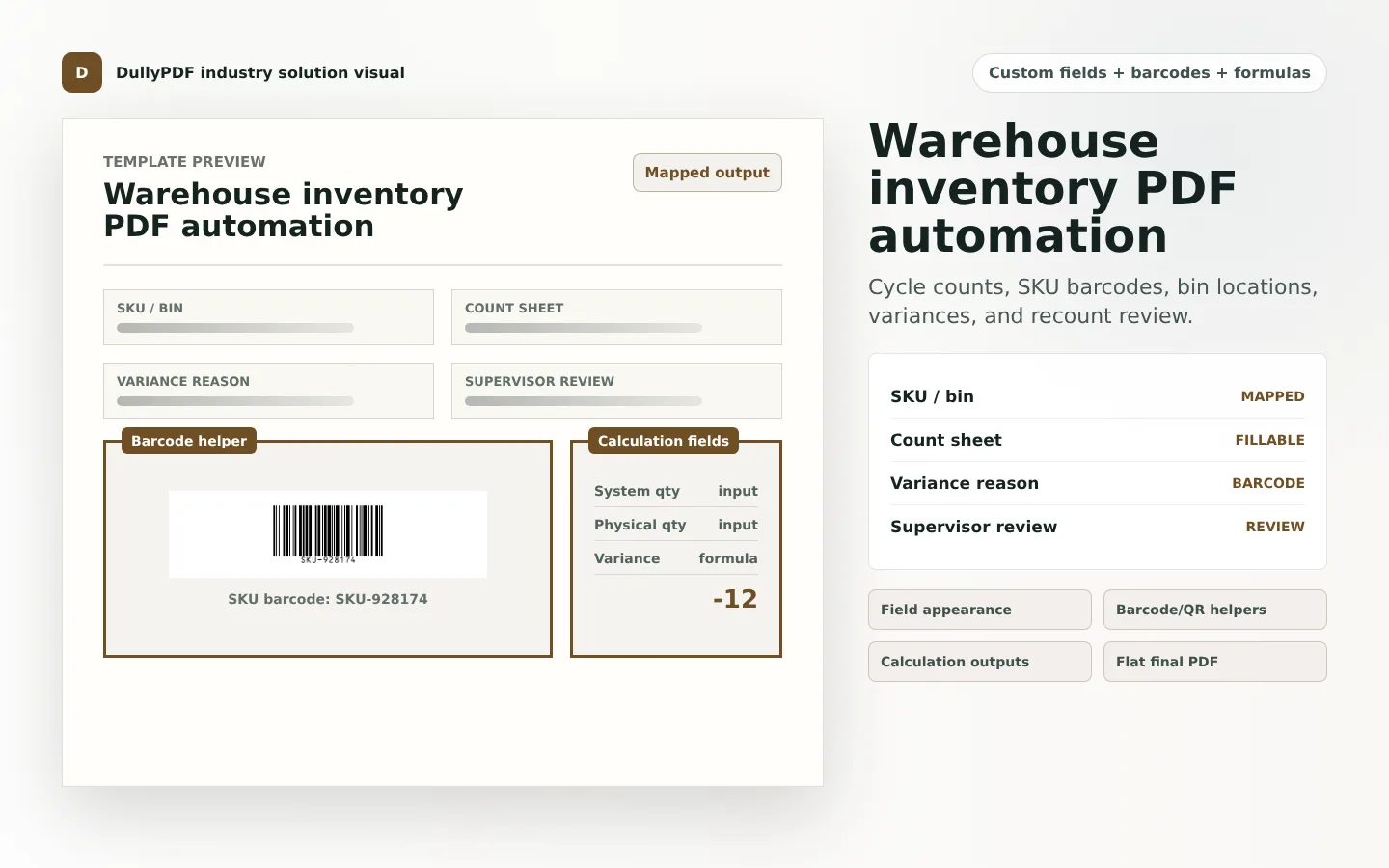 Warehouse templatesWarehouse Inventory PDF AutomationBuild warehouse and inventory PDF templates with SKU barcodes, bin locations, cycle count fields, quantity variance calculations, receiving forms, and supervisor review.
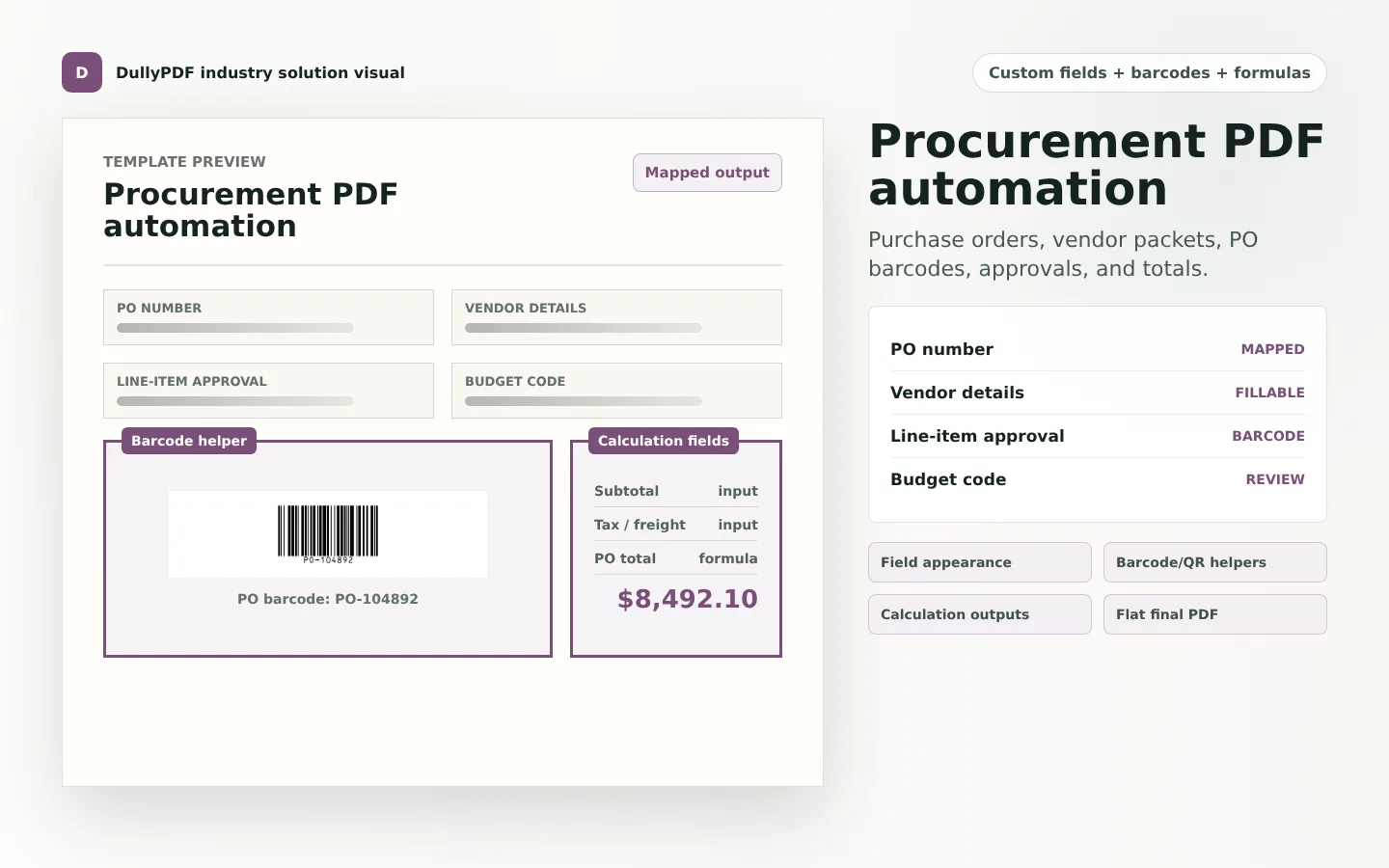 Procurement templatesProcurement PDF AutomationCreate customizable procurement PDF templates with PO barcodes, vendor fields, approval checkboxes, subtotal and tax calculations, and final purchase records.
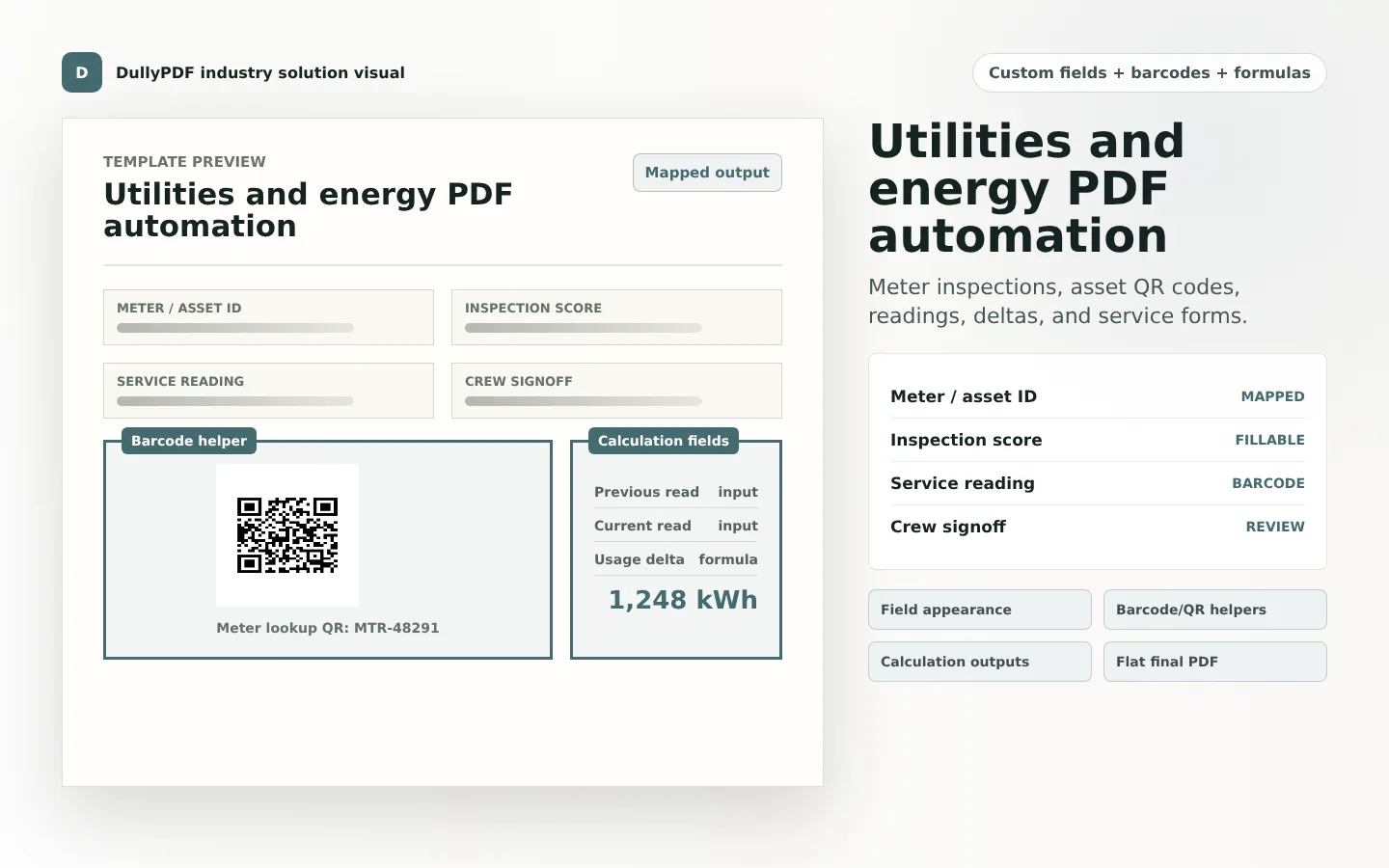 Utilities templatesUtilities & Energy PDF AutomationBuild utilities and energy PDF templates with meter lookup QR codes, asset barcodes, inspection fields, reading deltas, usage calculations, and crew signoff.
How to use this library
Use the hub as a routing layer, not as the final stop. Start with the page that best matches the exact problem you are trying to solve today, then move from that route into the docs or blog only after you know the workflow is the right fit.
That keeps the crawl path and the user path aligned. Searchers looking for a specific PDF task should be able to move from a broad library page into a focused route that explains setup order, tradeoffs, and validation steps without unnecessary detours.
Supporting resources
After choosing an industry page, use these public resources to get operational details and implementation examples.