Practical guides for converting PDFs to fillable forms, mapping fields to databases, and automating repetitive form-filling workflows.
How to use these guides
The blog is most useful when paired with the workflow pages and usage docs. Use a post to understand the operational problem, then move into the corresponding route or docs page to validate the exact DullyPDF setup order before production use.
This keeps the search path and the implementation path aligned. Comparison and case-study posts bring in broader query coverage, while the linked product routes answer the narrower question of how the workflow behaves inside the app.
Start with the main libraries
If you are not sure which guide fits yet, start with the broader route library and narrow from there.
Some posts are best read before template setup begins, while others make more sense after the template already exists. Use the links below to move into the right stage instead of reading the blog in isolation.
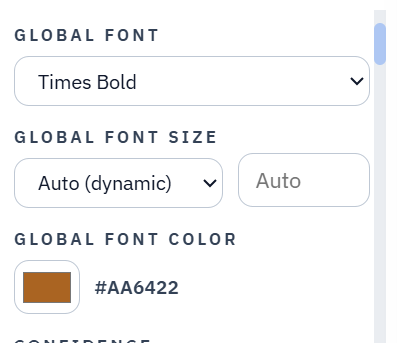
A useful fillable form template is not just a detected field layer. It should let teams set a global visual default, adjust individual fields when the document needs exceptions, and carry those choices into editable, flat, Fill By Link, and API-generated PDFs.
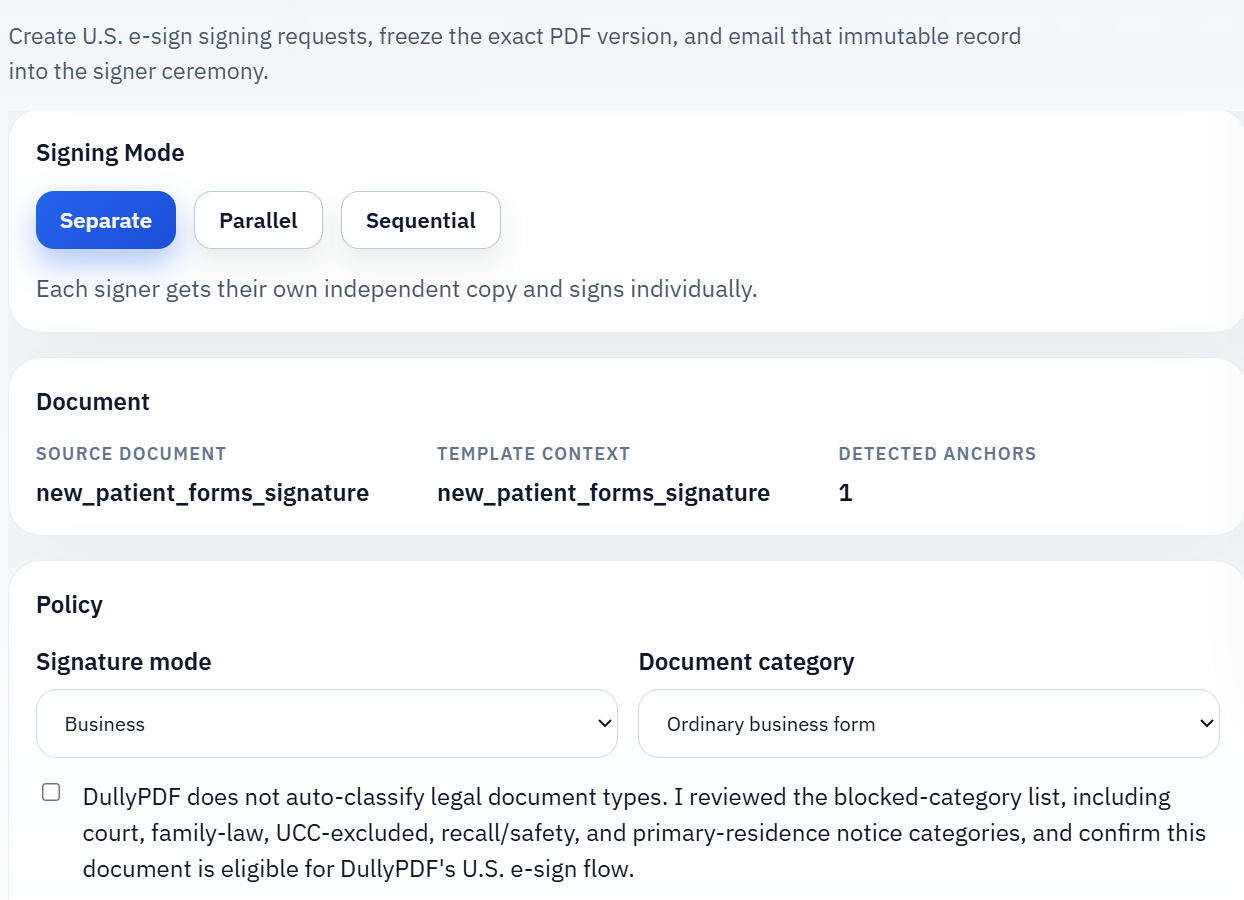
Most signature problems start before anyone signs. The real decision is whether the final PDF already exists and should be emailed for signature, or whether the information still needs to be collected first and only then frozen into the record that will be signed.
A browser workflow is enough until another system needs the PDF, not just a person. At that point the real question is whether your template is stable enough to publish as an API contract rather than whether you can technically send JSON to a backend.
Leasing teams usually do not lack applicant data. They lack a clean way to move that data through the fixed PDFs that still govern applications, disclosures, addenda, and signatures. The fastest improvements come from organizing those packets into reusable templates instead of reinventing each file every time.
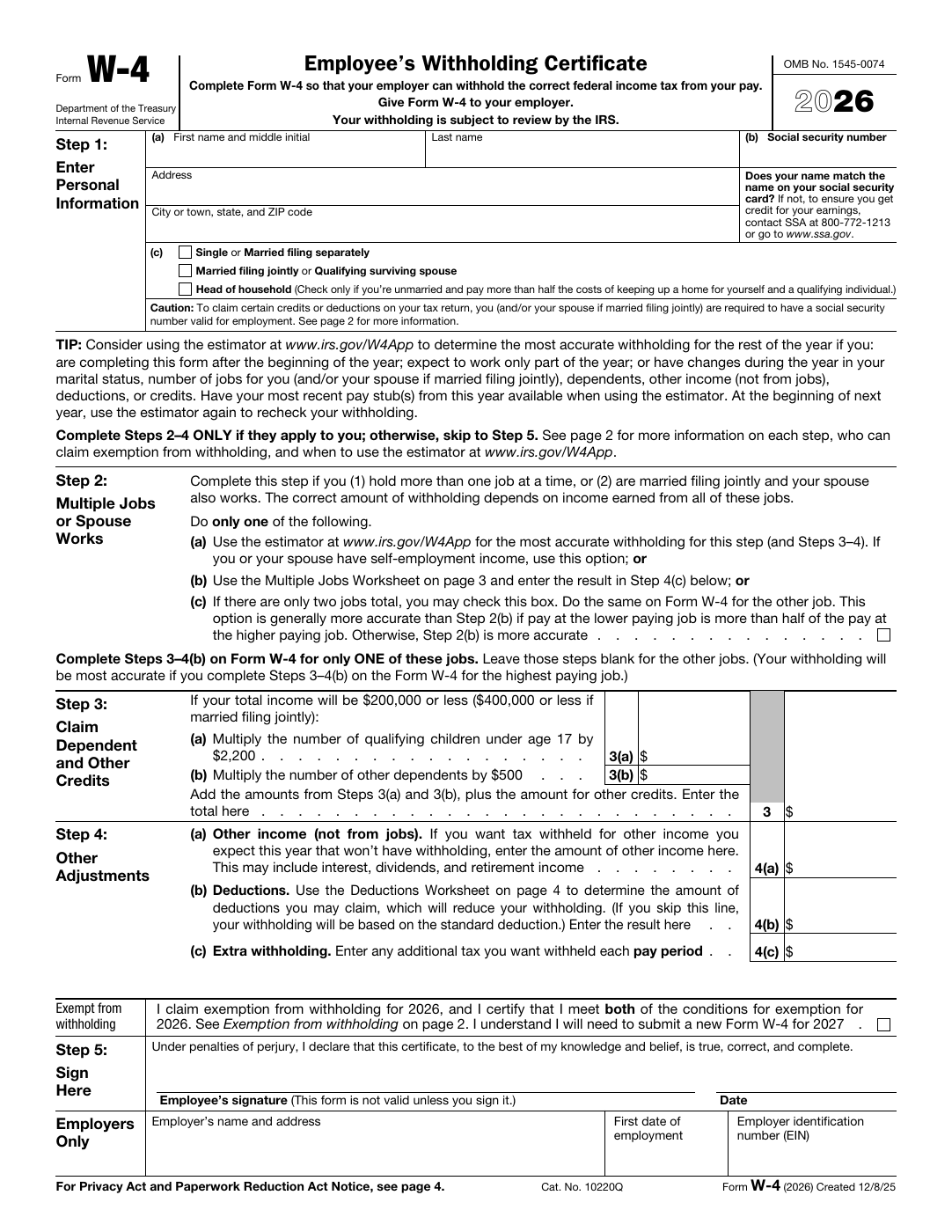
Government-form workflows usually fail when teams try to redesign documents that were never meant to be redesigned. The more practical move is to keep the official form exactly as it is and build a reusable data-entry workflow around that fixed layout.
This is not really a story about replacing Acrobat. It is a story about turning one stubborn PDF into a reusable template that your team can trust the next time the same document comes back.
Most spreadsheet-to-PDF projects do not fail because CSV is hard. They fail because teams try to automate row filling before they have one stable template, one stable schema, and one repeatable QA loop.
The hard part of packet automation is not finding the row. It is getting the same row to drive several fixed PDFs cleanly without turning the workflow into a pile of near-duplicate templates and manual checks.
The fastest COI teams are not faster because they type quicker. They are faster because they standardize one certificate workflow, one review checklist, and one dependable template that can be reused under deadline.
Insurance teams rarely have just one PDF problem. They usually have a library problem: certificates, supplements, renewal documents, and servicing forms that all share data but not layout.
Field detection feels magical when it works and frustrating when it misses. The useful way to think about it is simpler: the model is creating a draft of likely input regions so a human can review the document far faster than drawing every field by hand.
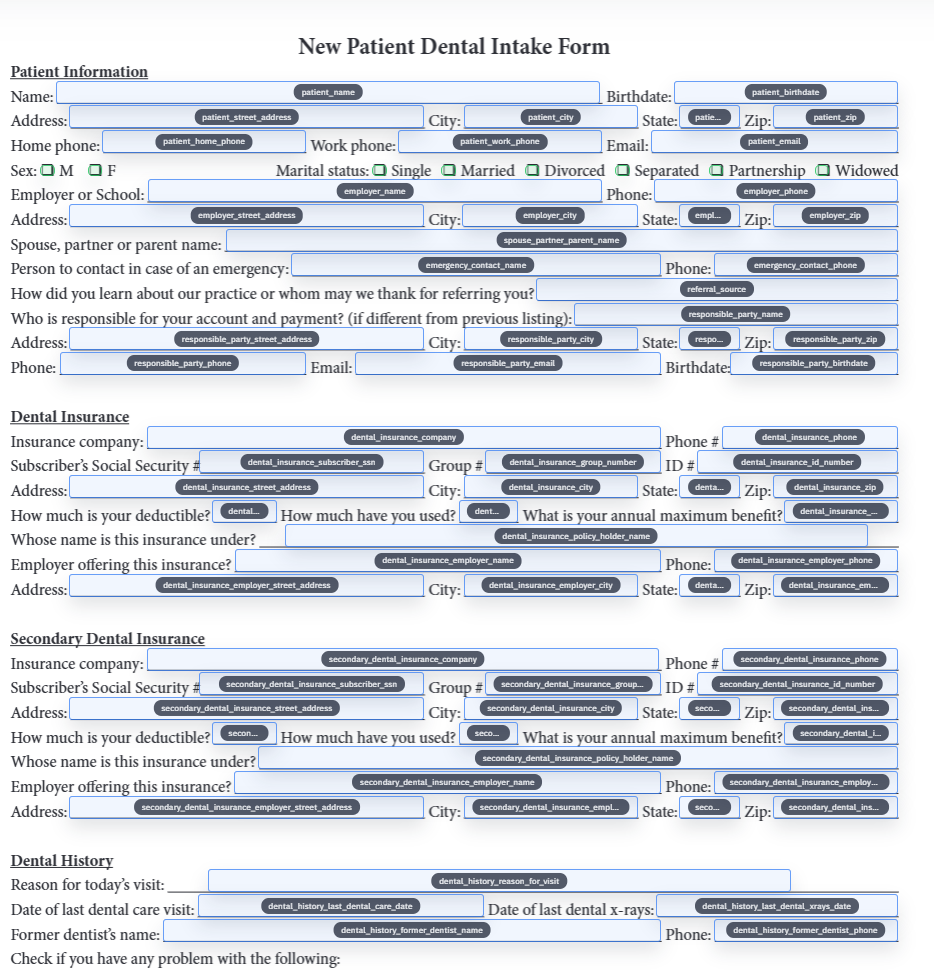
Field mapping is the moment when a PDF stops being just a visible form and becomes part of a repeatable data workflow. The hard part is not clicking map. The hard part is making sure the template and the source schema actually agree on meaning.
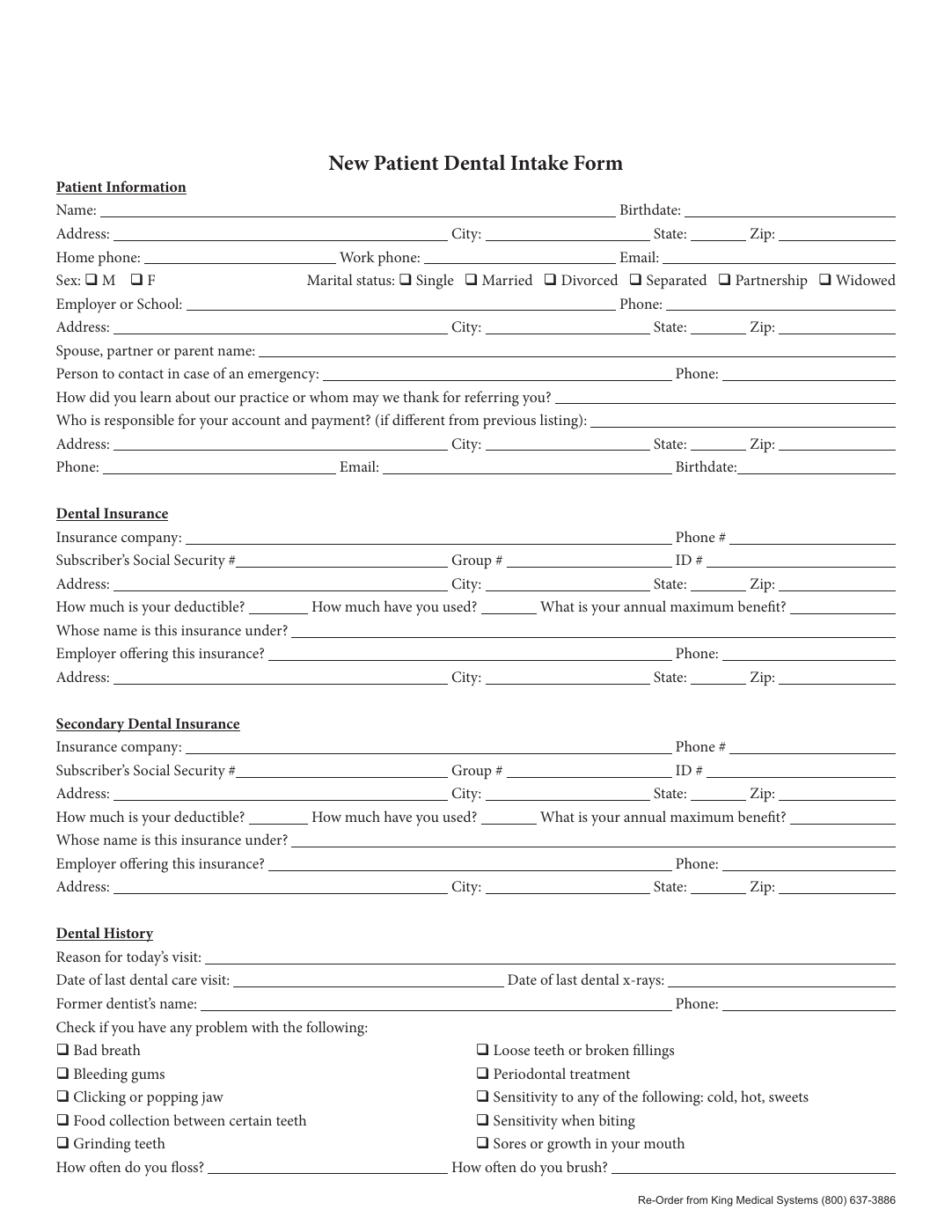
Front-desk teams do not usually suffer from a lack of patient data. They suffer from having to re-enter the same patient data into too many fixed forms that all ask for the same information in slightly different places.
Bad field names are not just ugly metadata. They are one of the main reasons a PDF looks technically fillable but still behaves like a brittle manual workflow the moment you try to map real data into it.
Onboarding packets look like a stack of different forms, but the workflow problem is usually the same on every page: the same employee facts are being copied into too many documents by hand.
These tools overlap just enough to get compared, but they are optimized for different jobs. Acrobat is broad PDF software. DullyPDF is narrower and more opinionated about one repeat workflow: turning existing PDFs into reusable, data-aware templates.
JotForm and DullyPDF can both sit somewhere near form workflows, but they start from different assumptions. JotForm assumes you want to build the intake form itself. DullyPDF assumes the PDF already exists and you need a dependable way to collect data around it or feed data into it later.
For most teams automating existing PDFs, DullyPDF is the better choice. Anvil is priced like a broader document platform long before many operations teams actually need that breadth, while DullyPDF gets you to automatic PDF to fillable form setup, saved templates, API Fill, web form fill, and repeat reuse at a much lower operational cost.
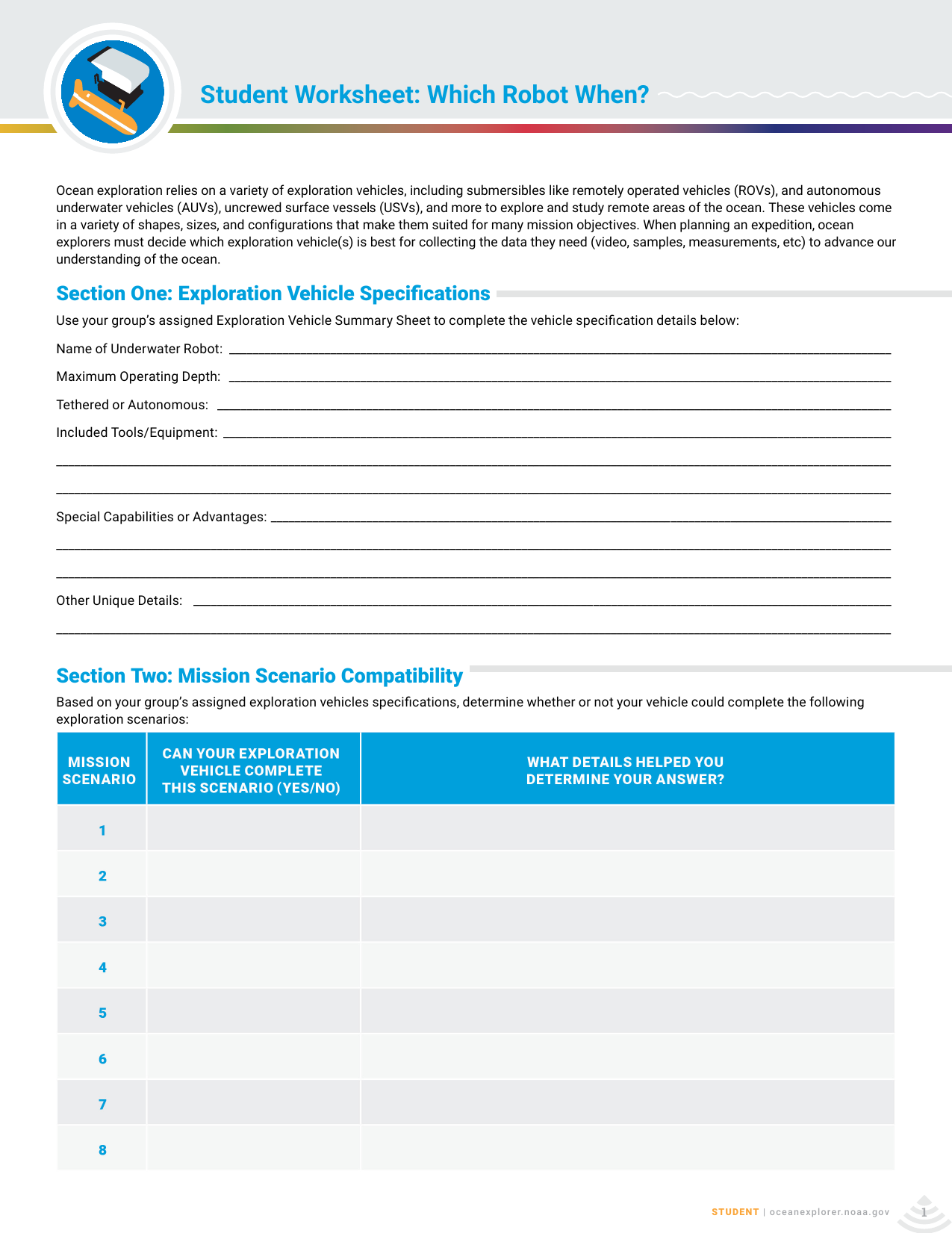
The useful homework demo is a three-step one: the raw worksheet, the same page after DullyPDF field detection, and the same page again after mock answers are typed into the resulting fillable PDF in a normal browser viewer at 175 percent zoom.
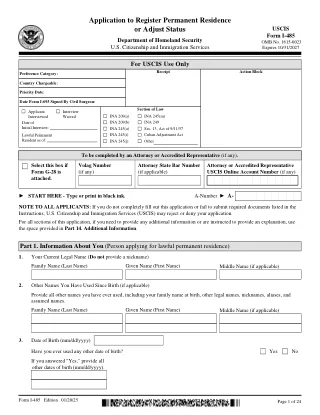
Immigration packets are difficult because the same applicant, sponsor, preparer, attorney, and address details often appear across several fixed USCIS PDFs. The useful automation pattern is not changing the forms; it is collecting the record once, mapping it carefully, and generating the official-looking PDFs from a reviewed template set.
VA disability paperwork often repeats the same claimant, representative, medical provider, employment, issue, and decision-review details across several fixed forms. A useful workflow keeps the official VA PDFs intact while giving teams a safer way to collect, map, review, and reuse the data behind the packet.
Social Security disability paperwork is often a packet problem, not a single-form problem. Claimant identity, medical sources, work history, representative data, authorization signatures, and appeal details can repeat across several fixed SSA PDFs. DullyPDF helps with the document workflow: template setup, field naming, mapping, review, and reusable packet output.
Contractor onboarding is usually a repeated data problem: legal name, taxpayer identification, address, classification, backup withholding, payer details, and year-end reporting data move through several fixed tax PDFs. A high-quality workflow collects the record once, maps it carefully, and keeps IRS source rules outside the PDF automation layer.
SBA loan packets often repeat borrower, owner, lender, debt, asset, liability, transcript, and disclosure data across several fixed PDFs. A good automation workflow keeps each SBA source document intact while building a reviewed data map that can drive the packet from a CRM row, spreadsheet export, or intake response.
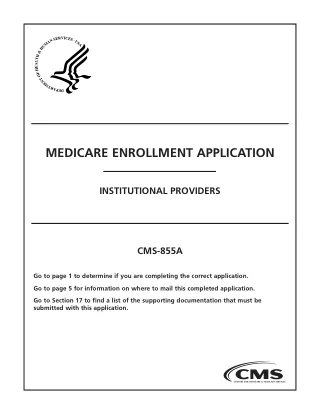
Medicare enrollment and credentialing packets repeat provider, supplier, practice-location, ownership, managing-control, contact, EFT, and participation data across long CMS PDFs. DullyPDF can help operations teams prepare reviewed templates and fill them from a stable credentialing record while CMS and PECOS remain the authority for submission requirements.
Passport and consular workflows reuse identity, parent, guardian, contact, citizenship, consent, and correction data across fixed DS PDFs. DullyPDF can help prepare and review reusable PDF templates, but State Department instructions still control signatures, photos, appointments, mailing, and submission method.
Nonprofit annual reporting can involve Form 990, 990-EZ, 990-PF, and schedules for public support, supplemental financial statements, fundraising, grants, compensation, narrative explanations, and related organizations. DullyPDF can help organize and fill the PDF packet from reviewed data, while tax preparation and filing positions remain outside the tool.
Payroll teams already have structured data in payroll systems, exports, and reports. The hard part is moving employer, quarter, wage, tax, employee, authorization, and reporting-agent data into fixed IRS PDFs for review without retyping every field at quarter-end or year-end.
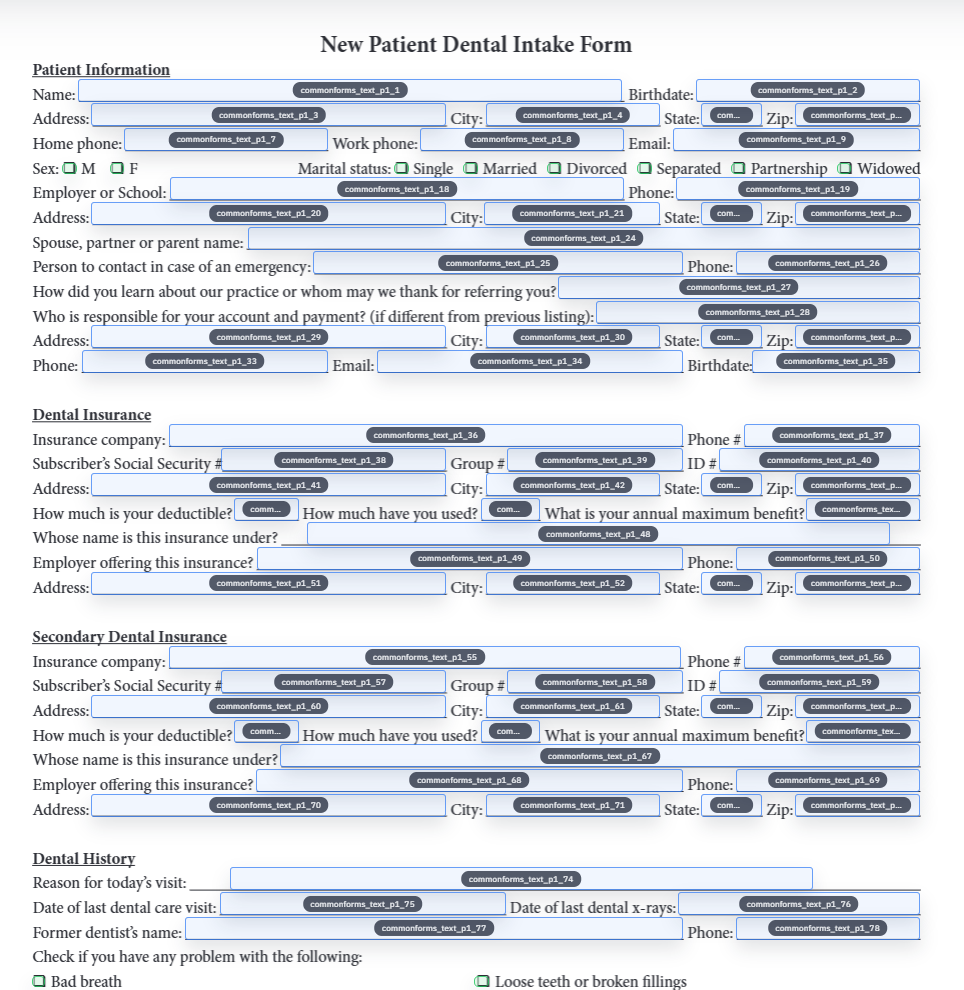
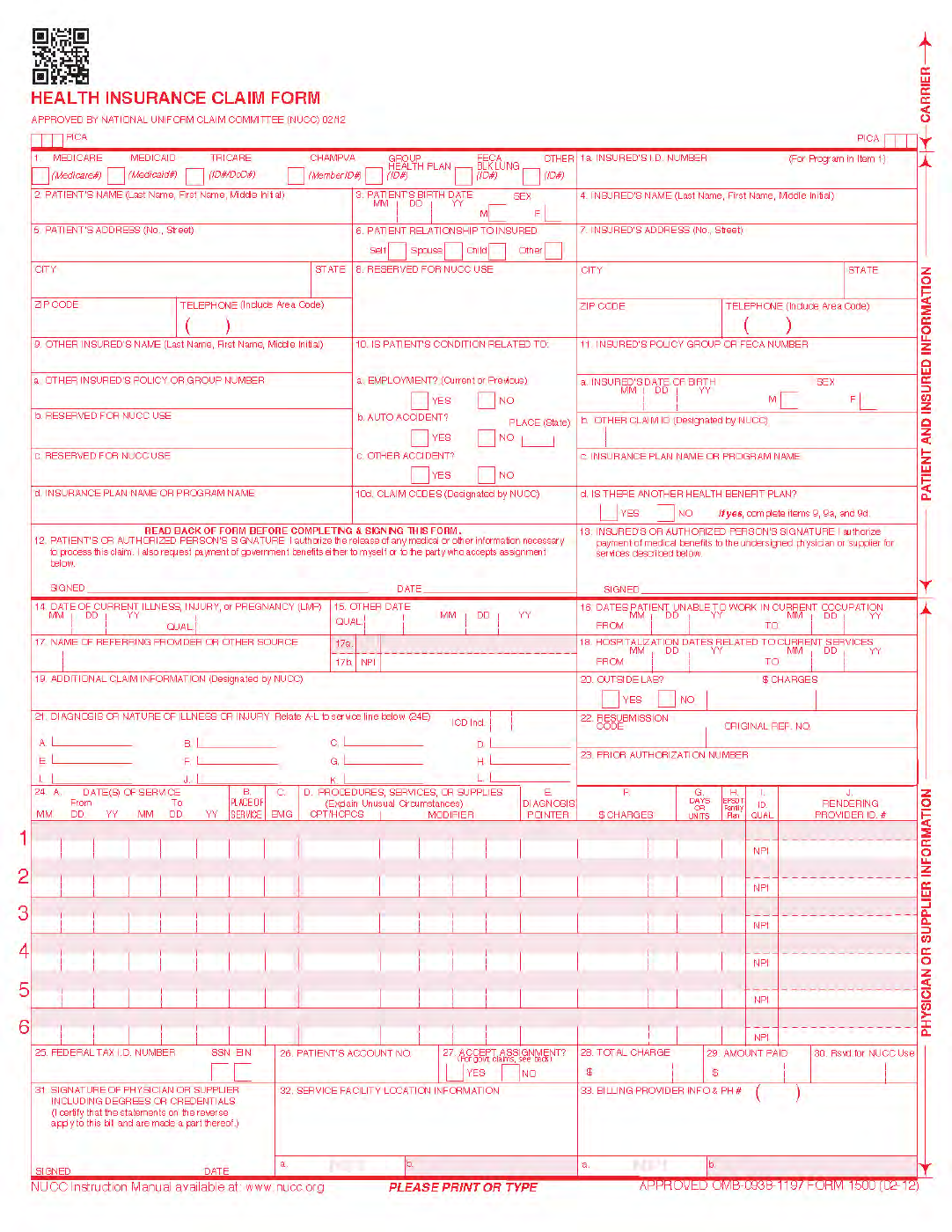
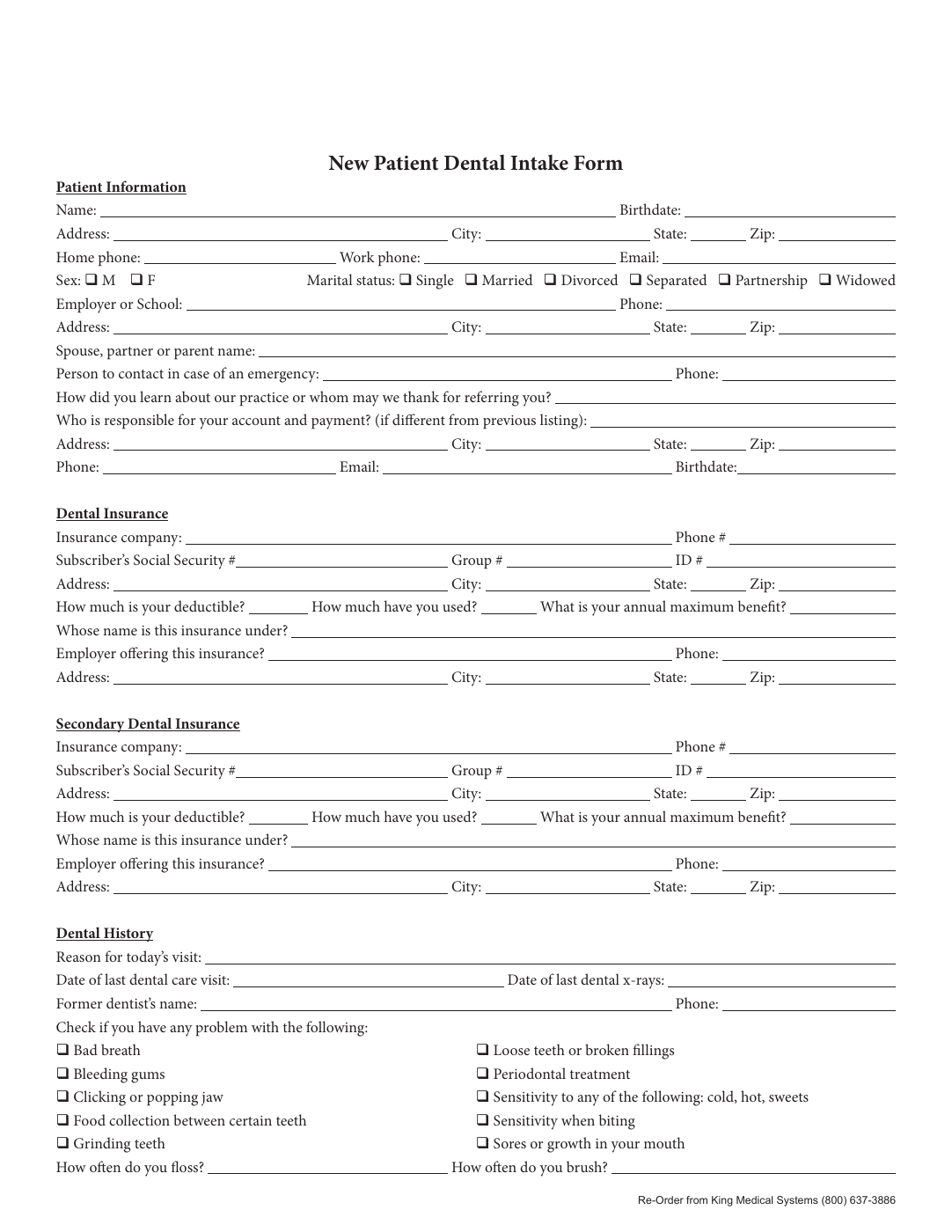
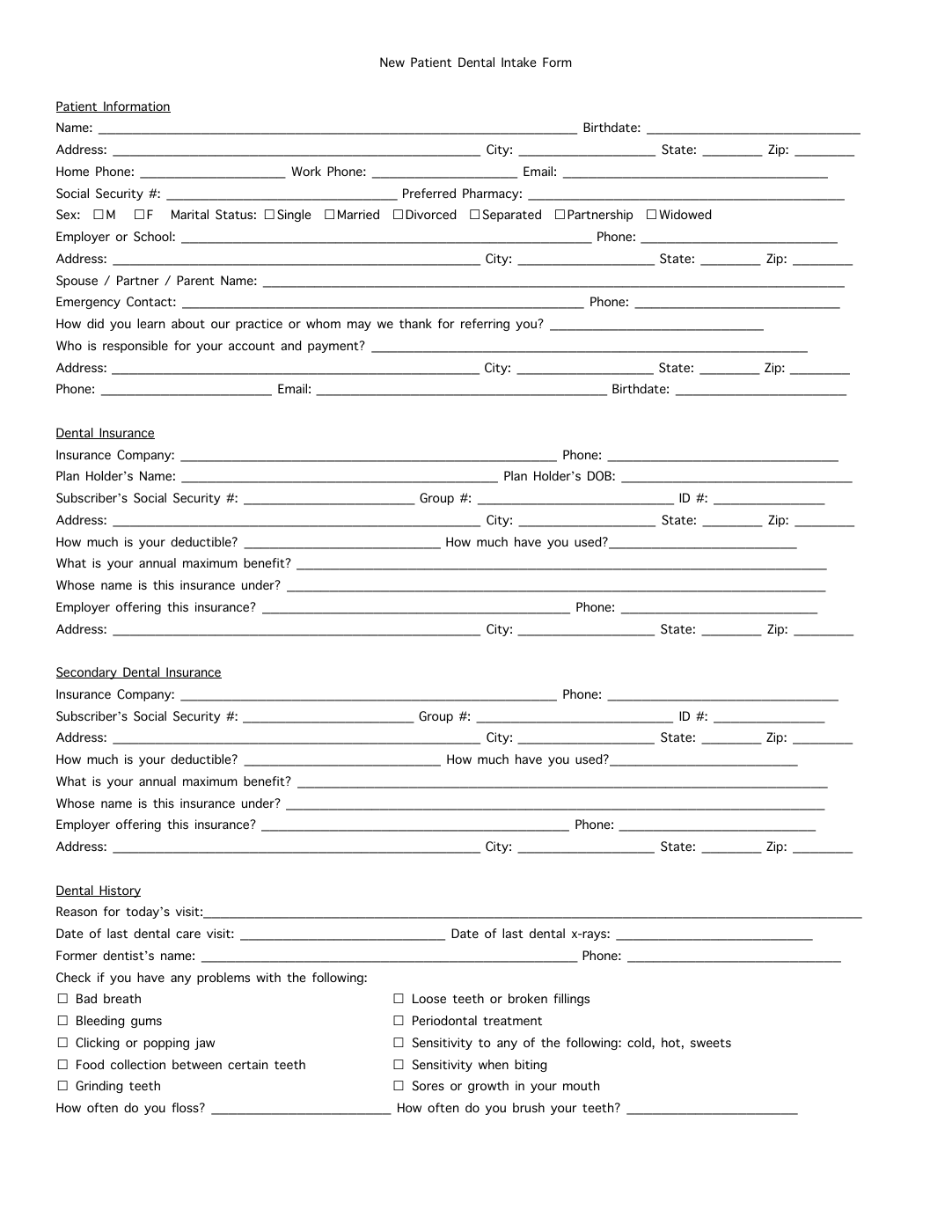
Medical and dental intake work is full of recurring PDFs: registration, history, consent, release, telehealth, checklists, insurance verification, and service recovery forms. The best workflow does not rebuild every clinic document from scratch. It turns stable source PDFs into reviewed templates, collects patient answers in a simpler flow, and generates the PDF packet for staff review.
Individual tax workflows often reuse the same taxpayer, spouse, dependent, address, payment, adjustment, credit, estimated-tax, and amendment details across several IRS PDFs. DullyPDF can help prepare and review the PDF packet while tax preparation, calculations, filing, and official IRS instructions remain outside the tool.
Business and fiduciary tax workflows often reuse entity, owner, partner, shareholder, beneficiary, address, EIN, tax year, income, deduction, K-1, extension, and preparer details across several IRS PDFs. The useful automation layer is field mapping and review, not tax preparation or filing advice.
IRS collection and resolution packets are document-heavy: financial statements, offer forms, installment agreements, refund or abatement claims, and taxpayer advocate requests all reuse identity, tax-period, income, expense, asset, liability, and representative data. DullyPDF can help prepare and review the PDFs, but collection strategy and eligibility decisions remain outside the tool.
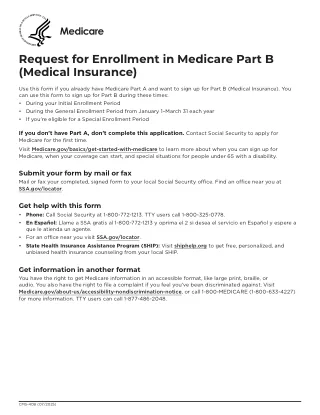
Medicare beneficiary workflows often combine enrollment, employer information, patient claim requests, appeals, representative appointment, and privacy authorization forms. DullyPDF can help prepare reusable PDF templates and fill them from reviewed beneficiary data while CMS and Medicare instructions remain the authority for eligibility, deadlines, and submission.
FMLA administration can involve employee medical certification, family-member certification, eligibility notices, designation notices, and military-family leave forms. DullyPDF can help HR teams prepare reusable PDF templates and collect structured answers while DOL rules and employer policy control leave decisions.
Federal worker injury workflows can involve traumatic injury notices, occupational disease claims, compensation claims, time analysis, duty status reports, physician reports, medical reimbursement, and travel reimbursement. DullyPDF can help prepare and review the PDF packet while OWCP, ECOMP, agency procedure, and FECA rules control filing and benefits decisions.
Federal employment and investigation paperwork can include declarations for employment, appointment affidavits, veterans preference applications, public-trust questionnaires, national-security questionnaires, personnel actions, and medical-exam forms. DullyPDF can help with PDF preparation and review, but hiring, suitability, investigation, and clearance decisions remain with the responsible agency.
Official bankruptcy forms are a packet workflow: petition, asset schedules, secured and unsecured creditor schedules, income and expense schedules, statement of financial affairs, means-test forms, filing-fee forms, and declarations all reuse debtor, household, property, creditor, income, and case data. DullyPDF can help prepare and review PDFs, not provide bankruptcy advice or court filing services.
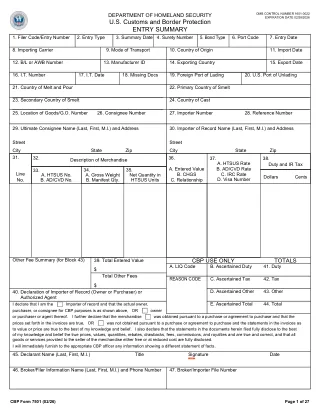
Customs and logistics teams often repeat importer, consignee, broker, filer, entry, manifest, bond, foreign-trade-zone, ACH, and shipment details across CBP forms. DullyPDF can help map and fill recurring PDF packets while CBP systems, ACE, broker procedures, and trade compliance rules remain authoritative.
Housing assistance workflows can involve tenant certification, consent to release information, supplemental application forms, move-in and move-out inspections, Section 8 special claims, multifamily project applications, and USDA rural housing loan forms. DullyPDF helps with PDF template preparation and review, not housing eligibility or program administration decisions.