
Workflow hub
Workflow Library for PDF Automation
Browse workflow-first landing pages for converting PDFs to fillable templates, starting from curated blank forms, mapping fields to structured schemas, and filling forms from repeat records.
All workflow pages
These pages are organized for users searching by action (browse a catalog, convert, map, fill, rename, sign). Start with the workflow closest to your immediate task.
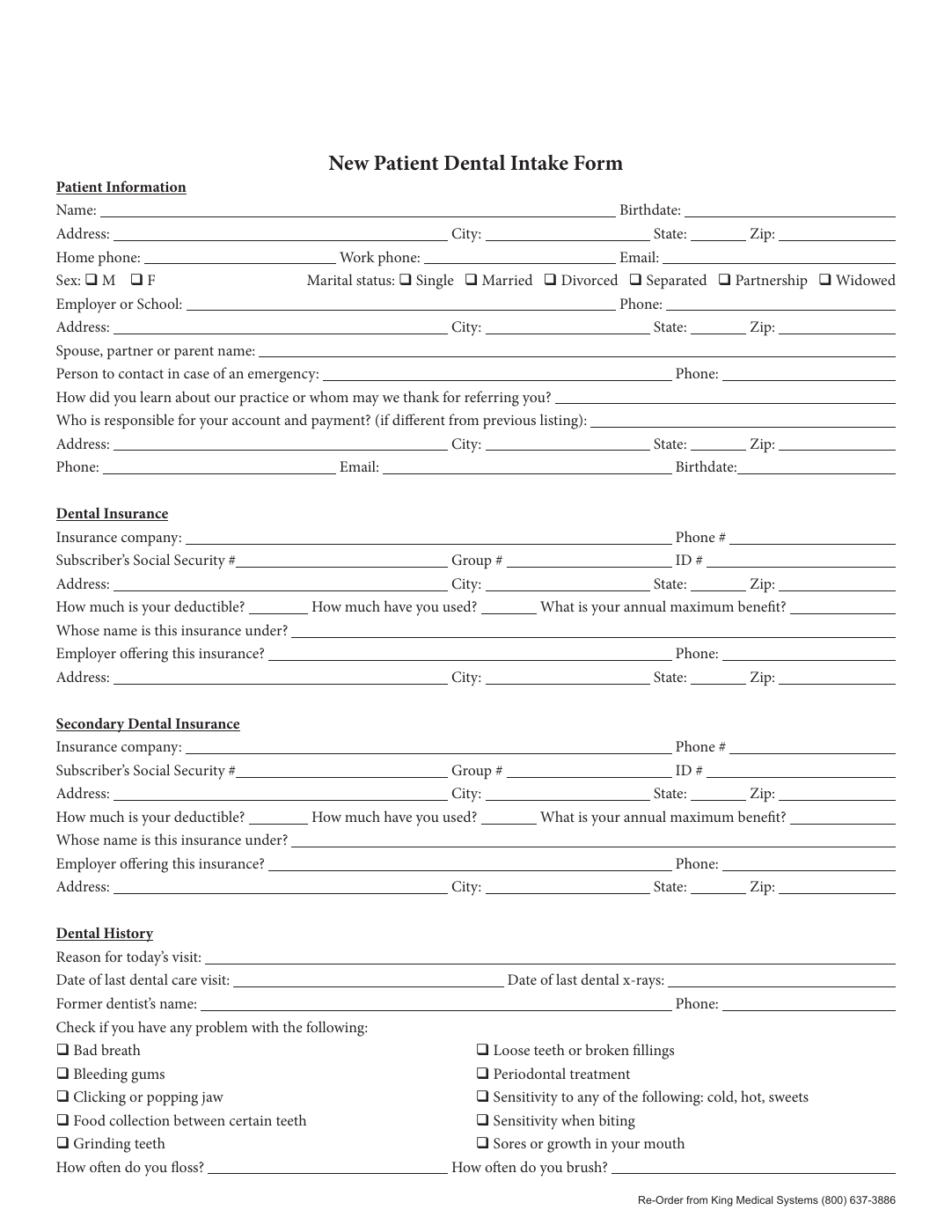 Source documentPDF to Fillable FormUpload a raw PDF, detect candidate fields, clean geometry in the editor, and save a reusable fillable template for repeat workflows.
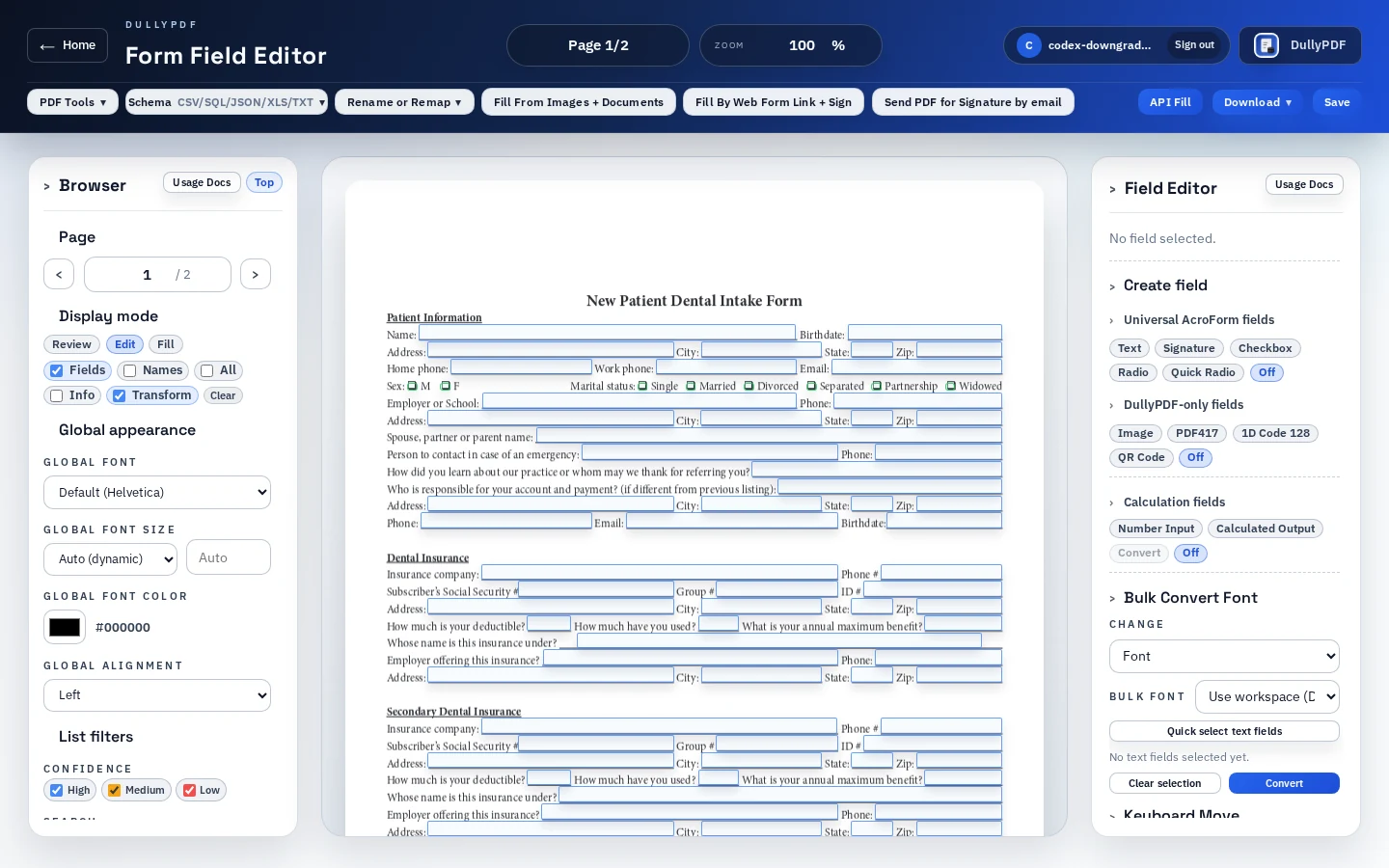 Advanced fieldsImage, QR, PDF417 & 1D Barcode FieldsAdd image, QR code, PDF417, and 1D barcode helper fields to fillable PDF templates, then populate them from form data or mapped records.
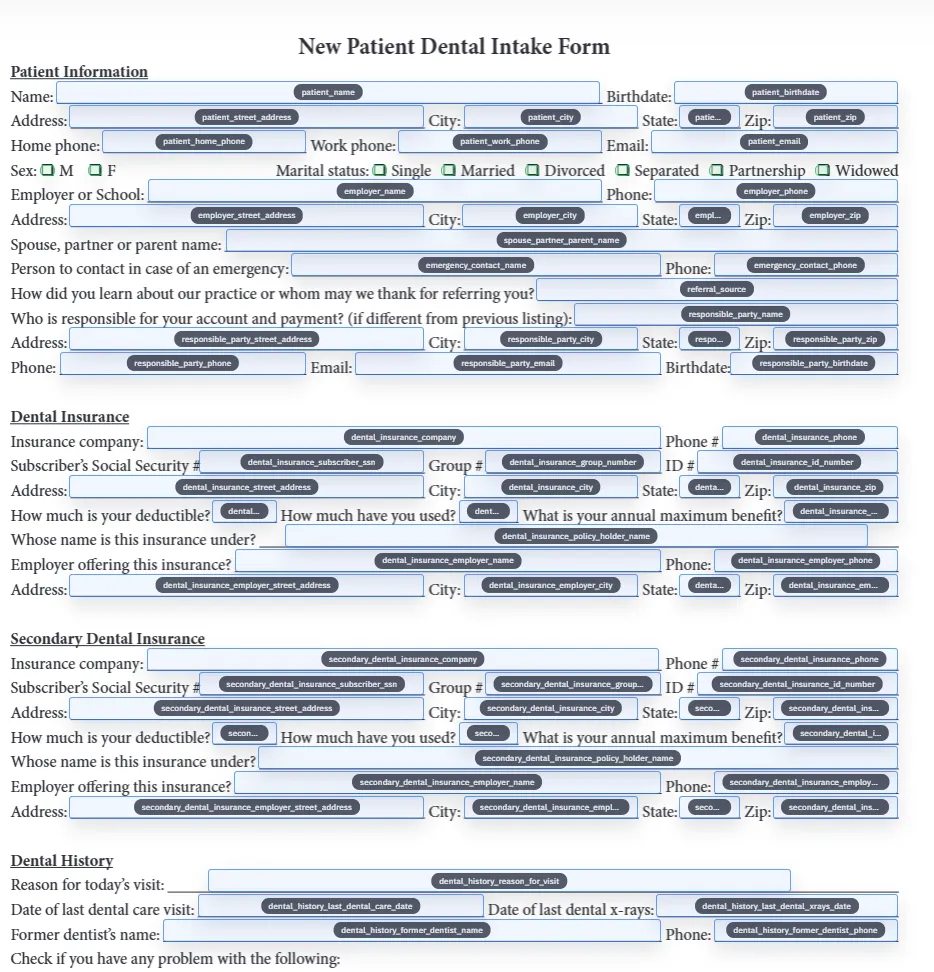 Schema mappingPDF to Database TemplateStandardize field names, align them to schema headers, and build repeatable PDF-to-database templates for intake operations.
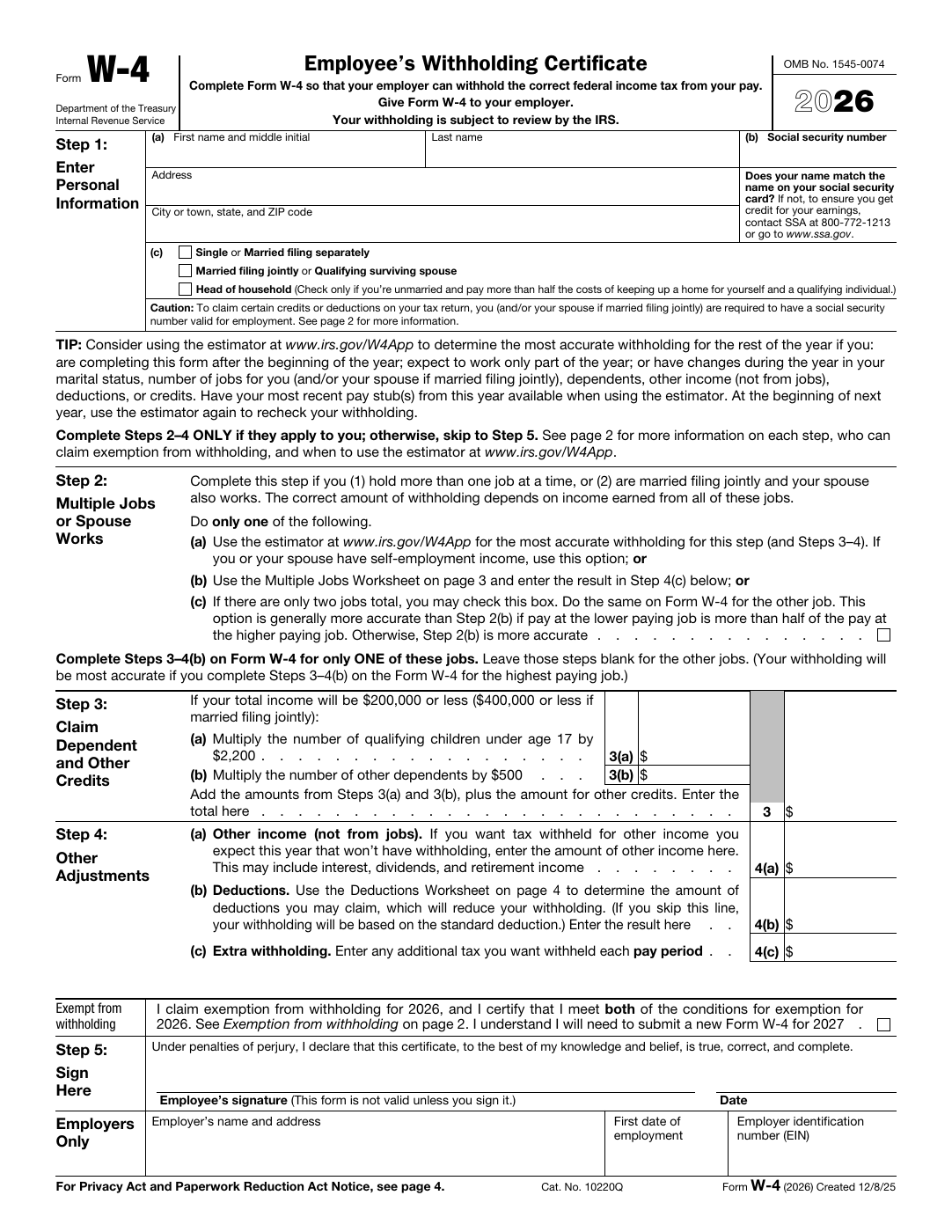 Blank official formsPDF Form CatalogStart from curated public-domain forms. Open blank PDFs in DullyPDF, save as reusable templates, and connect to Search & Fill, API, or signing.
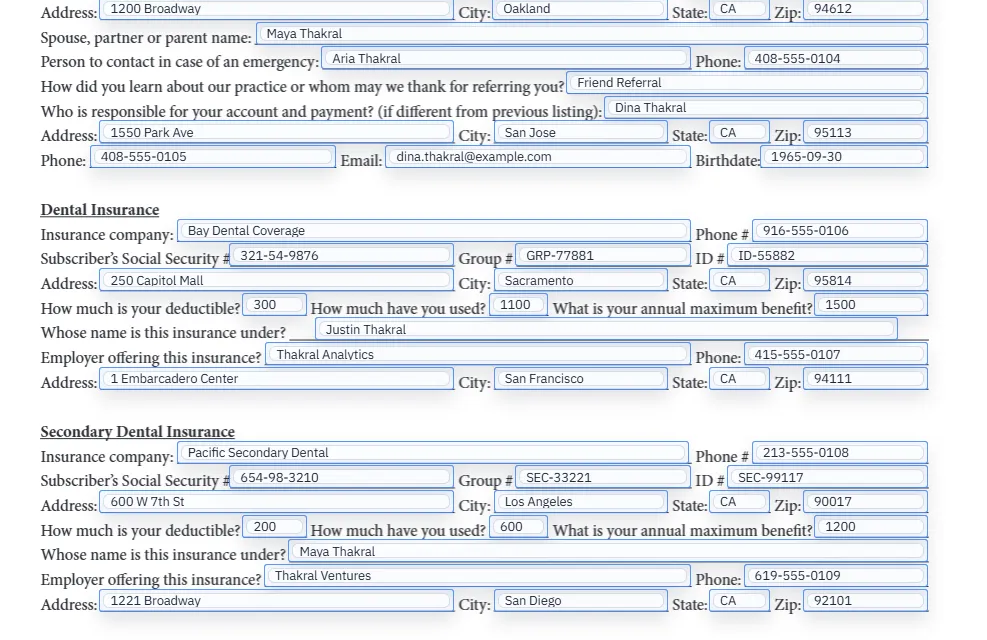 Record fillFill PDF From CSVSearch your records, pick a row, and fill mapped PDF templates in seconds for repeat data-entry workflows.
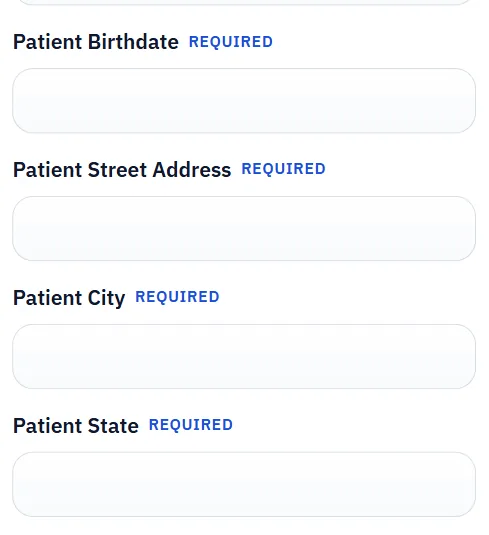 Response intakeFill PDF By LinkStart from a saved DullyPDF template, publish a mobile-friendly form link, collect respondent answers, and generate a flat, viewer-friendly PDF in the workspace.
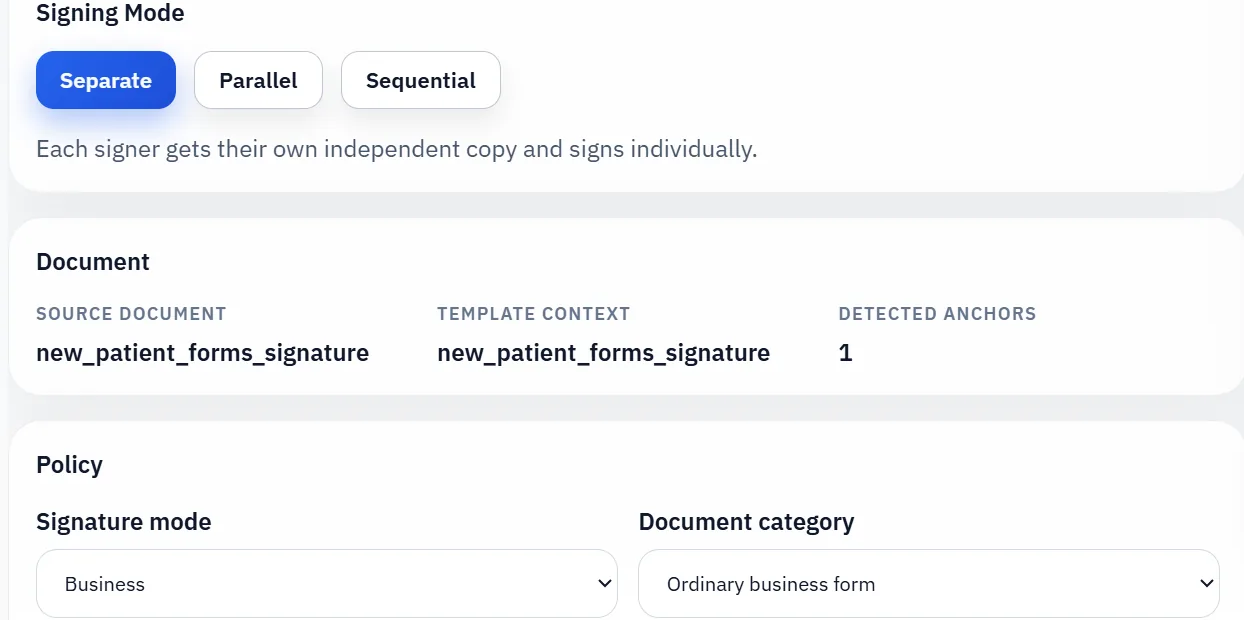 Immutable signingPDF Signature WorkflowTwo signing entry paths: send a final PDF by email, or collect answers through a web form first and then freeze the filled PDF for signature.
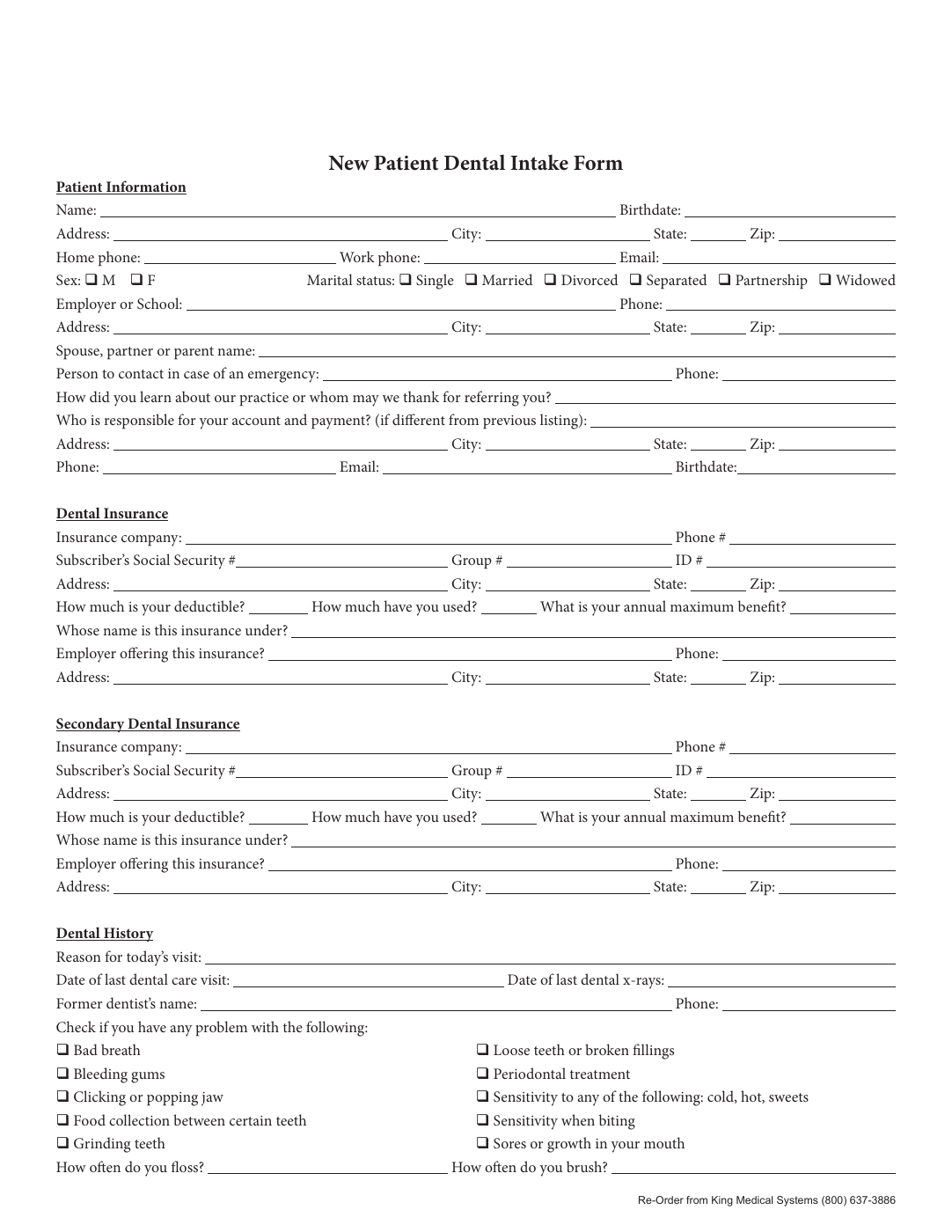 Field namingFillable Form Field NameNormalize fillable form field names, map them to schema columns, and keep naming consistent across complex PDF packets.
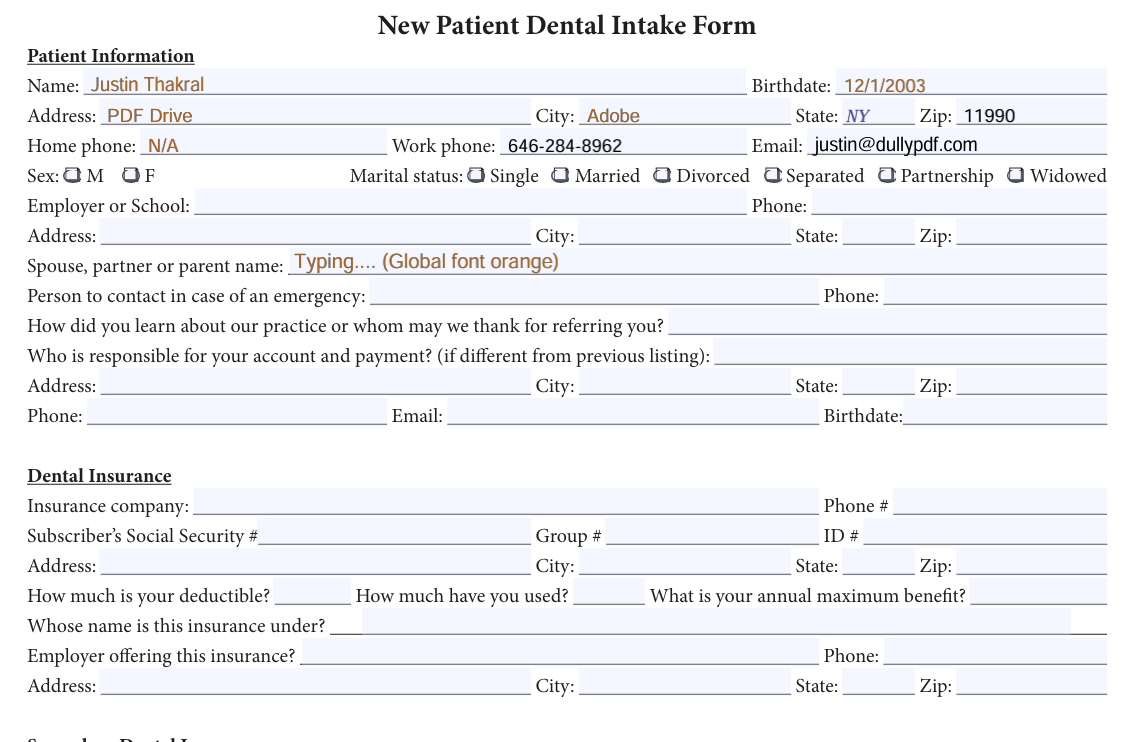 Field appearanceFillable PDF Fonts and ColorsSet global or per-field fonts, sizes, and colors for fillable PDF text/date fields, then save templates that preserve them in exports.
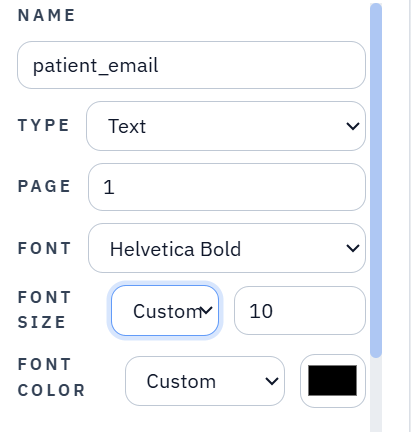 AcroForm outputAcroForm Field AppearanceLearn how AcroForm /DA, /DR, /AP, and /V keep field values, fonts, sizes, and colors inside editable PDF widgets after export.
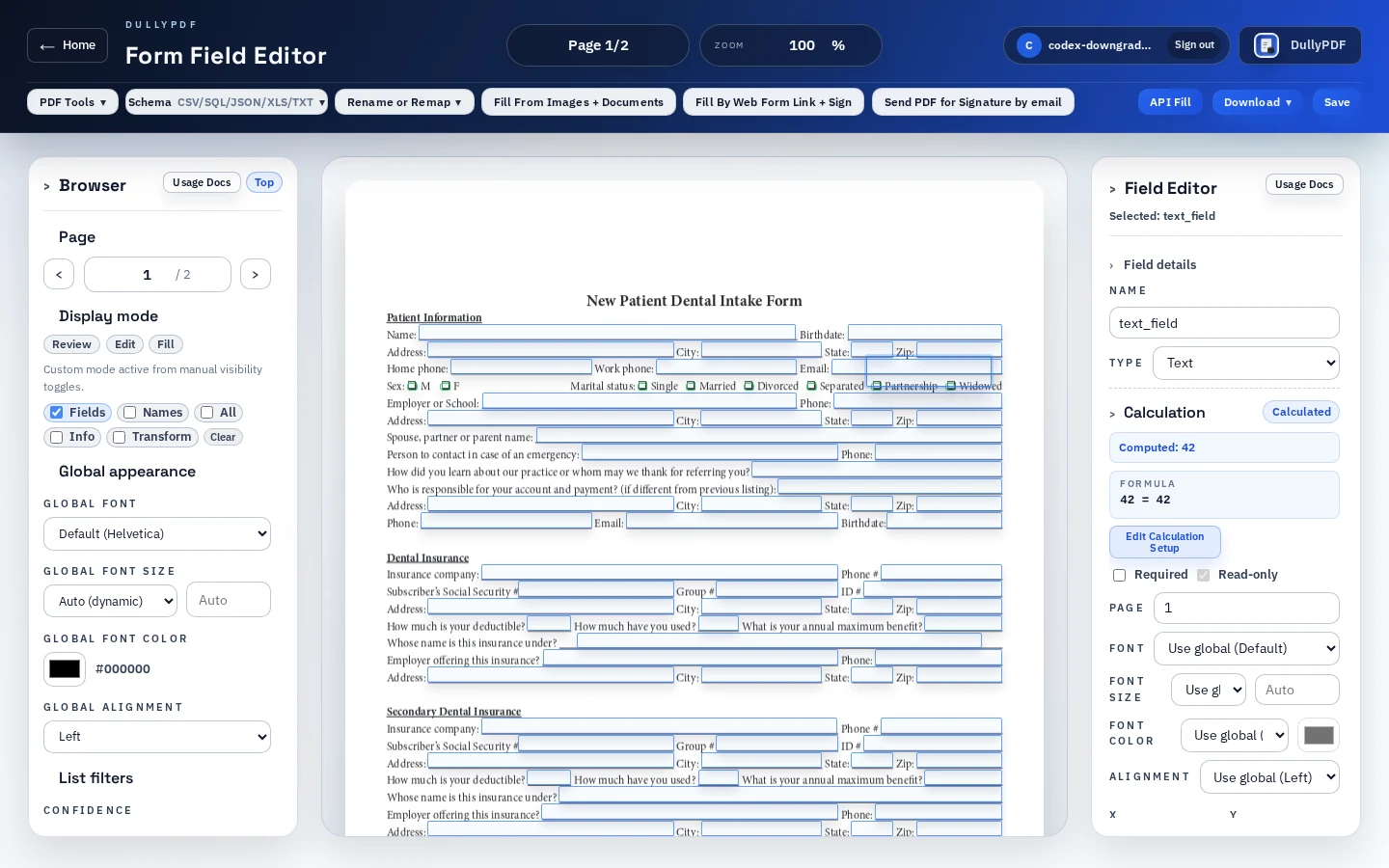 Calculation fieldsPDF Calculation FieldsCreate number inputs and calculated outputs in reusable PDF templates. DullyPDF stores safe formulas and precomputes final values for every output.
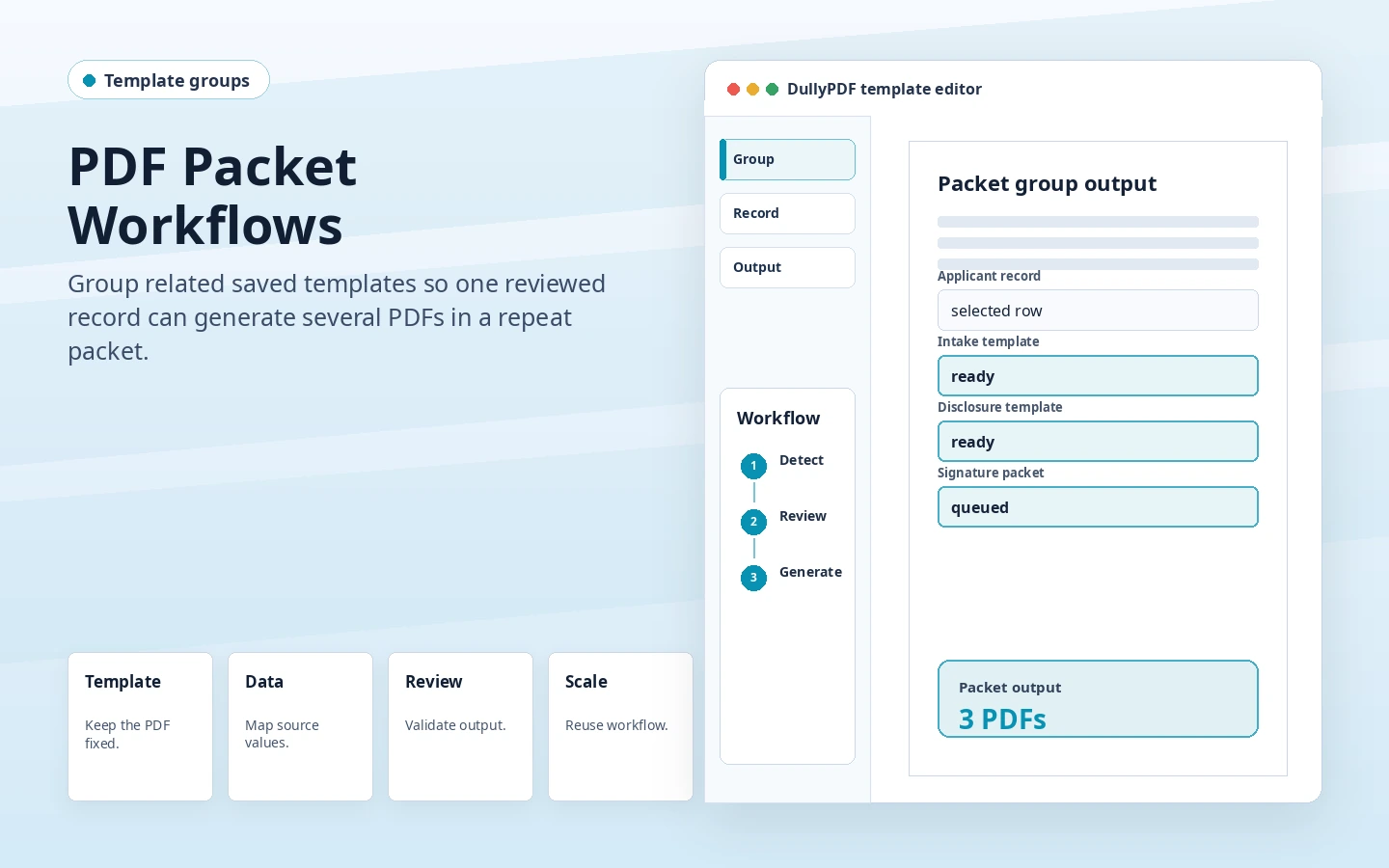 Template groupsPDF Packet WorkflowGroup related saved PDF templates into a repeat packet, switch between documents, run batch Rename + Map, and fill the packet from one record.
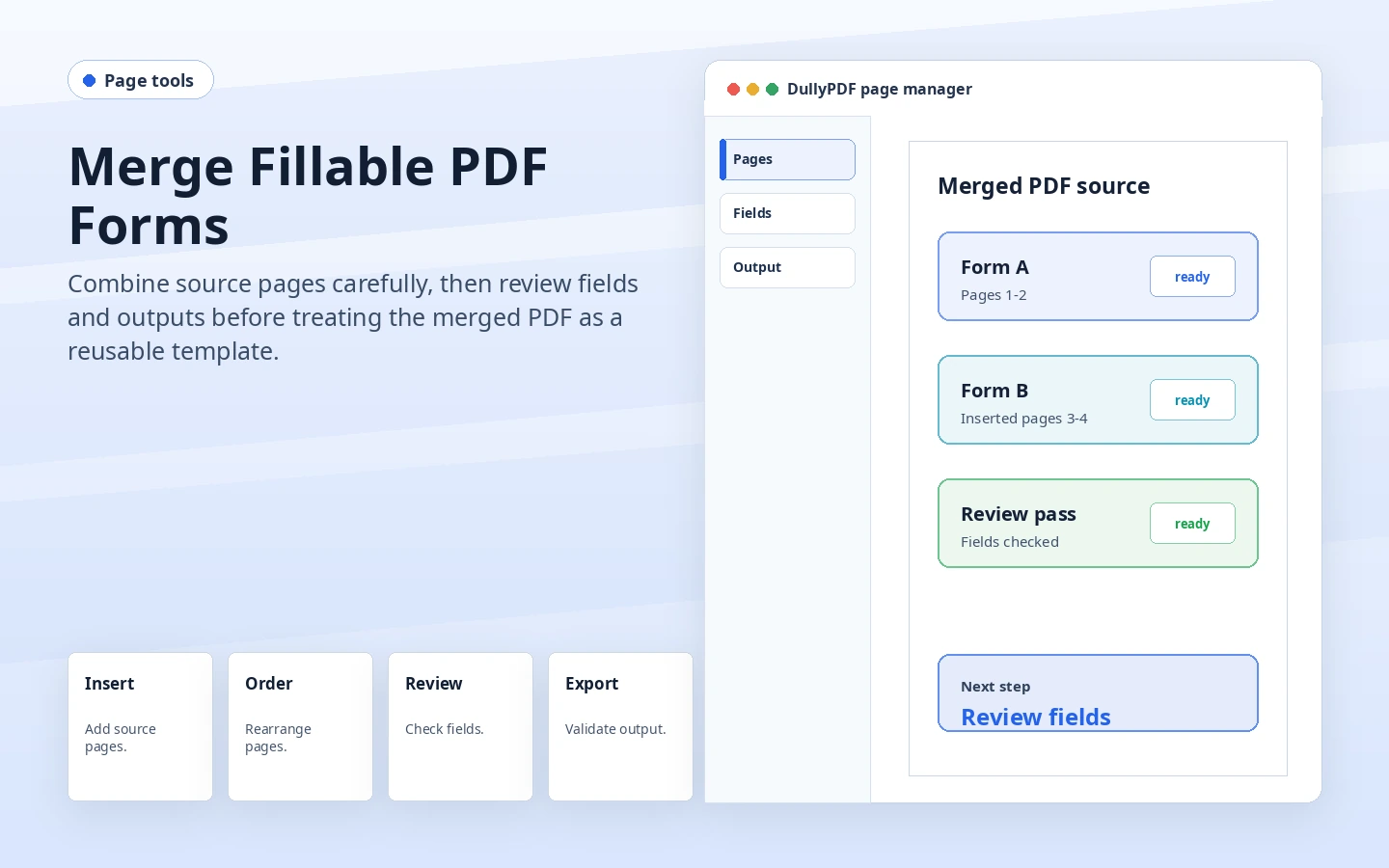 Page toolsMerge Fillable PDF FormsUse DullyPDF page tools to insert, reorder, rotate, or delete pages in an active PDF, then review fields before saving, filling, signing, or publishing the template.
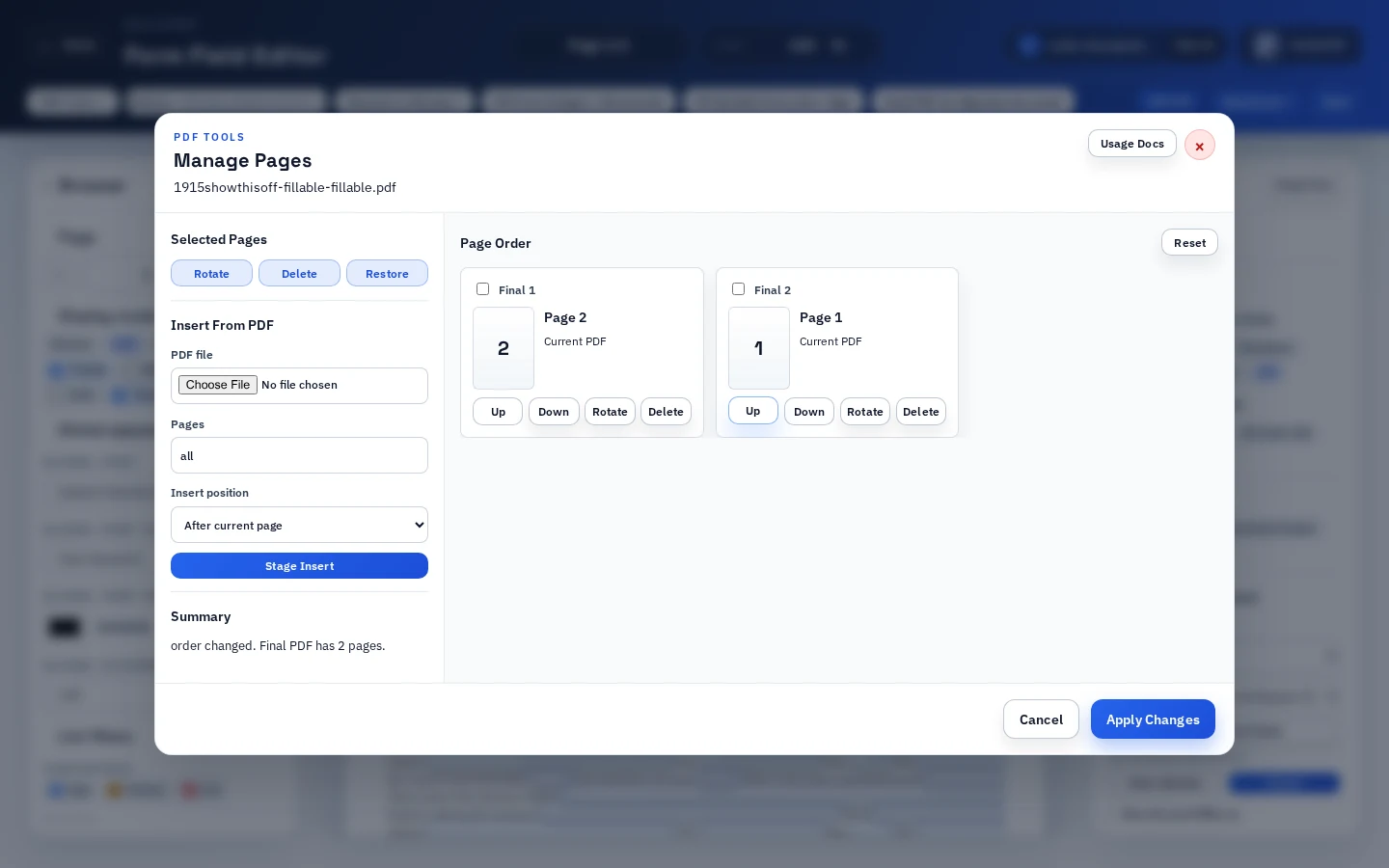 Page orderReorder Fillable PDF PagesMove pages inside an active fillable PDF with staged page tools, keep current-page fields traveling with their pages, and review the template before reuse.
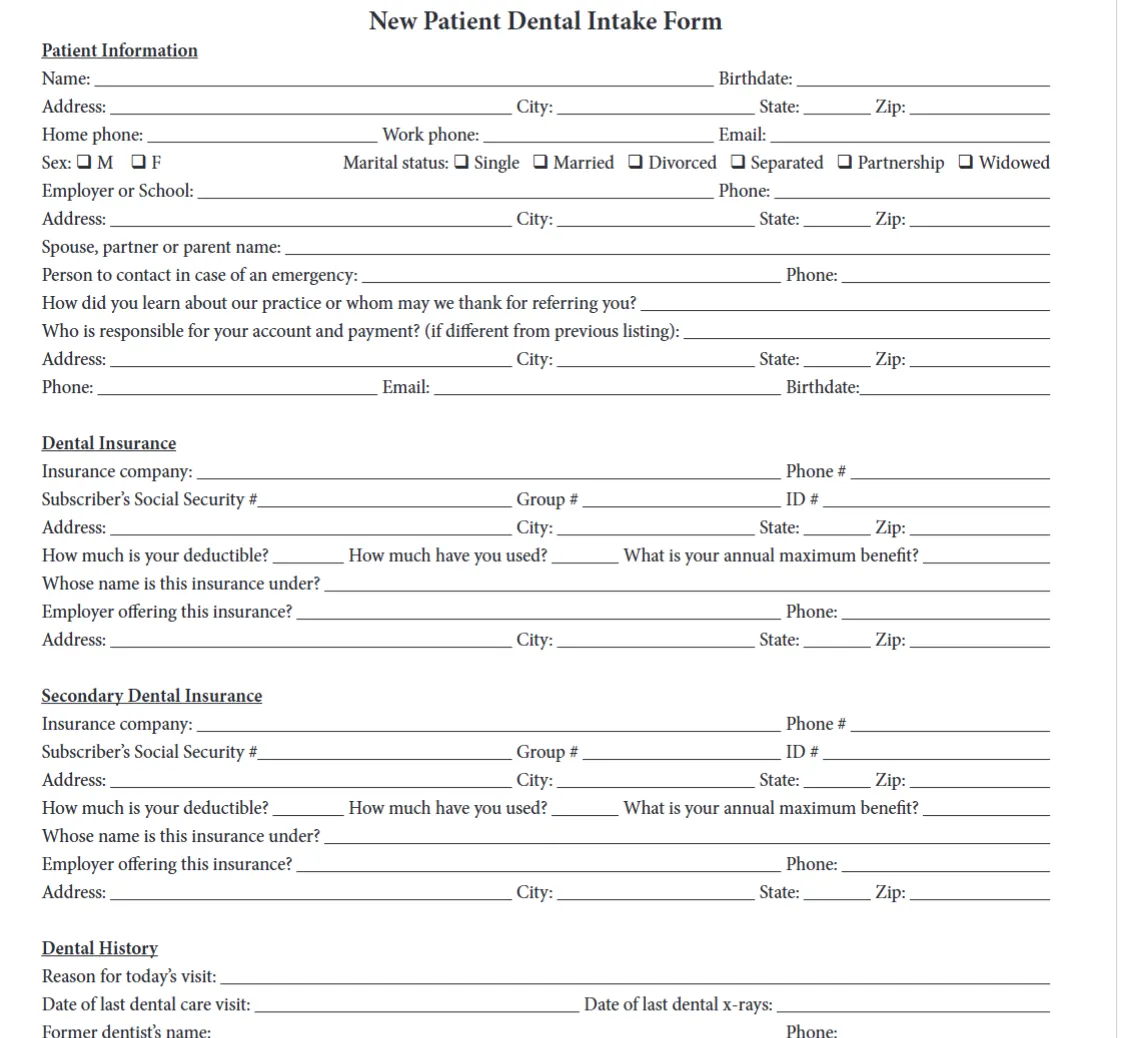 Page orientationRotate Fillable PDF PagesTurn sideways or upside-down PDF pages 90 degrees at a time with staged Manage Pages controls, keep current-page fields traveling with their pages, and review geometry before reuse.
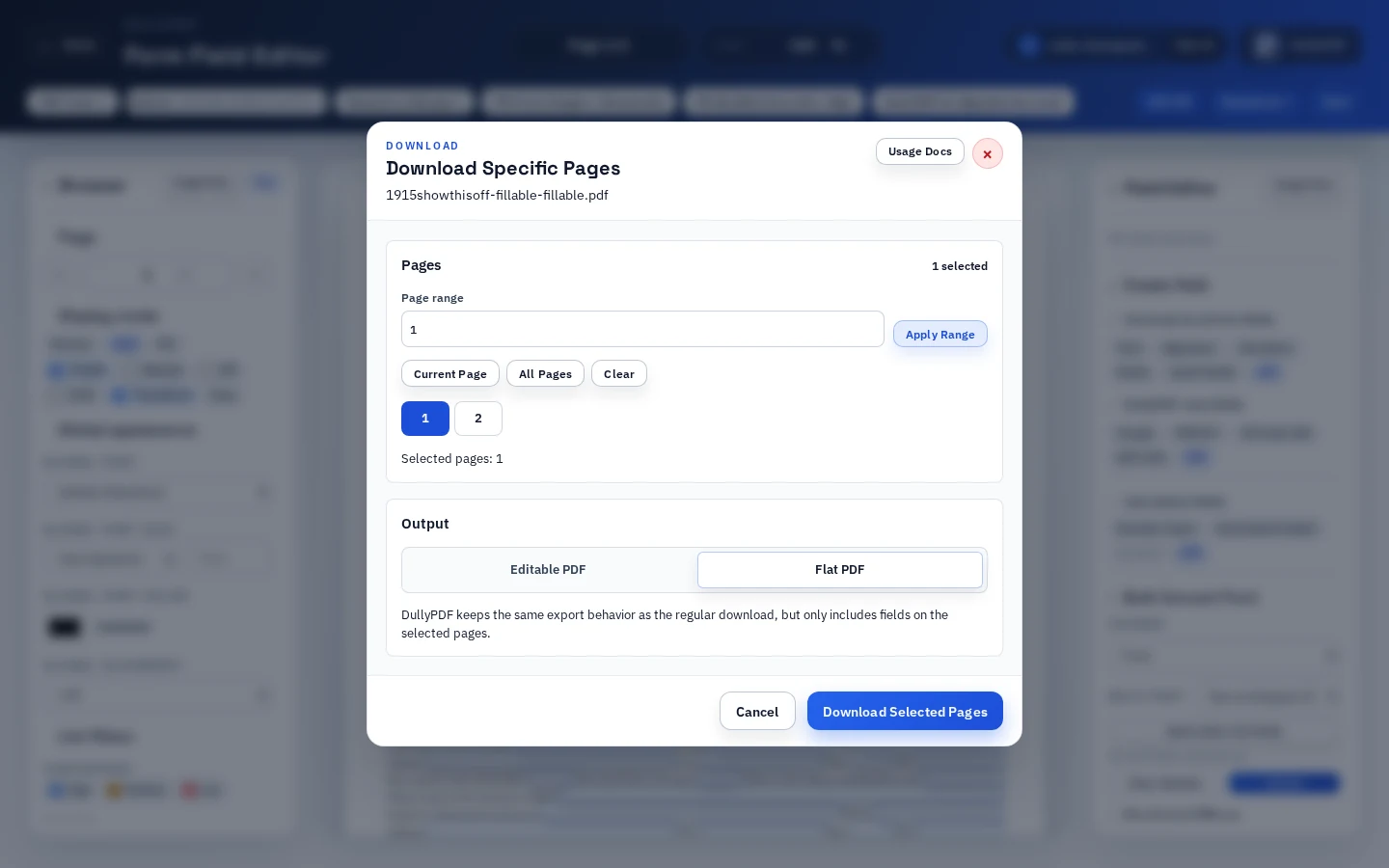 Selected pagesSplit Fillable PDF FormsExport selected PDF pages as a flat or editable subset without changing the active workspace, or use page tools when the source template itself should be trimmed.
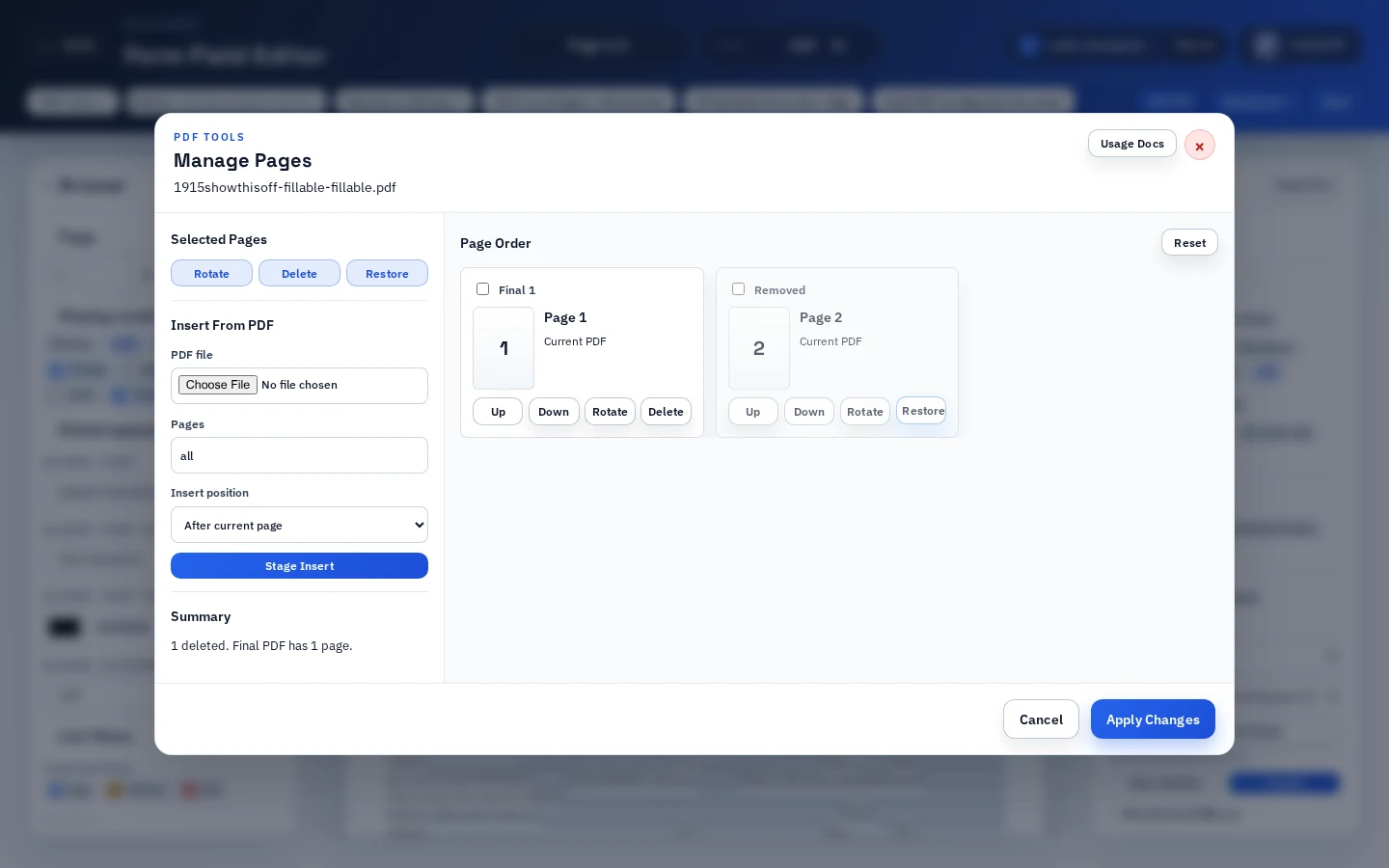 Page deletionDelete Pages From Fillable PDFRemove instruction pages, duplicates, or obsolete sections from an active PDF while keeping field cleanup, saved-template QA, and final output review explicit.
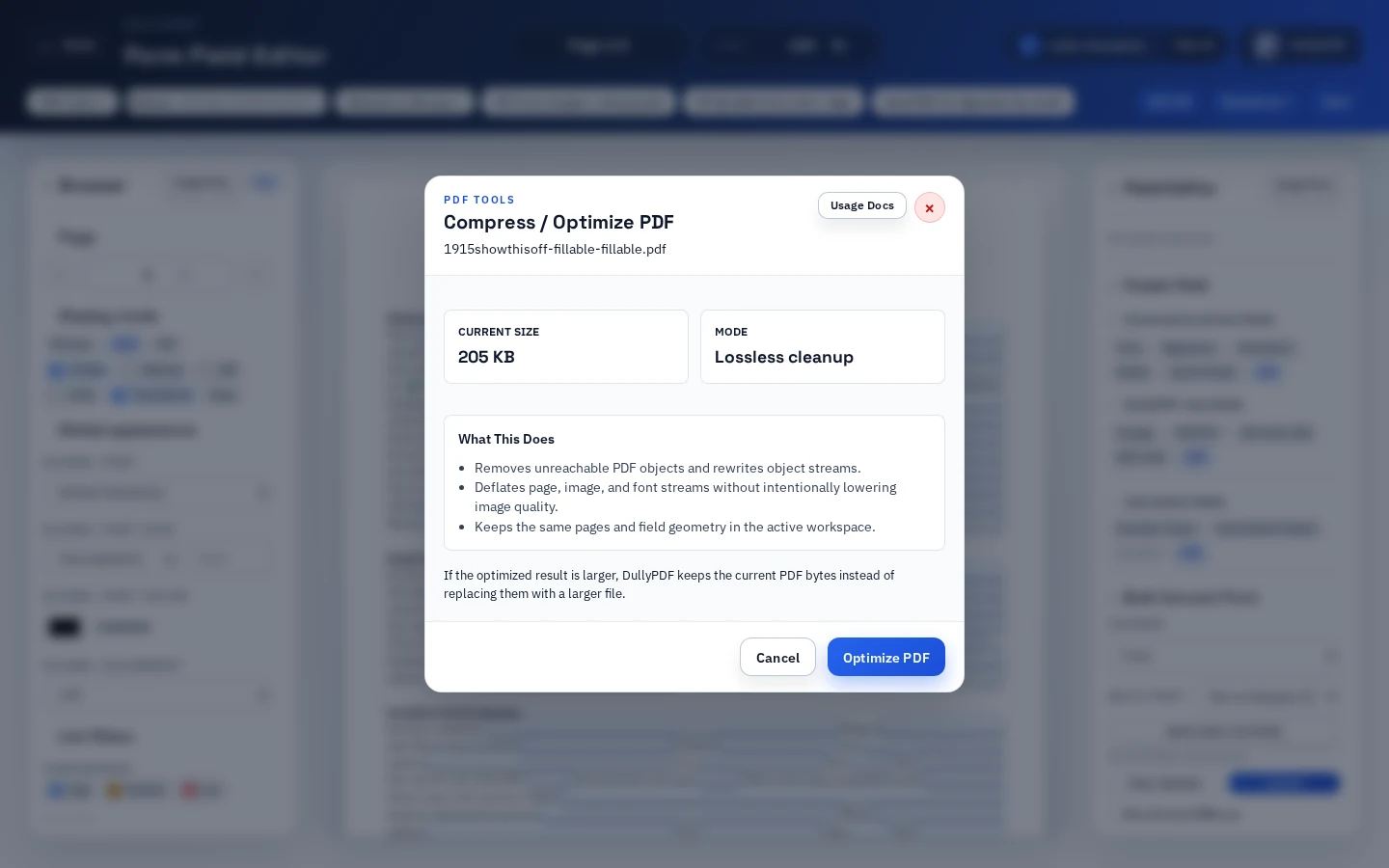 Lossless cleanupCompress Fillable PDF FormsRun lossless PDF cleanup after template or page changes so a fillable PDF can shrink when possible while pages, fields, and geometry stay stable.
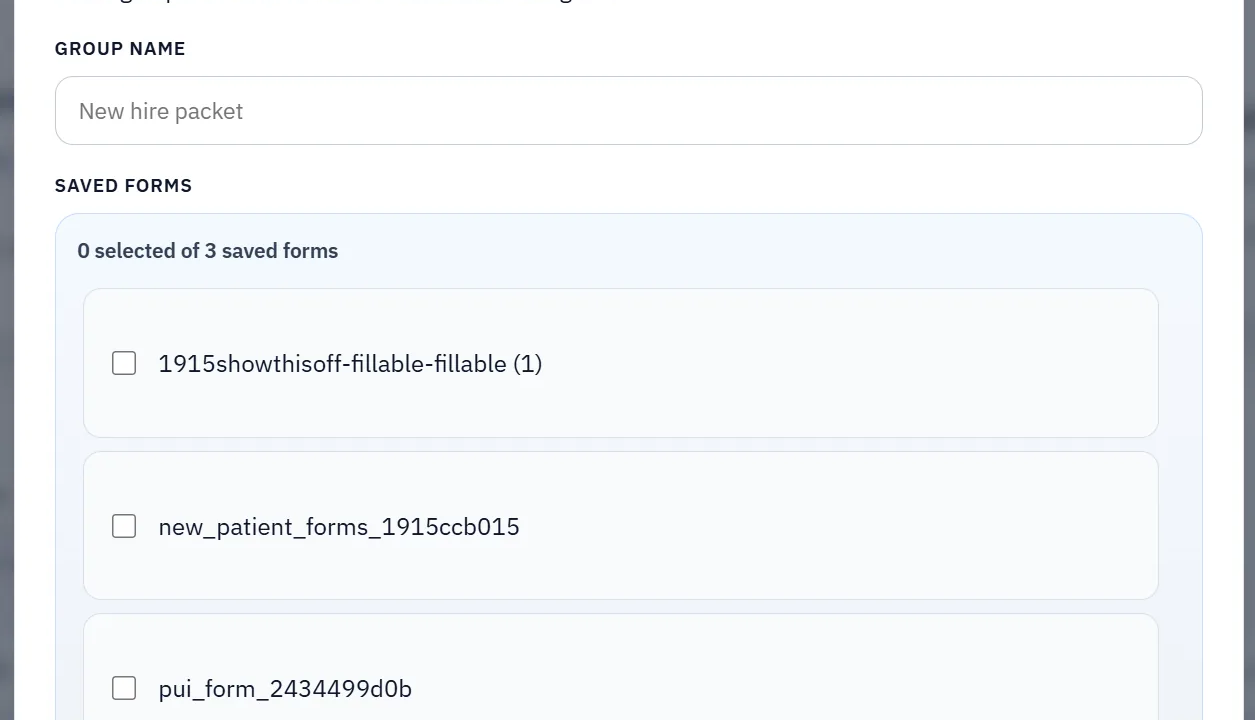 Packet workflowsBatch Fill PDF FormsUse one structured record to fill the current template repeatedly or apply the same row across an open group of saved PDFs when the workflow is really a packet, not a single form.
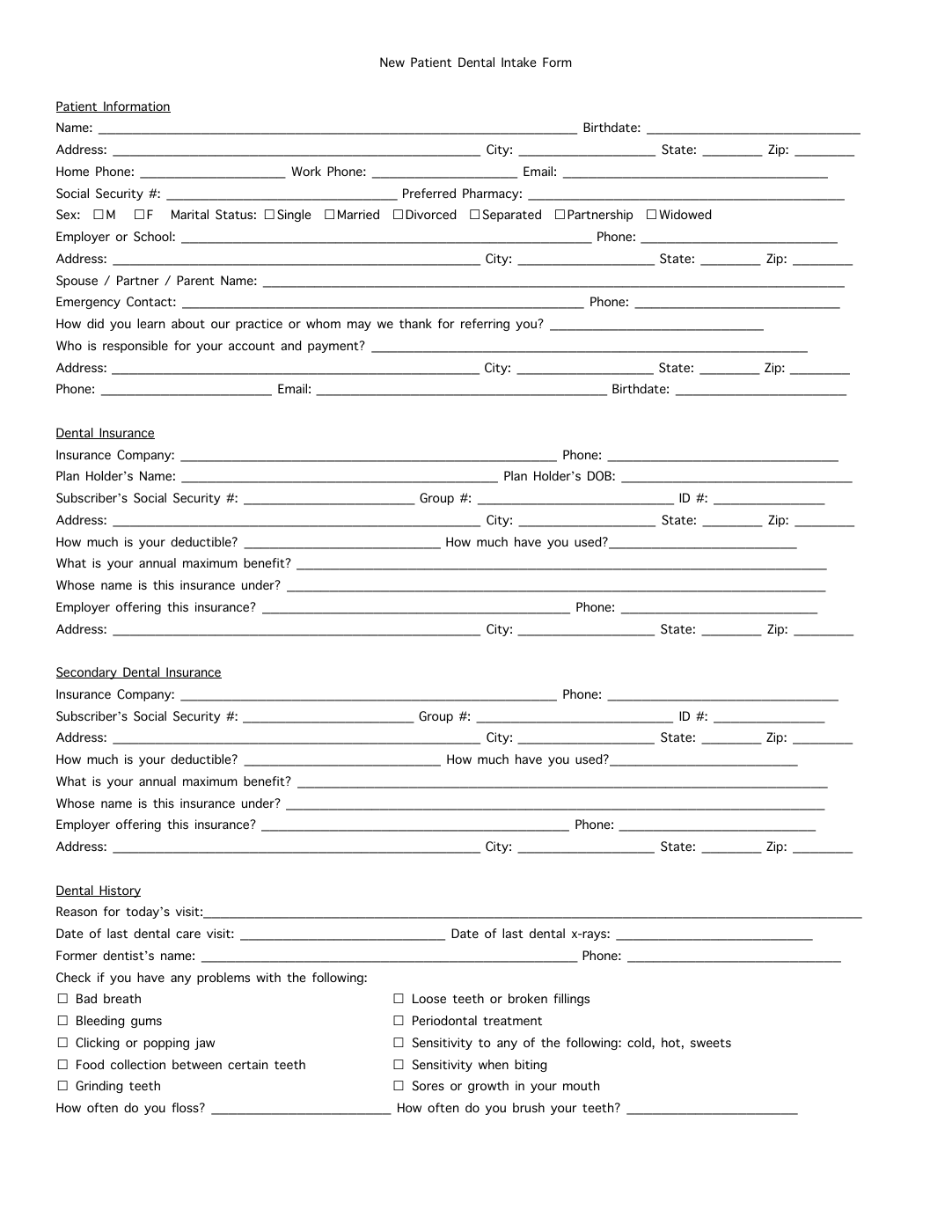 Checkbox rulesPDF Checkbox AutomationDullyPDF handles complex checkbox scenarios including yes/no pairs, enum selections, multi-select lists, and presence-based toggles with configurable rule logic.Field detectionPDF Field Detection ToolUpload any PDF and let AI detect text fields, checkboxes, date fields, and signature areas automatically. Review confidence scores and refine in the visual editor.
Full product tour
7-minute DullyPDF feature walkthrough
This broader video covers the main product surface: PDF-to-template setup, Search & Fill, saved templates, Fill By Link, API Fill, and signing handoff.
Use the full tour when you want product context across the public workflow pages before drilling into one feature-specific doc or landing page.
Follow DullyPDF outside the workflow library
Use the official profiles for company updates, public demos, release notes, and the open-source codebase while this route stays focused on search-intent workflow pages.
More workflow pages
These route pages stay in the library too, even when they do not need a larger screenshot treatment.
How to use this library
Use the hub as a routing layer, not as the final stop. Start with the page that best matches the exact problem you are trying to solve today, then move from that route into the docs or blog only after you know the workflow is the right fit.
That keeps the crawl path and the user path aligned. Searchers looking for a specific PDF task should be able to move from a broad library page into a focused route that explains setup order, tradeoffs, and validation steps without unnecessary detours.
Supporting resources
After choosing a workflow page, use these public resources to get operational details and implementation examples.