How to Automate Rental Application and Lease PDFs Without Rebuilding the Packet
Leasing teams usually do not lack applicant data. They lack a clean way to move that data through the fixed PDFs that still govern applications, disclosures, addenda, and signatures. The fastest improvements come from organizing those packets into reusable templates instead of reinventing each file every time.
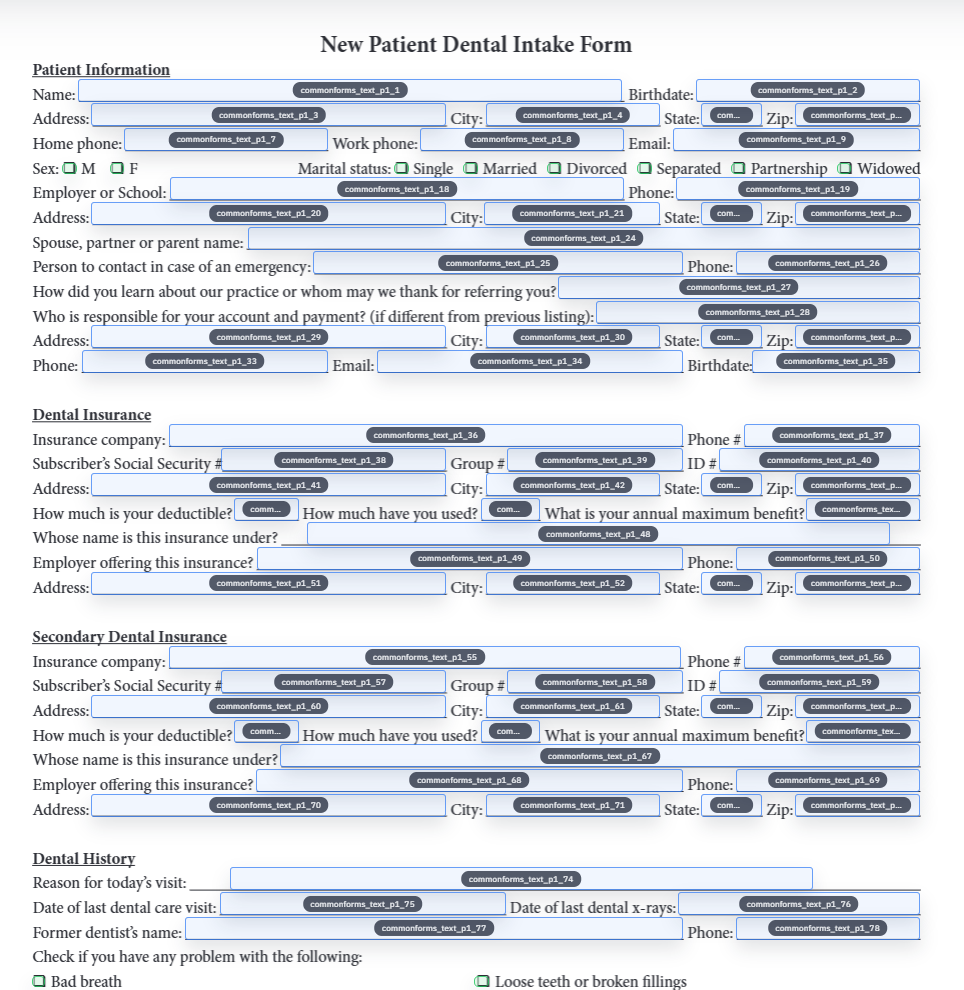
Rental and leasing packets stay manual because one applicant record still has to touch several fixed PDFs
A rental workflow rarely ends with one document. Applicant information often needs to move through an application, a lease draft, property-specific addenda, acknowledgments, and later signature steps. Even when the leasing software or spreadsheet already holds the tenant data, staff still spend time retyping or validating the same names, addresses, dates, and property details across several files that all look slightly different.
That is why leasing teams often feel buried even when the business already has structured data. The friction is not the absence of a CRM or spreadsheet. The friction is that the last mile still depends on recurring PDFs. A better workflow respects that reality instead of pretending every property packet can be replaced by one generic web form.
The safer pattern is one canonical template per recurring document type
Trying to automate an entire leasing packet at once is usually what makes the setup feel overwhelming. A better approach is to treat each recurring form type as a reusable building block: one rental application, one lease, one pet addendum, one move-in checklist, one acknowledgment. Clean each template carefully, then reuse it whenever that document type appears again.
That approach also makes packet maintenance more realistic. When a property owner changes wording on one addendum or a leasing office updates the application, the team only needs to revise the affected template instead of questioning the whole workflow. Small, stable building blocks are easier to trust than one giant packet process nobody feels confident editing.
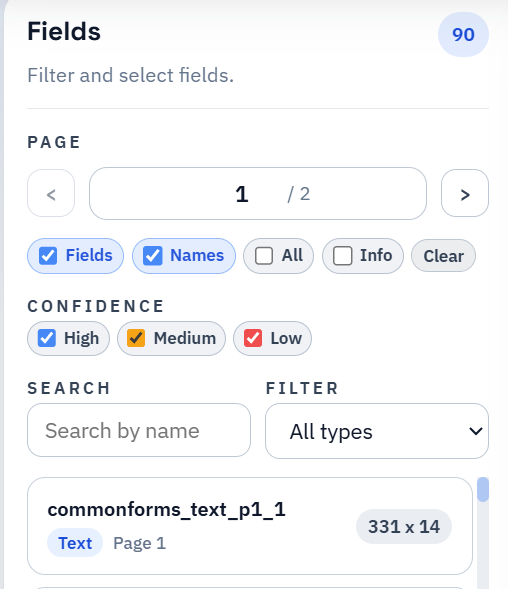
Property and unit variation should be managed deliberately instead of by cloning endless near-duplicates
Real-estate teams do have genuine variation to deal with. Different owners, buildings, associations, or states may require different addenda and slightly different wording. But that does not mean every packet deserves a separate unmanaged template library. The healthier pattern is to keep naming conventions stable, identify which documents are truly distinct, and only branch the template set when a real operational difference exists.
This matters because people under deadline pressure will always choose the path of least resistance. If the library is full of barely different versions, someone will eventually pick the wrong one. Template discipline is not bureaucracy here. It is the only reason automation remains faster than ad hoc editing once the portfolio grows beyond a handful of properties.
Applicant intake is usually easier through a web form, but the packet still needs the PDF layer afterward
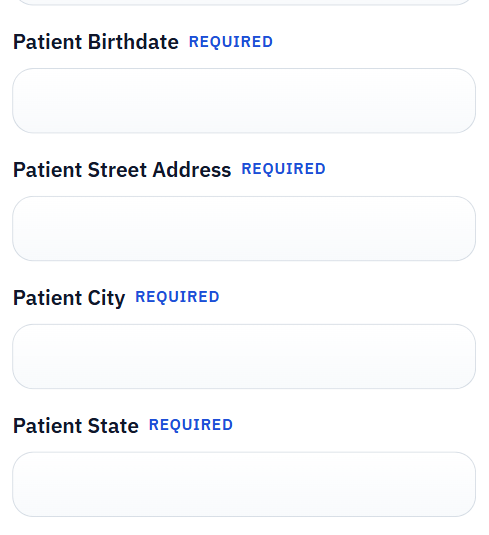
Many leasing teams benefit from collecting applicant details through a hosted form first. That reduces hand-entry, makes mobile submission easier, and gives the office cleaner data before the packet is assembled. But the hosted form is not the whole workflow. The business still needs the actual rental application PDF, the required disclosures, and whatever packet documents must be reviewed or archived in their fixed layouts.
That is where a document-centered workflow helps. The web form gathers the information, the stored answers become the source data, and the packet PDFs are generated from that data only after it is clean enough to trust. The office is no longer choosing between “web form” and “PDF packet.” It is using the web form to support the packet.
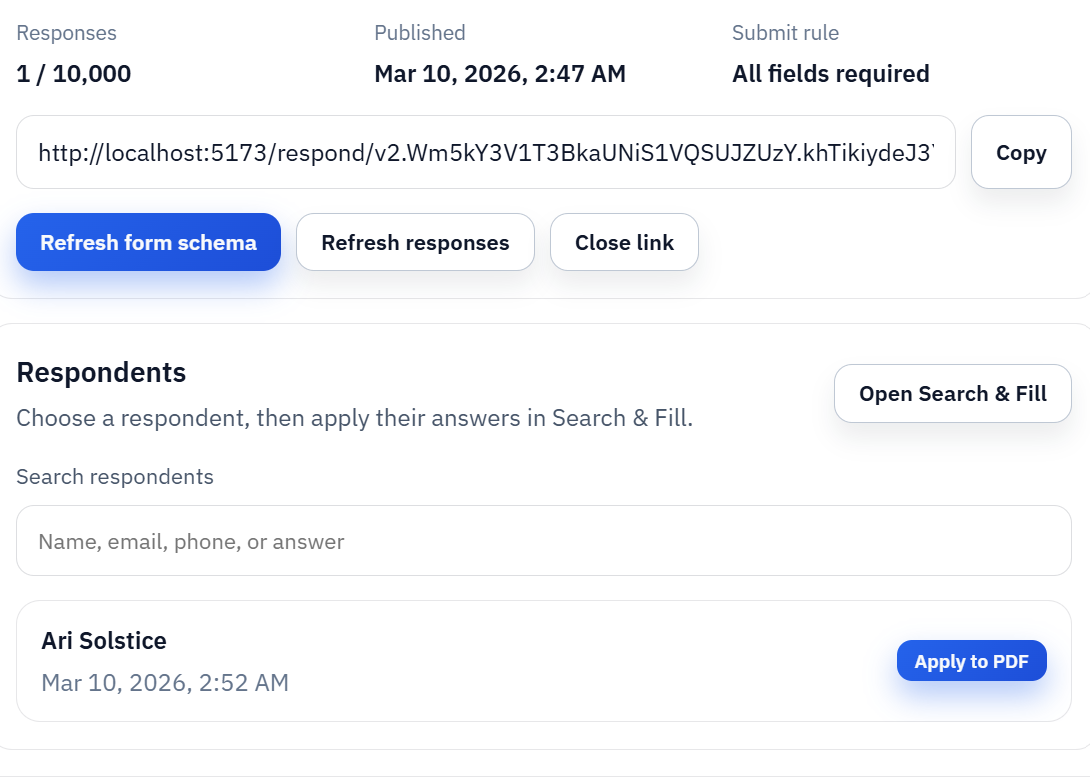
Once the packet is stable, signature should attach to the final lease record rather than to a drifting draft
Lease acceptance is where weak packet workflows become expensive. If staff are still editing the document by hand, re-exporting it, and wondering which version the resident actually saw, the signing step creates more confusion instead of finishing the process. A cleaner flow is to review the final lease PDF, freeze that exact record, and then route that specific document into signature.
The practical rollout is straightforward. Start with the highest-volume packet component, validate a few real applicants, expand to the adjacent documents, and only then connect the signature step. Real-estate teams usually do not need a flashy platform migration. They need one packet that stops wasting time first, then a repeatable way to extend that success across the rest of the portfolio.