Fillable PDF Field Names: Why They Matter and How to Fix Them
Bad field names are not just ugly metadata. They are one of the main reasons a PDF looks technically fillable but still behaves like a brittle manual workflow the moment you try to map real data into it.
Field names are how the rest of the workflow understands the PDF
A human can guess that Text Field 17 might be a date of birth if it sits beside the right label on the page. A mapping workflow should not have to guess. Clear names are what allow later steps to connect the template to schema headers, checkbox logic, and QA conversations that make sense to other people.
This is why naming problems punch above their weight. A PDF can look visually complete while still being semantically unusable if the field layer is vague, duplicated, or inherited from an old authoring tool.
Weak names usually come from the source, not from operator negligence
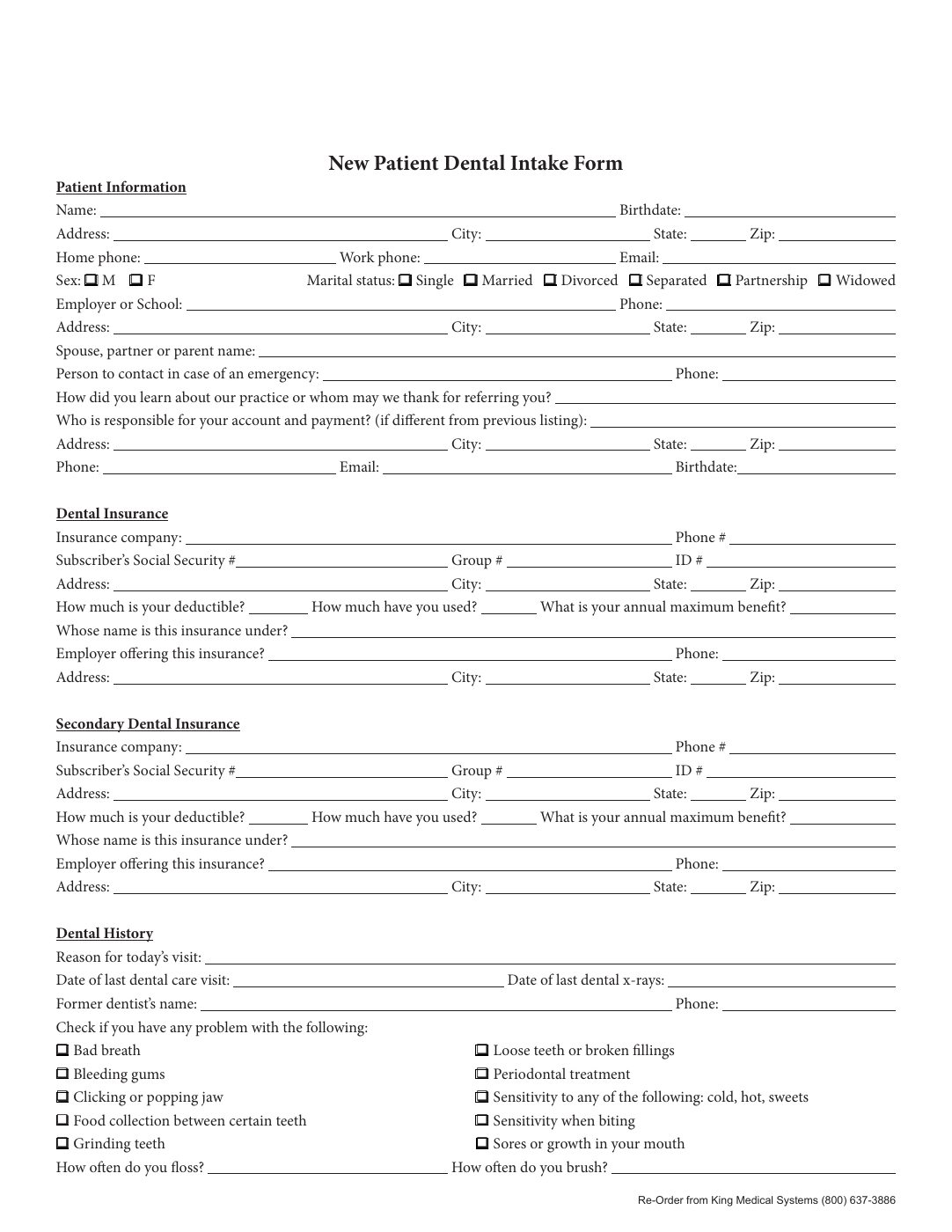
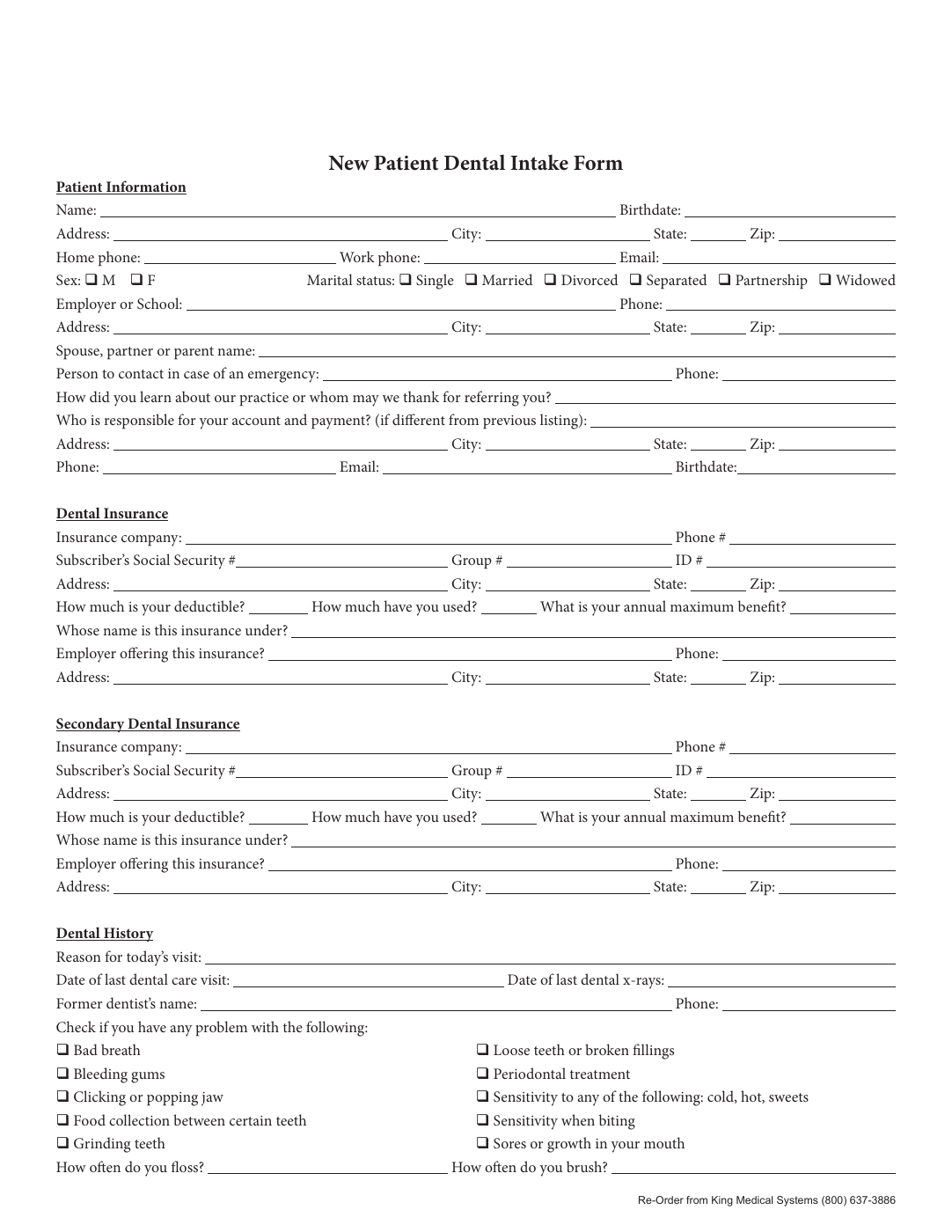
Some PDFs arrive with generic names from authoring software. Others are flat scans that have no names at all. Detection can also inherit rough labels from nearby text that are understandable on the page but too ambiguous for automation. None of that is unusual.
What matters is not where the weak name came from. What matters is whether the template gets corrected before anyone tries to map or reuse it.
Good names are specific, reusable, and obvious to another operator
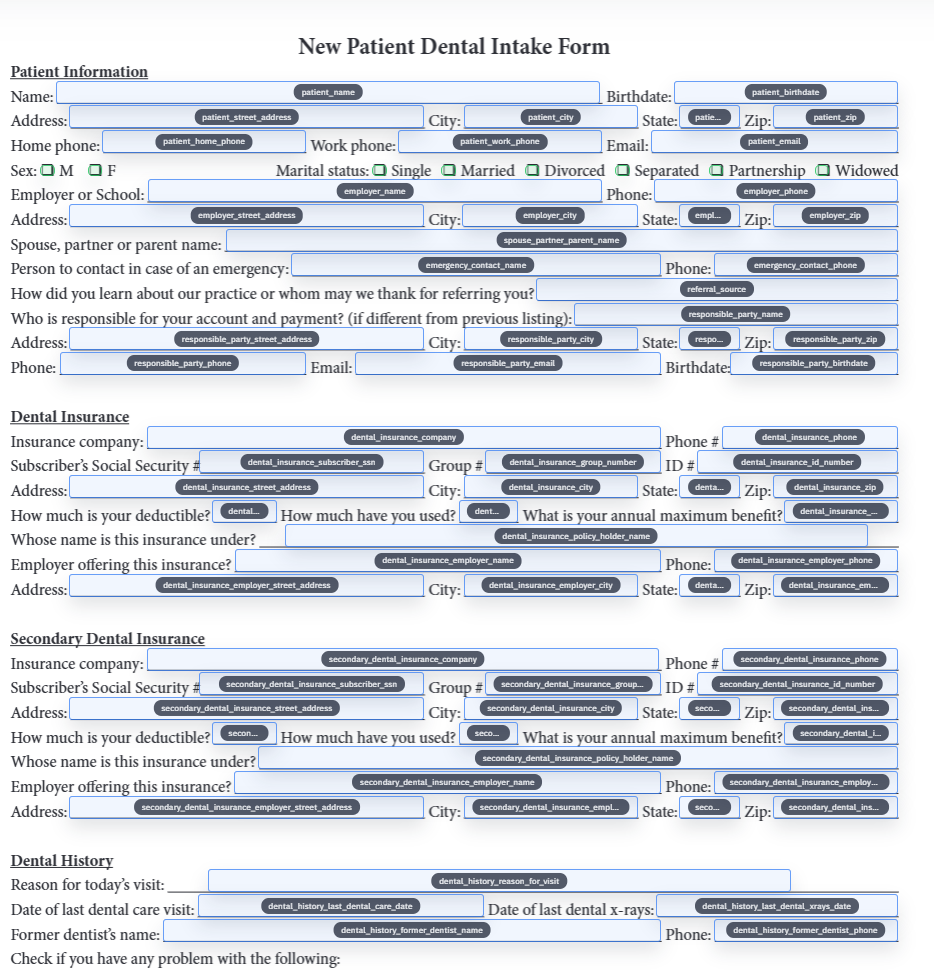
A strong field name does not need to be clever. It needs to say what the value represents and how it differs from similar values nearby. Dates should be distinguishable from one another. Checkbox groups should make their grouping explicit. Repeated personal or policy data should be named consistently across pages.
The best test is simple: could another operator map this field correctly without asking the original template author what it meant. If the answer is no, the name still needs work.
- Prefer names that describe the business meaning of the field, not its visual position.
- Keep related fields visibly related through consistent prefixes or grouping language.
- Do not leave repeated fields with page-local shortcuts that only make sense in one viewing session.
Do the naming cleanup before mapping and before long-term reuse
Rename is most useful before mapping because it reduces semantic noise at exactly the point where the template is learning how to speak to your data source. It is also most useful before widespread reuse, because once a weak name is embedded in team habits, it becomes harder to fix without confusion.
That is why the rename step pays for itself quickly. It makes the mapping cleaner now and the maintenance conversation easier later.
The first validation pass will tell you whether the names are good enough
You can usually spot a naming problem the moment a real record is filled into the template. Values end up in the wrong place, grouped selections behave strangely, or the operator cannot explain why one field mapped where it did. Those are not purely mapping failures. They are often naming failures showing up downstream.
When that happens, the right response is not to memorize a workaround. It is to reopen the template, fix the names, and rerun the same test until the field model feels obvious.