
HR Onboarding Paperwork: Stop Retyping Employee Data Into PDFs
Onboarding packets look like a stack of different forms, but the workflow problem is usually the same on every page: the same employee facts are being copied into too many documents by hand.
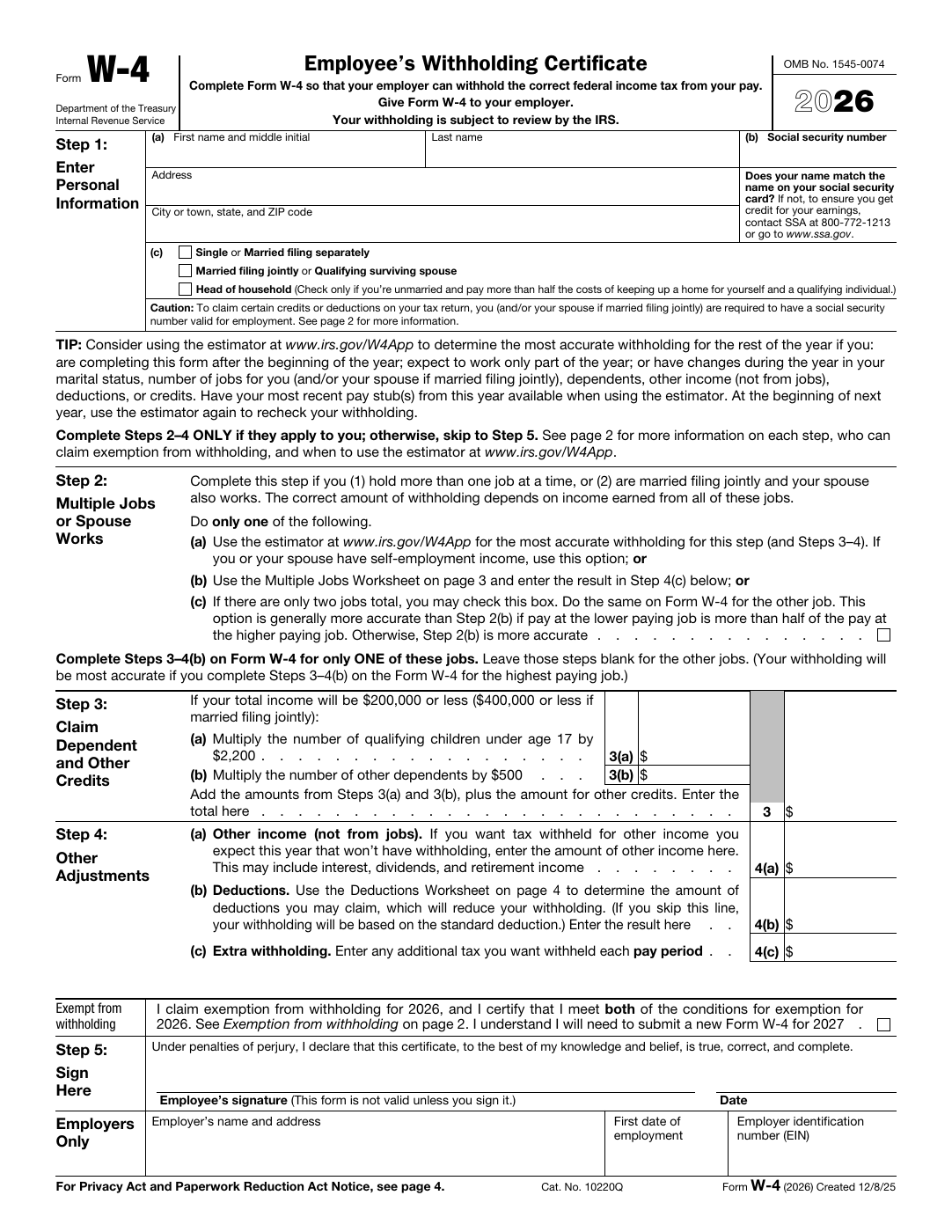
The paperwork burden comes from repetition, not variety alone
HR teams often describe onboarding as a pile of separate obligations: tax forms, benefits forms, acknowledgments, direct deposit information, emergency contacts, and internal policy documents. That is true on the surface, but the operational waste is created by something simpler. The same employee identity and contact data is being re-entered again and again.
Once you notice that pattern, the template strategy becomes obvious. Each form still needs its own reviewed layout, but the same employee record can drive the repeated fields across the packet.
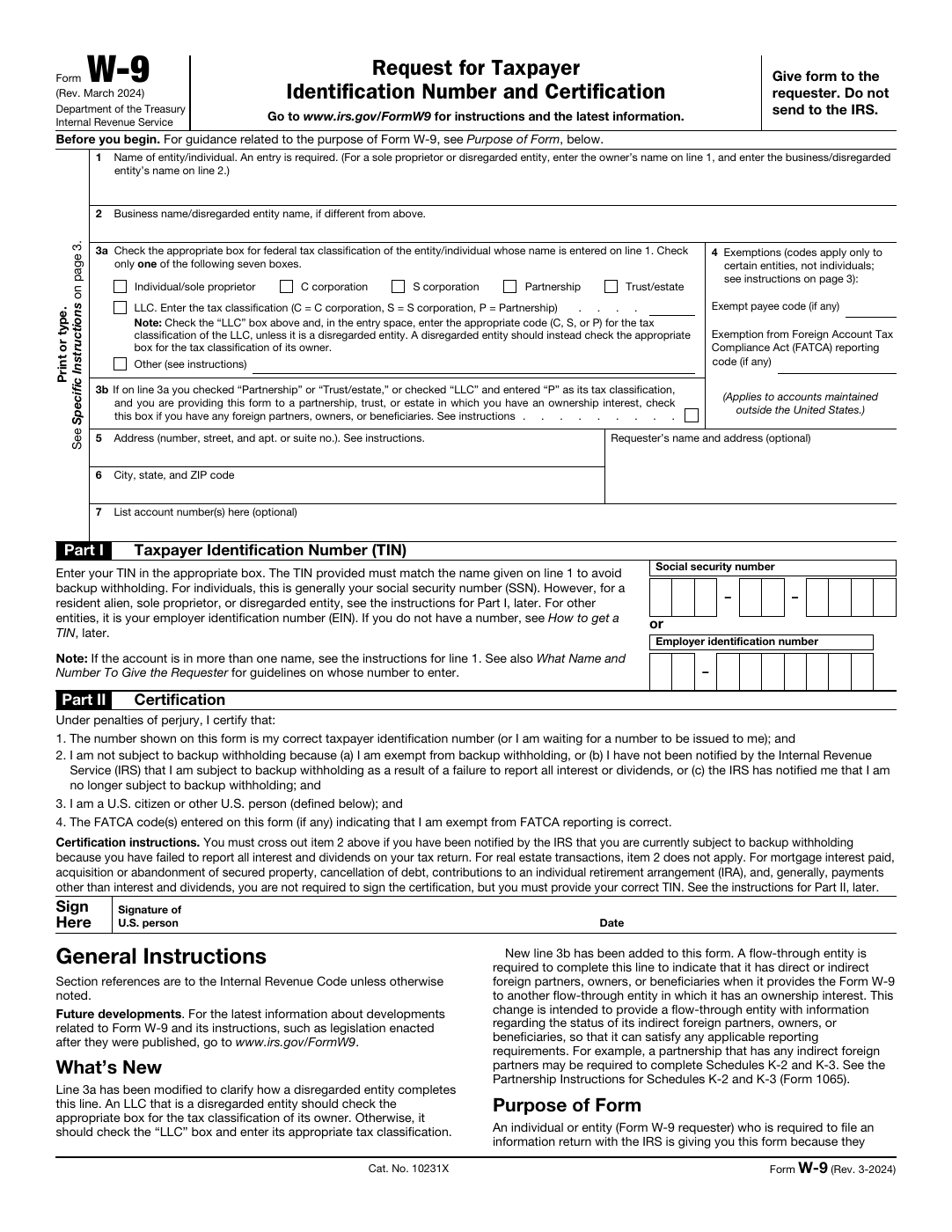
Treat the packet as a small library of templates
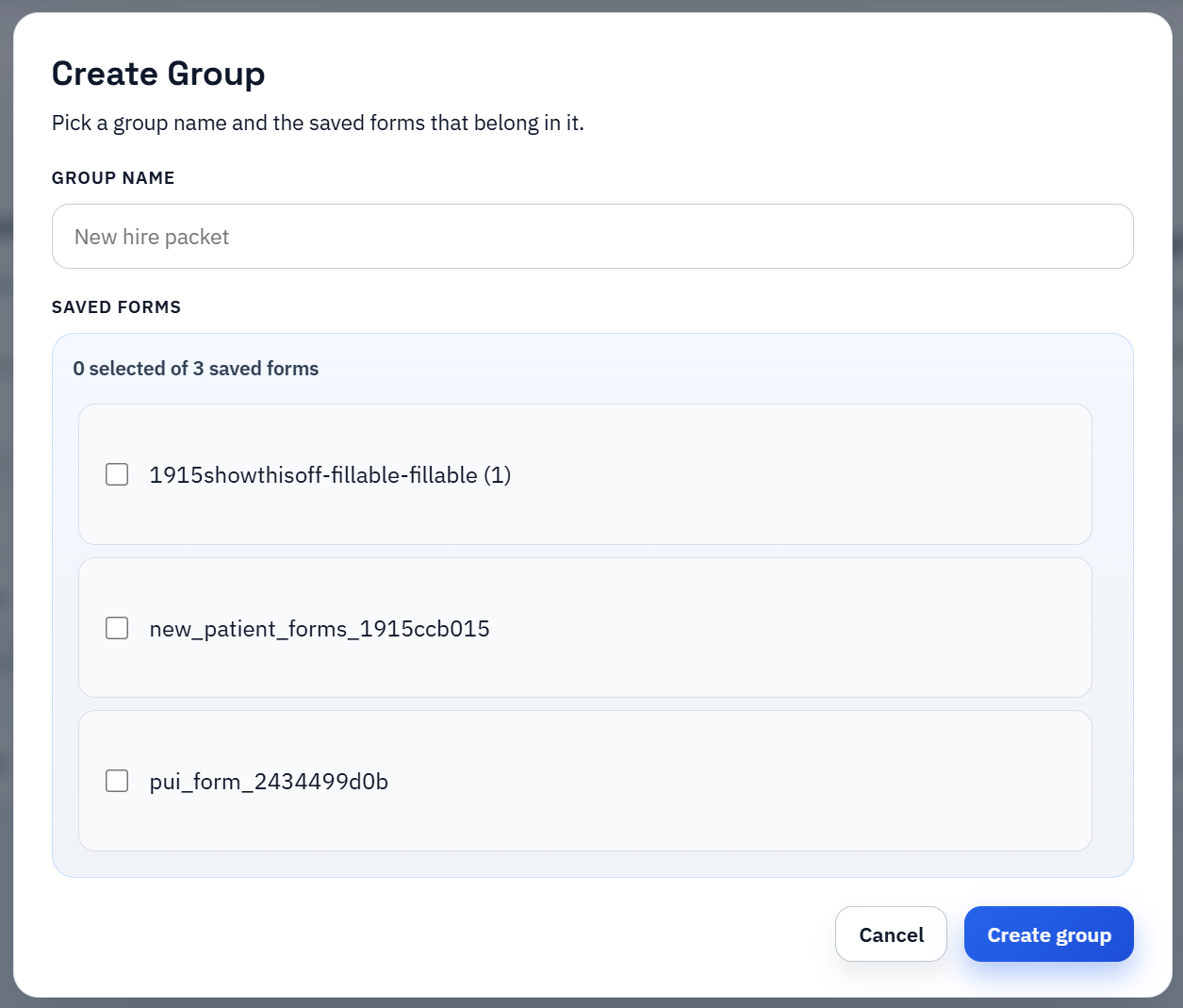
The mistake to avoid is handling onboarding as one giant PDF project. A safer and more maintainable approach is to build a reviewed template for each recurring form type, then organize them as a packet or group so the team can reopen the right document quickly.
That structure gives HR two advantages. It keeps document-specific cleanup local to each form, and it lets the same employee export drive all of them without forcing the team to start from scratch every hiring cycle.
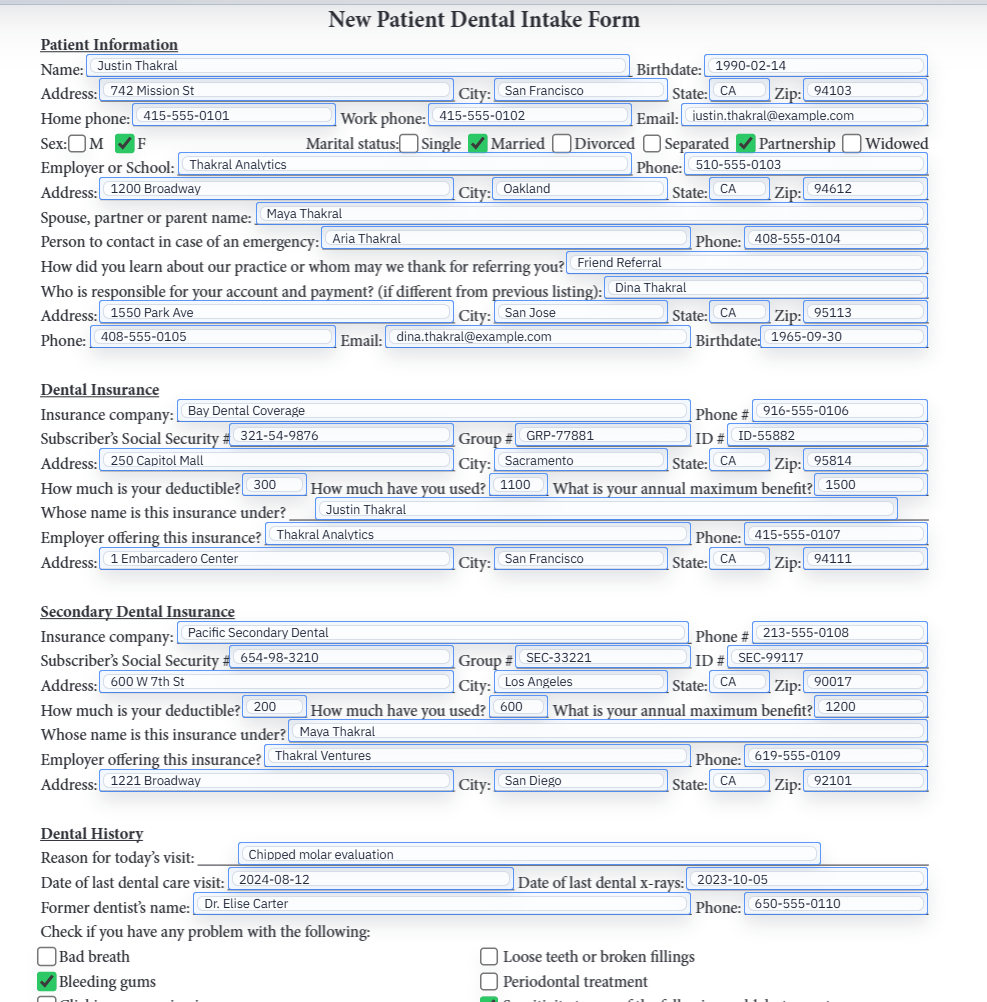
A dependable employee export matters more than clever PDF tricks
If the HRIS or onboarding spreadsheet is inconsistent, the packet will feel inconsistent too. Clean employee identifiers, stable naming conventions, predictable dates, and clear yes-no values make every later form easier to trust. The template layer should not be the first place your team discovers that the source data has no shared contract.
In practice, this means agreeing on one export shape early and resisting the urge to paper over every upstream inconsistency inside the PDF workflow.
Selection fields and acknowledgments deserve explicit QA
Onboarding forms are not only text boxes. Benefits selections, yes-no acknowledgments, policy opt-ins, and signature steps all carry more logic than plain personal details. Those are the places where the template review should slow down and verify behavior carefully.
Once those higher-risk fields are working, the rest of the packet tends to feel much less intimidating. The employee demographic fields are usually the easy part.
Roll out with one hiring cohort before you institutionalize it
The practical first test is one real employee or one small cohort, not a dramatic switch for the whole company. That is enough to validate the packet, the export, and the review checklist without creating a second process for the entire HR team if something needs adjustment.
The goal is not just speed. It is to create a predictable onboarding procedure that another HR generalist can run later without relying on tribal knowledge about where values belong.