
PDF Form Field Detection: How AI Finds Fields in Any PDF
Field detection feels magical when it works and frustrating when it misses. The useful way to think about it is simpler: the model is creating a draft of likely input regions so a human can review the document far faster than drawing every field by hand.

The model is trying to see a form the way a human sees one
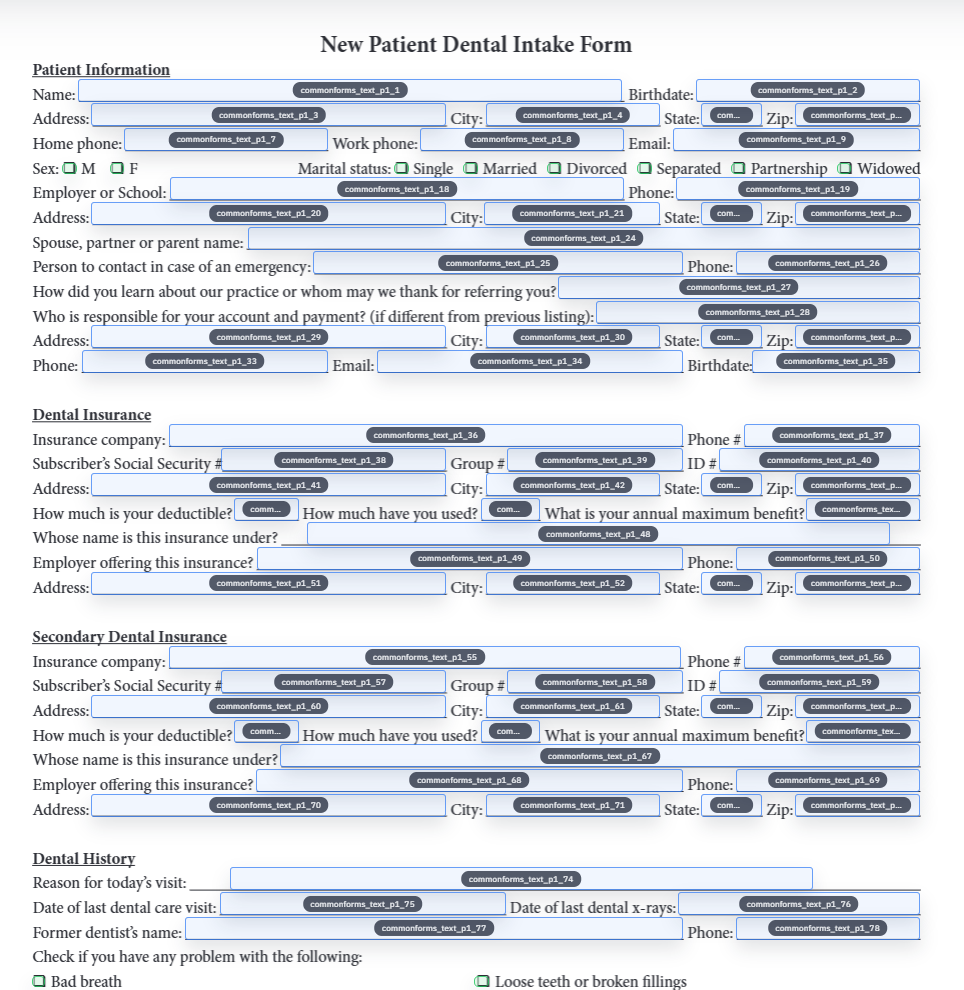
Flat PDFs are full of clues that are obvious to people and invisible to software unless the page is analyzed visually. A line under a label suggests text input. A small square beside a choice suggests a checkbox. A signature line at the bottom of a packet suggests a very different kind of field than a date box in the middle of a page.
Field detection exists to turn those visual cues into structured candidates. The output is not the finished document definition. It is a set of suggested fields with geometry and type information that an operator can accept, refine, or delete.
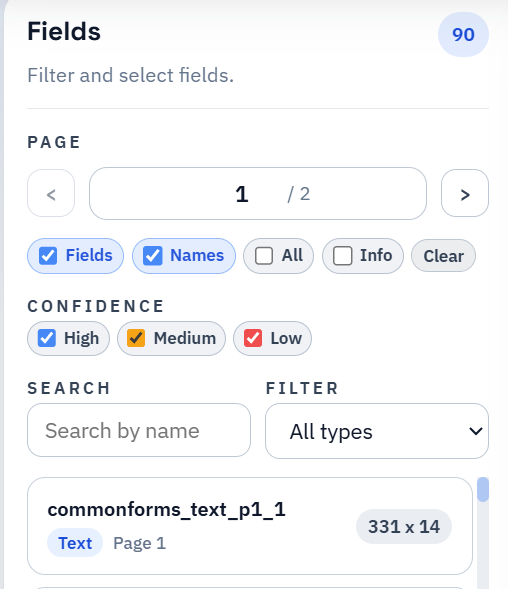
Confidence scores matter because review time is finite
Confidence is not a promise that a field is right. It is a prioritization signal. High-confidence detections are usually the easy wins. Medium-confidence detections are often right but deserve a quick visual pass. Low-confidence detections deserve the first real attention because that is where odd spacing, decorative boxes, or crowded checkbox groups tend to hide.
This is what makes confidence useful operationally. It tells the reviewer where to start so the cleanup pass stays narrow instead of turning into a slow reread of the entire document.


Some documents are naturally easier to detect than others
Clean native PDFs with obvious lines and consistent spacing are usually easier than noisy scans. Dense tables, skewed pages, decorative borders, and fields packed closely together all make the geometry problem harder. Already-fillable PDFs can still benefit from review too, especially when the embedded fields are incomplete or badly named.
That is why field detection should be judged by how much manual effort it removes, not by whether it achieved perfection. A detector that gets you close on a hard packet is still doing valuable work if it reduces the review to a focused cleanup pass.
A good detection review pass has a deliberate order
The cleanest review order is to fix the risky items first: low-confidence detections, repeated labels, suspicious checkbox groups, and fields that appear slightly offset. Only after those are addressed does it make sense to polish the rest of the page.
This keeps the effort proportional. Operators do not need to second-guess every obvious text line. They need to spend time where the model is most likely to be wrong and where a wrong answer will hurt later mapping or fill behavior.
- Start with uncertain detections before you spend time on cosmetic cleanup.
- Look for duplicates and near-duplicates across repeated page patterns.
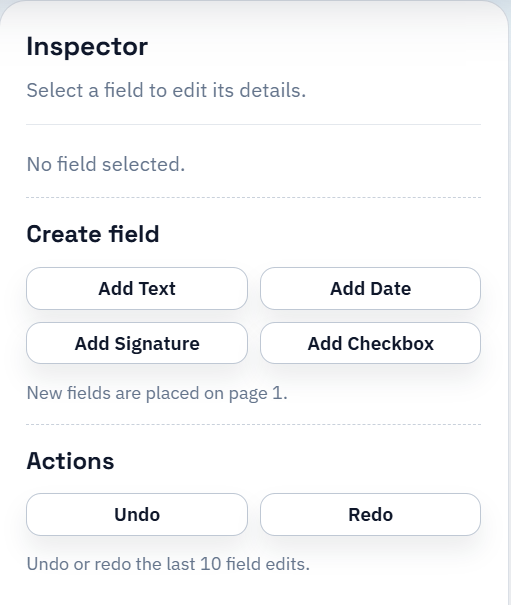
- Use manual add or delete actions when the document contains unusual structure that the first pass could not infer cleanly.
Detection is only the first useful draft of the template
The detector does not know your schema, your naming conventions, or your downstream workflow. It knows how to propose input regions. The rest of the value comes from what happens afterward: naming, mapping, QA, and saved reuse.
That is why strong field detection is important, but it is not the whole story. The best workflow is still the one that turns the reviewed draft into a stable reusable template instead of stopping at a visually impressive overlay.