Commercial workflow page

Collect PDF Answers by Link and Route the Record for Signature

Publish a hosted web form, collect respondent answers, materialize the filled PDF, and continue into an email-based signing ceremony when the template requires it.

Workflow examples for Fill Link + Signature

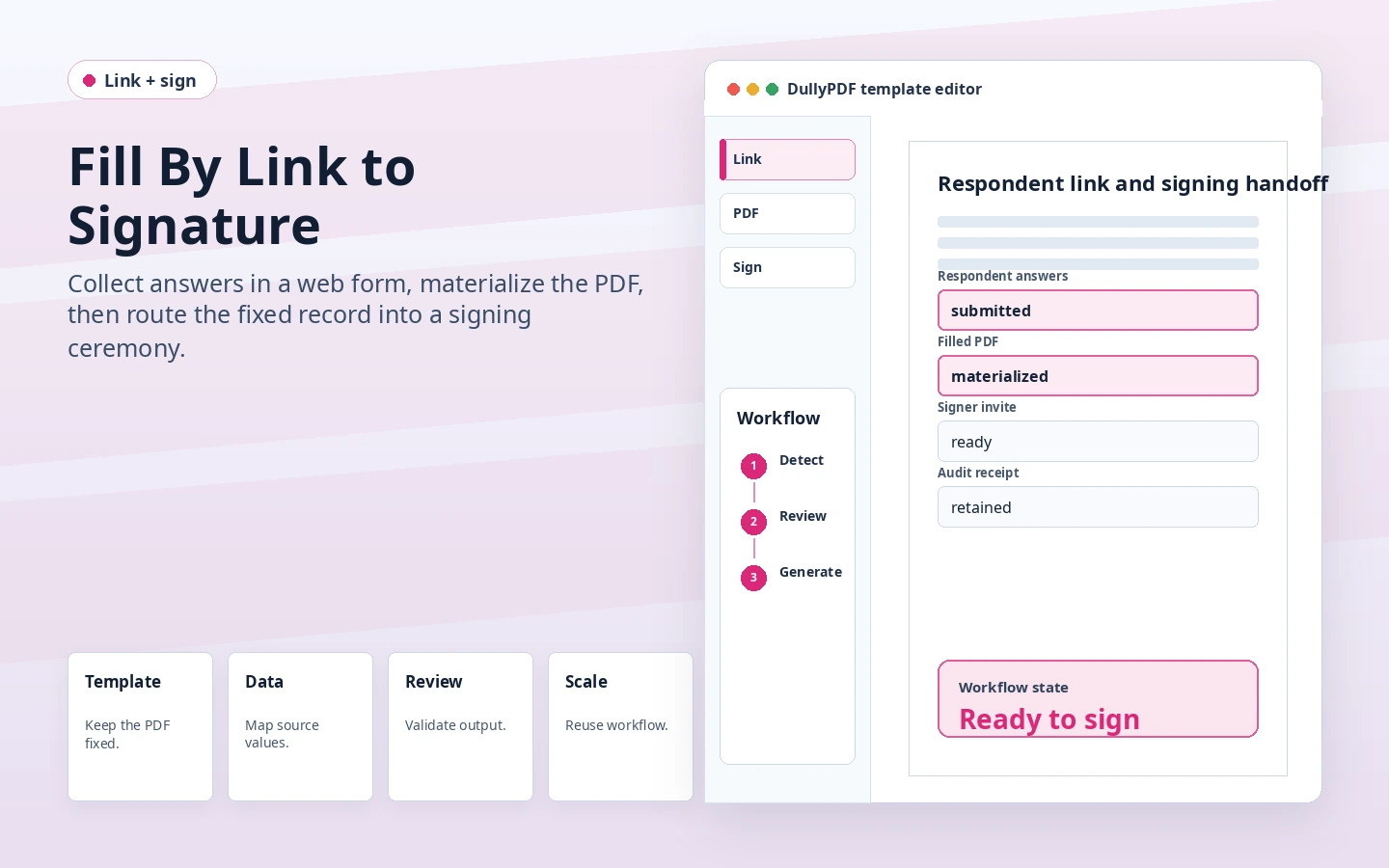
DullyPDF Fill By Link to signature preview showing respondent answers materialized into a PDF before signing.
The web form collects structured answers first so the final PDF can be materialized before signature.
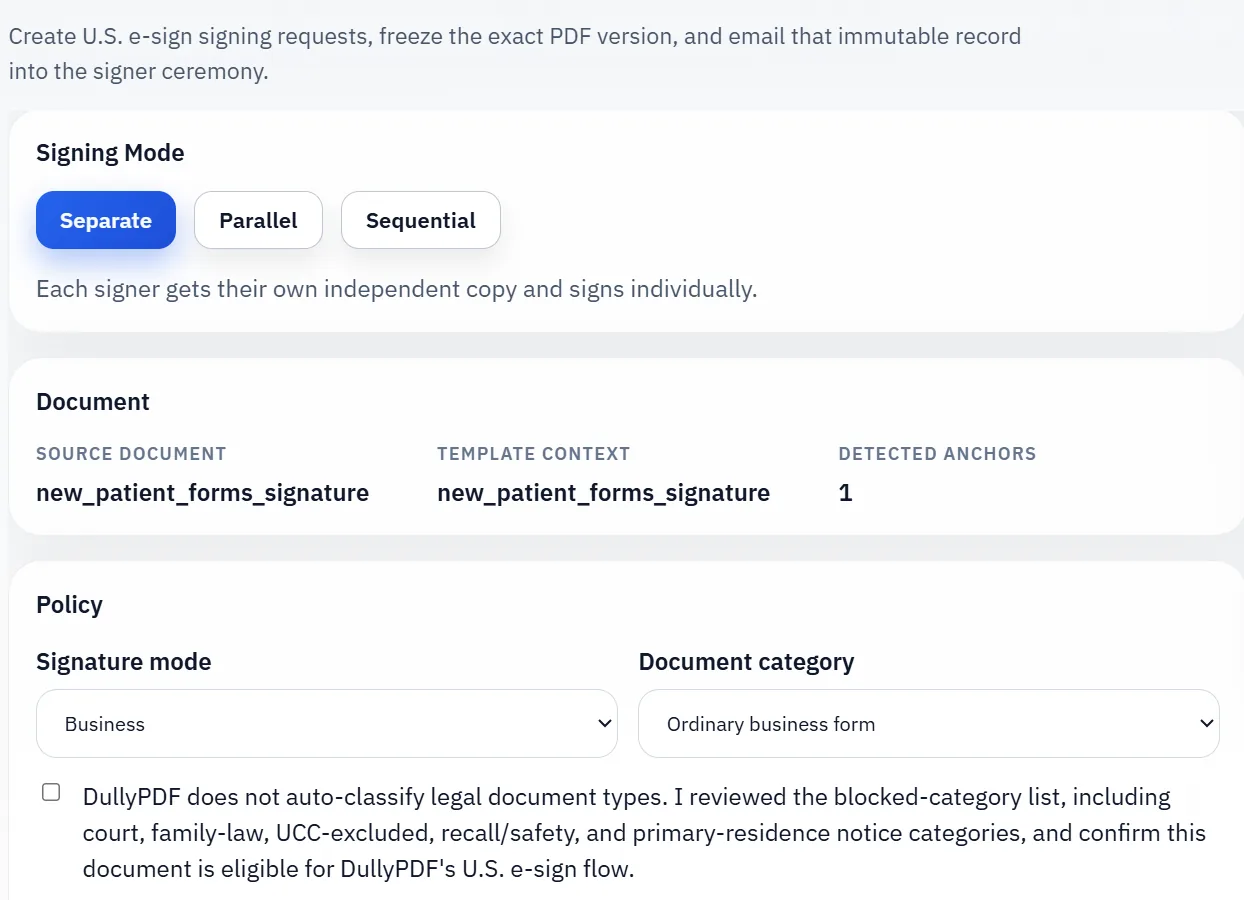
DullyPDF signing workflow after a filled PDF record is prepared.
Signature capture belongs in the signing ceremony after the filled record is fixed, not in a generic respondent question.

The link should collect data before signature starts

External respondents usually should not be asked to download a PDF, fill it in a random viewer, save it correctly, and then figure out how to sign it. A hosted web form is easier to complete and gives the owner structured answers to review.

When signature is required after submit, DullyPDF uses the respondent answers to materialize the filled PDF first. The signing request then operates on that fixed source record instead of on a still-changing web form.

Signer identity mapping is a prerequisite

A post-submit signature workflow needs a visible full-name question and a visible email question so the signing invite can go to the right person. DullyPDF treats those mapped signer questions as required while signing stays enabled.

This is intentionally stricter than a normal respondent form. A missing or invalid signer email should fail before a public submission creates an unusable signing request.

Signature fields are not ordinary respondent questions

A signature widget in the PDF should not turn into a generic web-form text box. Signature capture has its own ceremony, identity checks, review step, and retained evidence model.

That is why DullyPDF excludes PDF signature widgets from public Fill By Link questions and routes signature work through the signing workflow instead.

Use this for records that need a controlled handoff

This workflow fits ordinary business records such as consents, acknowledgments, approvals, service agreements, internal authorizations, and similar forms where data collection and signature are connected.

It is not a blanket legal answer for every document class or jurisdiction. Excluded or regulated document categories need separate policy review before being handled through a self-serve signing workflow.

Validate the fill link + signature workflow with one real record

A useful fill link + signature test starts with one document your team already recognizes, not a perfect demo PDF. Open the existing file, review detection, rename ambiguous fields, confirm checkbox and radio behavior, and save the template only after the field list matches the way the document is used in practice.

Then fill one representative record end to end. Include long names, blank optional values, dates, yes/no choices, and any calculated or scannable fields the page depends on. That single controlled run exposes most template issues before they become repeated output problems.

Choose data and output paths for fill link + signature

Search & Fill is the right first path when an operator should pick a record and inspect the result before export. It works with row data from CSV, XLSX, JSON, or stored respondent records. SQL and TXT files should be treated as schema-only mapping inputs; database-backed production workflows should query the database elsewhere and send JSON through API Fill.

Output mode matters too. Editable PDFs are useful when someone will continue working in live fields. Flat PDFs are safer when the completed record goes to customers, employees, agencies, signers, or archive systems because the visible values are baked into the page instead of depending on the recipient PDF viewer.

Production checklist for fill link + signature

The fill link + signature workflow is ready to reuse when a teammate can clear the document, rerun the same source record, and produce the same visible PDF without remembering hidden cleanup steps. If the result depends on one person knowing which field to fix manually, the template still needs review before it belongs in a repeat workflow.

  • The saved template uses stable field names and reviewed field types.
  • Source headers or API keys match the template schema without ambiguous duplicates.
  • Checkbox, radio, calculated, image, barcode, and signature fields have been tested if the workflow uses them.
  • At least one flat output and one editable output have been opened in the PDF viewers recipients are likely to use.

Why teams use Fill Link + Signature

  • Collect respondent data in a mobile-friendly hosted form instead of asking people to edit the PDF directly.
  • Map signer name and email questions before enabling post-submit signature requests.
  • Materialize the reviewed filled PDF before the signer ceremony continues.

Implementation signals for Fill Link + Signature

  • Template Fill By Link can enable `Require signature after submit` when signer identity questions are mapped.
  • The backend materializes the immutable filled PDF from the stored response before sending the signing invite.
  • Signature widgets stay out of the public respondent form because signature capture belongs to the signing ceremony.

Need deeper technical details about fill link + signature? Use the Rename + Mapping docs and Search & Fill docs to validate exact behavior.

Frequently asked questions about Fill Link + Signature

Can Fill By Link require a signature after submission?

Yes. A saved template link can require signature after submit when the signer full-name and email questions are mapped.

Does the respondent sign inside the public web form?

No. The public form collects answers first. Signature capture happens in the separate signing ceremony after the filled PDF is materialized.

Can group Fill By Link require signature after submit?

The post-submit signing handoff is a template-link workflow. Group links currently work from the merged PDF-derived field set.

Docs for Fill Link + Signature

Use these docs pages to verify the exact DullyPDF behavior behind fill link + signature before you ship it as a repeat workflow.

Related routes for Fill Link + Signature

These adjacent workflow pages cover nearby search intents teams compare while evaluating fill link + signature.