Commercial workflow page

Group API Fill — JSON to PDF Packet as a ZIP

Publish a group-scoped API endpoint that accepts one JSON record and returns a ZIP of per-template PDFs, so back-office systems can generate full packets without driving the editor.

Workflow examples for Group API ZIP Packet

DullyPDF workflow library preview representing the per-template structure that a group ZIP endpoint returns.
The group ZIP endpoint keeps each member template as its own PDF inside one response archive.
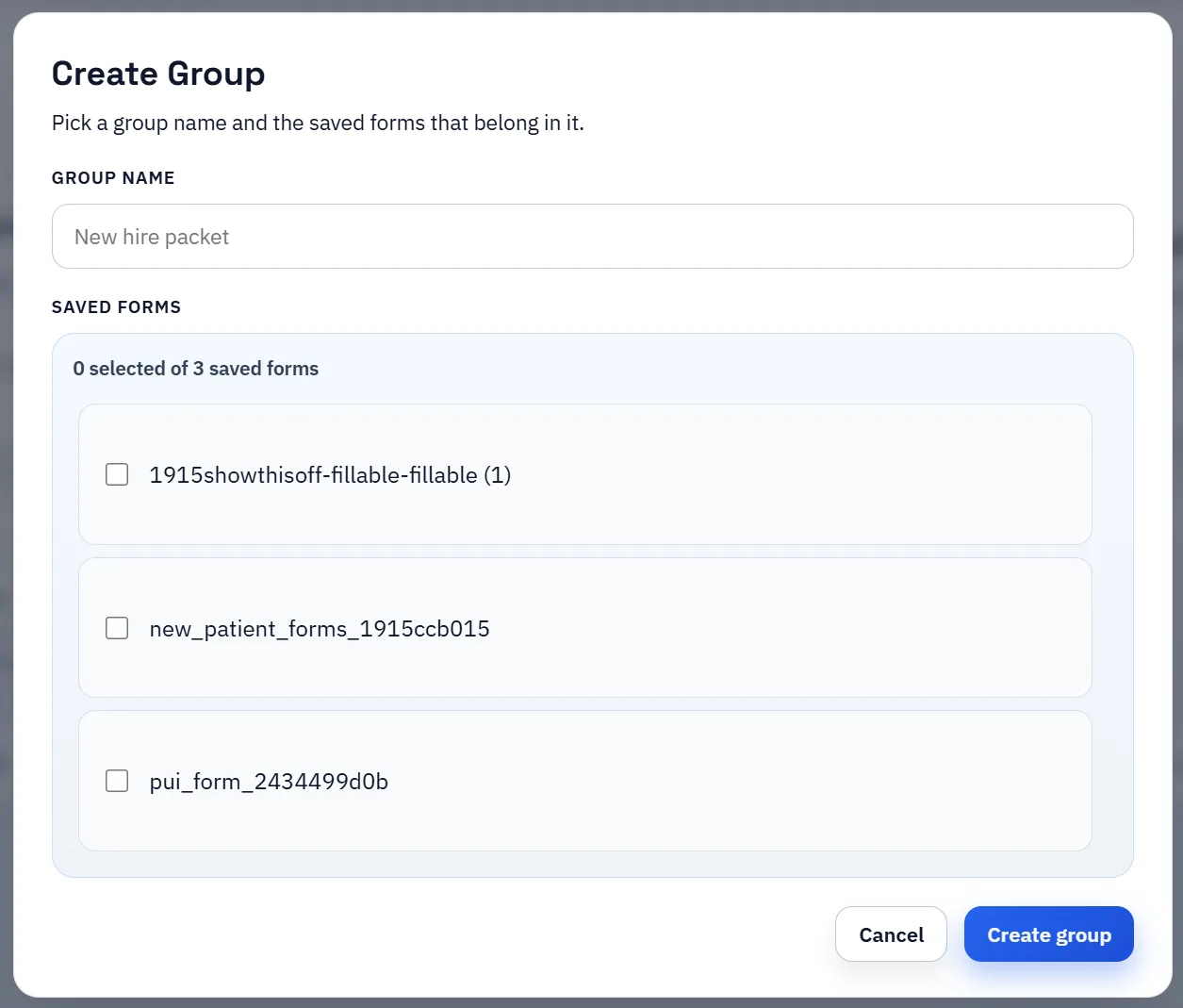
DullyPDF Create Group UI used to assemble saved templates into a reusable packet workflow.
The packet endpoint reflects the assembled group: one JSON record fills every member template into per-template PDFs.

Packets often need a programmatic path, not a browser path

Search & Fill and Fill By Link cover operator-driven and respondent-driven workflows. Both keep a human in the loop. That is the right shape for review-heavy workflows, but it is the wrong shape when a back-office system already has the record data and just needs the PDFs back.

Group API Fill is for that case. A group exposes a single endpoint that accepts a JSON record and returns the per-template PDFs as a ZIP. The caller does not have to load the editor, pick a row, or simulate a respondent.

What the endpoint actually does

The group endpoint takes one JSON object whose keys map to the merged group field schema. DullyPDF fills each member template from those values and packages the per-template PDFs into a ZIP. That keeps the caller integration simple: one request, one response, one archive.

Each template inside the group still keeps its own field model, mappings, and fill rules. That is the difference between a packet ZIP and a single merged PDF: the templates remain separate and reviewable, so replacement, retention, and downstream routing stay manageable.

Key management lives in the workspace header

Saved templates and open groups expose an API Fill manager directly in the workspace header. Operators can publish or revoke the endpoint, rotate the API key, review recent activity, and copy ready-to-paste cURL, Node.js, or Python examples.

That keeps the production endpoint tied to the same template review the editor already enforces. The published packet endpoint represents the state of the group at publish time, not an arbitrary draft.

When to use this vs. template-scoped API Fill or Fill By Link

Use template-scoped API Fill when one PDF is needed per request. Use Group API Fill when the same record should produce a packet of related PDFs in one call. Use Fill By Link when the data source is a human respondent, not a back-office system.

The three workflows share the same template foundation. The difference is who provides the record data and what shape the response should take.

Validate the group api zip packet workflow with one real record

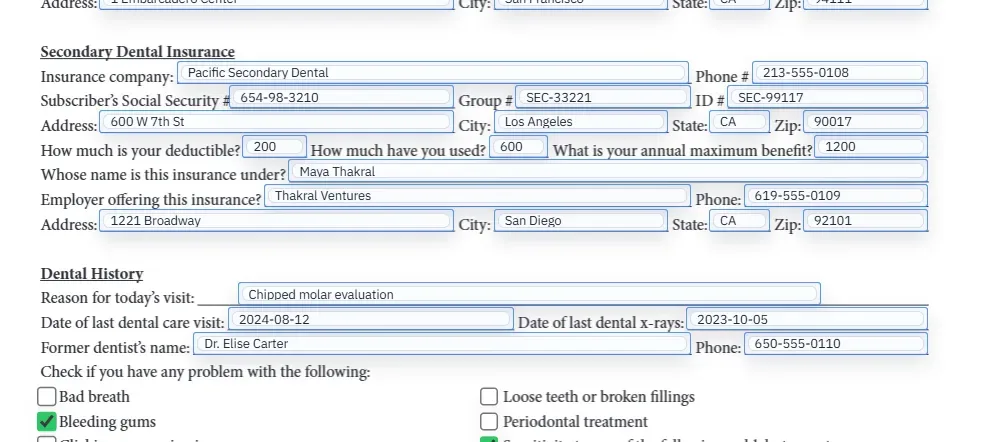
A useful group api zip packet test starts with one document your team already recognizes, not a perfect demo PDF. Open the existing file, review detection, rename ambiguous fields, confirm checkbox and radio behavior, and save the template only after the field list matches the way the document is used in practice.

Then fill one representative record end to end. Include long names, blank optional values, dates, yes/no choices, and any calculated or scannable fields the page depends on. That single controlled run exposes most template issues before they become repeated output problems.

Choose data and output paths for group api zip packet

Search & Fill is the right first path when an operator should pick a record and inspect the result before export. It works with row data from CSV, XLSX, JSON, or stored respondent records. SQL and TXT files should be treated as schema-only mapping inputs; database-backed production workflows should query the database elsewhere and send JSON through API Fill.

Output mode matters too. Editable PDFs are useful when someone will continue working in live fields. Flat PDFs are safer when the completed record goes to customers, employees, agencies, signers, or archive systems because the visible values are baked into the page instead of depending on the recipient PDF viewer.

Production checklist for group api zip packet

The group api zip packet workflow is ready to reuse when a teammate can clear the document, rerun the same source record, and produce the same visible PDF without remembering hidden cleanup steps. If the result depends on one person knowing which field to fix manually, the template still needs review before it belongs in a repeat workflow.

  • The saved template uses stable field names and reviewed field types.
  • Source headers or API keys match the template schema without ambiguous duplicates.
  • Checkbox, radio, calculated, image, barcode, and signature fields have been tested if the workflow uses them.
  • At least one flat output and one editable output have been opened in the PDF viewers recipients are likely to use.

Why teams use Group API ZIP Packet

  • Generate a full packet of per-template PDFs from one JSON record posted to a group endpoint.
  • Skip browser-side work for systems that already have the record data ready.
  • Rotate keys, audit recent activity, and copy server-side examples from the workspace header.

Implementation signals for Group API ZIP Packet

  • Open groups can publish a JSON-to-ZIP API Fill endpoint scoped to the group.
  • The endpoint accepts one JSON record and returns a ZIP of per-template PDFs for the group.
  • API Fill manager exposes key rotation, recent activity, and server-side example snippets without leaving the editor.

Need deeper technical details about group api zip packet? Use the Rename + Mapping docs and Search & Fill docs to validate exact behavior.

Frequently asked questions about Group API ZIP Packet

Can DullyPDF return a ZIP of PDFs from one API call?

Yes. Group API Fill accepts one JSON record and returns a ZIP of the per-template PDFs in the group.

Do I need to open the editor to call the endpoint?

No. Once published, the endpoint can be called directly from a back-office system without opening the workspace.

Can I rotate the API key without recreating the endpoint?

Yes. The API Fill manager exposes key rotation, revoke, and recent activity in the workspace header.

Does Group API Fill include signing?

No. Signing is a separate workflow that operates on a frozen filled PDF; the group endpoint returns the filled PDFs themselves.

Docs for Group API ZIP Packet

Use these docs pages to verify the exact DullyPDF behavior behind group api zip packet before you ship it as a repeat workflow.

Related routes for Group API ZIP Packet

These adjacent workflow pages cover nearby search intents teams compare while evaluating group api zip packet.