
DullyPDF vs Adobe Acrobat for PDF Form Automation
These tools overlap just enough to get compared, but they are optimized for different jobs. Acrobat is broad PDF software. DullyPDF is narrower and more opinionated about one repeat workflow: turning existing PDFs into reusable, data-aware templates.

The cleanest comparison starts with the job, not the brand
Acrobat is built to do many document tasks reasonably well: editing, annotation, conversion, signing, and general PDF administration. DullyPDF is not trying to win that whole category. It is trying to make one workflow much faster: detect fields on existing PDFs, clean the field layer, map it to data, and reuse the saved template later.
That distinction matters because the wrong comparison question leads to the wrong decision. If you need a general-purpose PDF desktop tool, Acrobat still makes sense. If you are tired of repeatedly preparing the same forms for structured-data fill, the narrower workflow is often what you actually need.
DullyPDF feels different at the moment a flat PDF has to become reusable
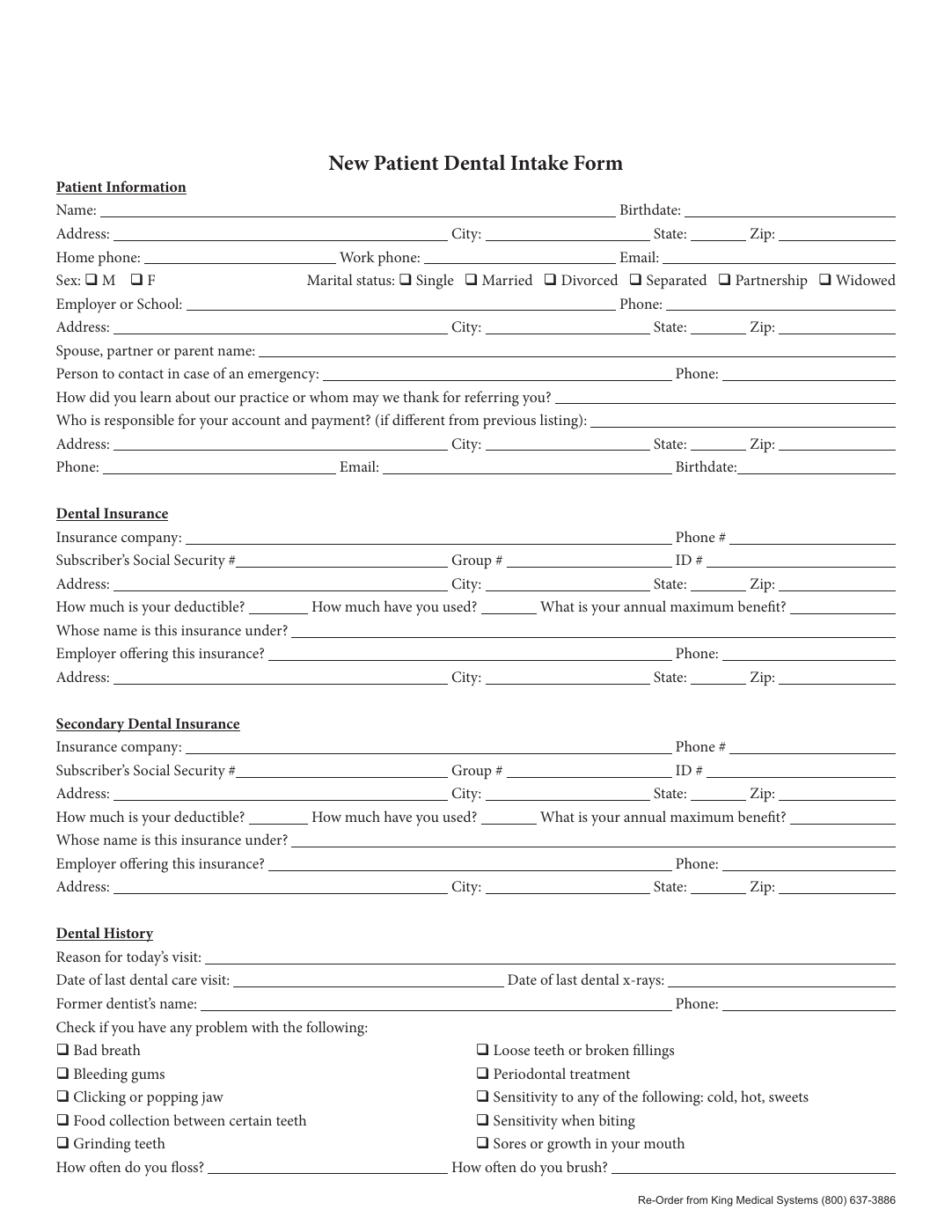
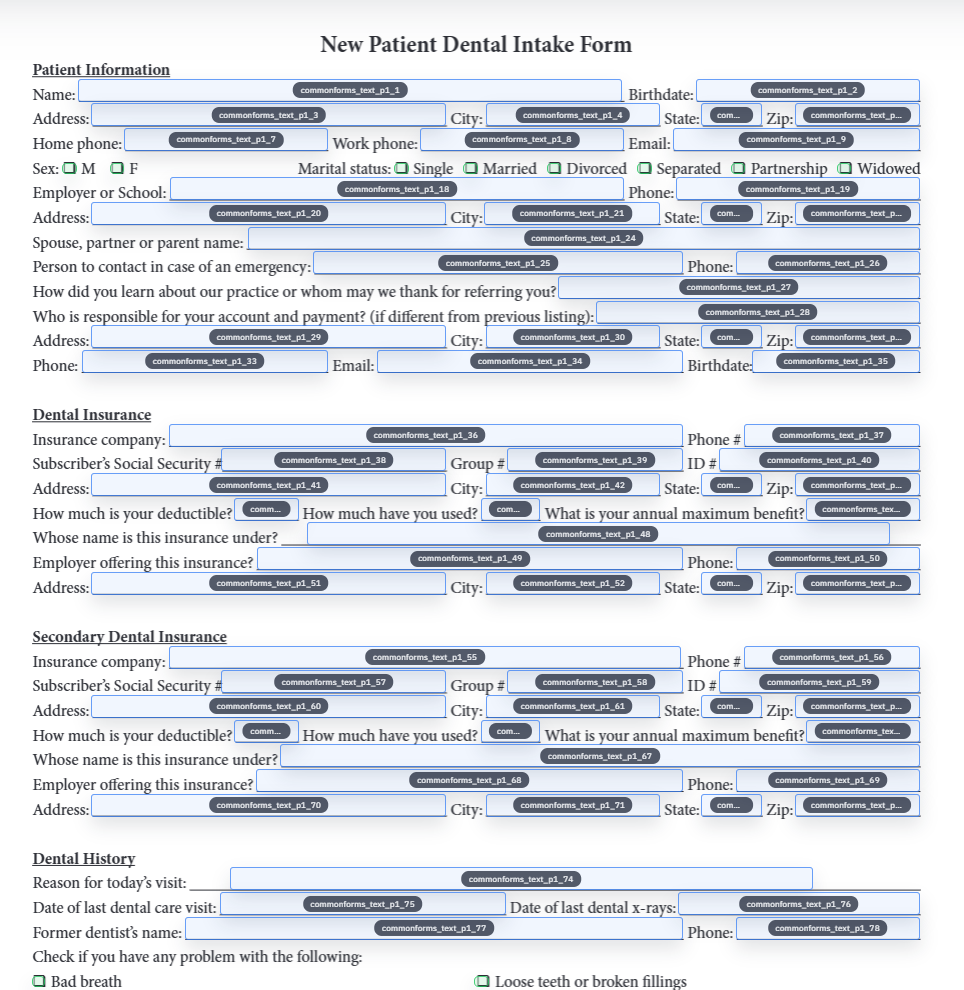
The comparison becomes concrete when the source document has no usable field layer. That is the point where manual field placement turns into real labor. DullyPDF tries to compress that labor into detection plus review, which changes the starting posture from build every field yourself to review a candidate draft.
The benefit compounds when the document is not a one-off. A saved template preserves that setup work so the second and third runs start from a stable baseline instead of another manual preparation pass.
Acrobat still wins when the work is broad, ad hoc, or document-editor-centric
If the team needs a broad PDF workstation for annotation, ad hoc corrections, document conversion, or miscellaneous one-off tasks, Acrobat remains the more complete fit. That is not a weakness in DullyPDF. It is a design choice. Narrow workflow tools should not pretend to be universal.
This matters because some comparisons become unfair only after the problem has already been defined incorrectly. DullyPDF is strongest when repeat structured-data fill is the pain point. Outside that lane, Acrobat is broader.
The stronger DullyPDF case is repeat fill from structured data
The deeper difference is not only how fields are created. It is what happens next. DullyPDF is built around naming, mapping, row-driven fill, reusable saved templates, respondent collection, and later API or signature handoff. That is a different operating model than preparing one PDF for occasional manual editing.
Teams that repeatedly fill the same document type usually feel this difference quickly because their main cost is not the one-time setup alone. It is the repeated reuse of that setup under real business volume.
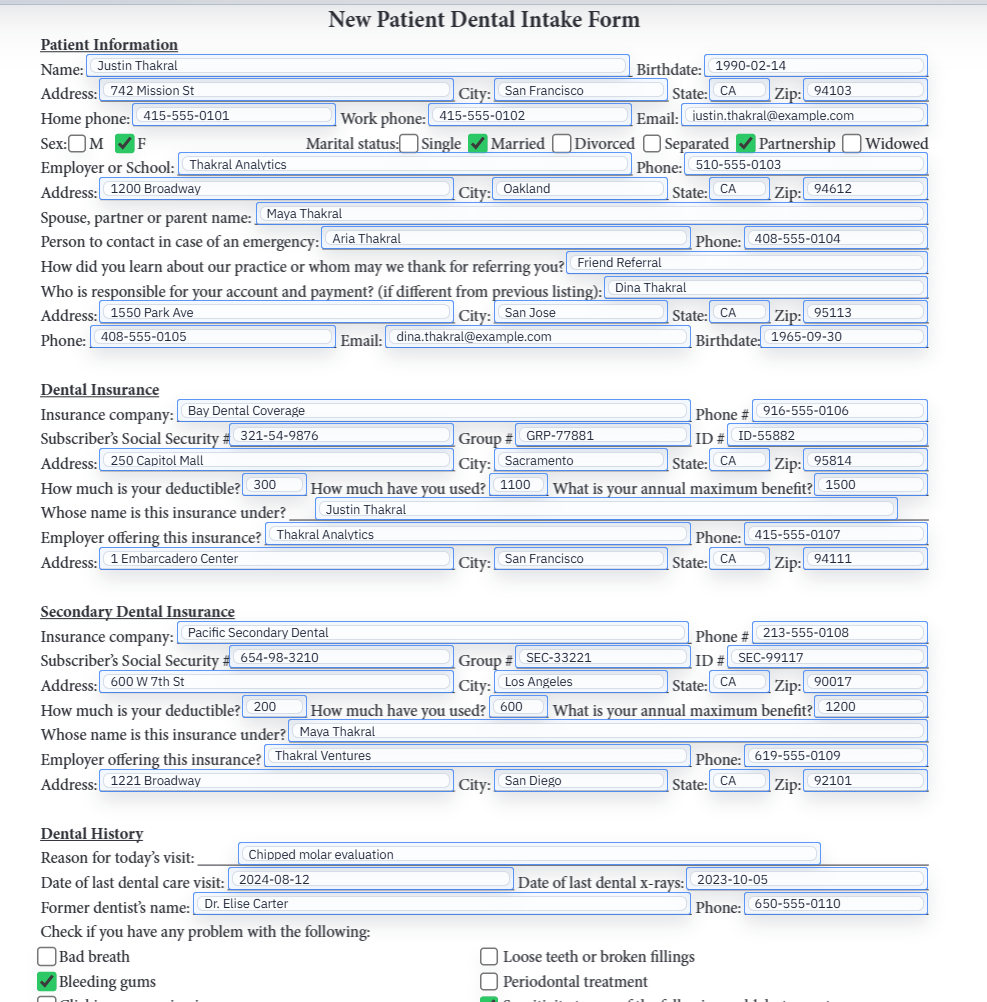
The best evaluation path is one painful recurring document
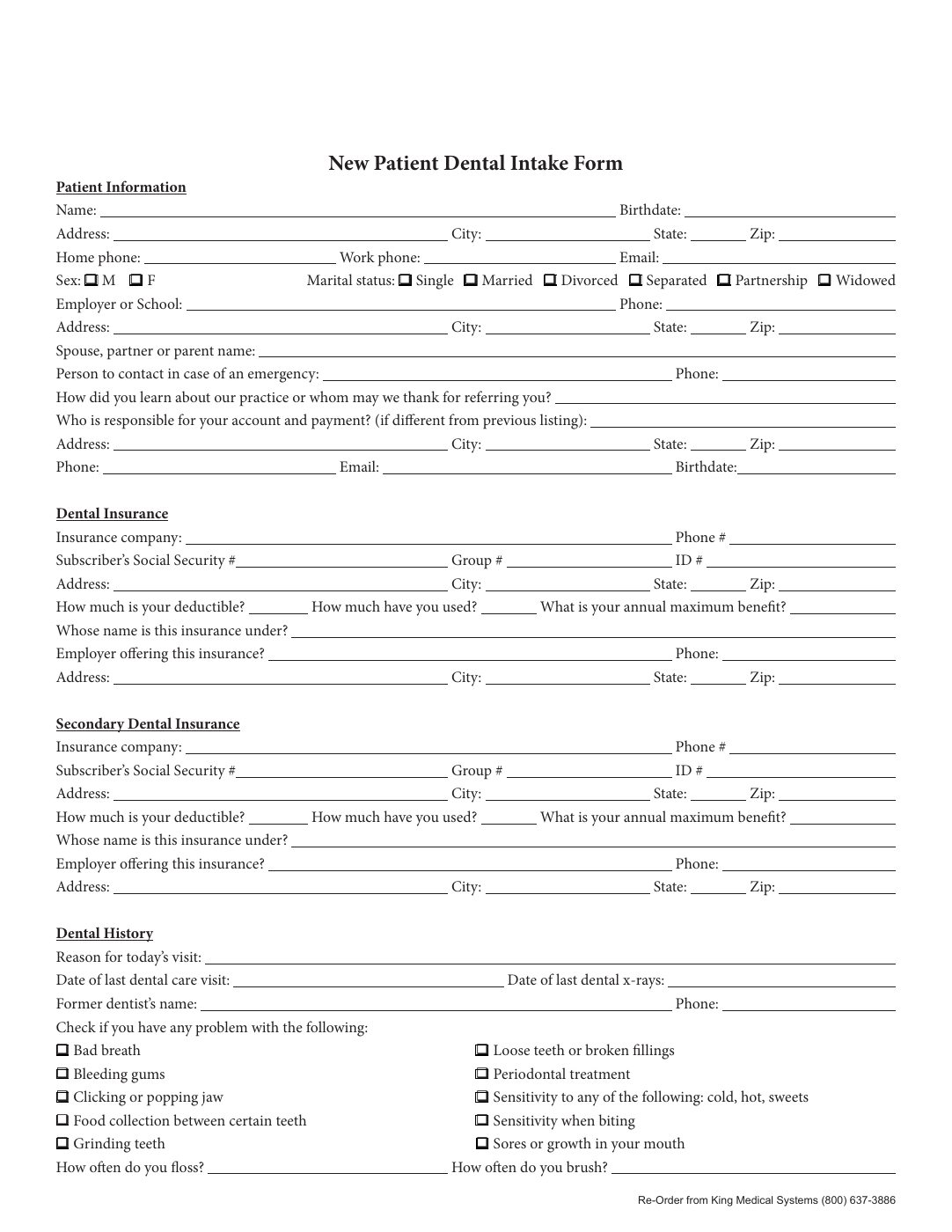
A fair trial does not require migrating every PDF process at once. Pick the recurring document that causes the most rekeying pain, rebuild it as a DullyPDF template, and validate one realistic record. That gives the team a grounded way to compare repeat-fill workflow quality without turning the evaluation into a platform rewrite.
If that one workflow feels meaningfully better, then the decision becomes clearer. If not, the team still learned something without risking its whole document stack.