DullyPDF vs JotForm for PDF Data Collection
JotForm and DullyPDF can both sit somewhere near form workflows, but they start from different assumptions. JotForm assumes you want to build the intake form itself. DullyPDF assumes the PDF already exists and you need a dependable way to collect data around it or feed data into it later.

The comparison is really form-builder versus template-mapper
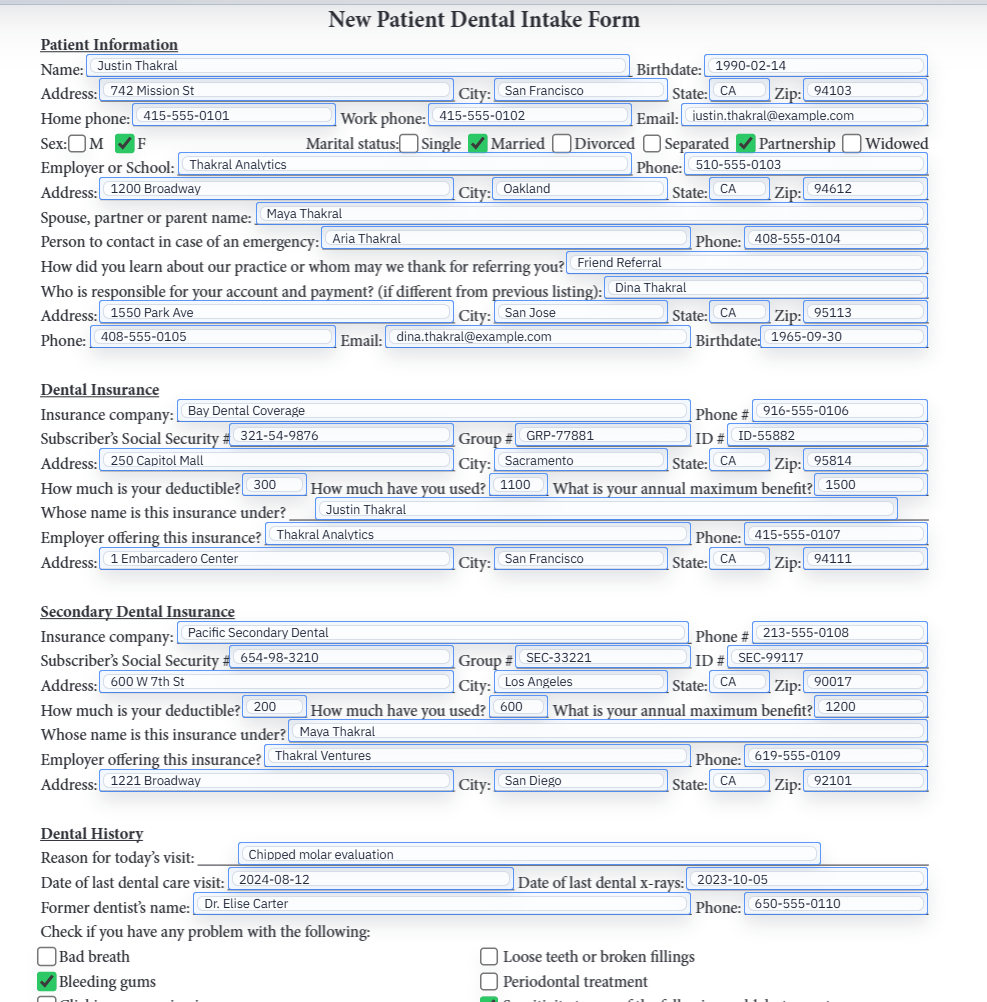
JotForm is fundamentally a form-builder workflow. You create a web form, publish it, collect submissions, and manage the response process from there. DullyPDF starts one step later. It assumes the document already exists as a PDF and the real challenge is making that fixed layout reusable.
That is why the tools can sound similar while solving very different problems. One is about authoring the intake surface. The other is about operationalizing an existing document standard.
Existing PDFs change the whole decision
In insurance, healthcare, government, legal, and many internal business workflows, the PDF is not optional. The organization already has to produce or archive that exact layout. In those cases, a form builder does not replace the PDF workflow. It only adds another layer in front of it.
DullyPDF is designed for that reality. The fixed document stays central, and the collection flow or data-source flow is arranged around the saved template rather than replacing it.
Fill By Link is the clearest place where the overlap shows up
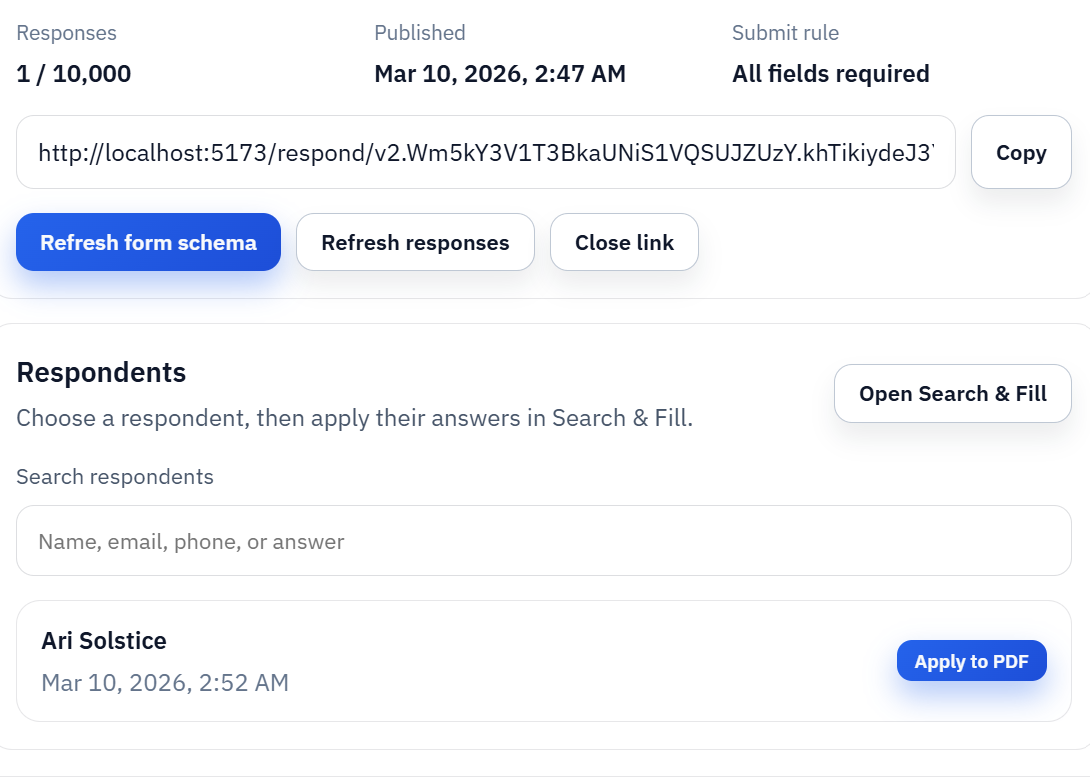
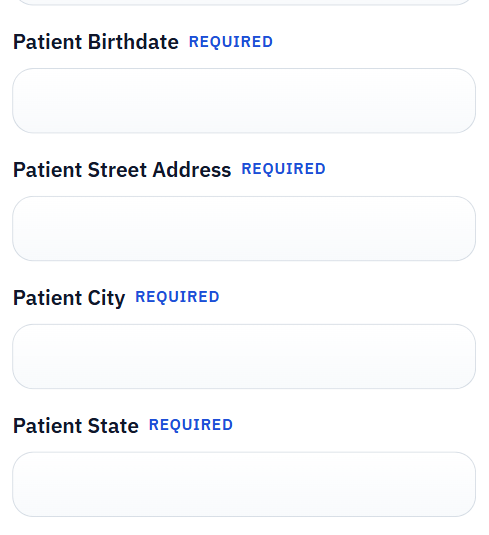
If you only look at the public response screen, it is easy to think the products are competing head-on. DullyPDF Fill By Link does use a web form to collect answers. The difference is what happens after submission. The response is stored as structured data tied to a saved PDF template so the owner can later generate the exact document that the workflow still requires.
That makes Fill By Link less of a general form-builder replacement and more of a document-centered intake layer. The web form exists to support the PDF workflow, not to become the whole system.
Data handling and operating model are part of the product choice
The right tool is not only about interface preference. It is also about where the data lives during the workflow, whether the PDF remains canonical, and whether a human needs to validate the final document before it exists. Those questions push some teams toward a form-builder and others toward a template-mapper.
For organizations that already live inside fixed PDF requirements, the document-centered model usually feels more natural because it avoids inventing a second source of truth for the final output.
Some teams will still use both tools for different jobs
This does not need to be an all-or-nothing argument. A team can absolutely use a general web-form tool for greenfield intake experiences and use DullyPDF where fixed document standards still govern the workflow. The important thing is being honest about which job each tool is serving.
That honesty usually makes the buying decision easier. If the PDF itself is non-negotiable, choose the workflow built around the PDF. If the main need is a new public-facing form system, start with the form-builder.