
Insurance PDF Automation: ACORD and Certificate Workflows
Insurance teams rarely have just one PDF problem. They usually have a library problem: certificates, supplements, renewal documents, and servicing forms that all share data but not layout.
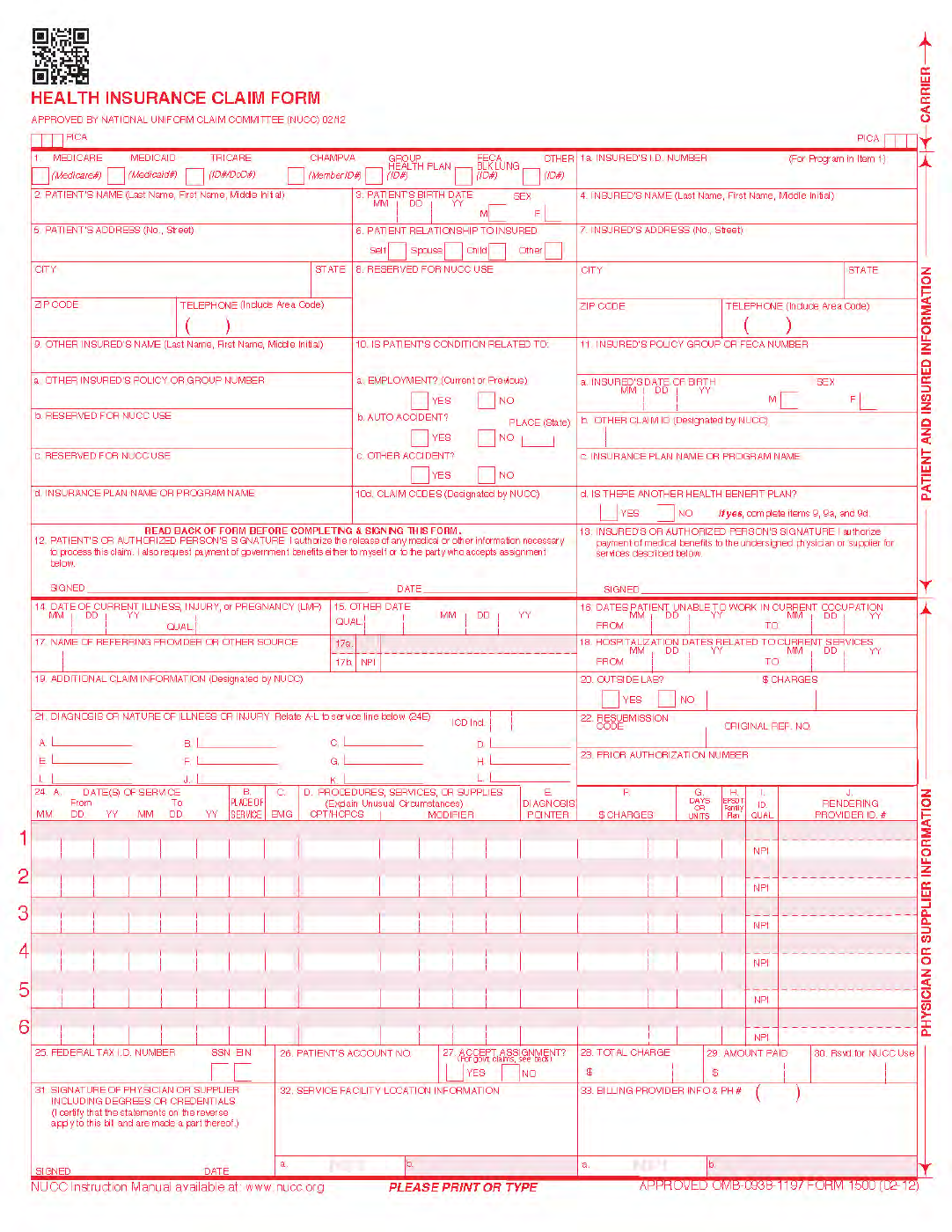
Insurance automation is usually a template-library problem
A single ACORD form is easy to explain in a blog post. Real insurance operations are broader. Teams end up handling certificates, carrier-specific supplements, claims paperwork, renewal forms, and internal servicing documents that all want the same data expressed through different layouts.
That is why insurance PDF automation works better when it is designed as a library of reviewed templates. Each document still needs its own field cleanup, but the operating model can stay the same: identify the recurring layout, map it to the right export, validate a few live records, and keep the saved template under version control.
Roll out the library in phases instead of chasing every form at once
The teams that get traction first tend to start with whichever form creates the most repetitive rekeying and the highest service pressure. Often that is a certificate workflow, but not always. The point is to create one template that proves the model inside the actual insurance operation before you widen the scope.
Once that template works, the second and third forms become easier because the team now has a shared review order and clearer expectations about schema naming, checkbox handling, and output QA.
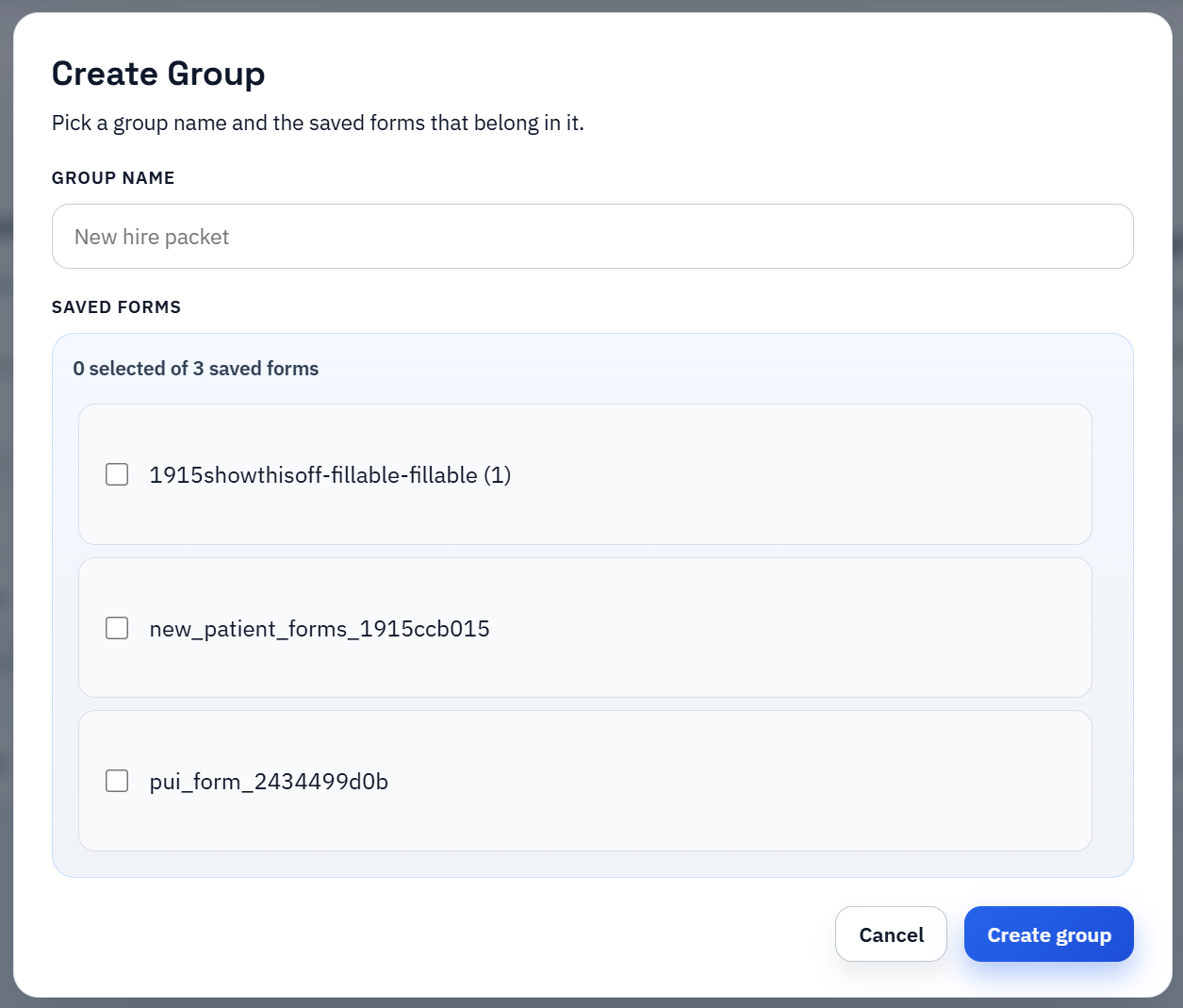
Map once, but verify the data contract repeatedly
The phrase map once is true only if the upstream exports stay disciplined. Producer names, insured details, dates, policy numbers, and coverage limits need predictable source columns. When the export drifts, the template has to absorb that drift, which makes later maintenance much harder than it needs to be.
A better mental model is map once per stable schema. If the export contract changes, reopen the template, fix the map intentionally, and run another live validation pass instead of pretending the old setup is still safe.
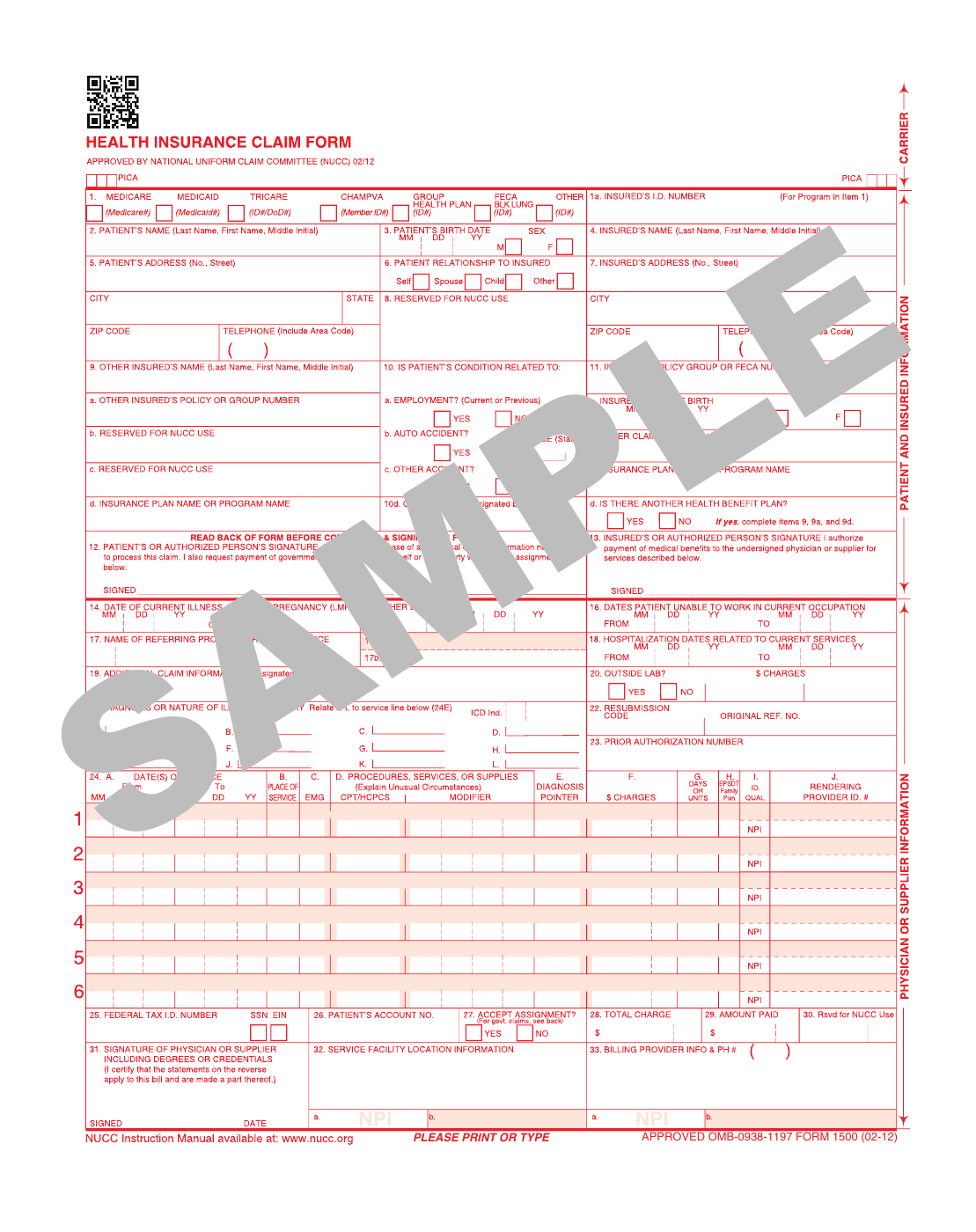
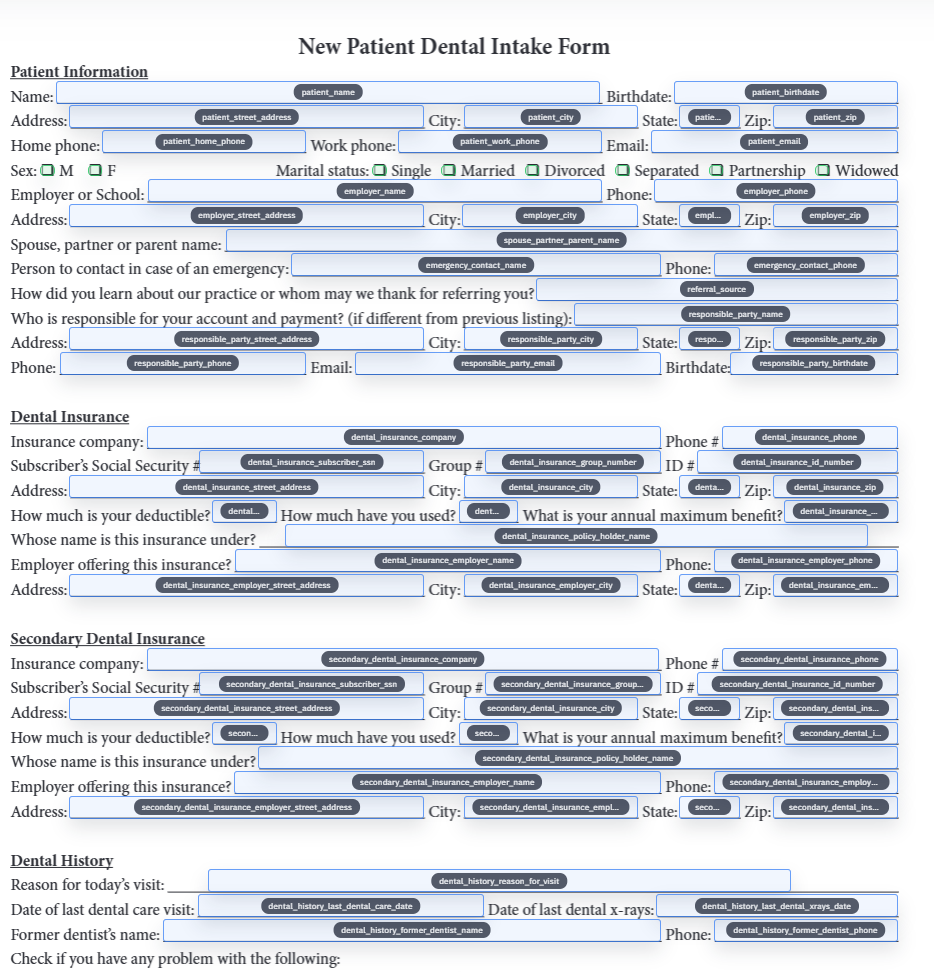
Template QA is really service control
Insurance teams do not review templates for academic reasons. They do it because the wrong holder name, the wrong dates, or the wrong policy reference creates real downstream work. The template review is part of the service workflow, not an isolated technical exercise.
That is why short repeatable checks beat heroic manual review. If the library gives staff a dependable first draft, they can spend their attention on the fields that actually matter rather than on retyping the entire form from scratch.
Use the ACORD page for certificate depth and this page for the wider insurance picture
This article is intentionally broader than the single-certificate guide. If your immediate problem is one ACORD certificate, the ACORD-focused article is the cleaner next read. If the real issue is how to organize a wider insurance document library, stay here and think in terms of rollout sequence, shared schema discipline, and template ownership.
That distinction keeps the strategy honest. One template can remove real pain quickly, but insurance automation only becomes durable when the rest of the document family is given the same structured treatment over time.