Commercial workflow page

Flat vs Editable PDFs When Calculated Fields Matter

Choose editable PDFs for Adobe-first live field work and flat PDFs for final calculated records that must look the same across viewers.

Workflow examples for Flat vs Editable Calculated PDF

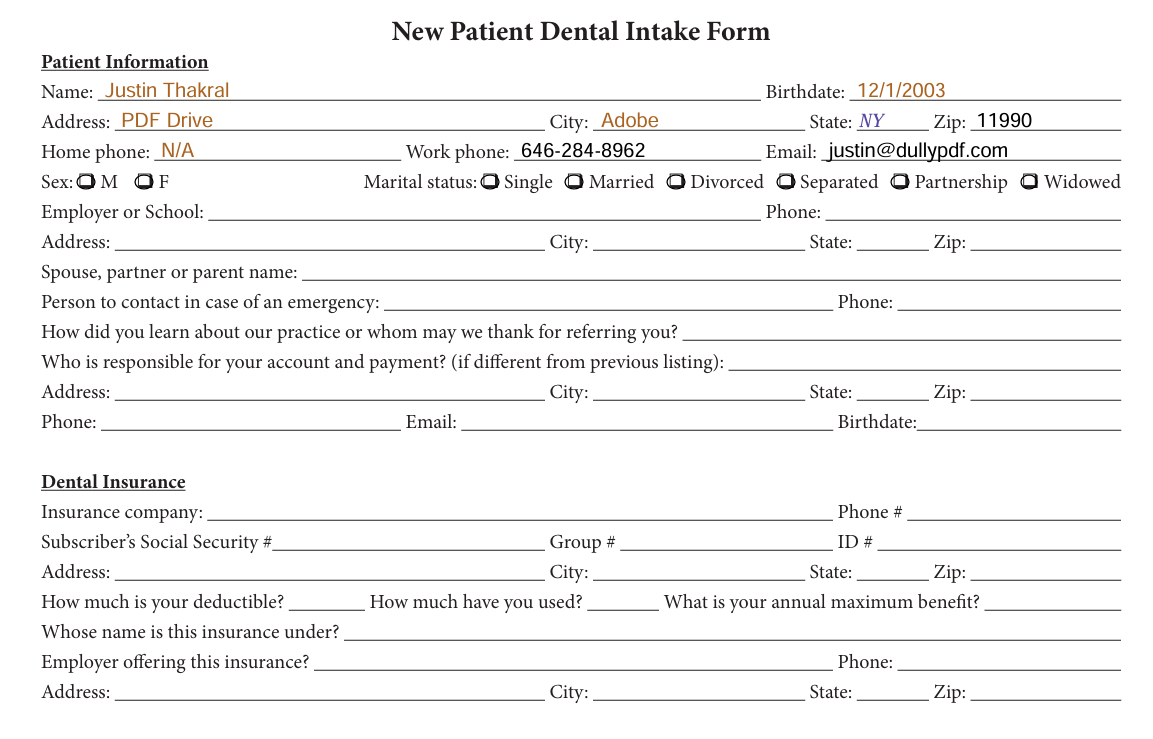
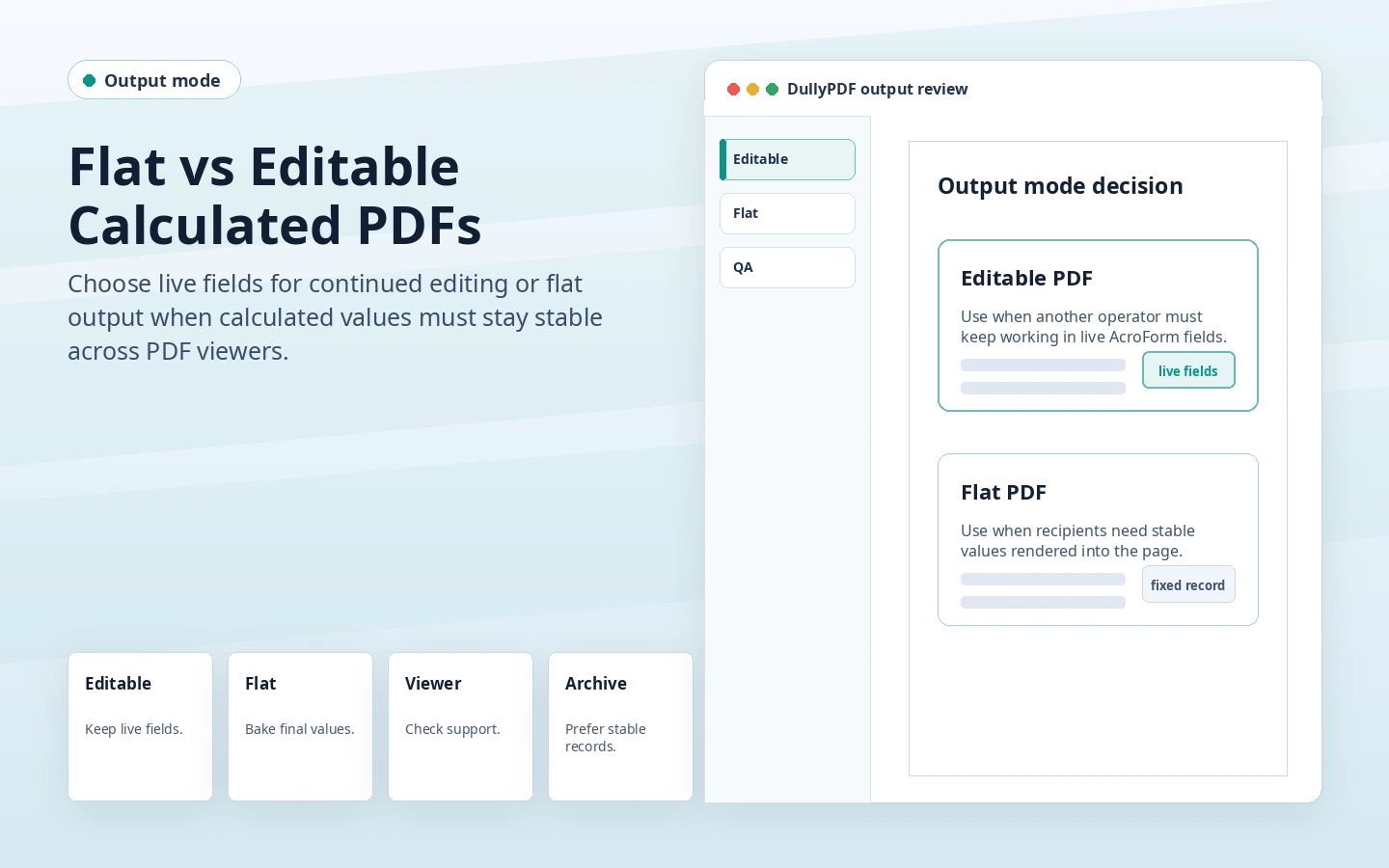
DullyPDF flat versus editable calculated PDF preview comparing live fields with stable rendered values.
Editable output is useful when another person must keep working inside live fields, especially in Adobe Acrobat or Reader.
Flat PDF output with final values baked into the page content.
Flat output is the safer final-record mode when calculated values should look the same across viewers.

Editable calculated PDFs are for continued field work

Editable PDFs are useful when the next user needs to keep changing source values inside the PDF. In that workflow, Adobe Acrobat or Reader is the practical live-recalculation target because browser and mobile PDF viewers vary in form JavaScript support.

DullyPDF can write current values and generated Acrobat-compatible actions into editable exports. That helps the file open with the expected calculated value while still supporting live editing in compatible viewers.

Flat calculated PDFs are for final records

A flat PDF is usually the right choice once the document is ready to send, store, sign, or archive. The computed value is part of the page content, not a live widget waiting for a viewer to rerun a script.

That is the safer path for customers, respondents, signers, and external recipients who may open the PDF in a browser, mobile preview, or email client.

A simple decision rule

If the recipient needs to keep editing fields, use editable output and tell them to use a compatible PDF viewer. If the recipient needs the completed result, use flat output. The fact that a template contains calculations does not automatically mean the final PDF should remain editable.

This is also why DullyPDF Fill By Link and signing workflows lean toward flat copies for external records. The goal is a stable completed document, not a live form that behaves differently across viewers.

Validate the flat vs editable calculated pdf workflow with one real record

A useful flat vs editable calculated pdf test starts with one document your team already recognizes, not a perfect demo PDF. Open the existing file, review detection, rename ambiguous fields, confirm checkbox and radio behavior, and save the template only after the field list matches the way the document is used in practice.

Then fill one representative record end to end. Include long names, blank optional values, dates, yes/no choices, and any calculated or scannable fields the page depends on. That single controlled run exposes most template issues before they become repeated output problems.

Choose data and output paths for flat vs editable calculated pdf

Search & Fill is the right first path when an operator should pick a record and inspect the result before export. It works with row data from CSV, XLSX, JSON, or stored respondent records. SQL and TXT files should be treated as schema-only mapping inputs; database-backed production workflows should query the database elsewhere and send JSON through API Fill.

Output mode matters too. Editable PDFs are useful when someone will continue working in live fields. Flat PDFs are safer when the completed record goes to customers, employees, agencies, signers, or archive systems because the visible values are baked into the page instead of depending on the recipient PDF viewer.

Production checklist for flat vs editable calculated pdf

The flat vs editable calculated pdf workflow is ready to reuse when a teammate can clear the document, rerun the same source record, and produce the same visible PDF without remembering hidden cleanup steps. If the result depends on one person knowing which field to fix manually, the template still needs review before it belongs in a repeat workflow.

  • The saved template uses stable field names and reviewed field types.
  • Source headers or API keys match the template schema without ambiguous duplicates.
  • Checkbox, radio, calculated, image, barcode, and signature fields have been tested if the workflow uses them.
  • At least one flat output and one editable output have been opened in the PDF viewers recipients are likely to use.

Why teams use Flat vs Editable Calculated PDF

  • Use editable output when someone must keep filling live fields in a compatible viewer.
  • Use flat output when the calculated PDF is a final record, receipt, signed source, or external copy.
  • Avoid confusing viewer issues by choosing output mode based on the next workflow step.

Implementation signals for Flat vs Editable Calculated PDF

  • DullyPDF precomputes calculated values before both editable and flat downloads.
  • Editable exports can include generated Acrobat calculation actions for Adobe compatibility.
  • Flat exports remove live widget dependency by drawing final values into page content.

Need deeper technical details about flat vs editable calculated pdf? Use the Rename + Mapping docs and Search & Fill docs to validate exact behavior.

Frequently asked questions about Flat vs Editable Calculated PDF

Do flat PDFs keep calculated values?

Yes. DullyPDF computes the values before export and draws them into the page content for flat PDFs.

Do editable PDFs recalculate live everywhere?

No. Live recalculation is primarily Adobe-first. Browser and mobile viewers may only preserve the precomputed value.

Which output should I send to customers?

Usually flat PDF, unless the customer must continue editing live fields in a compatible viewer.

Docs for Flat vs Editable Calculated PDF

Use these docs pages to verify the exact DullyPDF behavior behind flat vs editable calculated pdf before you ship it as a repeat workflow.

Related routes for Flat vs Editable Calculated PDF

These adjacent workflow pages cover nearby search intents teams compare while evaluating flat vs editable calculated pdf.