India workflow page

Fill Indian PDF Forms From CSV Exports

Fill Indian operations PDFs from CSV exports produced by ERPs, CRMs, branch systems, admission trackers, clinic rosters, and logistics tools.

Workflow examples for India CSV to PDF Forms

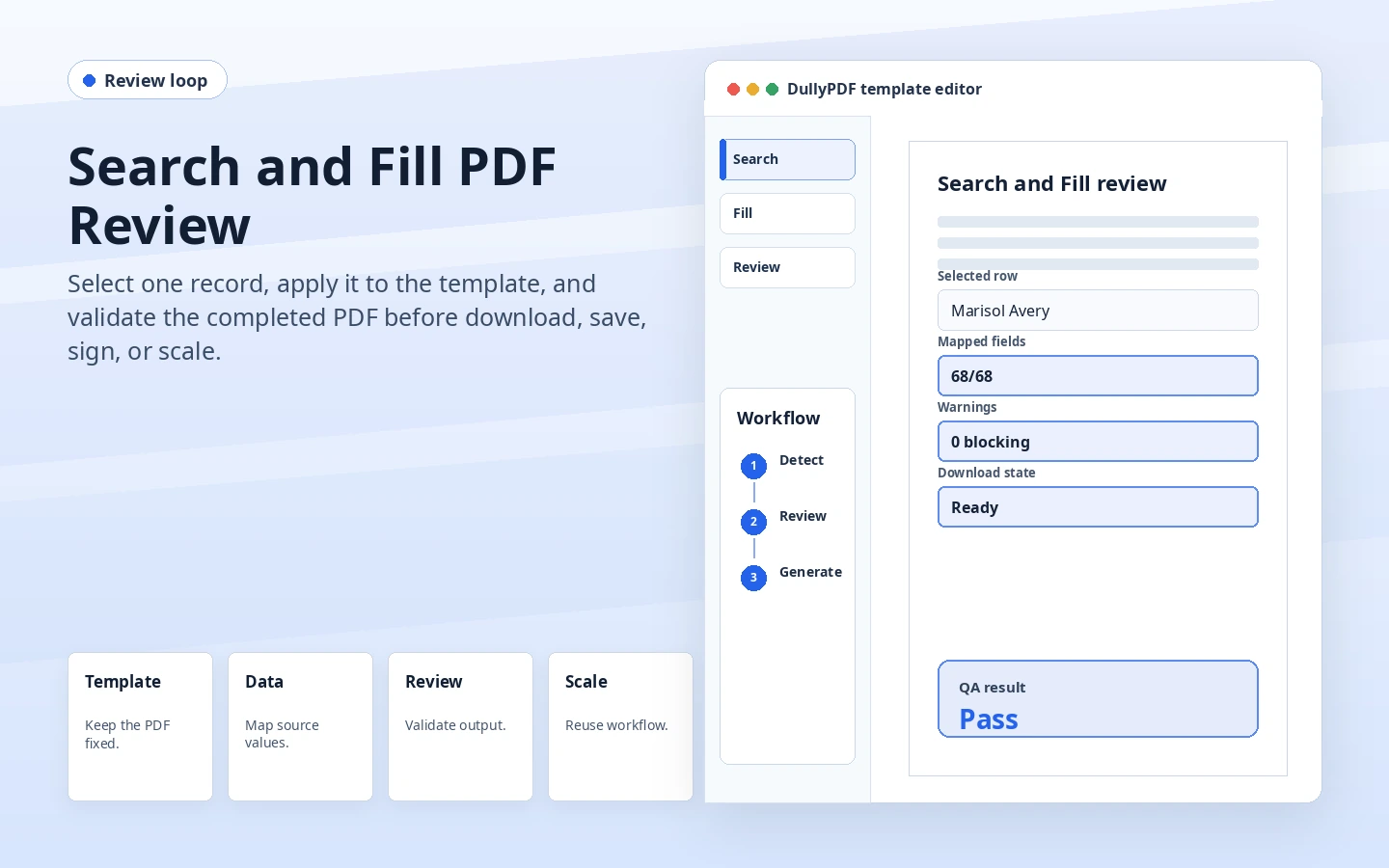
DullyPDF Search and Fill review preview for choosing a source row before PDF output.
CSV-to-PDF workflows are strongest when operators inspect one exported row before adding volume.

India CSV to PDF Forms for Indian operations

CSV is often the handoff format between Indian operations systems and office teams. It is simple, portable, and easy to inspect, but it still needs a reviewed PDF template before it can produce reliable records.

Use this workflow when the recurring PDF work includes ERP purchase-order exports, CRM customer rows, branch KYC files, clinic appointment lists, and warehouse dispatch CSVs. The page should stay tied to real Indian operating examples rather than cloning a global workflow and swapping in country terms.

  • ERP purchase-order exports
  • CRM customer rows
  • branch KYC files
  • clinic appointment lists
  • warehouse dispatch CSVs

Prepare the CSV-to-PDF template

A CSV workflow should begin with the actual export the team uses, not a manually cleaned sample that hides real delimiter, date, or blank-field issues.

A practical setup pass is to upload one real PDF, review detected fields, correct names and types, map the field set to source data, and save the template before inviting respondents, running a batch, or publishing an API endpoint.

  • Use UTF-8 CSV files with one header row.
  • Keep comma-containing addresses quoted correctly before upload.
  • Normalize date, phone, and identifier columns before mapping.
  • Test one row with Indian address and tax fields before batch output.

Map India source data into stable fields

Start from the source records the team already trusts: ERP CSV exports, CRM reports, branch system downloads, logistics exports, and finance CSV files. Keep the mapping explicit enough that a reviewer can tell where each value came from.

Use the CSV headers as the schema contract. If the source system exports cryptic names, map them carefully once and keep a note in the template review process.

  • pan_number, gstin, branch_code, vendor_code, employee_id
  • invoice_number, po_number, challan_number, lr_number, vehicle_number
  • taxable_value, cgst_amount, sgst_amount, igst_amount, grand_total

Choose the runtime for CSV-to-PDF

Search & Fill works well for CSV because the operator can choose a row, generate the PDF, and compare output against the export before adding volume.

Search & Fill is the safest first runtime when a staff member still needs to inspect one record. Fill By Link is better when the source data should come from a respondent. API Fill is better after an internal system can send clean JSON to a saved template.

Roll out CSV-to-PDF without thin duplicate pages

Start with the export that already causes the most retyping, such as vendor setup, GST invoice, delivery challan, KYC, or HR joining data.

Start with one high-volume Indian workflow, validate a real record, then expand into adjacent PDFs only after the first template is dependable. That gives the India workflow cluster a real reason to exist.

  • Inspect CSV parsing for addresses, commas, and blank fields.
  • Check date and currency formatting in the final PDF.
  • Confirm identifier fields keep leading zeros where relevant.
  • Run one row twice to confirm the fill is repeatable.

Keep workflow boundaries clear

CSV import does not validate the business meaning of the data. The team still owns source-system accuracy, approval status, and final review.

DullyPDF handles field detection, cleanup, mapping, reusable templates, fill output, and reviewed PDF generation. It does not replace local policy, tax review, lending decisions, medical judgment, admissions decisions, procurement approval, or document-retention rules.

Why teams use India CSV to PDF Forms

  • Use CSV exports when another system owns the record but staff still needs a reviewed PDF output.
  • Map headers such as gstin, pan_number, branch_code, invoice_number, and challan_number into stable fields.
  • Validate one row visually before producing a batch of flat PDFs.

Implementation signals for India CSV to PDF Forms

  • Search & Fill supports CSV rows for browser-based source review.
  • CSV header names can align with the same schema used later for API Fill.
  • Flat outputs preserve completed PDFs after CSV values are applied.

Need deeper technical details about india csv to pdf forms? Use the Rename + Mapping docs and Search & Fill docs to validate exact behavior.

Frequently asked questions about India CSV to PDF Forms

Can Indian teams use DullyPDF for CSV-to-PDF workflows in India?

Yes. Use one reviewed PDF template, map it to CSV headers exported from Indian operating systems, and run the workflow through Search & Fill, Fill By Link, or API Fill depending on how the source data is collected.

What should CSV-to-PDF test first?

Use a real exported CSV row with address commas, dates, identifiers, blanks, and numeric totals. That catches most production mapping issues.

When should CSV-to-PDF use flat PDF output?

Use flat output when CSV-filled PDFs become final records for branch, finance, vendor, logistics, or office handoff.

India industry examples for this workflow

These workflow pages are meant to connect product mechanics to the India industry pages where the same mechanics show up in day-to-day paperwork.

Guides for India CSV to PDF Forms

These walkthroughs and comparison posts cover the same workflow cluster from an operator point of view, which helps you move from a route summary into a more specific implementation path.

Docs for India CSV to PDF Forms

Use these docs pages to verify the exact DullyPDF behavior behind india csv to pdf forms before you ship it as a repeat workflow.

Related routes for India CSV to PDF Forms

These adjacent workflow pages cover nearby search intents teams compare while evaluating india csv to pdf forms.