
Why teams use PHP PDF Fill API
- Use ordinary PHP HTTP requests instead of server PDF binaries.
- Keep PDF field mapping in DullyPDF.
- Stream or store the returned PDF in your app.
Commercial workflow page
Send JSON from PHP or Laravel to a DullyPDF template endpoint and get back a filled PDF without pdftk, FDF files, or PDF coordinate code.
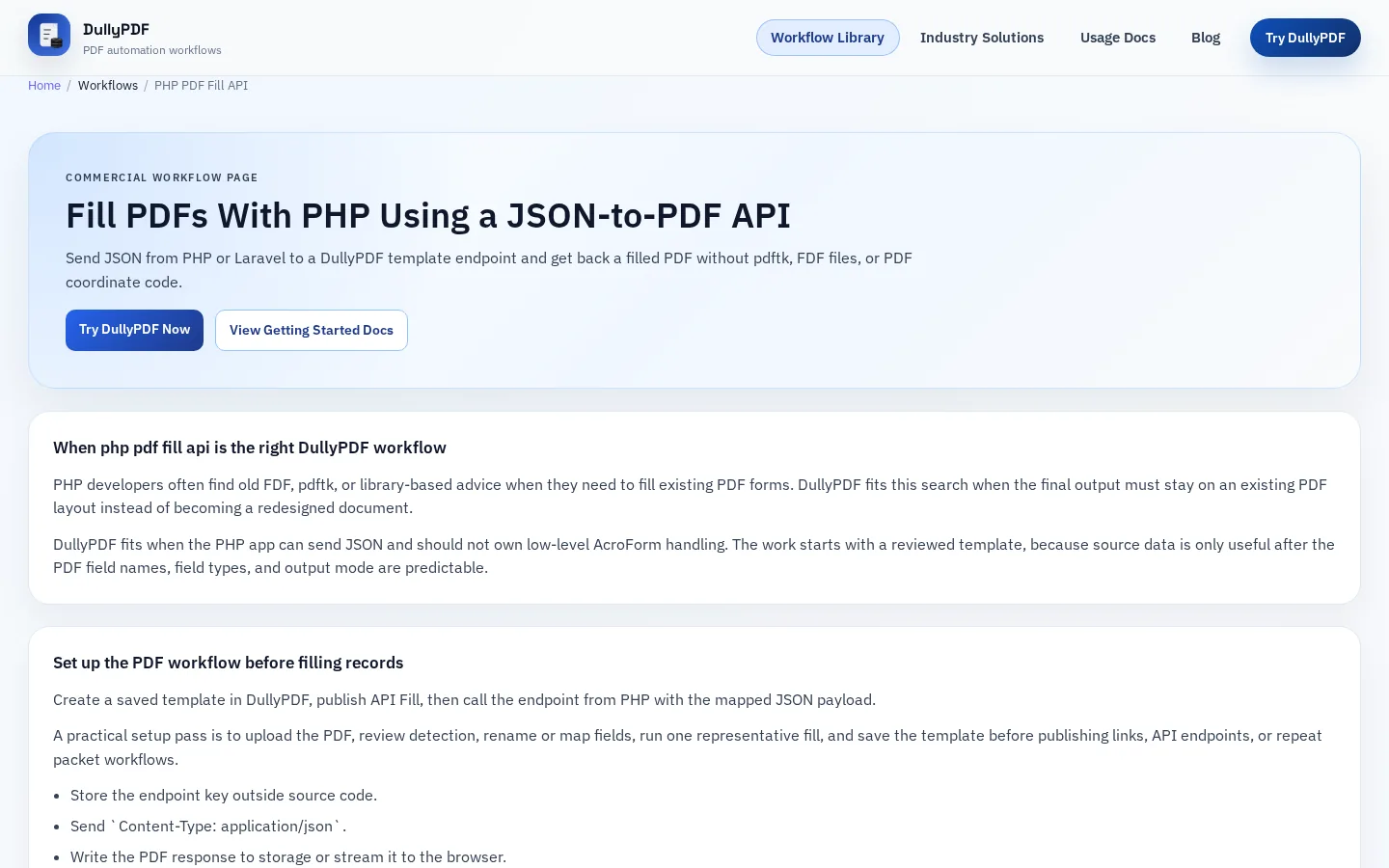
PHP developers often find old FDF, pdftk, or library-based advice when they need to fill existing PDF forms. DullyPDF fits this search when the final output must stay on an existing PDF layout instead of becoming a redesigned document.
DullyPDF fits when the PHP app can send JSON and should not own low-level AcroForm handling. The work starts with a reviewed template, because source data is only useful after the PDF field names, field types, and output mode are predictable.
Create a saved template in DullyPDF, publish API Fill, then call the endpoint from PHP with the mapped JSON payload.
A practical setup pass is to upload the PDF, review detection, rename or map fields, run one representative fill, and save the template before publishing links, API endpoints, or repeat packet workflows.
The safest first runtime is usually Search & Fill when a person still needs to inspect source data, choose one record, and compare the result against the original PDF. That keeps the first production decision close to the document instead of hiding it behind an automation rule too early.
API Fill is the better runtime only after another system already owns the record and can send clean JSON to a published template endpoint. Fill By Link is a different path again: use it when the record does not exist yet and a respondent should submit the answers before DullyPDF creates filled PDF output.
Let DullyPDF own field names, checkbox/radio rules, and output generation while PHP owns application data.
The fragile parts are usually not the HTTP request or the file upload. They are duplicate field names, ambiguous checkbox values, inconsistent dates, missing required fields, and output that only looks correct in one PDF viewer.
Do not present this as a PHP SDK unless one is built. The page should show HTTP examples. The source should be treated as structured values that land in reviewed fields, not as permission to redesign the PDF, invent missing sections, or rely on a viewer-specific behavior that only works during setup.
For Search & Fill, prefer source files that contain actual row values: CSV, XLSX, or JSON. SQL and TXT imports should be treated as schema-only mapping inputs, while database-backed automation should query the database itself and send JSON through API Fill.
Compare one generated PDF against the source application record before exposing the route to users.
A useful QA row includes blanks, long names, date values, checkbox or radio choices, and at least one value that is easy to verify visually in filled PDF output. If that row fails, fix the template or mapping before adding volume.
A production-ready PDF workflow has a saved template, stable field names, known source headers, tested checkbox or radio rules, and an output choice that matches the recipient. Editable output is useful for internal follow-up, while flat output is usually safer for final records shared outside the workspace.
The handoff is ready when an operator can clear the form, rerun the same record, and get the same result without remembering hidden cleanup steps. That repeatability is the real SEO promise behind the page: not just filling one PDF, but making the workflow dependable enough to reuse.
Need deeper technical details about php pdf fill api? Use the Rename + Mapping docs and Search & Fill docs to validate exact behavior.
Yes. PHP can send JSON to a DullyPDF API Fill endpoint and save the returned PDF.
No. DullyPDF handles the PDF template side after setup.
Yes. Laravel can call the same HTTPS endpoint from a controller, job, or service class.
Use these docs pages to verify the exact DullyPDF behavior behind php pdf fill api before you ship it as a repeat workflow.
These adjacent workflow pages cover nearby search intents teams compare while evaluating php pdf fill api.