
How to Automate Government PDF Forms Without Changing the Official Layout
Government-form workflows usually fail when teams try to redesign documents that were never meant to be redesigned. The more practical move is to keep the official form exactly as it is and build a reusable data-entry workflow around that fixed layout.
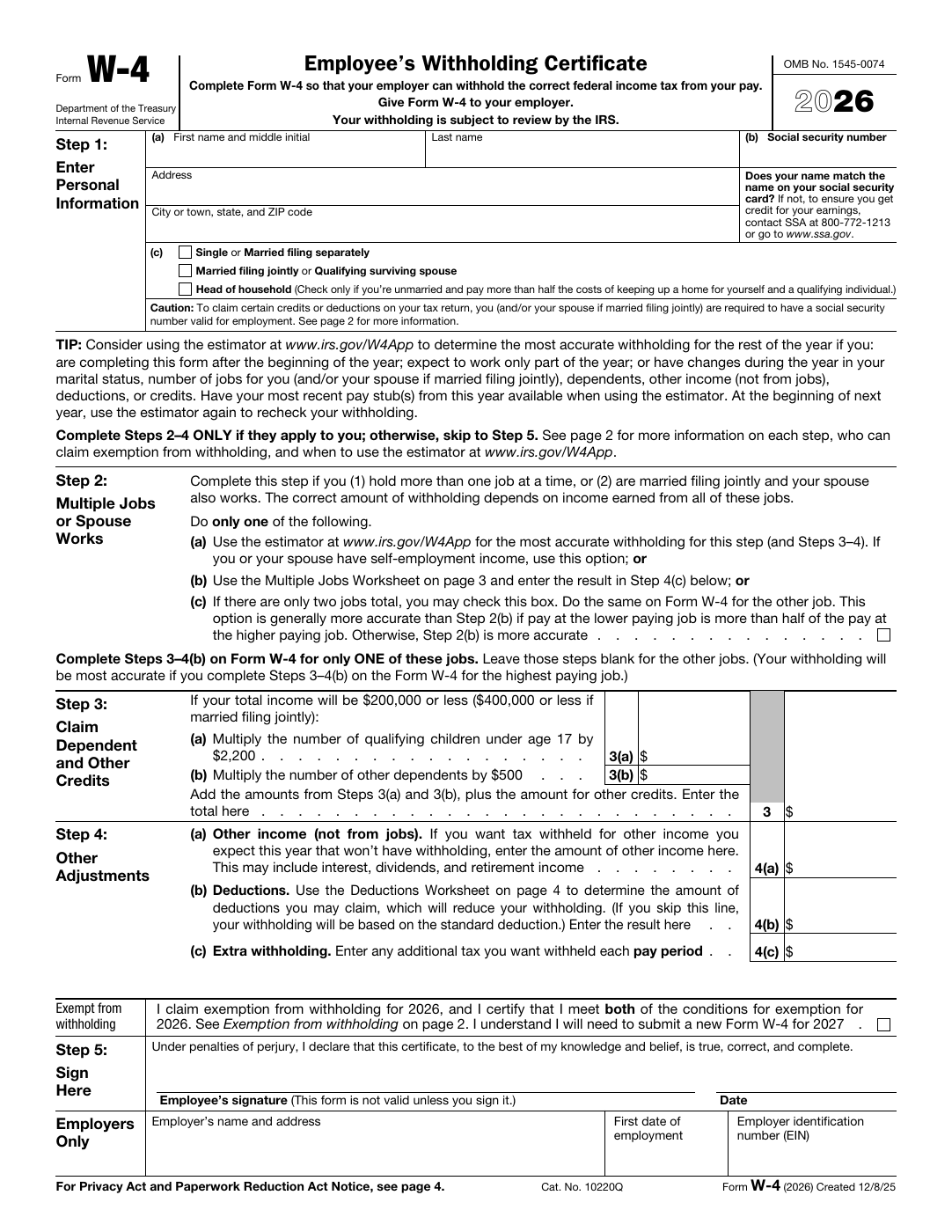
Official government layouts are usually non-negotiable, which is exactly why template automation helps
Permit, tax, licensing, and public-service workflows often rely on forms whose visual layout carries real operational meaning. People recognize the page, instructions reference specific sections, and downstream review often assumes the official structure will stay intact. That is why “just rebuild it as a nicer form” is usually a bad answer. The team does not need design freedom. It needs a cleaner way to fill the exact document that is already required.
Template automation fits that reality well because it leaves the layout alone. Instead of changing the form, the workflow adds field understanding, naming, mapping, and repeat fill capability around the official document. That is a much more honest fit for recurring government paperwork than pretending the PDF itself can simply be replaced.
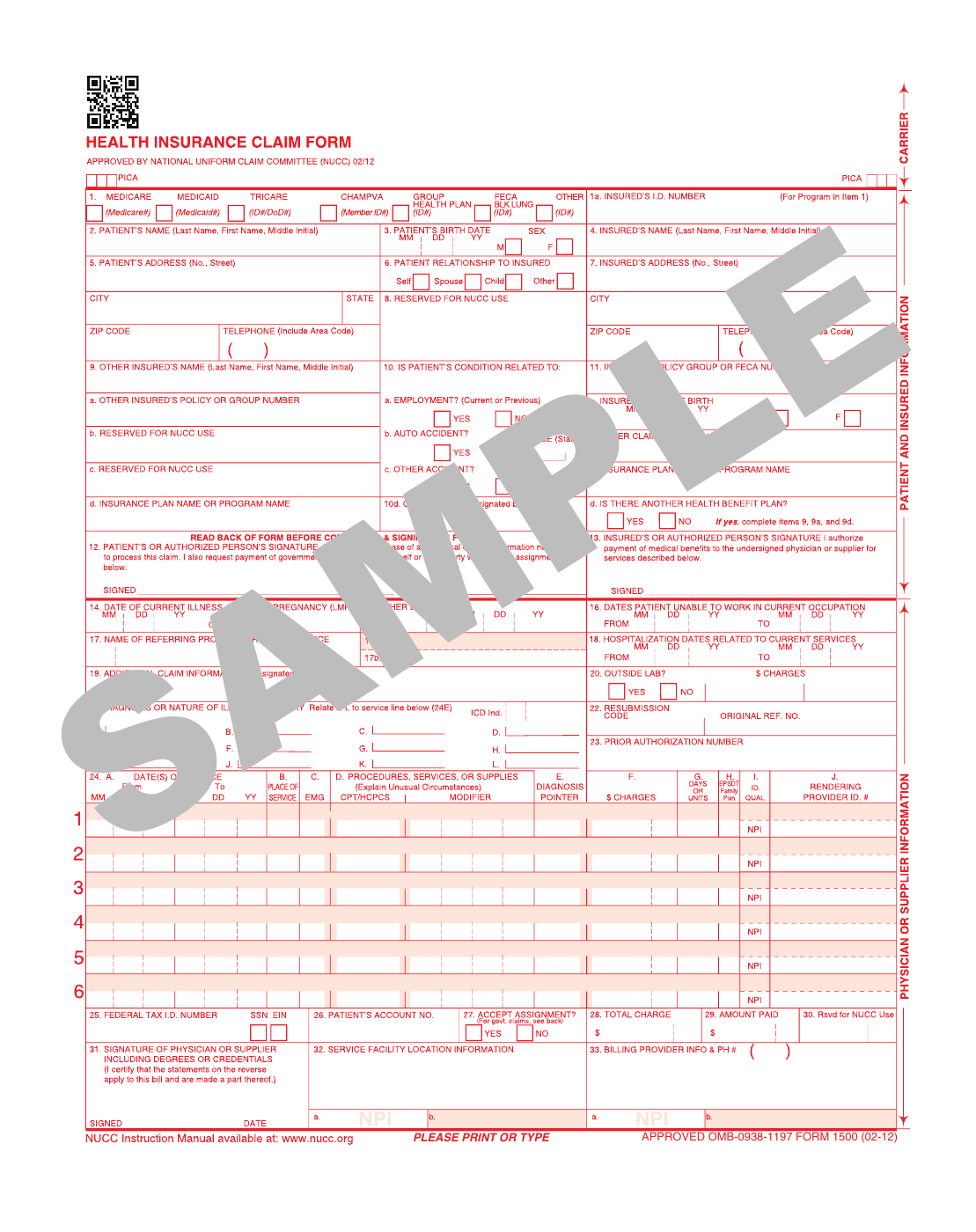
Each recurring form type should be treated as a canonical template, not as a one-off workaround
The safest operating pattern is to pick one official form version, build one clean template around it, and make that template the reference point for future work. When another team member needs to fill that form next month, they should not be rebuilding the setup from memory. They should be opening the same reviewed template and trusting the naming and mapping work that already exists.
This matters even more in public-sector environments because forms often outlive the people who originally learned the process. A canonical template preserves process knowledge in a way that ad hoc instructions and folder names do not. That is the real reason to build the library carefully instead of chasing volume for its own sake.
Field naming and QA matter more than trying to automate every public form on day one
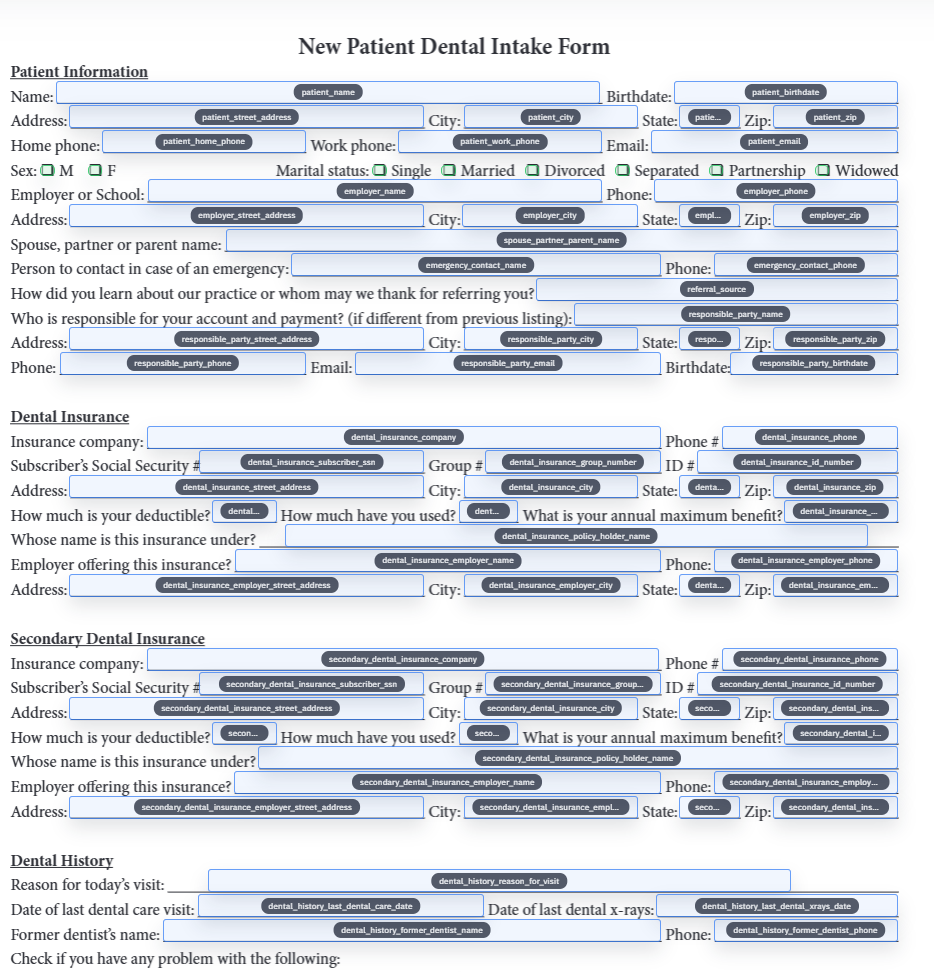
Government forms are often dense, repetitive, and awkwardly labeled, which makes clean field naming essential. If one section repeats similar questions or the printed instructions are formal rather than descriptive, the template will only stay useful if the field names become clearer than the paper itself. That is also what makes later mapping to internal tracking columns or spreadsheets realistic instead of frustrating.
A small set of trusted templates is therefore more valuable than a giant folder of barely reviewed ones. Start with the form that creates the most repeated data-entry pain, verify one realistic record end to end, and only then expand. That discipline is more helpful than broad automation claims because it actually lowers rework for the team using the forms every day.
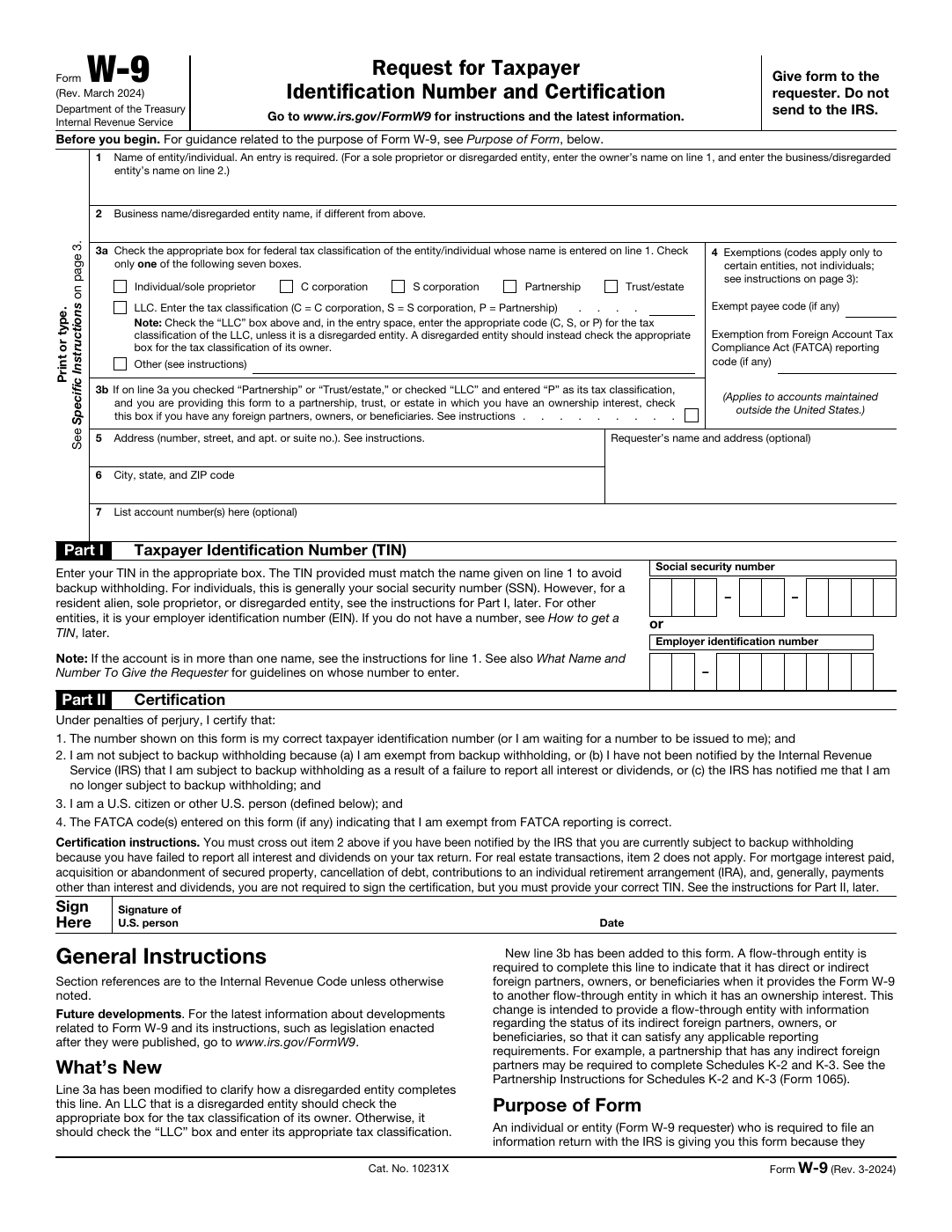
The strongest fit is recurring administrative paperwork, not every possible government or legal document
There is an important boundary here. DullyPDF is a practical fit when the team repeatedly fills the same administrative form types and wants a cleaner data-entry workflow around them. It is not a magic answer for every legal, court, or highly specialized compliance process that happens to arrive as a PDF. The right public story is narrower than that, and that honesty is a strength rather than a weakness.
The useful question is simple: does the team already have the data and repeatedly need to place it into the same official layout? If the answer is yes, a reusable template is usually a good fit. If the workflow depends on broader legal orchestration, filing programs, or document classes outside the ordinary administrative lane, that is where teams should stop and scope the problem more carefully.
Form revisions should trigger controlled updates to the canonical template, not library sprawl
Official forms change over time, and that is exactly why the template library needs discipline. When a revision arrives, update the existing canonical template, validate the affected fields, and keep the naming conventions as stable as possible. That lets the team absorb version changes without creating a confusing archive of almost-identical templates that nobody wants to touch later.
The practical benefit is continuity. Staff can keep using the same operational model even when the underlying form changes. That is what makes this workflow useful for real offices and agencies: not just faster fills today, but a sane way to maintain those fills when the official paperwork inevitably changes next quarter.