Industry workflow page

Government and Public Service PDF Form Automation

Convert permit, tax, licensing, and social services forms into mapped templates to reduce manual entry and improve consistency in public-sector workflows.

Workflow examples for Government Form Automation

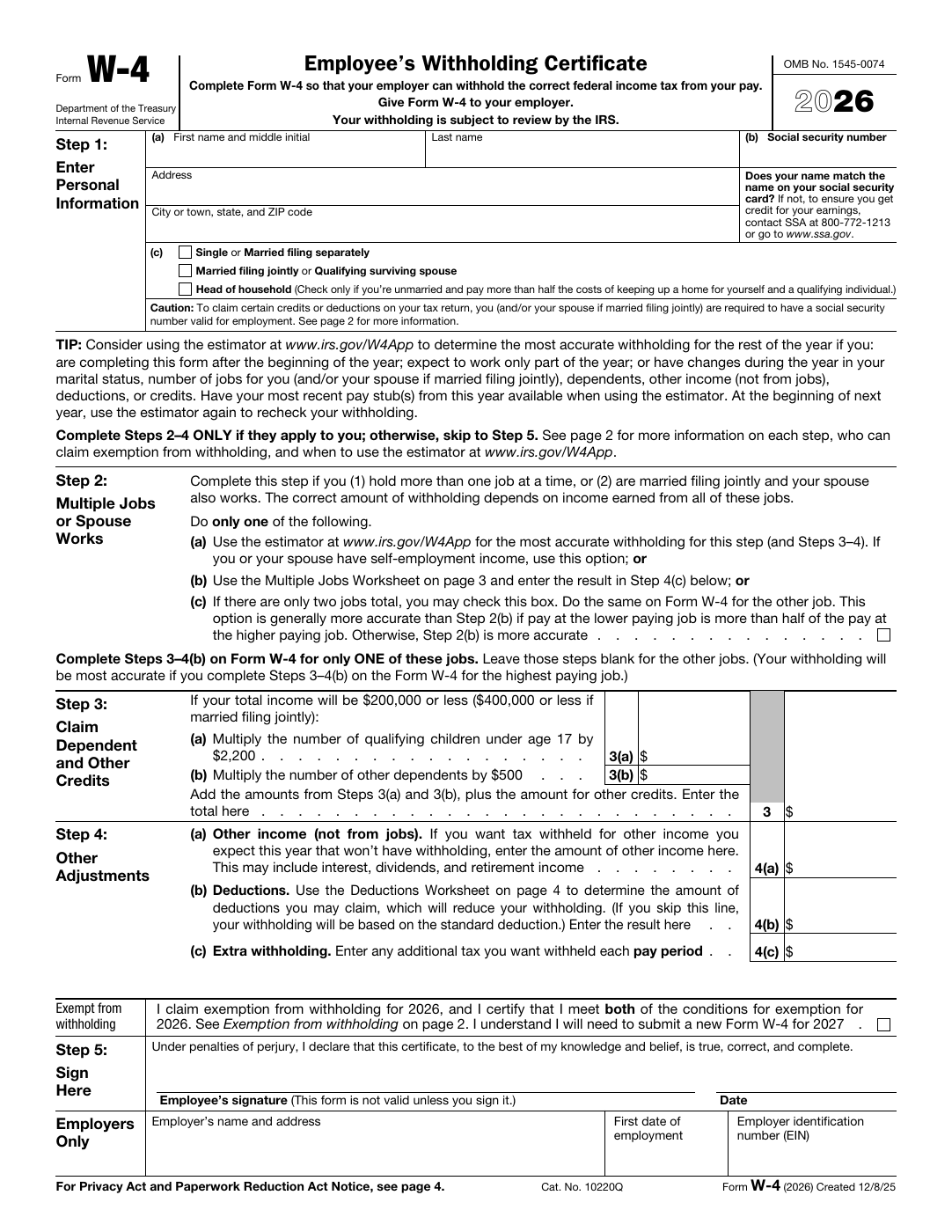
Official IRS W-4 form page showing a fixed government layout.
Government-form automation works best when the official document layout stays intact and the reusable template absorbs the repeat data-entry work around it.
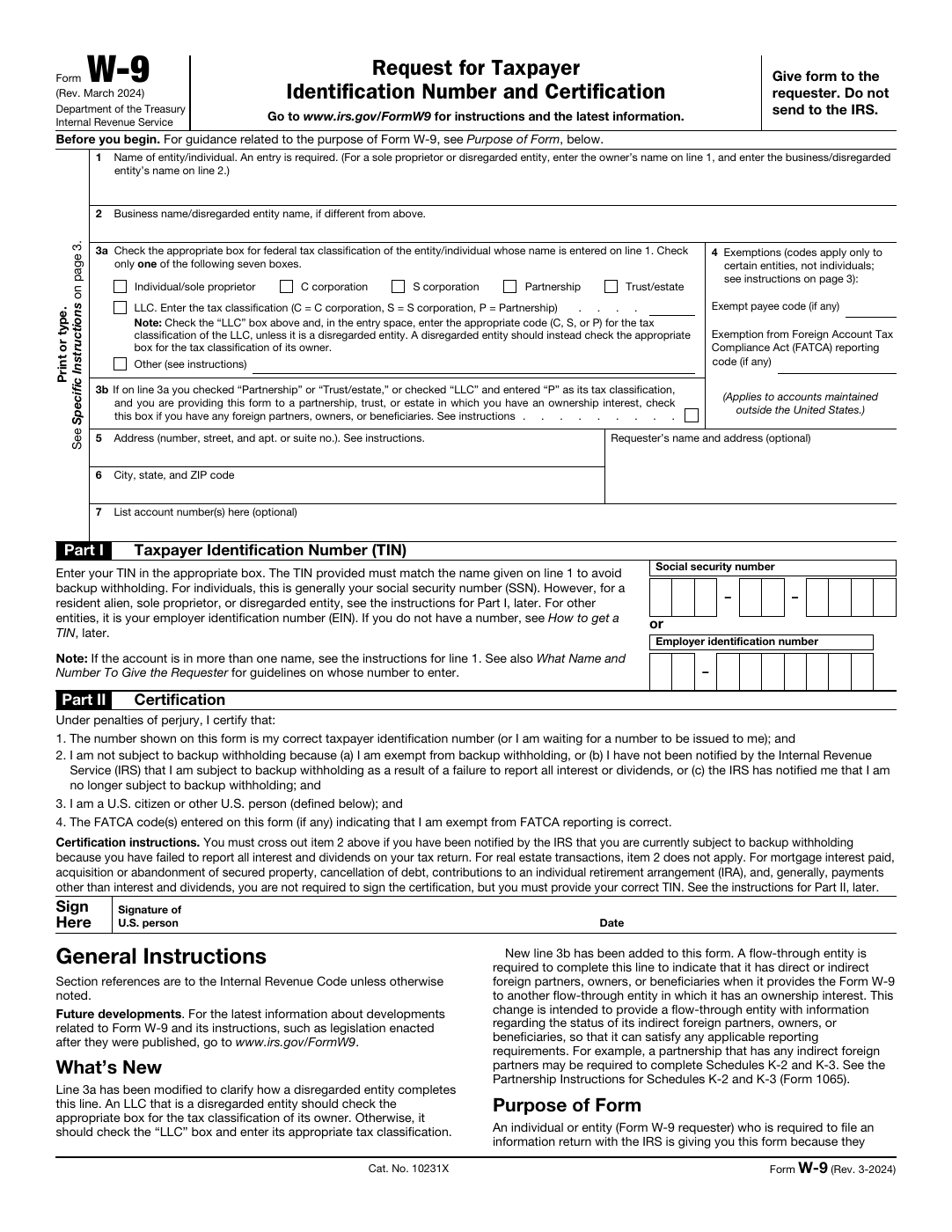
Official IRS W-9 form page downloaded from irs.gov.
Canonical templates make it easier to keep recurring permit, tax, and administrative forms consistent even as official revisions arrive over time.

Featured government-service PDFs from the DullyPDF catalog

These examples pull from the public-domain government categories already in the DullyPDF catalog: passport, immigration, Social Security, and VA packets. Open the blank official PDF first, then reuse the template for Search & Fill, APIs, web forms, or e-sign routing.

DS-11 fillable PDF — first page preview of Application for a U.S. Passport

State Department (DS forms)

DS-11 — Application for a U.S. Passport

Application-style forms are worthwhile when teams repeatedly collect the same party, eligibility, or entity details before preparing the official packet. It is a good candidate for passport and consular workflows where the agency layout stays fixed but traveler data changes for each submission.

6 pages • Blank official PDF

I-130 fillable PDF — first page preview of Petition for Alien Relative

Immigration & USCIS

I-130 — Petition for Alien Relative

This is a worthwhile template when the official blank PDF needs to stay intact while the underlying record changes from one submission to the next. It is useful for case-intake workflows where applicant identity, household, or filing details should be captured once and reused accurately.

12 pages • Blank official PDF

SS-5 fillable PDF — first page preview of Application for a Social Security Card

Social Security

SS-5 — Application for a Social Security Card

Application-style forms are worthwhile when teams repeatedly collect the same party, eligibility, or entity details before preparing the official packet. It is worthwhile when claimant and benefit data comes from an intake workflow but still has to land inside the official SSA layout.

5 pages • Blank official PDF

VA 21-526EZ fillable PDF — first page preview of Application for Disability Compensation

Veterans (VA)

VA 21-526EZ — Application for Disability Compensation

Application-style forms are worthwhile when teams repeatedly collect the same party, eligibility, or entity details before preparing the official packet. It is a strong fit for veterans-service workflows that repeatedly collect claimant, dependent, representative, training, housing, memorial, and supporting-party details for official packets.

15 pages • Blank official PDF

10 specific forms to automate on this route

DS-11 — Application for a U.S. Passport

Application-style forms are worthwhile when teams repeatedly collect the same party, eligibility, or entity details before preparing the official packet. It is a good candidate for passport and consular workflows where the agency layout stays fixed but traveler data changes for each submission.

State Department (DS forms) • 6 pagesOfficial source

I-130 — Petition for Alien Relative

This is a worthwhile template when the official blank PDF needs to stay intact while the underlying record changes from one submission to the next. It is useful for case-intake workflows where applicant identity, household, or filing details should be captured once and reused accurately.

Immigration & USCIS • 12 pagesOfficial source

How to open these PDFs in DullyPDF and automate them

Open a blank government-service PDFs PDF in DullyPDF

Use any "Open in DullyPDF" button below to move from the public form page into the workspace with the blank official PDF already selected.

Open DS-11 in DullyPDF

Map fields once for CSV, XLSX, JSON, or schema-only SQL imports

Rename weak field labels, align them to schema headers, and use SQL only when you need the schema without row data yet.

Rename + Mapping docs

Run Search & Fill from structured records

Load CSV, XLSX, or JSON rows, search for the right record, and fill the saved template without retyping the PDF.

Search & Fill docs

Publish API Fill for server-side JSON-to-PDF workflows

When another system should call the template directly, publish a template-scoped API Fill endpoint and send JSON instead of using the browser workflow.

API Fill docs

Collect answers through native DullyPDF web forms

Use Fill By Link when the row data does not exist yet and a respondent should submit web-form answers before the PDF is generated.

Fill By Link docs

Freeze the completed packet and route it into signature

Once the final filled record is correct, move it into the signature workflow so the immutable PDF, signer ceremony, and audit artifacts all stay attached to one retained document.

Signature workflow docs

Why government workflows still depend on fixed PDFs

Government and public-service teams often operate on forms that cannot simply be replaced with a new web experience. Permits, tax forms, licensing documents, compliance packets, and citizen-service paperwork frequently remain fixed PDFs with strict layout expectations. The operational pain is not whether the form exists. It is the cost of repeatedly keying the same values into it.

That makes government form automation a strong fit for reusable templates. The goal is to keep the official layout intact while reducing repeated manual entry and inconsistency across submissions.

How agencies can keep one template per recurring form type

The best pattern is to treat each recurring form type as a canonical template. Build it once, map the field set to the internal schema used by the team, test it with representative records, and then reuse that same setup across future submissions. When form revisions arrive, update the existing template instead of allowing duplicate versions to spread across departments.

This matters operationally because government processes often outlive individual staff knowledge. A stable template library is easier to maintain than informal process memory.

Why QA and naming discipline matter more than adding more pages

For public-sector workflows, the core win is consistency. Stable field naming, controlled review, and repeatable record selection matter more than trying to maximize the number of documents in the library as quickly as possible. A smaller set of trusted templates usually beats a larger set of weakly reviewed ones.

That same principle applies to the public SEO surface too. Stronger, clearer pages around real recurring workflows are more useful than a long tail of near-duplicate content that does not help users make a decision.

Official form revisions should trigger controlled template updates, not library sprawl

Government forms do change, but the operational answer should still be disciplined. When a new permit, tax, licensing, or benefits form revision arrives, the team should update the existing canonical template, validate the affected fields, and keep the naming conventions as stable as possible. That keeps the workflow maintainable even when the official paperwork evolves.

Without that discipline, public-sector teams end up with several nearly identical templates that nobody fully trusts. A controlled update process is what lets one recurring government workflow stay reusable over time instead of collapsing into a folder of one-off versions.

Why teams use Government Form Automation

  • Handle standardized permit, licensing, tax, and public service forms.
  • Map required fields to internal tracking columns for consistent intake.
  • Use repeatable templates for recurring citizen application workflows.

Implementation signals for Government Form Automation

  • Structured data mapping helps avoid inconsistent field naming across departments.
  • Search-based fill supports quick retrieval of known record values.
  • Troubleshooting docs support QA for edge-case form behaviors.

Need deeper technical details about government form automation? Use the Rename + Mapping docs and Search & Fill docs to validate exact behavior.

Frequently asked questions about Government Form Automation

Can DullyPDF automate permit and license PDF forms?

Yes. Permit and license forms can be converted, mapped, and reused as structured templates.

Does this help with tax and compliance form workflows?

Yes. Standardized mapping and row-based fill reduce repetitive manual entry for recurring forms.

Can agencies keep one canonical template per form type?

Yes. Saved template workflows support a canonical setup per recurring government form.

Docs for Government Form Automation

Use these docs pages to verify the exact DullyPDF behavior behind government form automation before you ship it as a repeat workflow.

Related routes for Government Form Automation

These adjacent routes cover neighboring document workflows and team use cases that usually get evaluated alongside government form automation.