How to Convert a PDF to a Fillable Form Without Adobe Acrobat
This is not really a story about replacing Acrobat. It is a story about turning one stubborn PDF into a reusable template that your team can trust the next time the same document comes back.
Why teams look for a narrower workflow than Acrobat
A lot of people land on this question after trying the broad PDF-editor route first. They do not necessarily dislike Acrobat. They just realize the job in front of them is smaller and more repetitive than full document editing. They have one intake packet, one certificate, one registration form, or one onboarding sheet that keeps coming back with different values.
That changes the tool decision. If the real goal is to create a reusable template from an existing layout, then the winning workflow is not page editing. It is field detection, cleanup, naming, mapping, and repeat fill validation. That is the part DullyPDF tries to do well.
Start with the PDF exactly as the team receives it
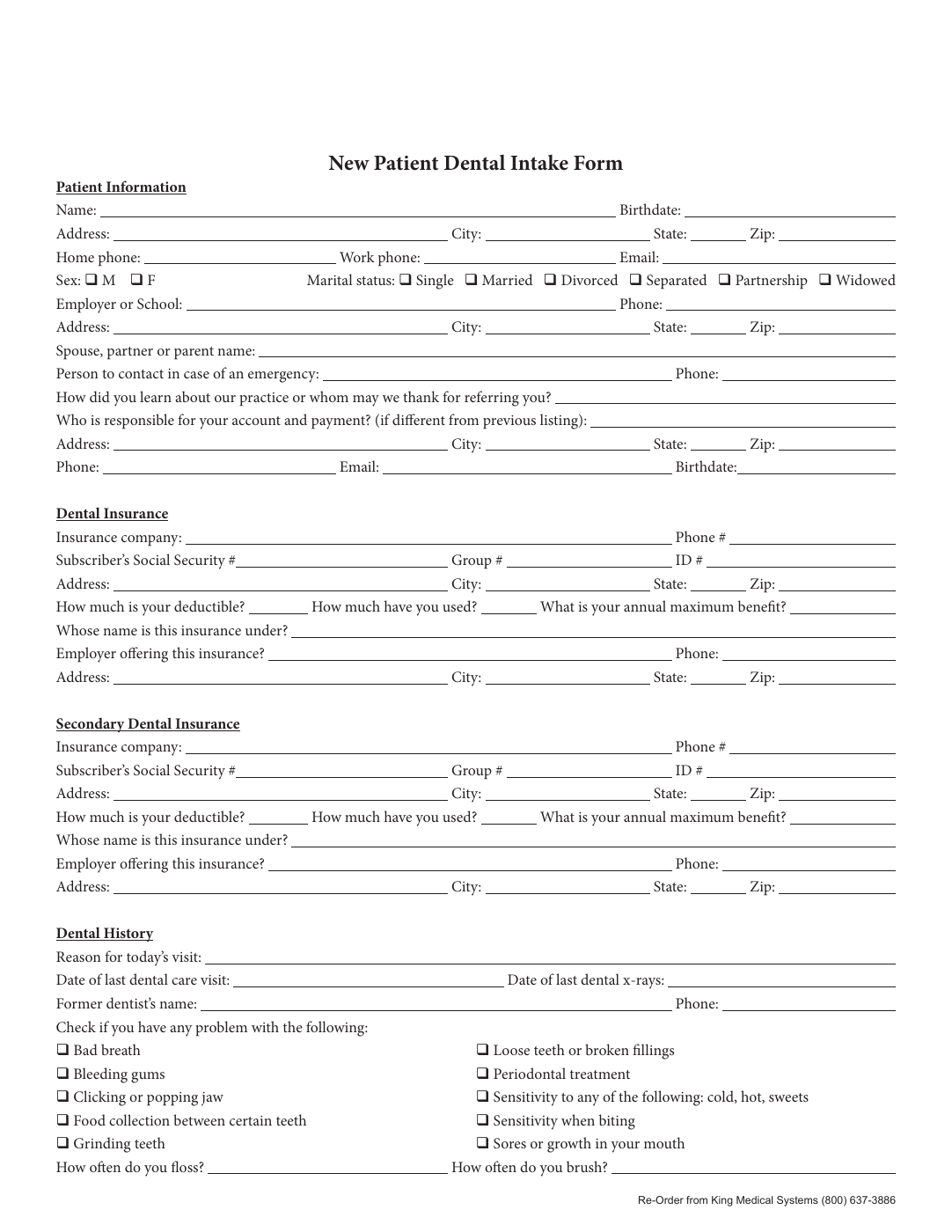
The fastest way to make a conversion project go sideways is to start by redesigning the document. In most operational teams, the form already exists for a reason. What you need is a dependable draft of the field layer, not a new layout. Upload the source file first, keep the original visual structure intact, and treat the first pass as document understanding rather than beautification.
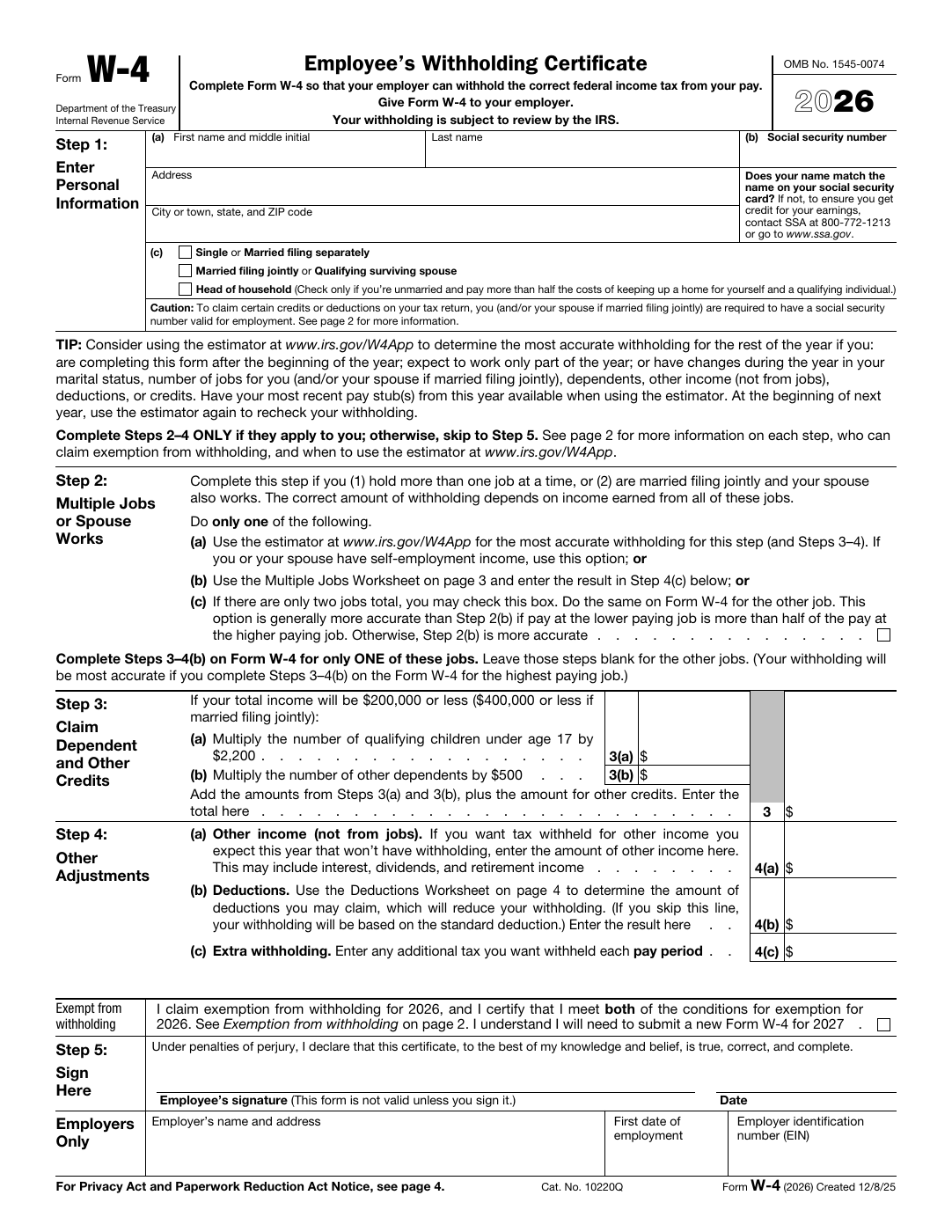
This is especially important for flat PDFs. A human can immediately see where the lines, boxes, and labels imply input fields. Software cannot unless you turn that page into a set of candidate regions that can be reviewed and corrected.
Treat field detection as a draft that needs a deliberate review pass
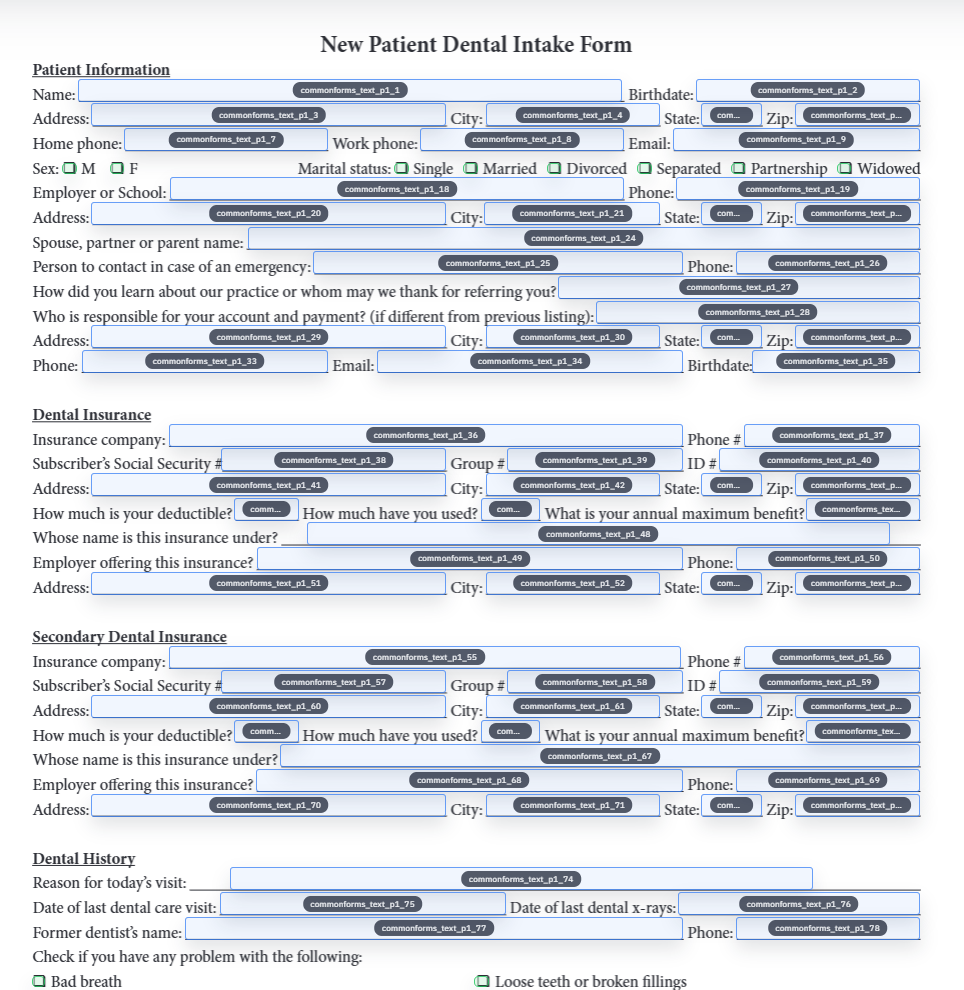
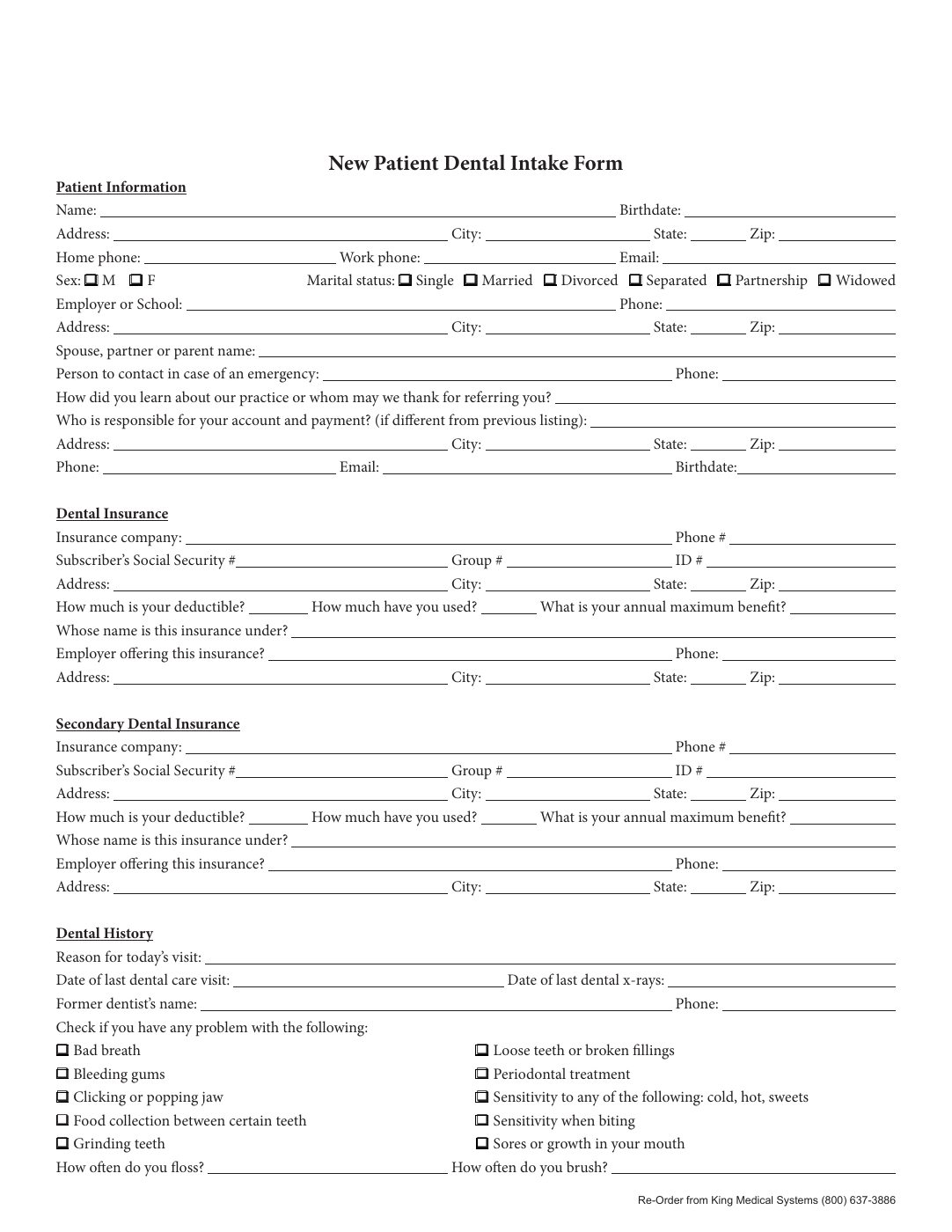
Automatic field detection is valuable because it shifts the operator from drawing every rectangle manually to reviewing a mostly-correct first pass. That is the real productivity win. You are not trying to eliminate human judgment. You are trying to reserve it for the places where it matters: low-confidence text fields, checkbox groupings, dates, and anything that looks slightly offset from the printed line.
A disciplined review order helps. Start with the uncertain detections first, then scan for duplicates, misclassified checkboxes, and fields that are technically present but named too vaguely to be helpful later. A template becomes dependable because the review loop is narrow and intentional, not because the detector was magically perfect.
- Review low-confidence or visually awkward detections before polishing anything else.
- Delete decorative boxes and stray artifacts that look like inputs but are not fields.
- Add missing fields manually when the document uses unusual spacing or tightly packed groups.
Only rename and map after the geometry is stable
One of the easiest mistakes in PDF conversion is doing the semantic cleanup too early. If the field set still has missing items, duplicates, or shaky checkbox groupings, then any rename or schema map you create will be built on unstable ground. Geometry first, meaning second.
Once the layout is believable, the value of rename and mapping becomes obvious. Clear field names make the template understandable to other humans. Mapping makes the template useful to your spreadsheet exports, JSON records, or internal systems. That is the point where the file stops being a fillable PDF experiment and starts becoming a reusable operating asset.
Run one realistic fill before you call the conversion finished
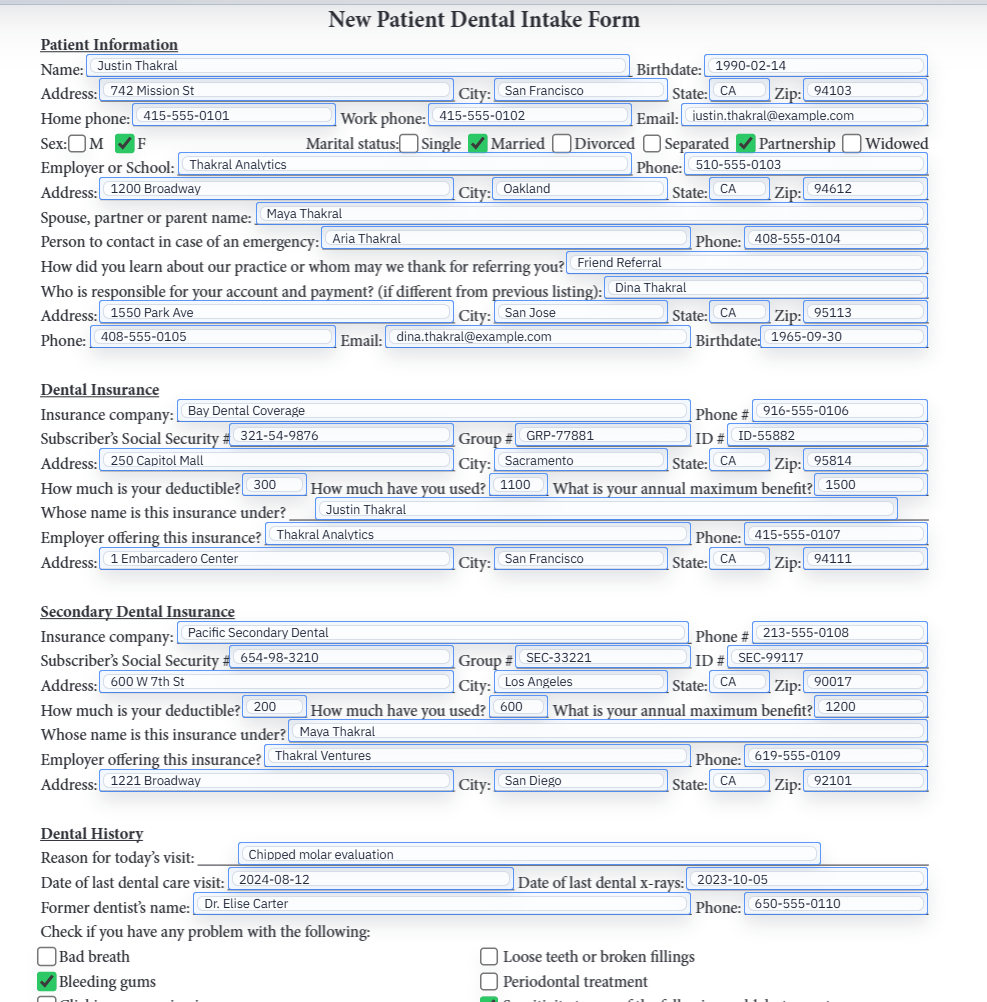
The saved template should survive contact with real data. That sounds obvious, but many conversion projects are declared complete the moment the page looks clean in the editor. The stronger standard is to run one representative record through the form, inspect the output, clear it, and fill it again.
That second pass catches the problems people usually discover too late: dates that are ambiguously named, stale values that survived a rename, checkbox logic that looked fine until it was asked to carry real state, and fields that were slightly misaligned in a way you could only see once data touched them.
The real payoff is the second and third time the document shows up
If you only ever need the document once, almost any conversion path can be made to work. The question worth asking is what happens when the same form shows up next week, or when another teammate needs to run the same workflow without rediscovering all the cleanup decisions you made.
That is why reusable templates matter more than the conversion headline. A stable saved template preserves the hard part of the work: the reviewed field geometry, the cleaned naming, the mapping choices, and the QA decisions that made the first pass trustworthy. That is what makes the workflow feel operational rather than improvised.