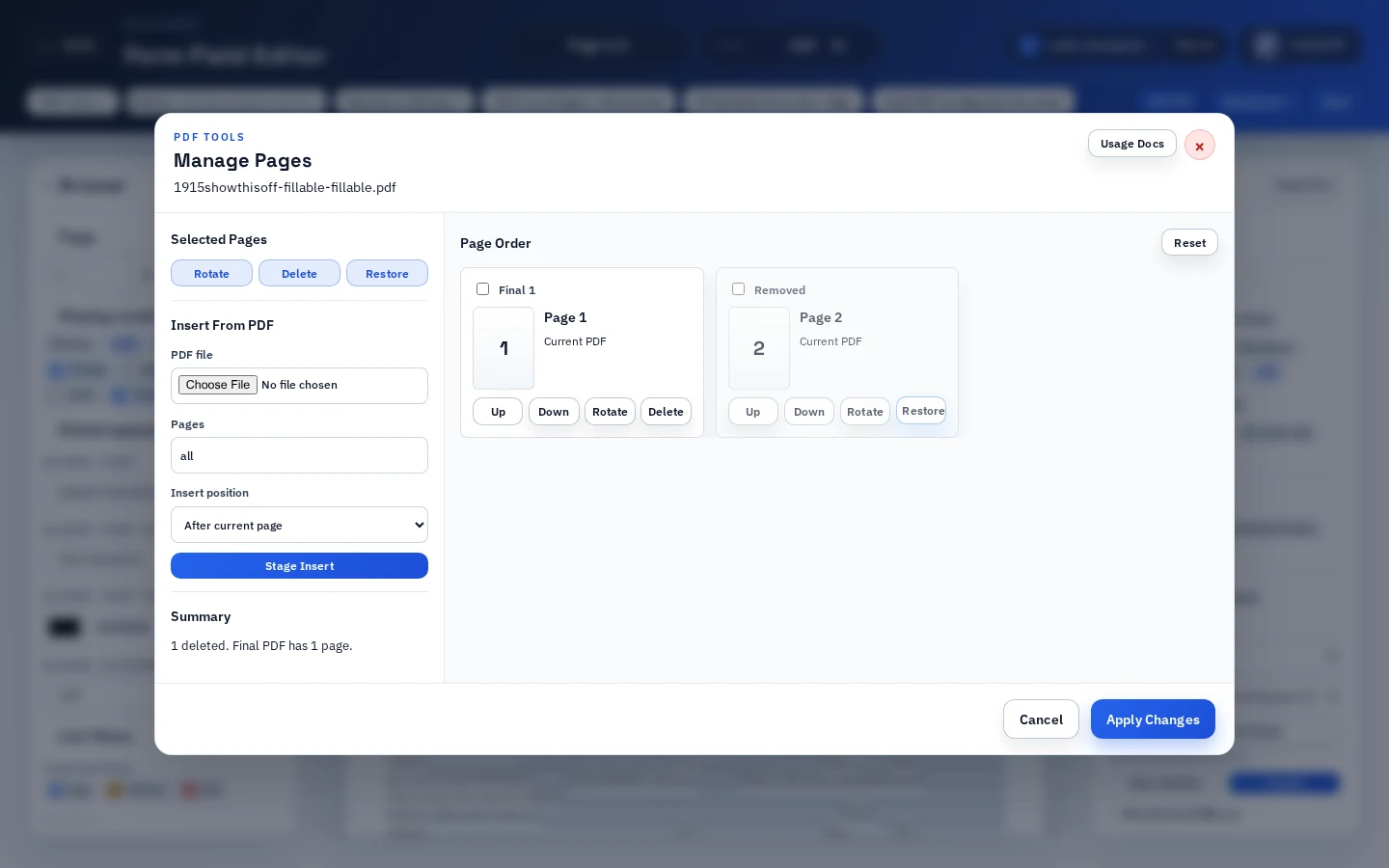
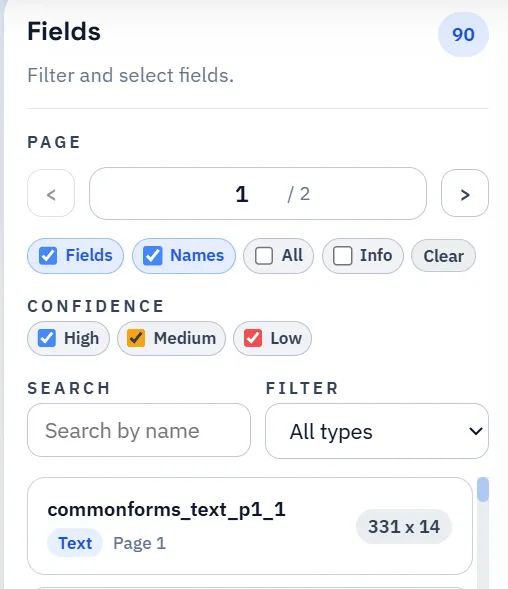
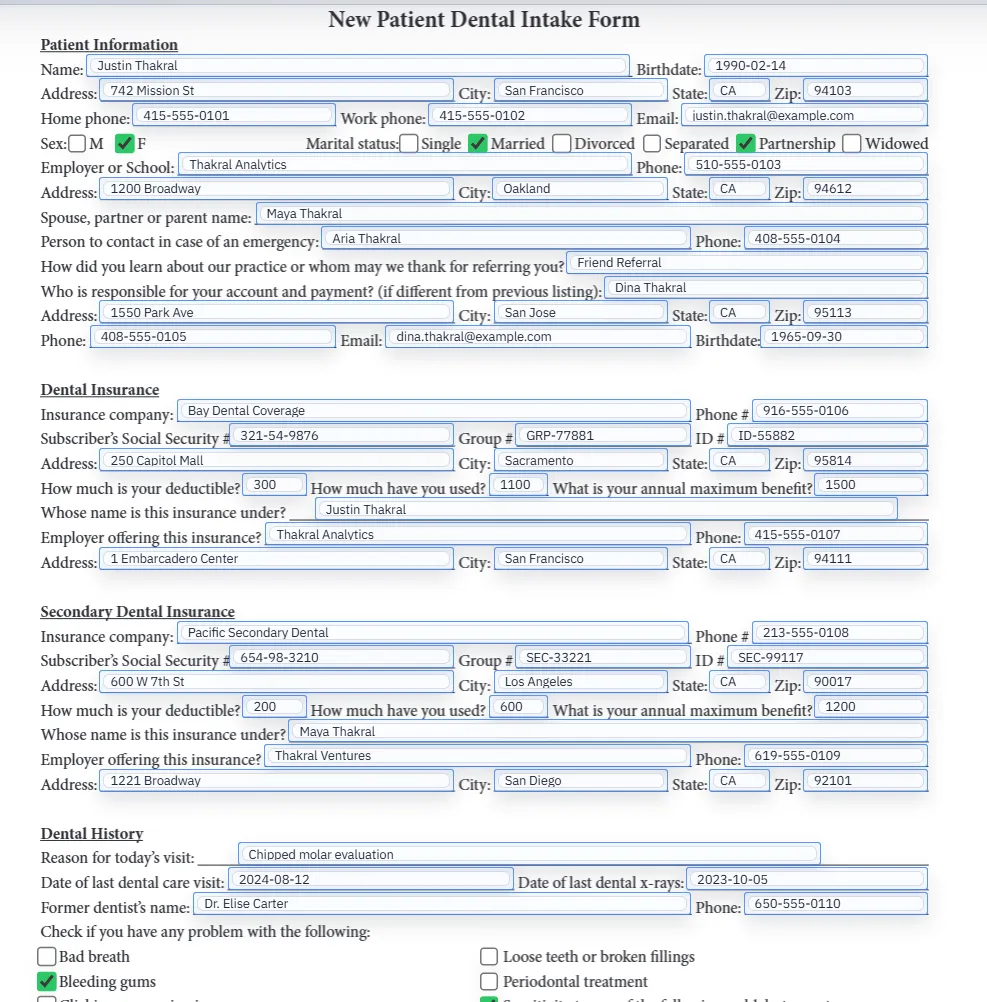
Deleting a page from an ordinary PDF is mostly a layout operation. Deleting a page from a fillable PDF template also changes the field model. Any text fields, checkbox groups, signatures, image helpers, barcode helpers, mappings, or calculated outputs on the removed page must stop participating in the workflow.
That is why DullyPDF treats page deletion as a template-editing step, not only a file-size cleanup step. The goal is to remove pages without leaving stale field metadata behind, then review the remaining template before it becomes a saved form, link, API endpoint, or signing source.
- Best fit: removing cover pages, instruction pages, duplicates, blank pages, obsolete sections, or packet pages that should not stay in the reusable template.
- Poor fit: hiding pages from one recipient while the source template should remain unchanged; use selected-page download for that.