
Why teams use Education Form Automation
- Handle recurring admissions packets and enrollment form workflows.
- Map common student data fields once and reuse across terms.
- Improve consistency in consent and transcript-request document filling.
Industry workflow page
Automate student application, enrollment, consent, and transcript-request PDFs with reusable templates mapped to admissions data fields.
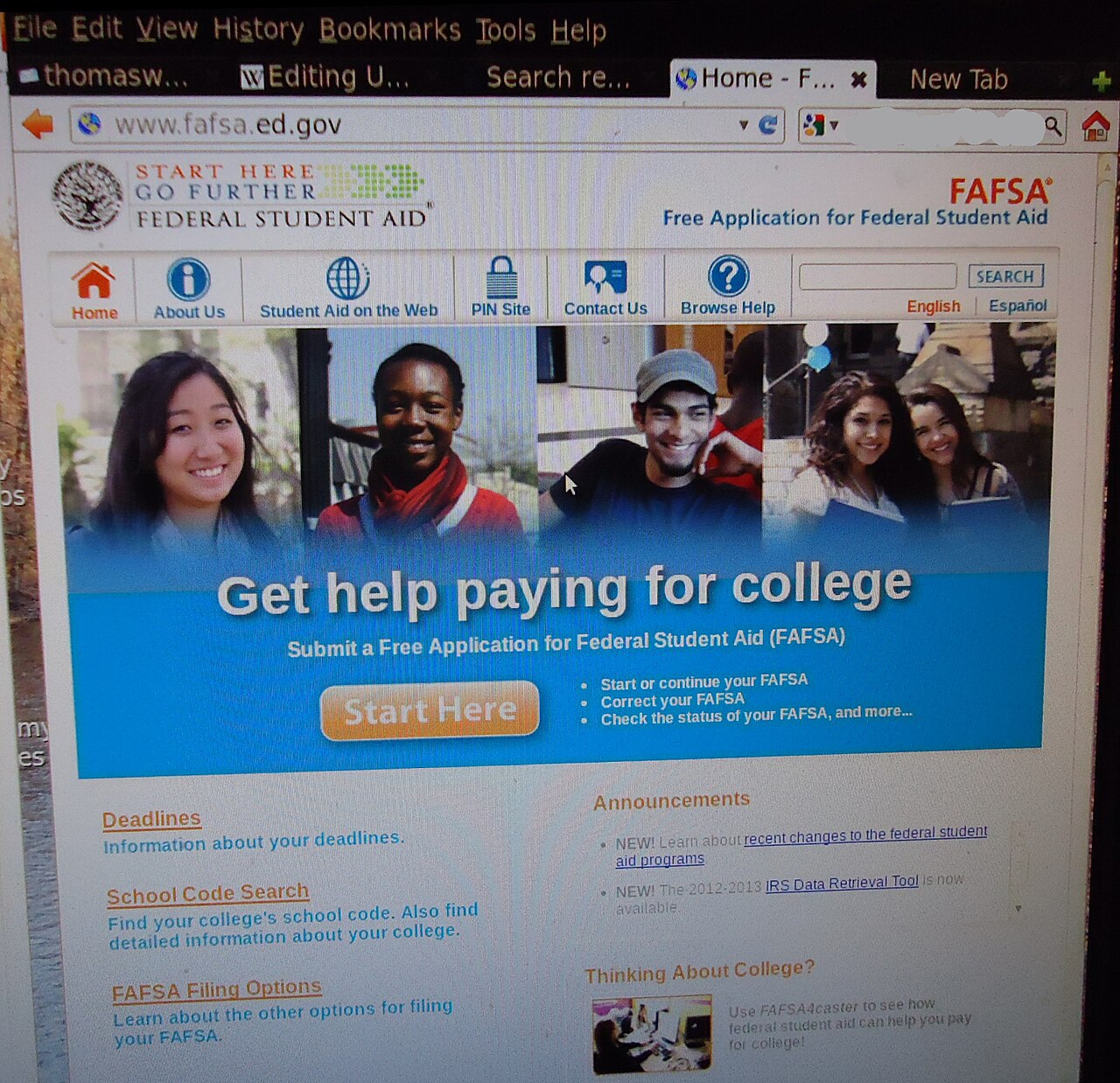
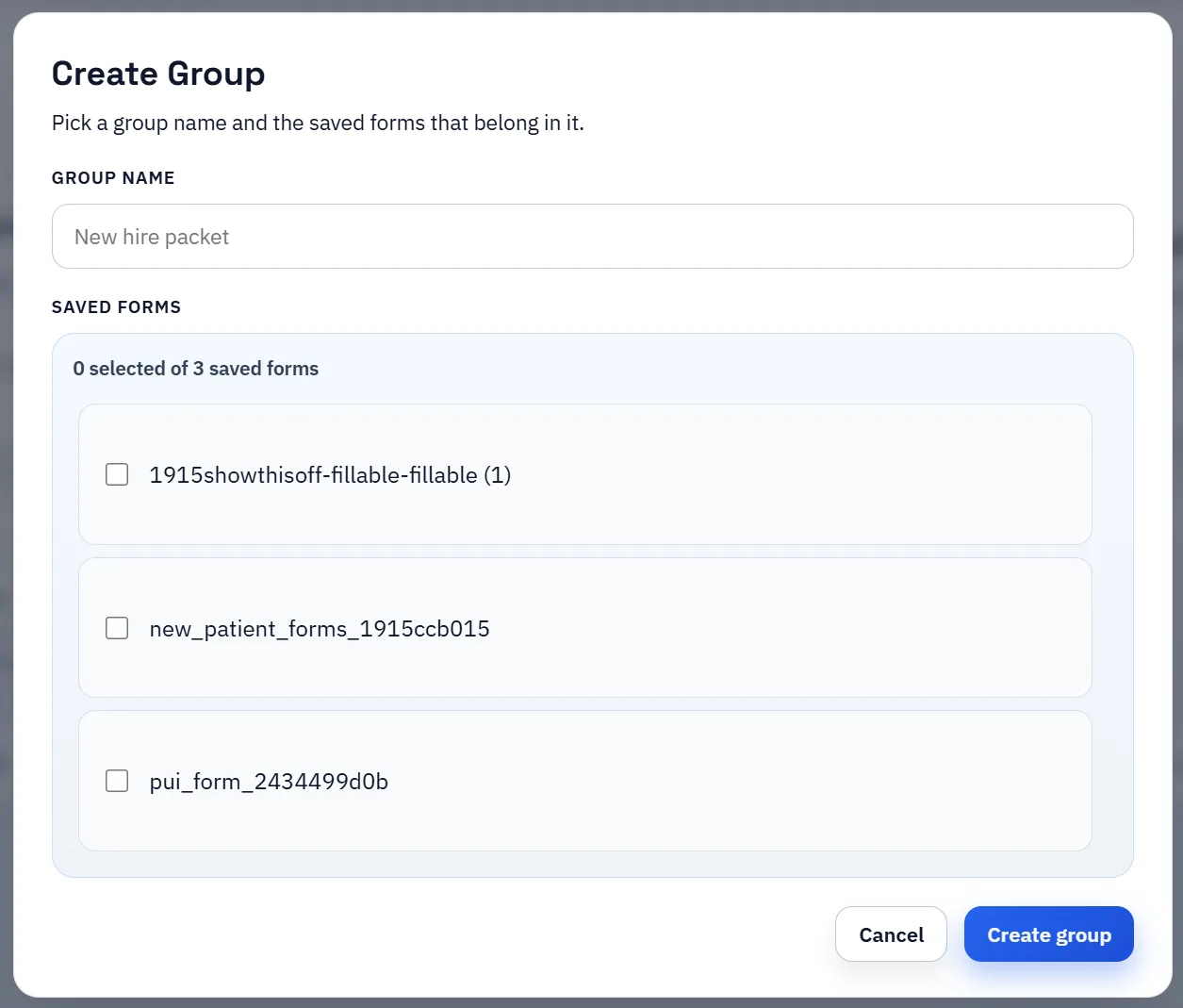
Education workflows often require the same student information to appear across multiple documents: admissions forms, enrollment materials, consent forms, transcript requests, and other administrative paperwork. Even when the student data is already structured, staff still end up transferring it into recurring PDF layouts.
That makes education document workflows a strong template use case. The operational problem is not just one form. It is the repeated movement of the same student data across many fixed documents.
Once a form is mapped to the underlying student-data schema, teams can search or select the right record and fill the PDF with much less manual work. That helps admissions, registrars, and administrative staff standardize output even when the packet includes several documents with overlapping fields.
The value compounds when teams reuse the same mapping patterns across terms and programs. Clean naming and stable schema relationships reduce avoidable mismatch later.
The safest maintenance pattern is to keep each recurring form type as a canonical template, then update that template when the school revises the document. That is easier to manage than letting small visual revisions create a sprawl of nearly-identical templates.
When the naming conventions stay stable, teams can adjust the geometry or field set of a revised form without losing the broader workflow discipline that made the template useful in the first place.
Education teams do not always start with the same source data. Sometimes the registrar already has the record. Sometimes the student, applicant, or family still needs to submit information first. The practical answer is not to split into completely separate document systems. It is to keep one saved template library and let the data come from either internal records or a respondent-first intake flow when that makes more sense.
That keeps admissions, consent, and transcript-request workflows much easier to maintain. The student-facing collection step can change by program or term, while the final PDF packet logic stays organized around reusable templates that staff already understand.
A useful education form automation test starts with one document your team already recognizes, not a perfect demo PDF. Open the existing file, review detection, rename ambiguous fields, confirm checkbox and radio behavior, and save the template only after the field list matches the way the document is used in practice.
Then fill one representative record end to end. Include long names, blank optional values, dates, yes/no choices, and any calculated or scannable fields the page depends on. That single controlled run exposes most template issues before they become repeated output problems.
Search & Fill is the right first path when an operator should pick a record and inspect the result before export. It works with row data from CSV, XLSX, JSON, or stored respondent records. SQL and TXT files should be treated as schema-only mapping inputs; database-backed production workflows should query the database elsewhere and send JSON through API Fill.
Output mode matters too. Editable PDFs are useful when someone will continue working in live fields. Flat PDFs are safer when the completed record goes to customers, employees, agencies, signers, or archive systems because the visible values are baked into the page instead of depending on the recipient PDF viewer.
The education form automation rollout is ready to reuse when a teammate can clear the document, rerun the same source record, and produce the same visible PDF without remembering hidden cleanup steps. If the result depends on one person knowing which field to fix manually, the template still needs review before it belongs in a repeat workflow.
Need deeper technical details about education form automation? Use the Rename + Mapping docs and Search & Fill docs to validate exact behavior.
Yes. Admissions teams can map and reuse student form templates for repeat cycles.
Yes. Education teams can automate repetitive transcript and consent form workflows.
Yes. Saved templates can be reused and adjusted as forms evolve.
These walkthroughs and comparison posts cover the same workflow cluster from an operator point of view, which helps you move from a route summary into a more specific implementation path.
Use these docs pages to verify the exact DullyPDF behavior behind education form automation before you ship it as a repeat workflow.
These adjacent routes cover neighboring document workflows and team use cases that usually get evaluated alongside education form automation.