Commercial workflow page

Batch Fill PDF Forms From Multiple Records

Fill the same PDF template with multiple records from your CSV, Excel, or JSON data. Map once, then fill form after form in seconds.

Workflow examples for Batch Fill PDF Forms

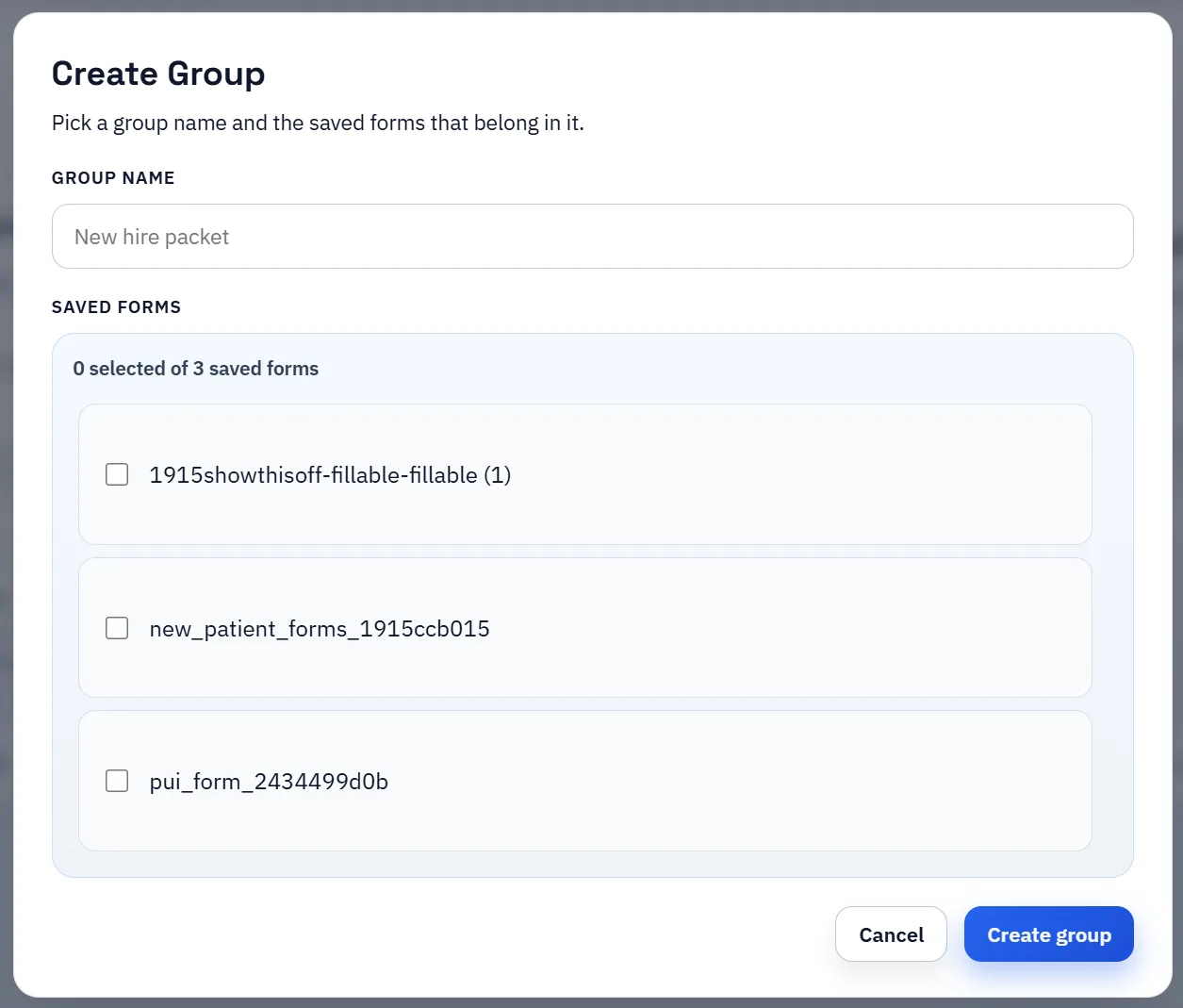
Create Group dialog for grouping multiple saved forms into one workflow.
Batch filling makes the most sense when several related PDFs are organized into one saved packet first.
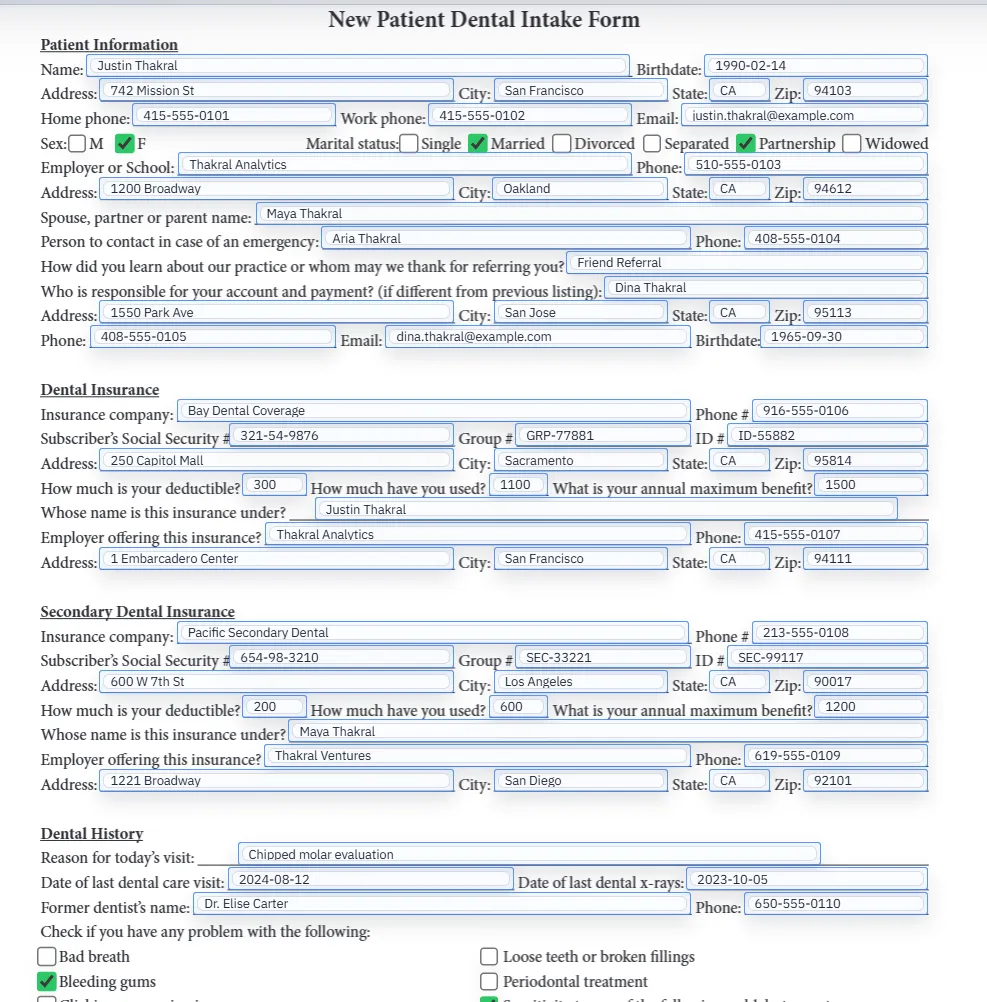
Filled PDF preview representing one document inside a larger repeat packet workflow.
The payoff is consistent record application across every document in the packet, not just one isolated form.

What batch fill means in DullyPDF

Some teams searching for batch fill PDF forms expect a fire-and-forget bulk generator. DullyPDF is more deliberate than that. It is designed around a mapped template plus repeat record selection, which means you can fill the same document again and again from structured data while keeping human review in the loop.

That is still a batch-style workflow in the operational sense. You map once, then process many records. The difference is that the product prioritizes controlled output over blind mass generation.

How to process many records without losing QA

The practical pattern is to open the mapped template, search or select the first row, fill the PDF, inspect the result, clear it, and repeat for the next record. That sounds slower than a pure batch export, but it is often the right tradeoff for forms where the cost of a bad fill is higher than the cost of a quick review step.

Because the mapping context persists, the operator is not rebuilding the workflow each time. They are running a repeatable fill loop against a stable template.

  • Map the template once before starting the run.
  • Use row search to pull up the right record quickly.
  • Clear and refill between records so each output starts from a known state.

When controlled sequential fill is better than blind bulk generation

If the document is simple, a pure bulk generator may be fine. But many real-world forms contain dates, checkboxes, repeated names, and edge-case fields that still benefit from a brief review before the output is sent or archived. That is where DullyPDF’s workflow is strongest.

The template does the hard work once, and the operator keeps enough control to catch mistakes early rather than after an entire export run has completed.

Why teams use Batch Fill PDF Forms

  • Map a PDF template once and fill it from any number of records.
  • Search and select rows individually for controlled batch output.
  • Clear and refill between records to verify mapping quality.

Implementation signals for Batch Fill PDF Forms

  • Search & Fill supports fast row switching for sequential form filling.
  • Templates persist mapping context between fill sessions.
  • Filled output can be downloaded immediately for each record.

Need deeper technical details about batch fill pdf forms? Use the Rename + Mapping docs and Search & Fill docs to validate exact behavior.

Frequently asked questions about Batch Fill PDF Forms

Can I fill the same PDF form with different records?

Yes. After mapping, use Search & Fill to select any row and populate the template, then clear and fill with the next record.

Does DullyPDF support bulk PDF generation?

DullyPDF fills one record at a time through Search & Fill for controlled output. Map once, then fill repeatedly from your data rows.

What data sources work for batch filling?

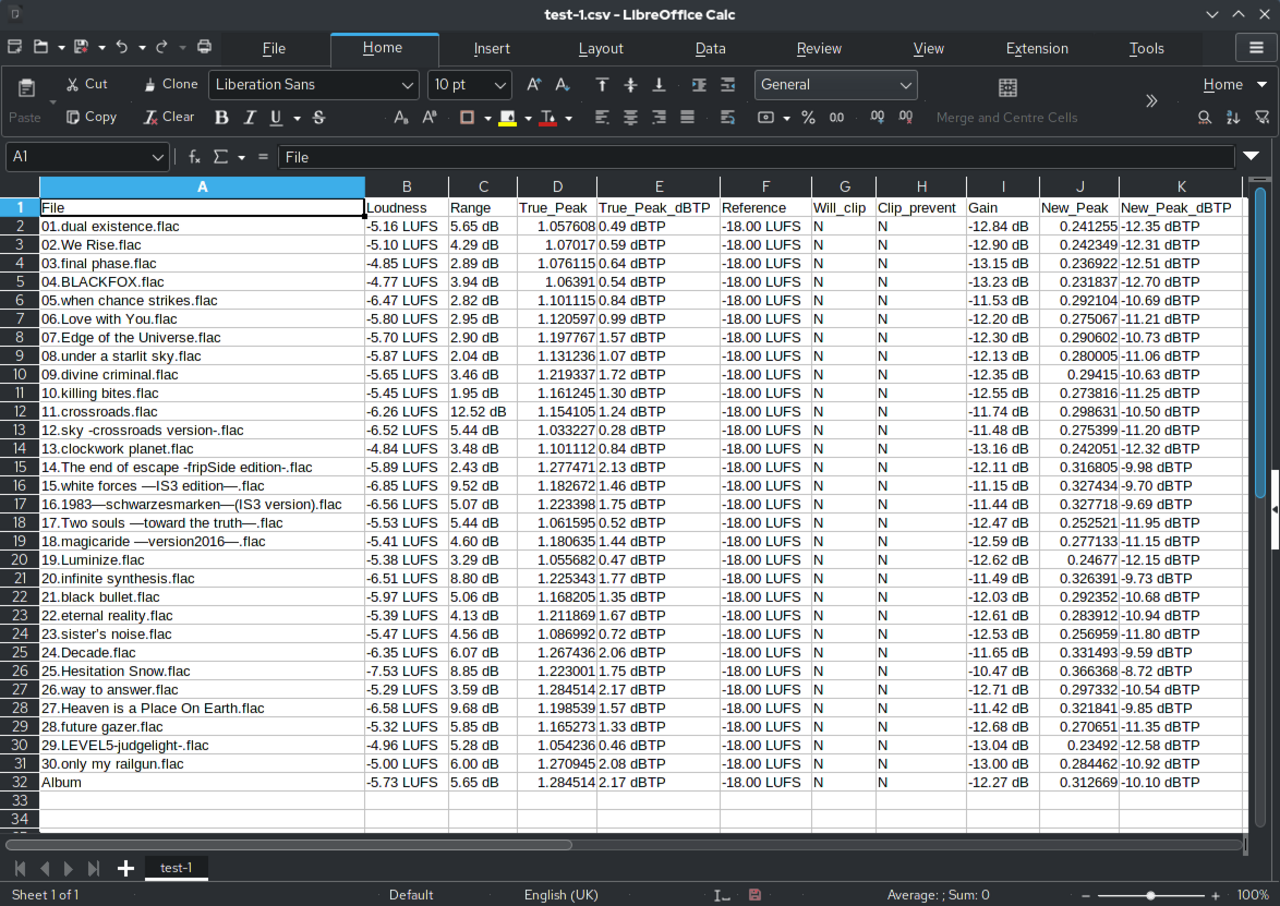
CSV, XLSX, and JSON files with row data. Each row represents one form to fill.

Docs for Batch Fill PDF Forms

Use these docs pages to verify the exact DullyPDF behavior behind batch fill pdf forms before you ship it as a repeat workflow.

Related routes for Batch Fill PDF Forms

These adjacent workflow pages cover nearby search intents teams compare while evaluating batch fill pdf forms.