Industry workflow page

Legal Document PDF Workflow Automation

Automate contract packets, affidavits, motions, and other legal PDF templates by mapping common fields to case or client record data.

Workflow examples for Legal PDF Workflow Automation

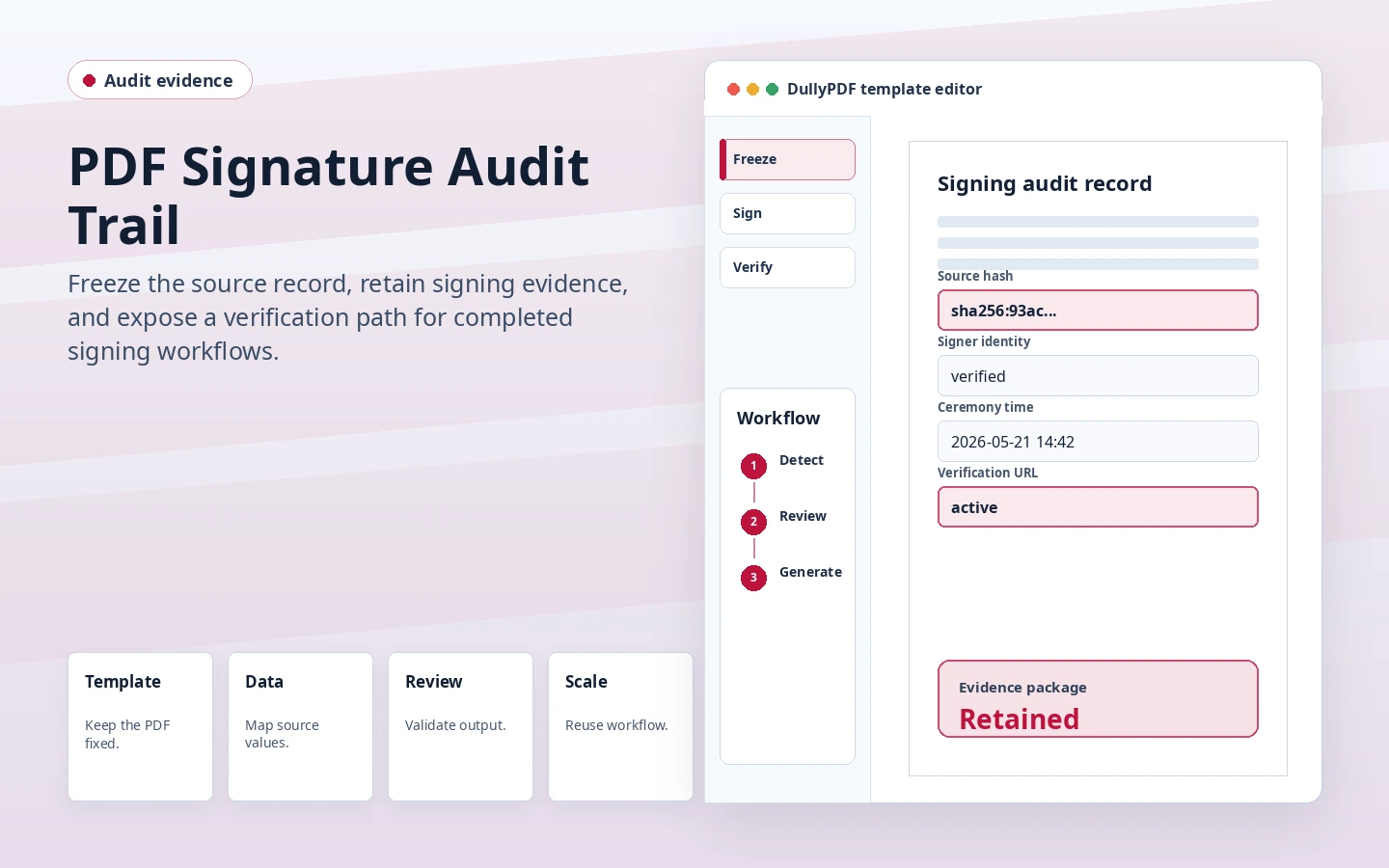
Legal contract and signature block representing the final document that must stay controlled.
Legal template work becomes safer when the document is normalized before it is routed into review, signature, or archive under deadline pressure.
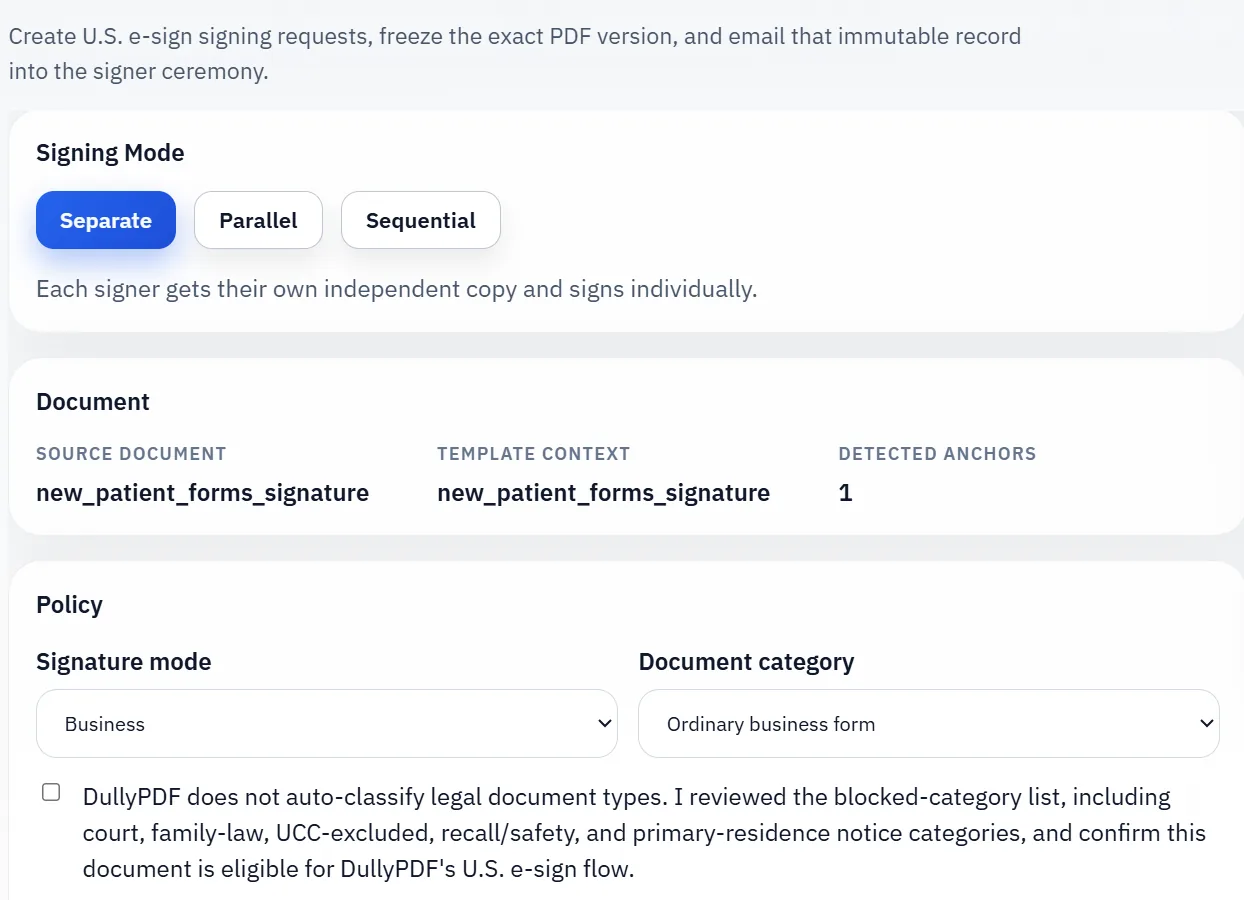
DullyPDF signature workflow after a final document has been prepared.
Where signature belongs in the workflow, it should attach to one reviewed final record rather than to a draft that is still changing.

Why legal teams still rely on repeat PDF packets

Legal operations often depend on fixed forms, repeated packet assembly, and documents that need consistent client or matter data inserted under deadline pressure. Contracts, intake forms, declarations, affidavits, and filing-related documents all create opportunities for repetitive copy and paste when the last mile is still a PDF.

That makes legal document workflows a natural fit for template reuse. The core need is not flashy automation. It is dependable, repeatable output from structured case or client data.

How mapped templates fit client and case-data workflows

A mapped legal template connects the document field set to the values the team already tracks in practice-management systems, intake sheets, or matter exports. That lets staff fill recurring documents from structured data instead of manually propagating the same names, dates, and identifiers across every packet.

The biggest win comes when naming is normalized early. Legal forms often reuse similar concepts with different visual labels, so clean field names reduce confusion during later mapping and QA.

What legal teams should validate before standardizing templates

Before a legal template becomes a shared workflow, the team should validate the fields that matter most to the document’s purpose: names, dates, case identifiers, signature-related fields, and any attestations or option-driven sections. That review is what turns the template from a promising draft into something that can be trusted under time pressure.

The same principle applies across a library of legal forms. Fewer, better-reviewed templates are usually more valuable than a larger set of thinly maintained ones.

The best fit is internal packet automation, not every filing or court program

This route is strongest when a legal team needs repeatable internal packet preparation for contracts, intake sets, declarations, acknowledgments, or other document families that still rely on fixed PDF output. It should not be treated as a blanket answer for every court filing system, every litigated workflow, or every specialized legal process that carries its own submission rules outside the document itself.

That boundary matters because it keeps the page honest and more useful. The product helps when firms already have structured case or client data and need a cleaner way to move that data through recurring PDFs. It is less about replacing the whole legal workflow than about making the document-preparation layer more dependable.

Why teams use Legal PDF Workflow Automation

  • Reuse mapped templates for legal intake, contracts, and filing workflows.
  • Reduce repetitive copy/paste across recurring court or client packets.
  • Keep field naming consistent for better downstream case-data mapping.

Implementation signals for Legal PDF Workflow Automation

  • Search & Fill supports row-based client/case data population.
  • Editor cleanup handles variable legacy form geometry before production.
  • Troubleshooting docs provide fast validation steps for misfills.

Need deeper technical details about legal pdf workflow automation? Use the Rename + Mapping docs and Search & Fill docs to validate exact behavior.

Frequently asked questions about Legal PDF Workflow Automation

Can DullyPDF automate legal contract and filing PDFs?

Yes. Legal teams can map recurring templates and fill them from structured client and case records.

Does this work for affidavit and declaration form templates?

Yes. Affidavit and declaration-style PDFs can be standardized and reused as mapped templates.

Can law firms maintain consistent field naming across templates?

Yes. Rename plus mapping workflows are designed to normalize inconsistent field labels.

Docs for Legal PDF Workflow Automation

Use these docs pages to verify the exact DullyPDF behavior behind legal pdf workflow automation before you ship it as a repeat workflow.

Related routes for Legal PDF Workflow Automation

These adjacent routes cover neighboring document workflows and team use cases that usually get evaluated alongside legal pdf workflow automation.