
Bankruptcy Petition and Schedules PDF Packet Automation
Official bankruptcy forms are a packet workflow: petition, asset schedules, secured and unsecured creditor schedules, income and expense schedules, statement of financial affairs, means-test forms, filing-fee forms, and declarations all reuse debtor, household, property, creditor, income, and case data. DullyPDF can help prepare and review PDFs, not provide bankruptcy advice or court filing services.

Bankruptcy petitions repeat debtor, household, property, creditor, income, and expense data
An individual bankruptcy packet can involve B 101, B 106 Summary, B 106A/B through B 106J, B 107, B 121, B 122A-1, B 122A-2, B 103A, B 103B, and declarations. The forms are separate, but the debtor name, joint debtor details, addresses, household, property, secured creditors, unsecured creditors, income, expenses, and case chapter can repeat.
DullyPDF can make the document workflow easier to prepare and review. It should not decide whether someone should file bankruptcy, choose a chapter, calculate exemptions, apply means-test rules, or file with a court.
Start with the petition, schedules, means-test forms, and filing-fee forms
The strongest first workflow is a reviewed packet for one specific case type. For many individual-debtor workflows, that begins with B 101, B 106 Summary, B 106A/B, B 106D, B 106E/F, B 106I, B 106J, B 107, B 122A-1, B 122A-2, B 103A, and B 103B.
Each template should be validated independently before grouping. Bankruptcy schedules are dense, and repeated rows for property, secured debts, unsecured debts, income, and expenses need more than a superficial fill check.


- B 101 - Voluntary Petition for Individuals Filing for Bankruptcy, 9 pages in the current catalog entry.
- B 106 Summary - Summary of Assets and Liabilities, 2 pages in the current catalog entry.
- B 106A/B - Schedule A/B: Property, 10 pages in the current catalog entry.
- B 106D - Schedule D: Creditors Holding Secured Claims, 3 pages in the current catalog entry.
- B 106E/F - Schedule E/F: Creditors With Unsecured Claims, 6 pages in the current catalog entry.
- B 107 - Statement of Financial Affairs, 12 pages in the current catalog entry.
- B 122A-1 - Chapter 7 Current Monthly Income, 3 pages in the current catalog entry.
- B 122A-2 - Chapter 7 Means Test Calculation, 9 pages in the current catalog entry.
Use a debtor schema that separates identity, household, assets, creditors, income, expenses, and means-test inputs
A bankruptcy packet schema should reflect the case record. Debtor and joint debtor fields should stay separate from creditor, property, secured debt, unsecured debt, household, income, expense, and declaration fields.
The review loop should be strict: fill a realistic test case, inspect repeated rows, compare schedules to source records, validate signatures and declarations, and use flat output for review copies when live PDF fields could confuse recipients.
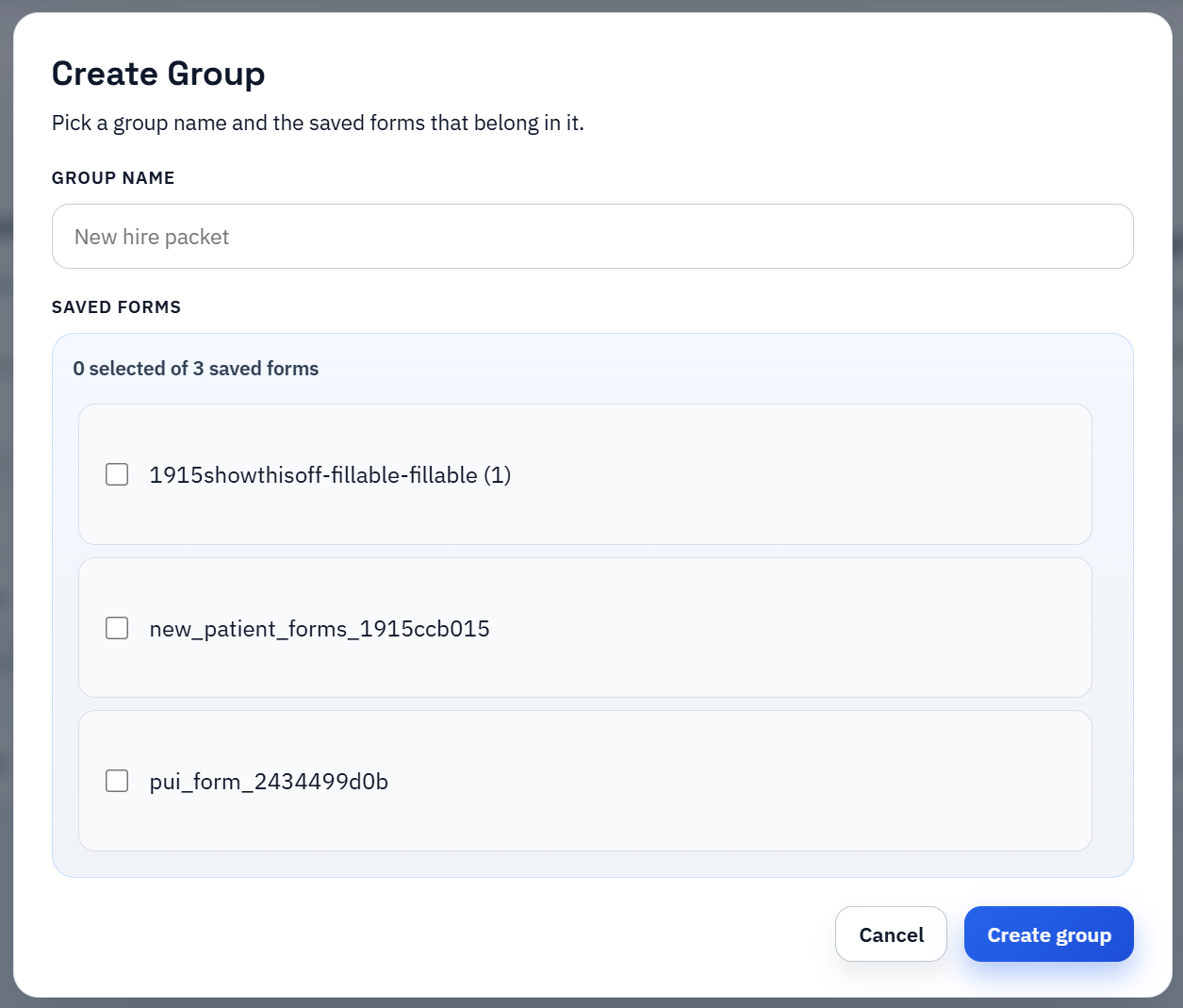
- Debtor fields: `debtor_full_name`, `joint_debtor_full_name`, `mailing_address`, `county`, `chapter_selected`.
- Property fields: `property_1_description`, `property_1_owner`, `property_1_current_value`, `property_1_secured_claim`.
- Creditor fields: `creditor_1_name`, `creditor_1_address`, `claim_amount`, `claim_type`, `collateral_description`.
- Income and expense fields: `gross_monthly_income`, `spouse_income`, `rent_or_mortgage_expense`, `food_expense`, `transportation_expense`.
- Means-test fields: `household_size`, `current_monthly_income`, `deduction_category`, `presumption_result_reference`.
U.S. Courts forms and bankruptcy counsel remain the authority
DullyPDF can prepare templates, fill values, organize packet groups, and export review copies. It does not provide bankruptcy advice, choose chapters, calculate exemptions, perform means-test analysis, or file in court.
Before using a completed packet, verify the current U.S. Courts form, local court requirements, filing rules, signatures, fee requirements, and qualified legal review.