Commercial workflow page

Add Asset Tag Barcodes to PDF Forms

Create asset inspection, maintenance, inventory, and handoff PDF templates with scannable asset tag barcode fields tied to structured records.

Workflow examples for Asset Tag Barcode PDF Form

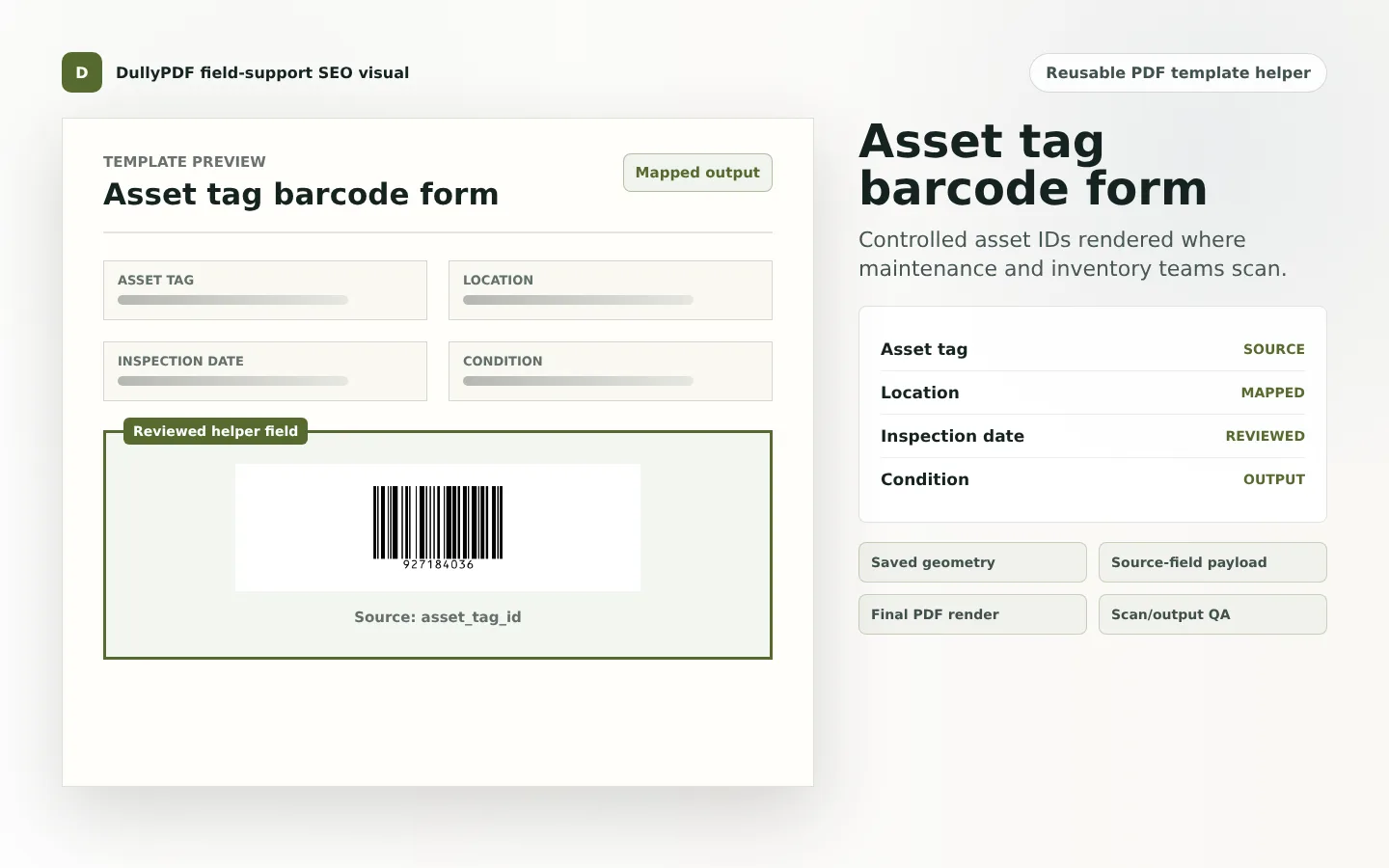
A DullyPDF PDF template preview showing an asset tag barcode field with mapped location and inspection fields.
Asset tag barcode PDFs work best when the barcode, visible ID, and mapped asset data all come from the same source record.
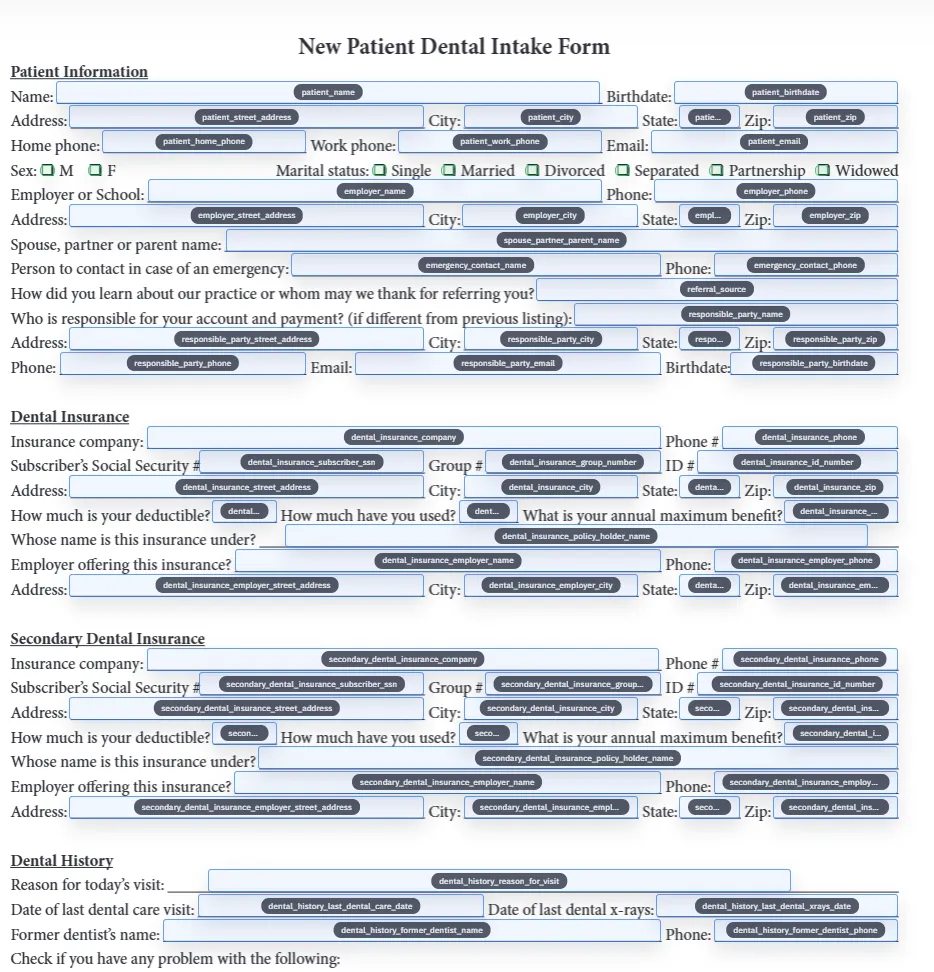
Rename and schema mapping view for a saved PDF template before asset tag barcode output is connected to source data.
Short controlled asset IDs are a natural fit for Code 128 style helper output.

Why asset tag PDFs need both visible data and scannable data

Asset workflows often need a person to read the form and a scanner to recover the ID. A maintenance form may show equipment name, location, inspection date, and condition, while the barcode carries the asset tag that opens or identifies the record.

A DullyPDF template can keep both layers aligned. The visible values and the barcode value come from the same asset record, which reduces the risk of a copied barcode image drifting away from the details printed on the PDF.

1D barcode versus QR Code for asset forms

Use a 1D barcode when the scanner workflow expects a short asset ID. Use QR Code when the scan should open a web asset record, maintenance history, warranty page, or mobile portal. The right choice depends on the scanner and the destination.

GS1 US notes that GS1-128 can include asset identifiers and supply-chain attributes, but those standards workflows are different from DullyPDF internal helper fields.1 If your asset labels must meet a formal external standard, validate that process separately.

How to build a reusable asset-tag template

Start with the asset ID field and map it to the data source. Then add the barcode helper where the scan should happen. Keep a readable version of the asset ID nearby, and include the location or equipment description so the PDF still makes sense if the code cannot be scanned.

This setup is useful for inspection reports, equipment transfer forms, maintenance records, inventory worksheets, and return-to-service paperwork.

Asset barcode QA

Scan one final PDF for a normal asset, one for the longest asset ID, and one with missing or invalid data. That catches the failures that usually appear only after a template is used across many records.

If you plan to print the PDF and attach it to equipment, validate paper size, contrast, and durability requirements. DullyPDF generates the PDF output; it is not a label-material or industrial marking system.

Validate the asset tag barcode pdf form workflow with one real record

A useful asset tag barcode pdf form test starts with one document your team already recognizes, not a perfect demo PDF. Open the existing file, review detection, rename ambiguous fields, confirm checkbox and radio behavior, and save the template only after the field list matches the way the document is used in practice.

Then fill one representative record end to end. Include long names, blank optional values, dates, yes/no choices, and any calculated or scannable fields the page depends on. That single controlled run exposes most template issues before they become repeated output problems.

Choose data and output paths for asset tag barcode pdf form

Search & Fill is the right first path when an operator should pick a record and inspect the result before export. It works with row data from CSV, XLSX, JSON, or stored respondent records. SQL and TXT files should be treated as schema-only mapping inputs; database-backed production workflows should query the database elsewhere and send JSON through API Fill.

Output mode matters too. Editable PDFs are useful when someone will continue working in live fields. Flat PDFs are safer when the completed record goes to customers, employees, agencies, signers, or archive systems because the visible values are baked into the page instead of depending on the recipient PDF viewer.

Production checklist for asset tag barcode pdf form

The asset tag barcode pdf form workflow is ready to reuse when a teammate can clear the document, rerun the same source record, and produce the same visible PDF without remembering hidden cleanup steps. If the result depends on one person knowing which field to fix manually, the template still needs review before it belongs in a repeat workflow.

  • The saved template uses stable field names and reviewed field types.
  • Source headers or API keys match the template schema without ambiguous duplicates.
  • Checkbox, radio, calculated, image, barcode, and signature fields have been tested if the workflow uses them.
  • At least one flat output and one editable output have been opened in the PDF viewers recipients are likely to use.

Why teams use Asset Tag Barcode PDF Form

  • Place asset tag barcode fields beside equipment, location, inspection, or condition fields.
  • Generate the barcode from the same asset record that fills the visible PDF values.
  • Use final PDF output for maintenance packets, inspection forms, asset transfer records, and inventory workflows.

Implementation signals for Asset Tag Barcode PDF Form

  • GS1 describes barcodes as useful for tracking products and assets across supply chains, but DullyPDF focuses on internal PDF template output.
  • DullyPDF 1D barcode helpers fit short controlled asset IDs; QR helpers fit asset portal or record lookup URLs.
  • Final exports stamp helper output into page content so the PDF remains scannable outside DullyPDF.
  • Human-readable asset IDs should stay near the barcode for fallback review.

Need deeper technical details about asset tag barcode pdf form? Use the Rename + Mapping docs and Search & Fill docs to validate exact behavior.

Frequently asked questions about Asset Tag Barcode PDF Form

Can DullyPDF add asset tag barcodes to PDF forms?

Yes. DullyPDF can add 1D barcode or QR Code helper fields to asset, inventory, maintenance, and inspection PDF templates.

Should asset forms use 1D barcode or QR Code?

Use 1D barcode for short scanner IDs and QR Code for record lookup URLs or asset portal links.

Is this an industrial asset-label printing system?

No. DullyPDF renders scannable output into PDF templates. Validate label stock, durability, and external barcode standards separately.

Legal footnotes and sources for Asset Tag Barcode PDF Form

  1. 1.GS1 US | GS1-128 barcodes and asset identifiers

Related setup docs

Docs for Asset Tag Barcode PDF Form

Use these docs pages to verify the exact DullyPDF behavior behind asset tag barcode pdf form before you ship it as a repeat workflow.

Related routes for Asset Tag Barcode PDF Form

These adjacent workflow pages cover nearby search intents teams compare while evaluating asset tag barcode pdf form.