
How to Auto-Fill PDF Forms From a Spreadsheet (CSV or Excel)
Most spreadsheet-to-PDF projects do not fail because CSV is hard. They fail because teams try to automate row filling before they have one stable template, one stable schema, and one repeatable QA loop.
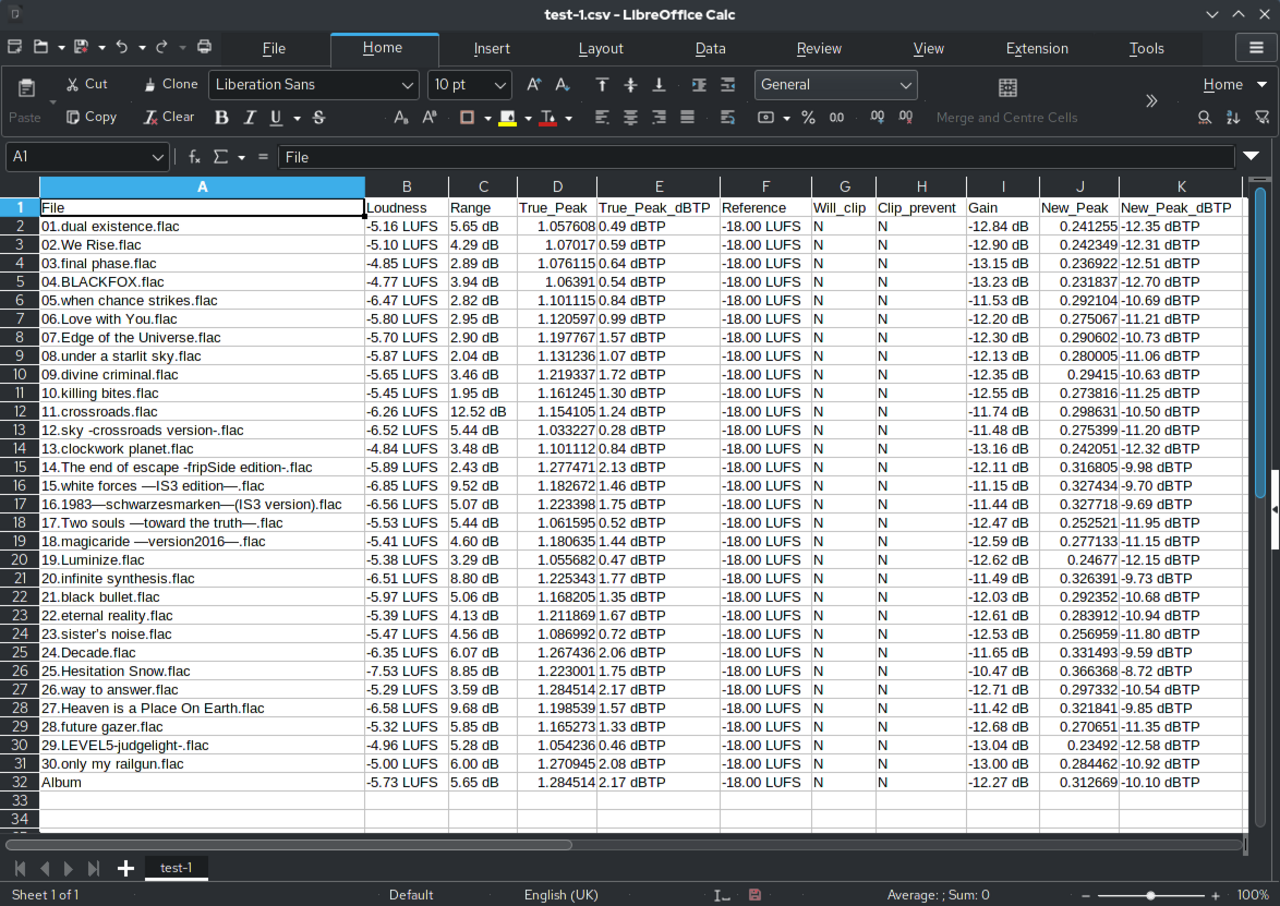
The manual work usually hides in the handoff, not in the spreadsheet
Teams often describe this problem as a spreadsheet problem because that is the file they are staring at all day. But the wasted time usually lives somewhere else: looking for the right row, guessing which header belongs to which PDF field, retyping values into a fixed layout, and then discovering at the end that the filled form still needs cleanup.
That is why copy-paste feels so strangely persistent. The spreadsheet is structured, the PDF is not, and the operator is forced to act as the glue between them. A good auto-fill workflow removes that glue step by building a template that knows what each column means before the fill starts.
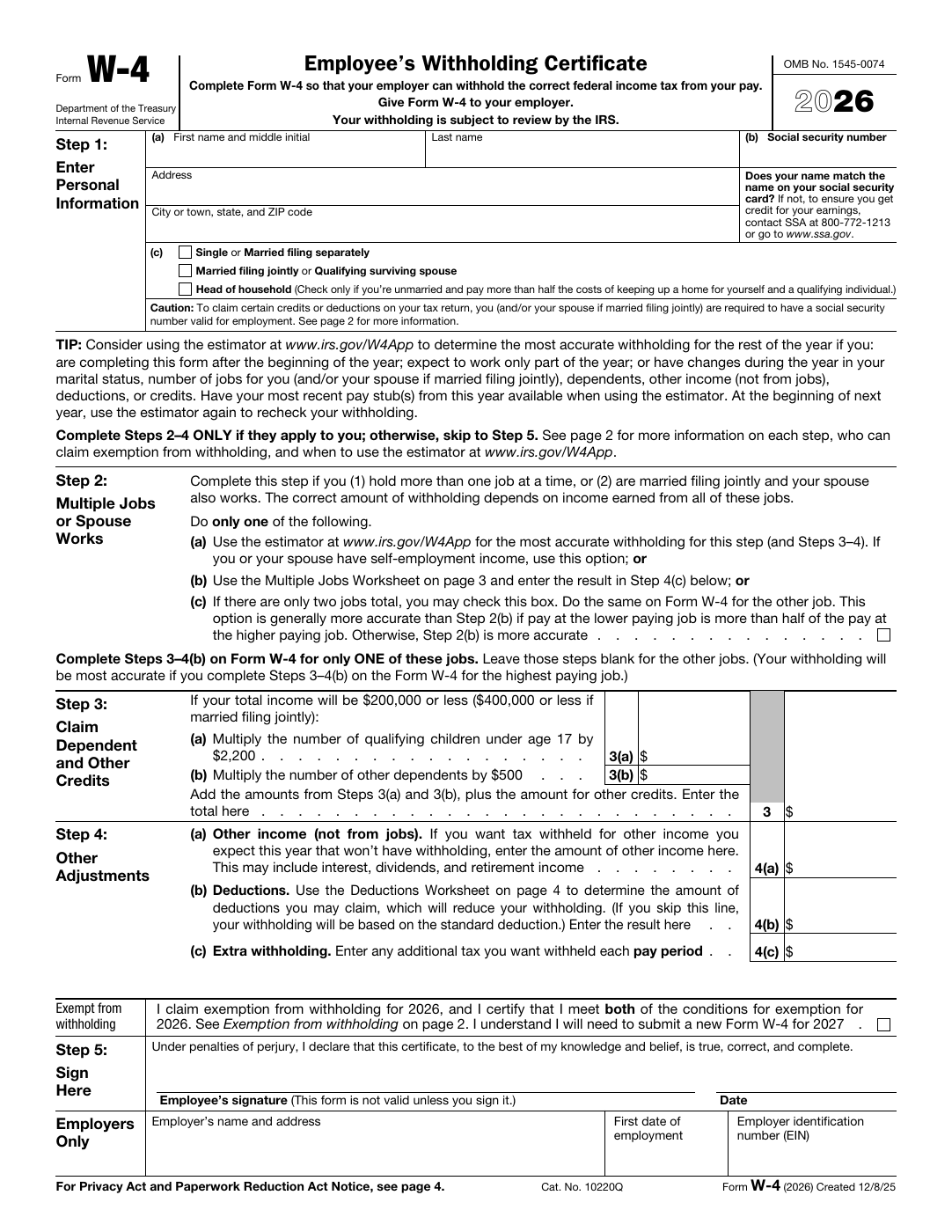
Build the template before you think about volume
The temptation is always to load the spreadsheet immediately because it feels like progress. In practice, the safer order is to get the PDF template right first. Detect or import the fields, normalize the names, verify checkbox behavior, and only then bring the row data into the picture.
This matters because a spreadsheet with five thousand rows does not rescue a weak template. It just lets the same mistake happen five thousand times faster. One dependable template is more valuable than a giant input file plugged into unstable field definitions.
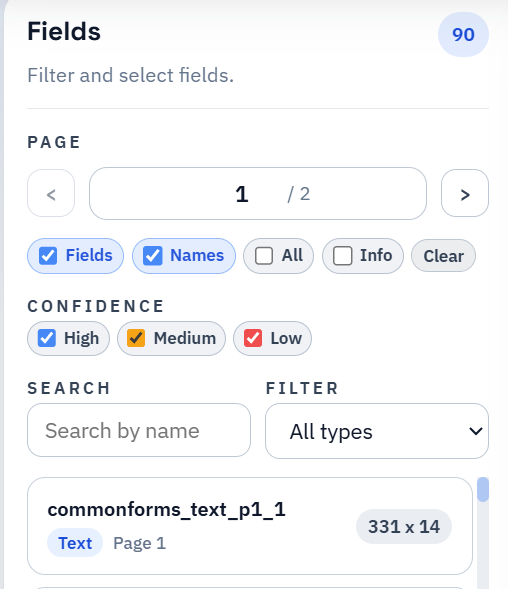
Search and Fill works best as an operator QA loop
There is a reason many teams prefer a record-picker workflow over a blind batch export. Someone can search for the right person, customer, policy, or file number, fill the form once, inspect the result, and correct the template while the stakes are still low. That feedback loop is often more valuable than theoretical bulk speed.
Search and Fill becomes especially useful when the source data is messy in real-world ways. Long names, ambiguous dates, sparse optional columns, and checkbox values all reveal themselves faster when you can inspect one realistic output and then clear and fill again immediately.
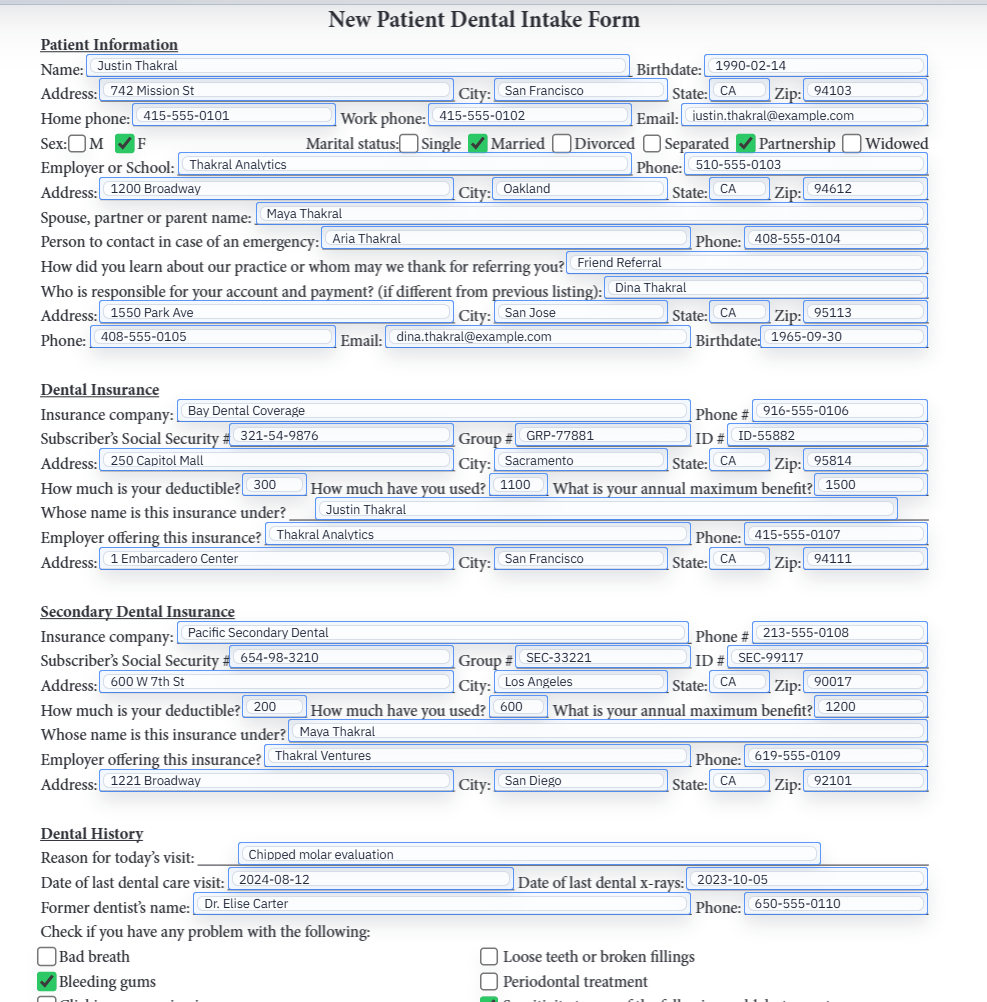
Prepare the spreadsheet like production data, not like a demo file
The rows you test with should look like the rows that cause trouble in real life. Use the long company name, the person with two phone numbers, the record with optional values populated, and the checkbox columns that actually toggle state. Easy rows hide weak mapping decisions.
The same principle applies to headers. Choose clear names, keep date formats consistent, and resolve duplicate columns intentionally. DullyPDF can normalize and defend against messy inputs, but the more disciplined your schema is, the more stable the template feels months later when someone else needs to reopen it.
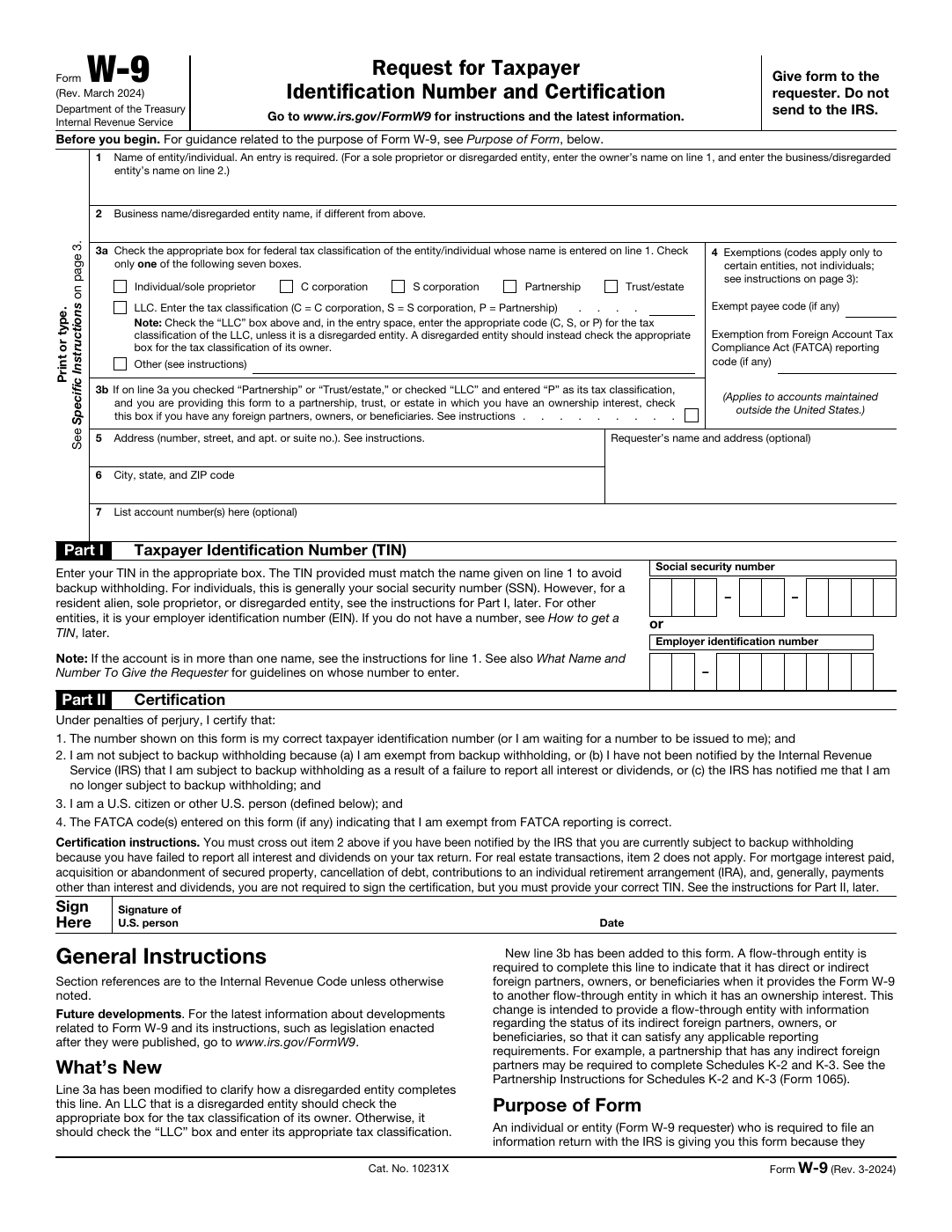
- Test with a row that exercises long text, dates, and at least one non-trivial checkbox or selection field.
- Normalize duplicate or near-duplicate headers before staff start treating the spreadsheet as a permanent contract.
- Keep one representative validation row alongside the template so the workflow can be rechecked after edits.
Know when to stay with spreadsheet-driven fill and when to move on
Spreadsheet-driven fill is usually the right fit when a human still wants to choose the record in the browser. It is less useful when the record does not exist yet or when another system should call the workflow automatically. That is where Fill By Link and API Fill become more natural next steps.
Thinking in those terms helps keep the article grounded. CSV and Excel are excellent input sources, but they are only one way of providing the row. The more important design choice is who supplies the record, when it gets reviewed, and whether a human remains in the loop before the PDF is produced.