
Individual Tax Return Packet Automation for 1040, Schedules, Estimates, and Amendments
Individual tax workflows often reuse the same taxpayer, spouse, dependent, address, payment, adjustment, credit, estimated-tax, and amendment details across several IRS PDFs. DullyPDF can help prepare and review the PDF packet while tax preparation, calculations, filing, and official IRS instructions remain outside the tool.

The 1040 workflow is a repeated-data packet, not just a two-page return
Form 1040 may be the anchor, but the work around it often includes numbered schedules, senior or nonresident variants, estimated-tax vouchers, payment vouchers, and amended-return forms. Each PDF has a different purpose, yet taxpayer names, SSNs, address, filing year, spouse details, dependents, payments, credits, and preparer data can repeat across the packet.
The automation target should be narrow and honest: keep the IRS PDF layout intact, map fields to a reviewed taxpayer record, and reduce retyping during preparation or review. DullyPDF should not calculate tax, choose filing status, prepare the return, validate eligibility for credits, or submit anything to the IRS.
Start with 1040, the numbered schedules, estimates, payments, and amendments
A practical first workflow should focus on the PDFs that recur for the same taxpayer record. Form 1040 and Schedules 1, 2, and 3 cover core income, tax, credits, and payments. Form 1040-SR and 1040-NR support specific taxpayer types. Form 1040-ES, 1040-V, and 1040-X support estimates, payments, and amendments.
Each template should be validated with realistic data before the packet is grouped. A small set of reviewed 1040 templates is more useful than a large tax-form library where nobody has checked field names, repeated taxpayer blocks, or final output behavior.


- Form 1040 - U.S. Individual Income Tax Return, 2 pages in the current catalog entry.
- Schedule 1 - Additional Income and Adjustments to Income, 2 pages in the current catalog entry.
- Schedule 2 - Additional Taxes, 2 pages in the current catalog entry.
- Schedule 3 - Additional Credits and Payments, 1 page in the current catalog entry.
- Form 1040-SR - U.S. Tax Return for Seniors, 4 pages in the current catalog entry.
- Form 1040-NR - U.S. Nonresident Alien Income Tax Return, 2 pages in the current catalog entry.
- Form 1040-ES - Estimated Tax for Individuals, 16 pages in the current catalog entry.
- Form 1040-X - Amended U.S. Individual Income Tax Return, 2 pages in the current catalog entry.
Use a taxpayer schema that separates identity, return year, schedules, payments, and amendments
The field names should describe the return record. Names like taxpayer_full_name, spouse_full_name, tax_year, filing_status, dependent_1_name, estimated_payment_q1, amended_original_amount, and preparer_ptin are easier to review than generic form field labels.
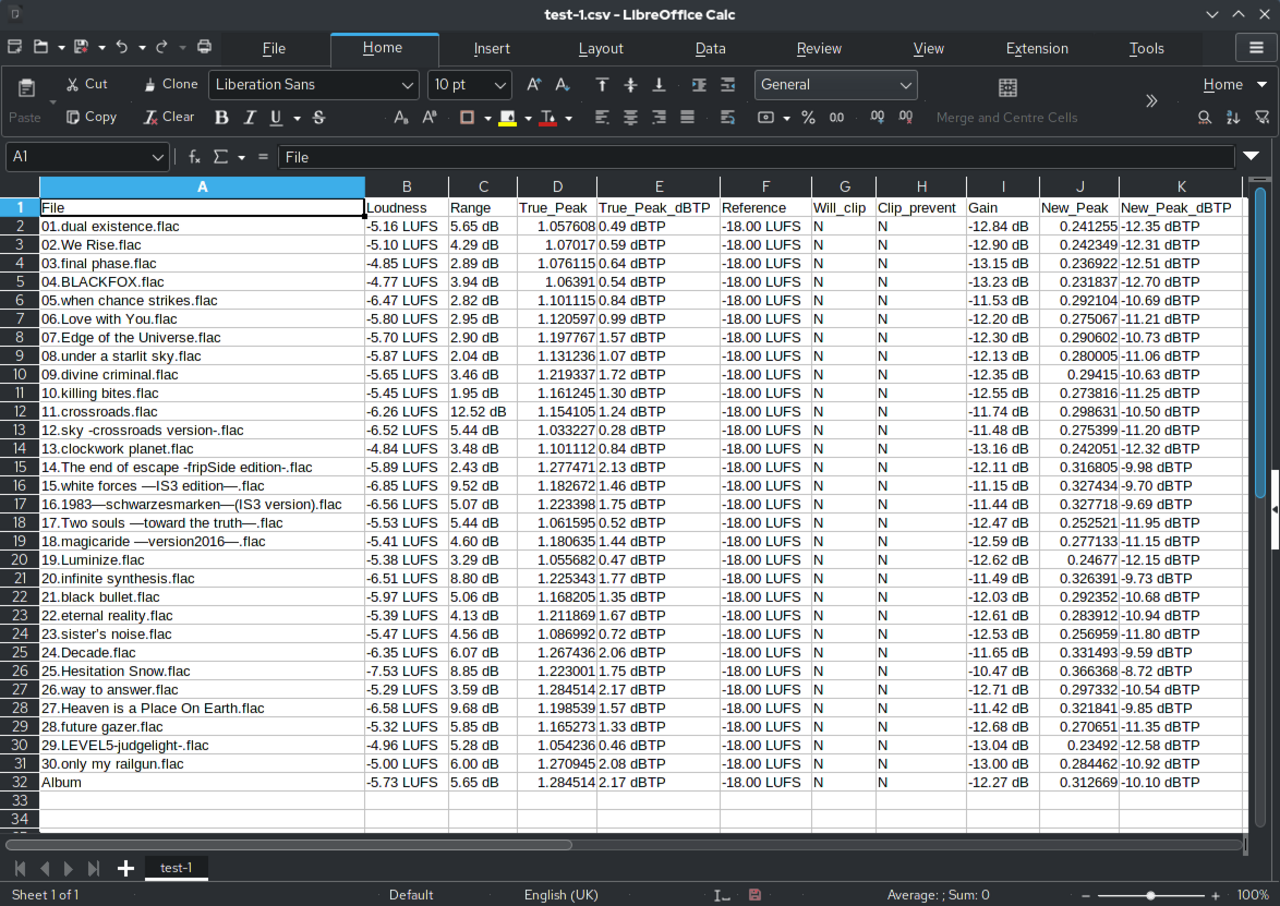
Search and Fill is useful when the source record comes from a preparer spreadsheet, organizer export, or internal review file. The operator can select one taxpayer row, fill the reviewed templates, inspect the PDF output, and correct the field map before any repeat workflow is trusted.
- Identity fields: `taxpayer_full_name`, `spouse_full_name`, `taxpayer_ssn_last4`, `mailing_address`, `filing_status`.
- Schedule fields: `additional_income_total`, `adjustment_total`, `additional_tax_total`, `credit_total`, `other_payment_total`.
- Payment fields: `estimated_payment_q1`, `estimated_payment_q2`, `amount_paid_with_extension`, `payment_voucher_amount`.
- Amendment fields: `original_amount`, `net_change`, `corrected_amount`, `amendment_explanation`, `signature_date`.
IRS instructions remain the authority for forms, filing, and tax positions
DullyPDF can prepare templates, map values, fill official-layout PDFs, and export review copies. It does not prepare tax returns, determine filing status, calculate tax, choose schedules, decide whether a taxpayer qualifies for a credit, submit e-files, or replace IRS instructions.
Before using any completed 1040 packet outside the workspace, verify the current IRS form page, revision date, instructions, filing addresses, e-file guidance, signature requirements, and any preparer review process.