
Medicare Provider Enrollment and Credentialing PDF Automation
Medicare enrollment and credentialing packets repeat provider, supplier, practice-location, ownership, managing-control, contact, EFT, and participation data across long CMS PDFs. DullyPDF can help operations teams prepare reviewed templates and fill them from a stable credentialing record while CMS and PECOS remain the authority for submission requirements.
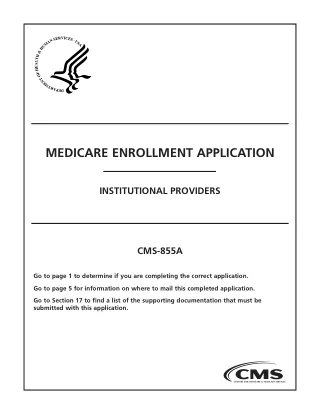
CMS enrollment packets repeat the same provider and organization data across long PDFs
Provider enrollment work is often framed as a form problem, but the recurring burden is the data behind the forms. A hospital, clinic, group practice, physician, non-physician practitioner, DMEPOS supplier, ordering or certifying provider, or billing entity may need to repeat legal names, NPIs, tax IDs, practice locations, ownership, contacts, EFT banking data, and signer details across several CMS PDFs.
DullyPDF is useful when a team has to preserve the official fixed layout but wants a cleaner way to prepare, map, and review the packet. It should not replace PECOS, decide which CMS-855 application applies, determine billing privileges, or validate compliance with Medicare enrollment rules.
Treat the CMS-855 family as related templates, not as one generic enrollment PDF
The CMS-855 forms serve different provider and supplier types. A high-quality workflow should build one reviewed template per form type and keep the shared schema stable where fields overlap. That lets a credentialing team reuse provider data without pretending that institutional providers, clinics, physicians, ordering providers, and DMEPOS suppliers all have the same packet.
CMS-460 and CMS-588 often sit next to the enrollment application. CMS-460 handles the participating physician or supplier agreement, while CMS-588 handles EFT authorization. These supporting documents should be mapped deliberately because signer, banking, and organization fields carry review risk.

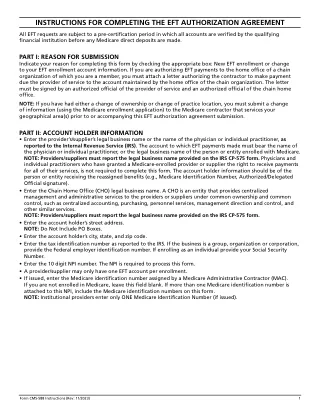
- CMS-855A - Institutional Provider enrollment, 72 pages in the current catalog entry.
- CMS-855B - Clinics, Group Practices, and Certain Other Suppliers enrollment, 49 pages in the current catalog entry.
- CMS-855I - Physicians and Non-Physician Practitioners enrollment, 26 pages in the current catalog entry.
- CMS-855S - DMEPOS Suppliers enrollment, 39 pages in the current catalog entry.
- CMS-855O - Ordering and Referring Physicians enrollment, 11 pages in the current catalog entry.
- CMS-460 - Medicare Participating Physician or Supplier Agreement, 3 pages in the current catalog entry.
- CMS-588 - EFT Authorization Agreement, 4 pages in the current catalog entry.
Use a credentialing schema that separates provider, supplier, location, owner, and EFT roles
Credentialing packets are role-heavy. The provider or supplier, legal business entity, delegated official, authorized official, managing employee, owner, adverse legal action contact, practice location, billing agency, and EFT account holder may not be the same party. The field map should make those roles explicit.
A schema organized around credentialing records also makes spreadsheet and API workflows more realistic. Instead of mapping to Text1 and Text2, the team can map provider_npi, organization_legal_name, tax_identification_number, practice_location_1_address, owner_1_percent_interest, eft_routing_number, and authorized_official_signature_date.
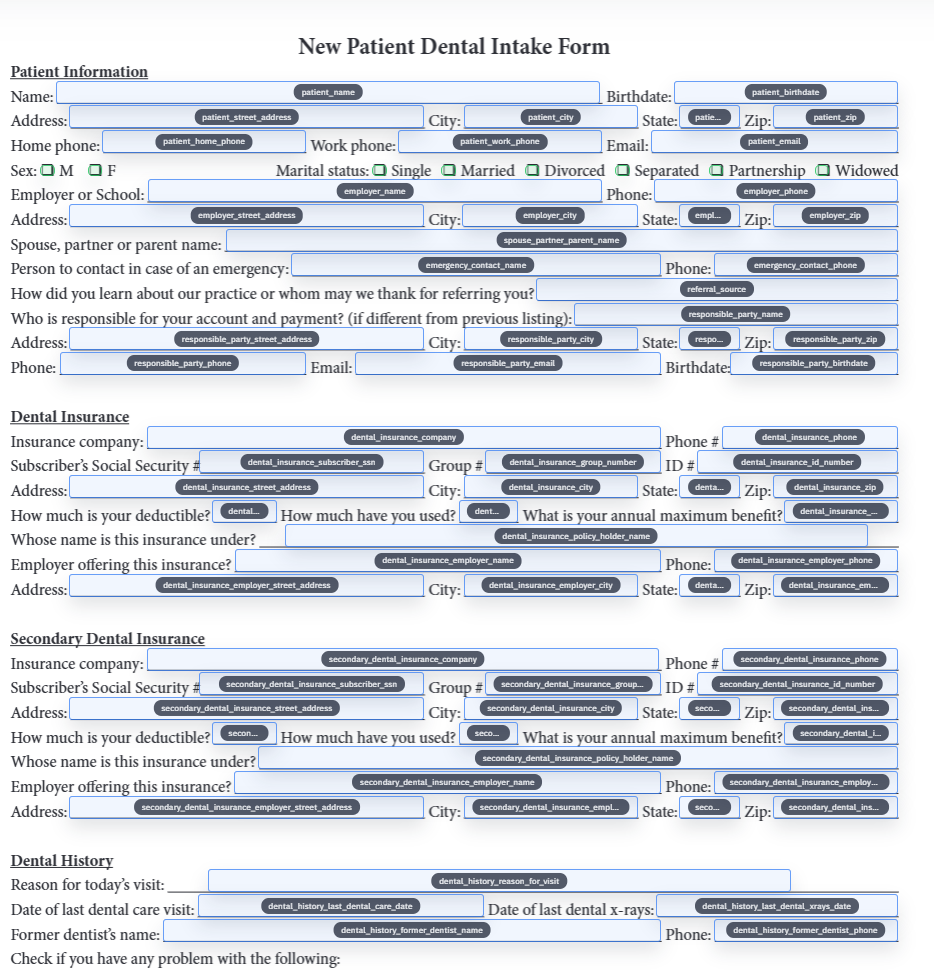
- Provider fields: `provider_full_name`, `provider_npi`, `license_number`, `specialty_code`, `date_of_birth`.
- Organization fields: `organization_legal_name`, `doing_business_as`, `tax_identification_number`, `ptan`, `chain_home_office`.
- Location fields: `practice_location_1_address`, `medical_record_storage_address`, `correspondence_address`, `billing_agency_name`.
- Ownership fields: `owner_1_name`, `owner_1_type`, `owner_1_percent_interest`, `managing_employee_name`, `authorized_official_name`.
- EFT fields: `financial_institution_name`, `routing_number`, `account_number`, `account_type`, `eft_contact_name`.
Use spreadsheet review first, then API Fill for stable internal credentialing systems
For many credentialing teams, the first useful workflow is Search and Fill from a spreadsheet or exported provider roster. The operator searches the provider or organization row, fills the reviewed CMS template, and validates the long PDF before export. That keeps review close to the output while reducing repeated typing.
API Fill becomes useful when a credentialing platform, internal CRM, or provider data system already owns the record and the template map is stable. A template-scoped API can generate the PDF packet, but only after field names, role rules, and output behavior have been tested with realistic provider data.
CMS, PECOS, and MAC instructions remain the authority
CMS explains that providers and suppliers can enroll online using PECOS, and the paper forms have submission and signature requirements. DullyPDF can help teams prepare and review paper-style PDFs when those documents are part of their workflow. It does not replace PECOS, determine the correct application, validate enrollment eligibility, or submit documents to a Medicare Administrative Contractor.
Before using a completed packet outside the workspace, verify the current CMS enrollment page, form revision, required supporting documentation, handwritten signature rules, EFT requirements, PECOS options, and the correct enrollment contractor. If the decision is about Medicare enrollment compliance rather than PDF preparation, use CMS guidance or qualified credentialing counsel.