
Map PDF Fields to Database Columns: A Step-by-Step Guide
Field mapping is the moment when a PDF stops being just a visible form and becomes part of a repeatable data workflow. The hard part is not clicking map. The hard part is making sure the template and the source schema actually agree on meaning.
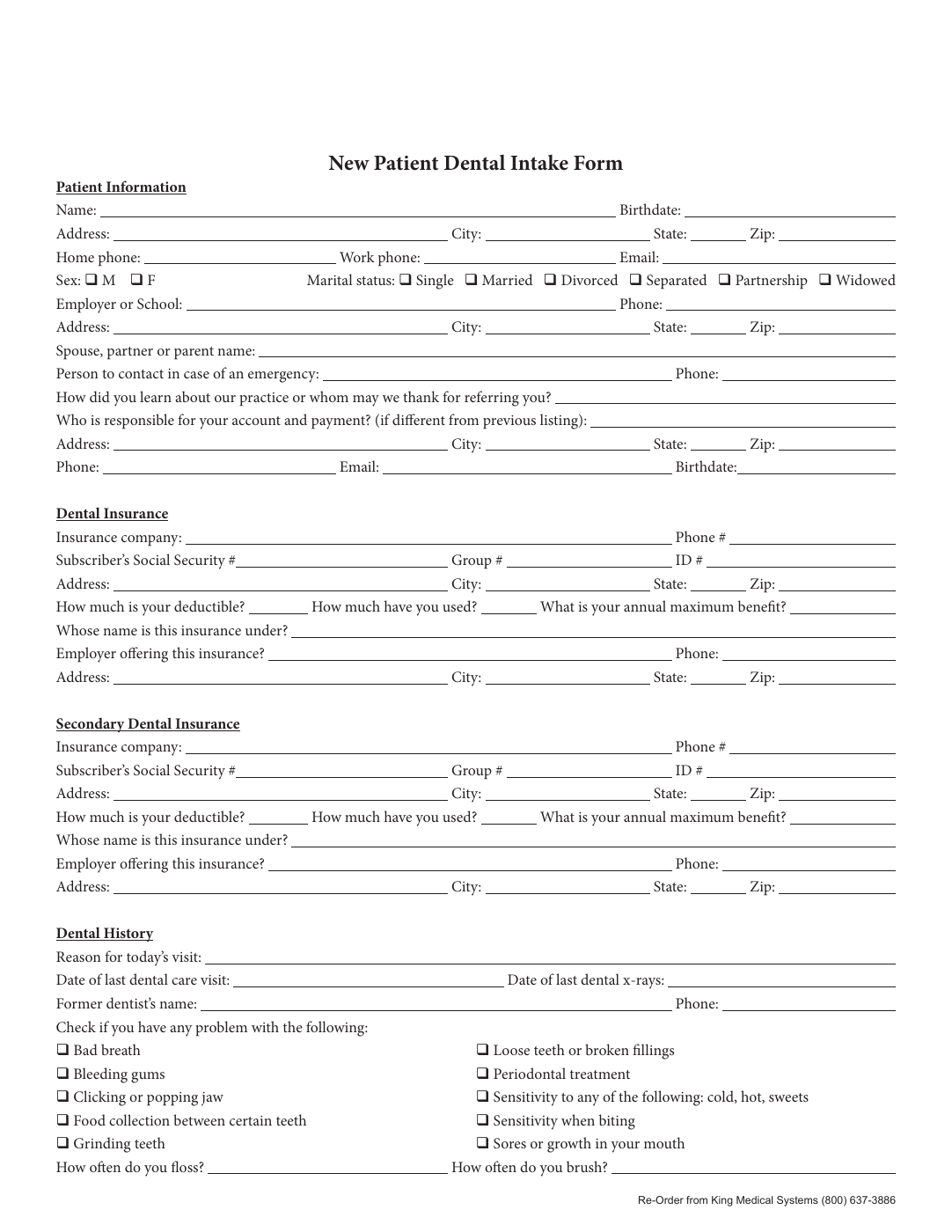
Mapping gives the document a data contract
Without mapping, a fillable PDF is still mostly a manual tool. The fields exist, but they do not know which external value should populate them. Mapping adds that meaning by connecting the template to the headers or properties that already exist in your spreadsheet, JSON payload, or internal system export.
That contract is why mapping matters so much. It is not a decorative metadata step. It is the layer that lets one row behave predictably today and another row behave predictably next month when a different operator reopens the same template.
Rename before you map whenever the source names are weak
Mapping can only be as good as the field names it sees. If the document still contains vague labels, duplicate identifiers, or artifacts inherited from another authoring tool, then the map will either be messy or require more manual correction than it should. Clear names give the schema matching process something defensible to work with.
This is why rename and map often belong together. Rename improves the language of the template. Mapping ties that improved language back to your data source.
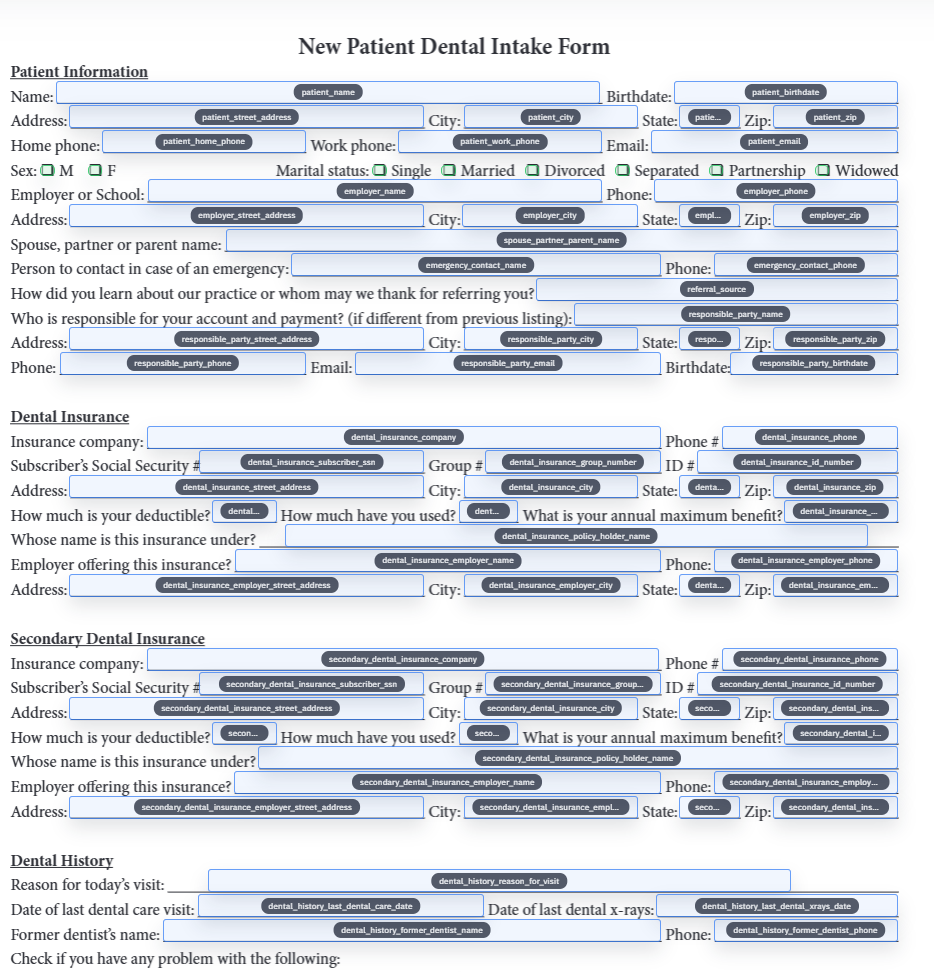
Clean schemas make mapping dramatically easier to trust
The best mapping jobs start from boring schema discipline. Column names are descriptive, duplicate headers are resolved intentionally, and date or boolean fields follow one obvious pattern. The template does not have to compensate for three competing ways of naming the same business concept.
That does not mean the schema needs to be perfect before you begin. It means you should decide which names are canonical so the template is built against something stable enough to survive later reuse.
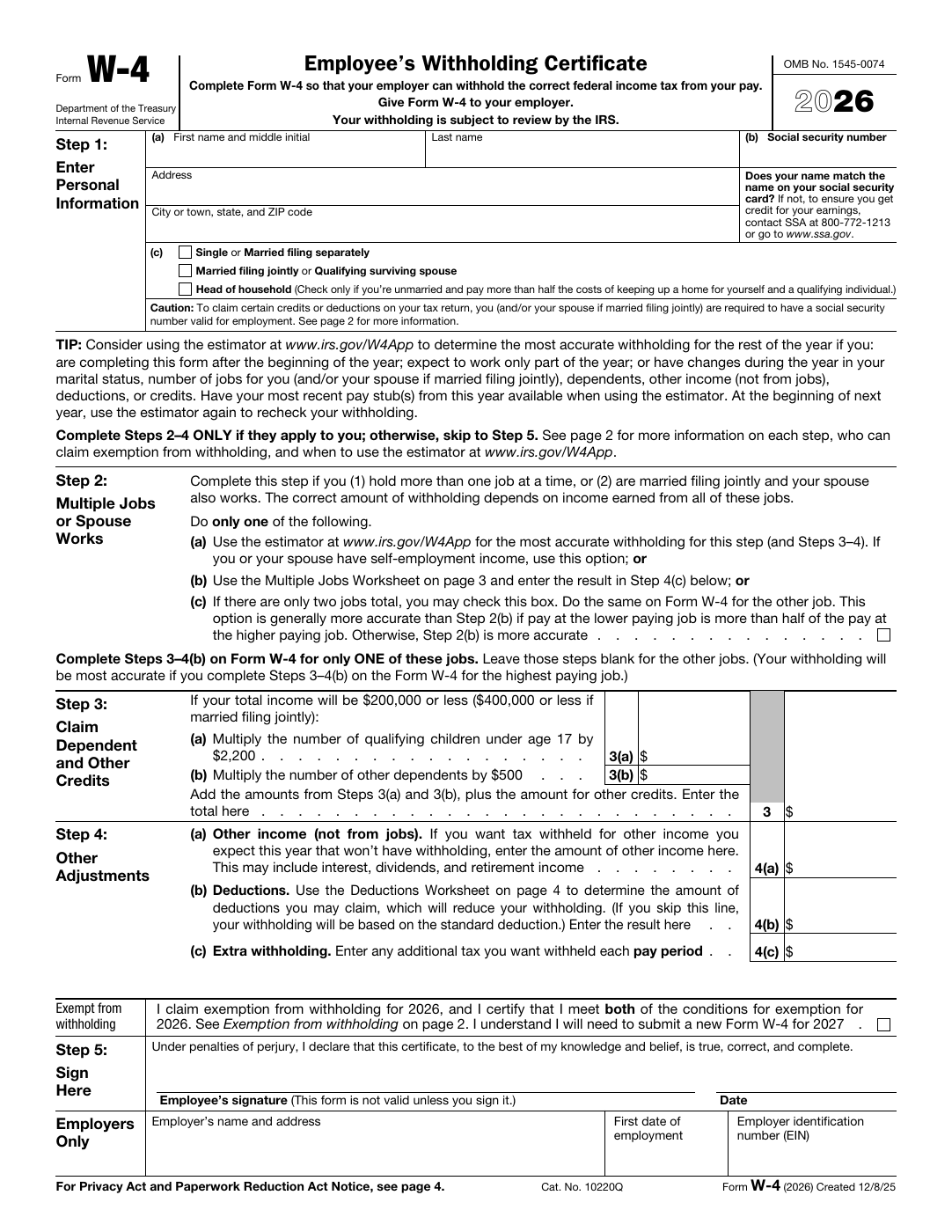
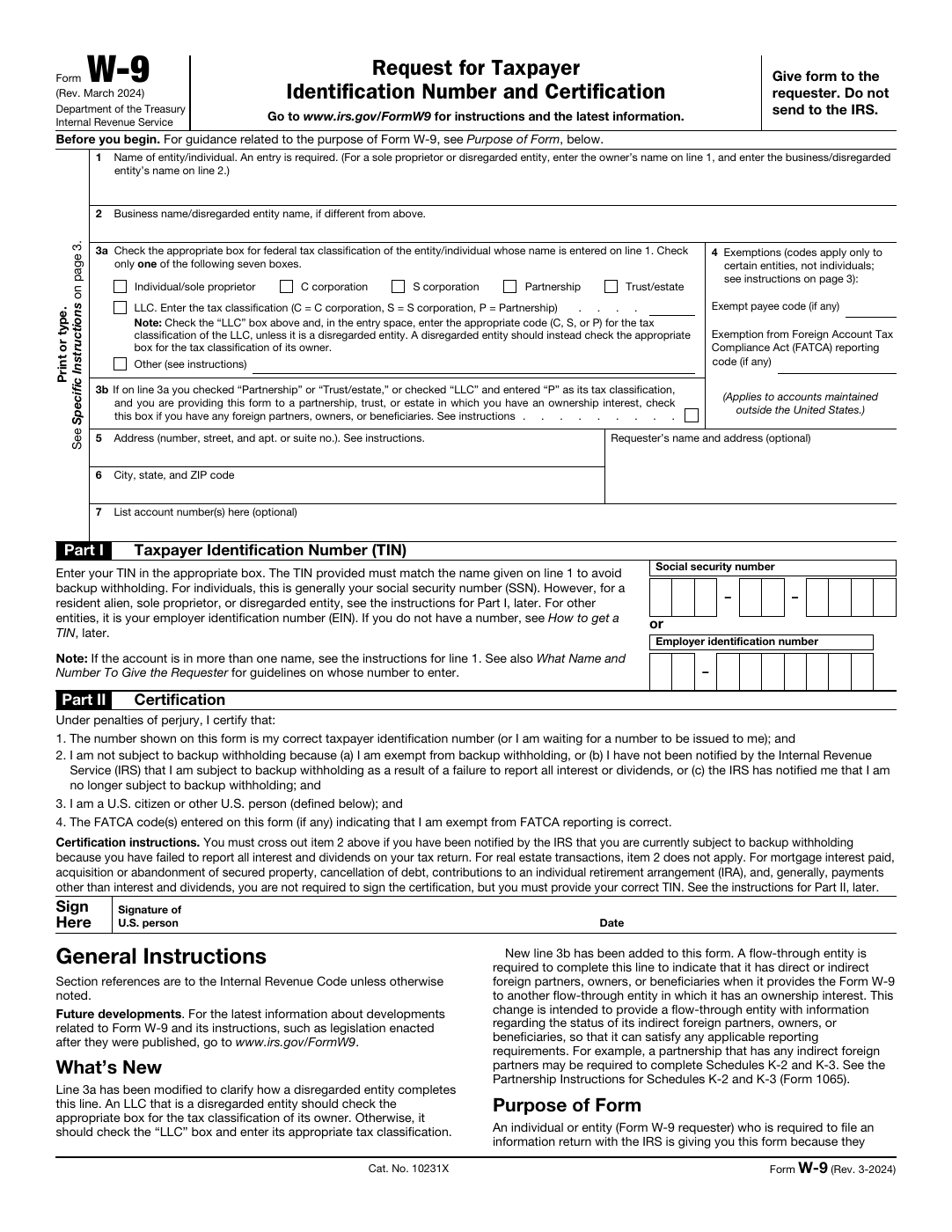
Checkboxes and grouped selections are where semantic quality really shows
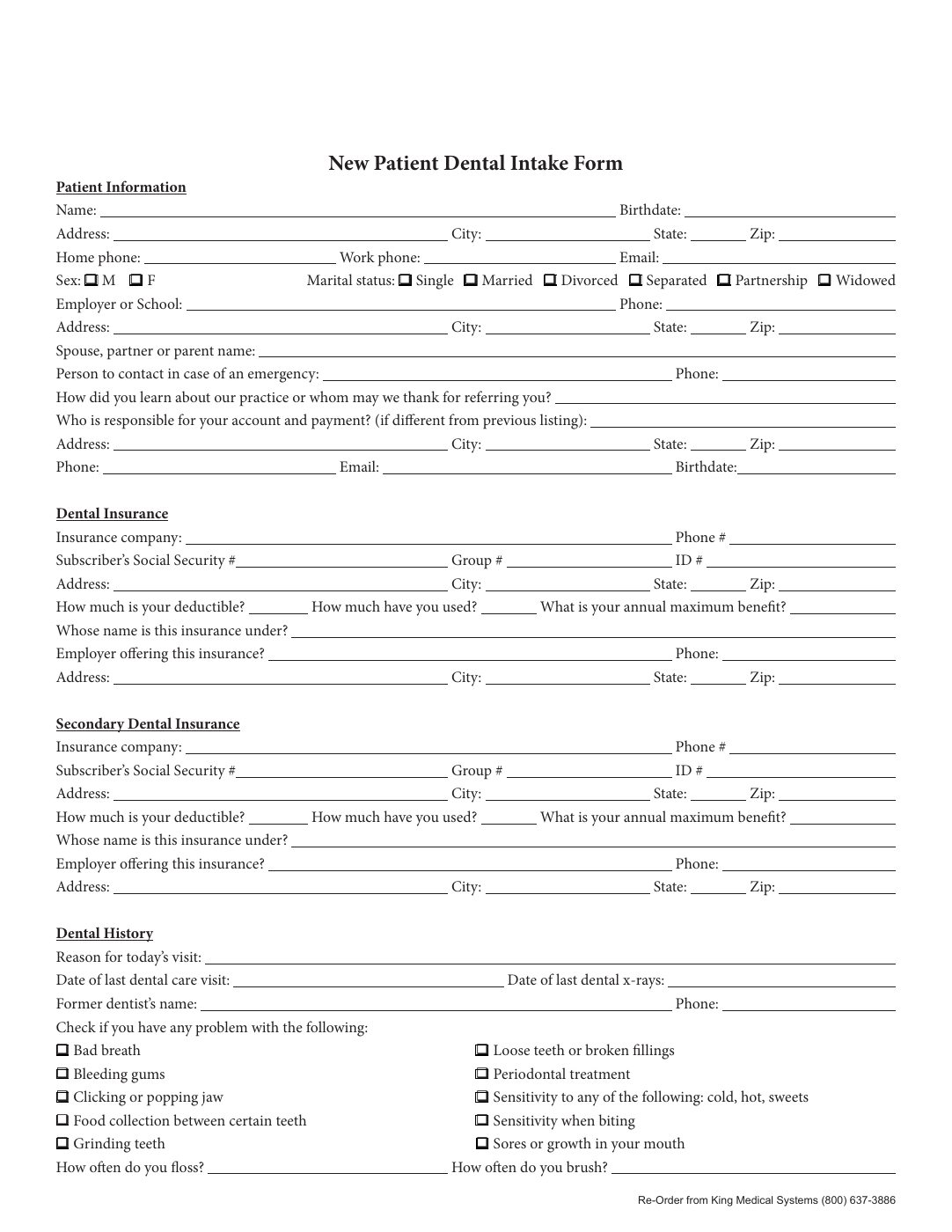
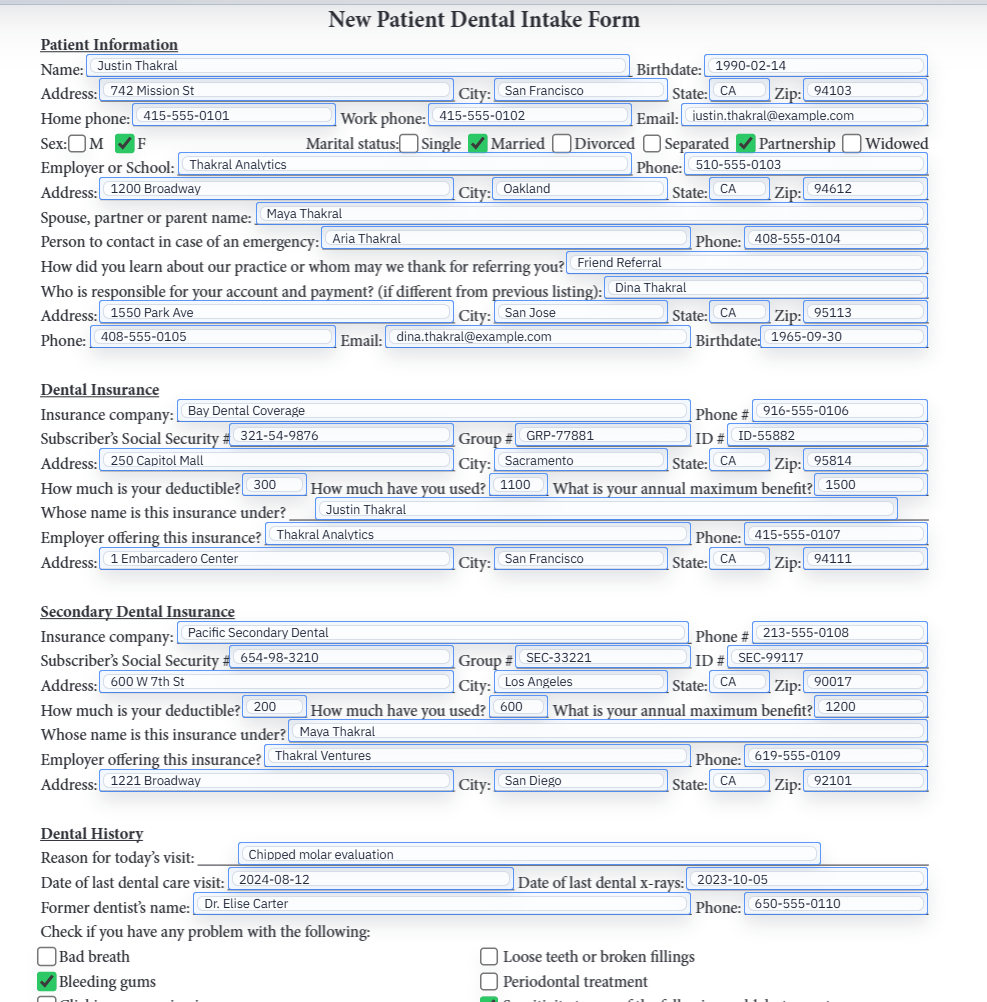
Text fields are usually the easy part. The harder cases are yes-no pairs, grouped selections, multi-select sets, and any field where the incoming value has to be interpreted rather than copied literally. These are the fields that reveal whether the template was mapped thoughtfully or only superficially.
The safest pattern is to resolve those grouped values explicitly while the template is still under review. Once the choice logic is clear, later fills become much more boring, and boring is exactly what you want from repeat automation.
Good mappings are tested and maintained, not assumed permanent
The first live fill is the real proof that the map is sound. Load representative data, inspect the output, clear the fields, and fill again. That loop catches subtle semantic problems long before they turn into production drift.
After that, maintenance should be explicit. If the schema changes, reopen the template and fix the mapping intentionally. Do not rely on institutional memory or on the hope that a vaguely similar column still means the same thing.
- Keep a representative record handy for remap QA after schema changes.
- Update the template in small deliberate increments instead of cloning many near-duplicates.
- Treat grouped values and date fields as first-class validation targets, not as afterthoughts.