Commercial workflow page

PDF Calculation Order for Dependent Fields

Understand why chained PDF calculations need a dependency order, how cycles break totals, and how DullyPDF computes values before export.

Workflow examples for PDF Calculation Order

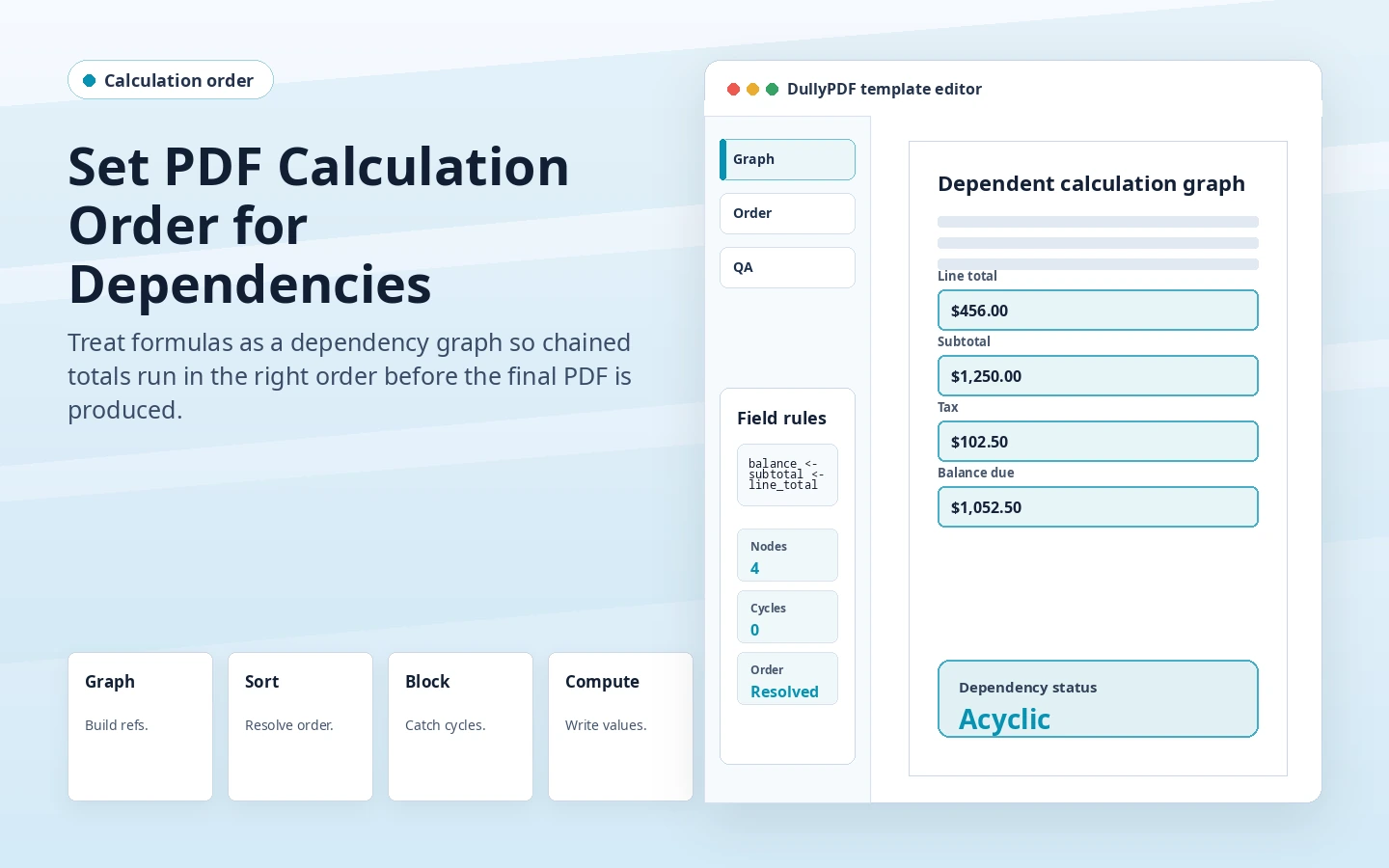
DullyPDF calculation order preview showing dependent calculated outputs resolved from source fields.
Calculation order is easiest to reason about when formula dependencies are stored as structured template data.
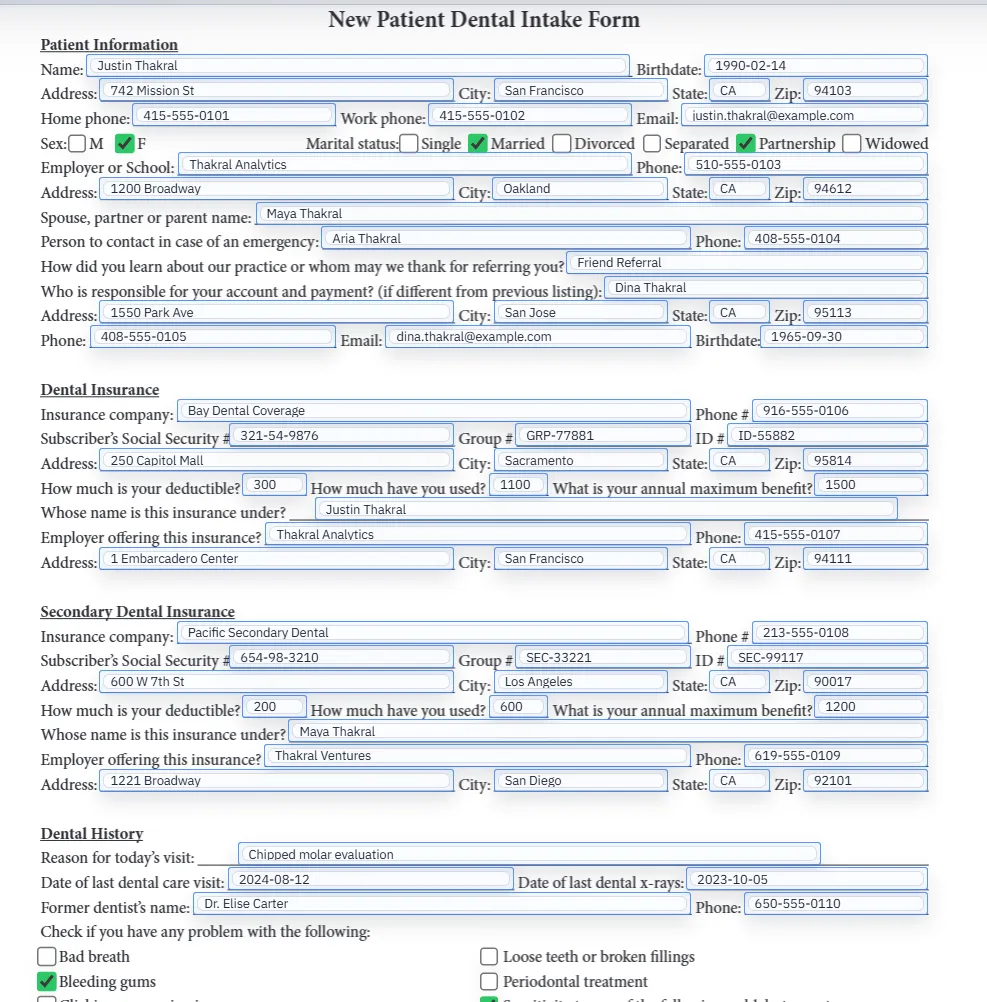
Filled PDF preview after dependent values have been applied to a template.
For final output, DullyPDF computes the dependency chain before writing the PDF.

Order matters whenever one calculated field depends on another

A simple total can often compute directly from source inputs. A chained calculation is different. If field C depends on A plus B, and field E depends on C times D, then C has to be computed before E. Otherwise E may read a stale or blank value.

Adobe exposes calculation order controls for this exact reason.1 DullyPDF approaches the same problem from the template model: formulas declare dependencies, and the app can derive the order rather than asking the operator to maintain it manually.

Think of formulas as a graph

Each number input or calculated output is a node. Each formula reference is an edge from the output to the field it needs. A valid calculation graph has a path from source inputs to outputs without looping back on itself.

That model makes the error cases clearer. A missing field is a broken edge. A circular reference is a loop. A reusable intermediate is valid only when everything it needs can be computed before any field that depends on it.

Cycles should fail before export

A cycle means there is no stable first value. For example, total_a depends on total_b while total_b depends on total_a. A PDF viewer might show a stale result, fail to update, or behave differently depending on which field it evaluates first.

DullyPDF blocks cycles before calculated fields are saved. That is a better failure mode than exporting a PDF that looks correct in one test case and breaks later when real records arrive.

Editable PDF order is compatibility, not the only computation path

Editable PDF exports can write DullyPDF-owned calculated fields into the PDF calculation order so Adobe-style viewers have a reasonable live recalculation path. That supports recipients who need to keep editing the PDF after download.

The same export still carries precomputed values. Browser and mobile viewers may not perform the full live calculation sequence, so the PDF should open with the value DullyPDF already computed during materialization.

A simple QA path for chained totals

Test each level of the chain. Fill source inputs first, inspect the first derived field, then inspect the final total. Change one source value and repeat the same check in editable output if live recalculation matters.

For final records, verify the flat output too. A flat PDF should show the same computed chain result without depending on any viewer-side calculation order.

Validate the pdf calculation order workflow with one real record

A useful pdf calculation order test starts with one document your team already recognizes, not a perfect demo PDF. Open the existing file, review detection, rename ambiguous fields, confirm checkbox and radio behavior, and save the template only after the field list matches the way the document is used in practice.

Then fill one representative record end to end. Include long names, blank optional values, dates, yes/no choices, and any calculated or scannable fields the page depends on. That single controlled run exposes most template issues before they become repeated output problems.

Choose data and output paths for pdf calculation order

Search & Fill is the right first path when an operator should pick a record and inspect the result before export. It works with row data from CSV, XLSX, JSON, or stored respondent records. SQL and TXT files should be treated as schema-only mapping inputs; database-backed production workflows should query the database elsewhere and send JSON through API Fill.

Output mode matters too. Editable PDFs are useful when someone will continue working in live fields. Flat PDFs are safer when the completed record goes to customers, employees, agencies, signers, or archive systems because the visible values are baked into the page instead of depending on the recipient PDF viewer.

Production checklist for pdf calculation order

The pdf calculation order workflow is ready to reuse when a teammate can clear the document, rerun the same source record, and produce the same visible PDF without remembering hidden cleanup steps. If the result depends on one person knowing which field to fix manually, the template still needs review before it belongs in a repeat workflow.

  • The saved template uses stable field names and reviewed field types.
  • Source headers or API keys match the template schema without ambiguous duplicates.
  • Checkbox, radio, calculated, image, barcode, and signature fields have been tested if the workflow uses them.
  • At least one flat output and one editable output have been opened in the PDF viewers recipients are likely to use.

Why teams use PDF Calculation Order

  • Model chained calculations as a dependency graph instead of a manual guess.
  • Block circular references before they can become broken exported PDFs.
  • Generate calculation order for editable Adobe workflows while still precomputing final values.

Implementation signals for PDF Calculation Order

  • DullyPDF extracts formula dependencies from the safe formula model.
  • Validation catches missing fields and cycles before calculated fields are saved.
  • Editable exports can write DullyPDF-owned calculated fields in dependency order.

Need deeper technical details about pdf calculation order? Use the Rename + Mapping docs and Search & Fill docs to validate exact behavior.

Frequently asked questions about PDF Calculation Order

What is PDF calculation order?

It is the sequence in which calculated fields are evaluated, which matters when one calculated field depends on another.

Can DullyPDF detect circular calculation dependencies?

Yes. DullyPDF validates formula dependencies and blocks cycles before saving calculated fields.

Does calculation order matter for flat PDFs?

DullyPDF computes the final value before flat output, then bakes it into page content. Calculation order mainly matters for editable live recalculation compatibility.

What is a reusable calculated intermediate?

It is a read-only calculated value that can be referenced by another formula, useful for multi-step totals or chained calculations.

Legal footnotes and sources for PDF Calculation Order

  1. 1.Adobe Acrobat Help | Configure form fields for calculations and set calculation order

Docs for PDF Calculation Order

Use these docs pages to verify the exact DullyPDF behavior behind pdf calculation order before you ship it as a repeat workflow.

Related routes for PDF Calculation Order

These adjacent workflow pages cover nearby search intents teams compare while evaluating pdf calculation order.