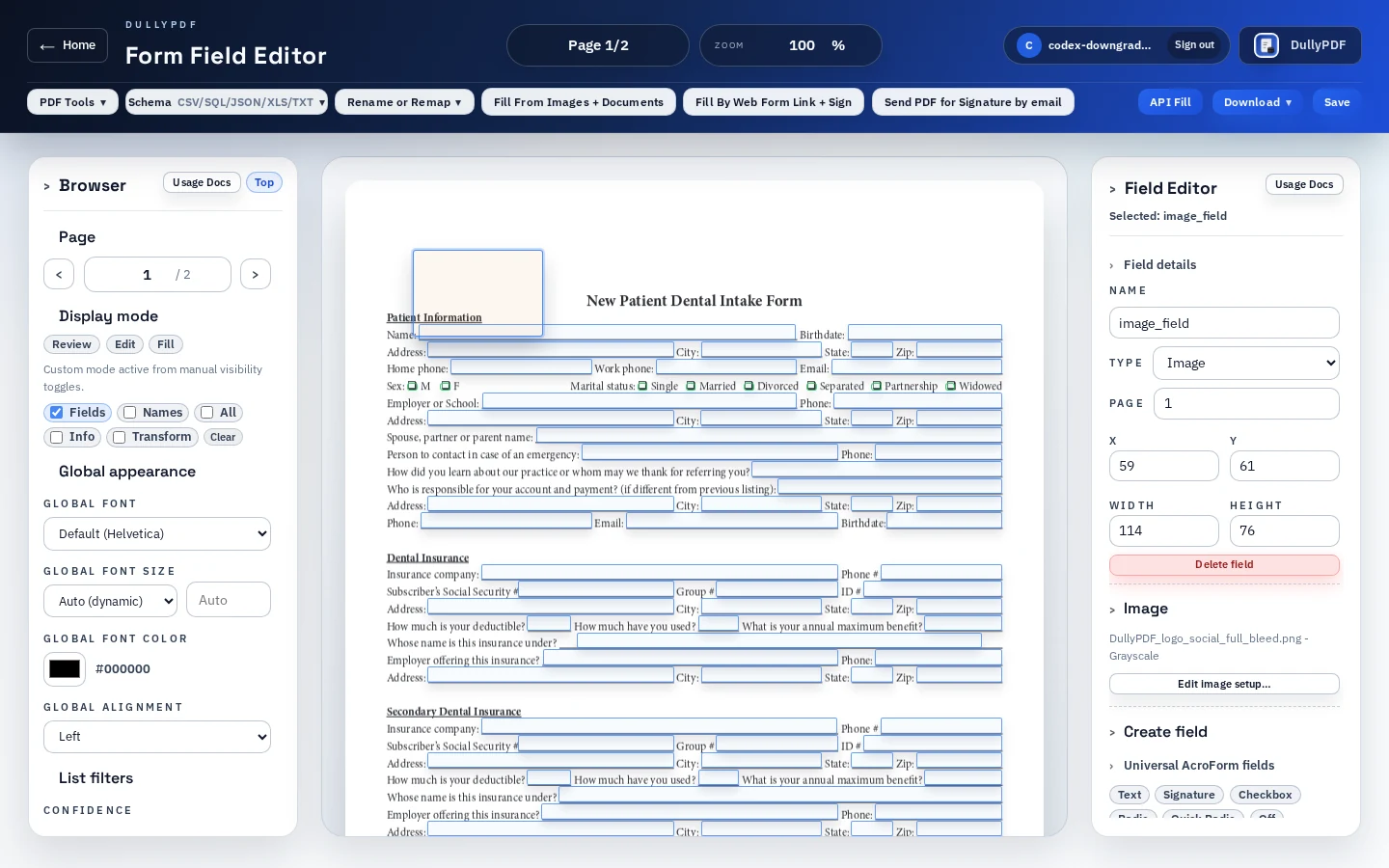
Image fields need a visual QA pass. Test realistic image sizes and aspect ratios before publishing a template. A square headshot, wide receipt, and tall ID image can all behave differently inside the same field box. The exported PDF should be checked outside DullyPDF for cropping, readability, and print quality.
Images can also contain sensitive information that is easy to overlook: faces, addresses, IDs, medical details, receipts, signatures, or background context. Only collect image content the document actually needs, and validate retention and access-control requirements for regulated workflows.
- Use image fields for variable visual content, not permanent page decoration.
- Test realistic image aspect ratios before publishing.
- Check the flat final PDF because that is what recipients print, share, and archive.
- Avoid collecting sensitive images unless the workflow has a clear need and review process.