
How to Fill an Entire PDF Packet From One Spreadsheet Row
The hard part of packet automation is not finding the row. It is getting the same row to drive several fixed PDFs cleanly without turning the workflow into a pile of near-duplicate templates and manual checks.
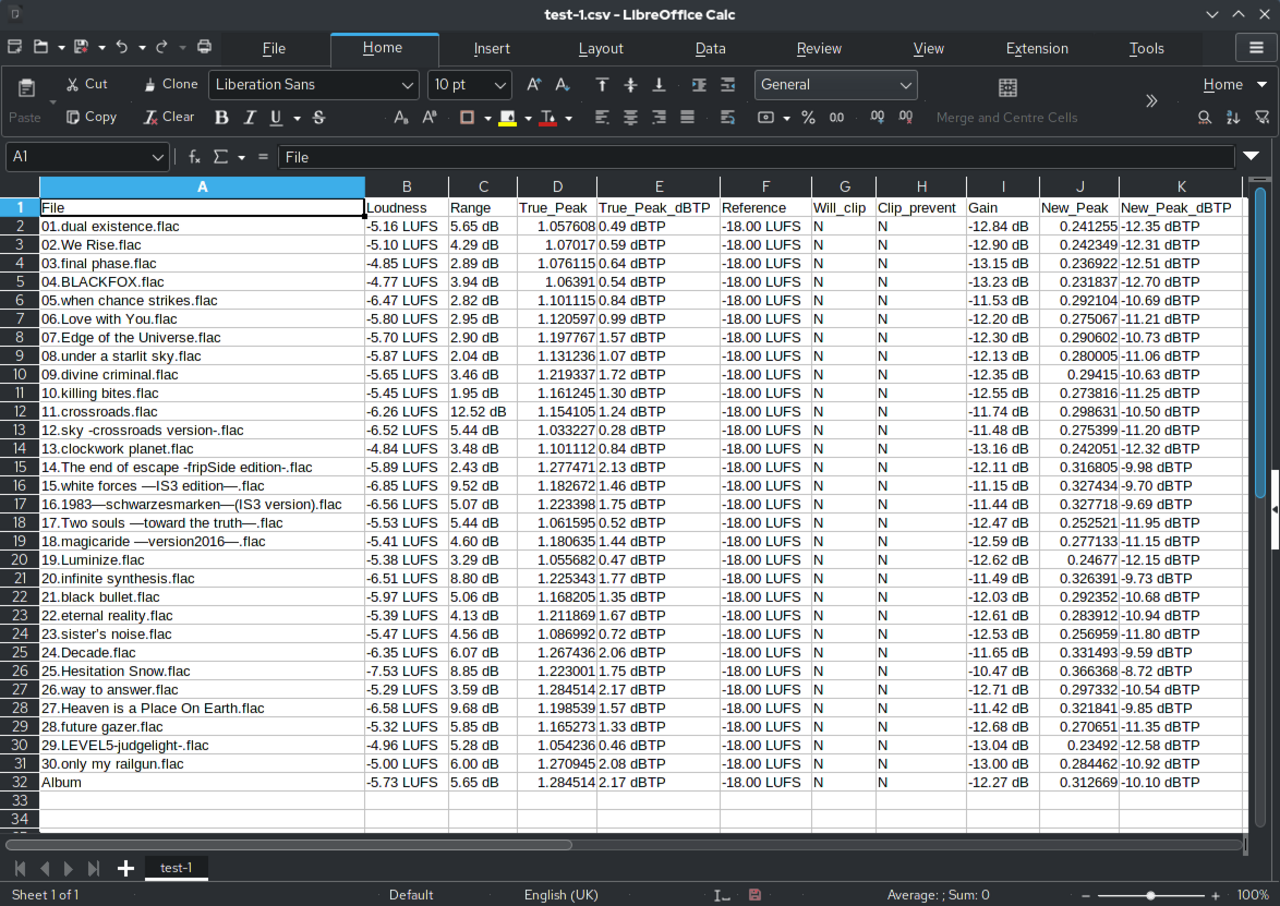
Packet Search & Fill demo
Fill an entire PDF packet from one row
This walkthrough shows how DullyPDF applies one structured record across an open group of saved PDFs, then extends that same reviewed packet into API Fill or Fill By Link when the data should come from another system or respondent.
Use this packet-focused demo when the real job is filling several related documents from one spreadsheet row, API payload, or stored response instead of remapping each PDF one by one.
The real cost is packet rekeying, not just single-form entry
Most teams do not mind filling one document once. The frustration starts when the same applicant, employee, patient, borrower, or client record has to be pushed through four or five fixed PDFs that all ask for the same facts in slightly different ways. The row already exists somewhere, but the packet still behaves like a manual relay race.
That is why “fill multiple PDFs at once” is a more useful framing than generic batch language. The team is not only trying to move faster. They are trying to stop re-entering the same names, dates, identifiers, and checkbox answers everywhere a packet repeats them.
Start with one canonical template per packet document, not one giant automation step
The safest packet workflow starts smaller than people expect. Treat each recurring PDF as its own template first. Detect fields, clean geometry, normalize names, test one realistic output, and only then add that document to the packet group. This keeps the packet from hiding a weak member template behind the apparent convenience of “multi-document automation.”
That discipline also keeps the library maintainable. If the W-4 changes, the acknowledgment changes, or the disclosure changes, the team can update one template deliberately without losing the rest of the packet definition. One clean template per recurring document is what makes packet reuse realistic instead of fragile.
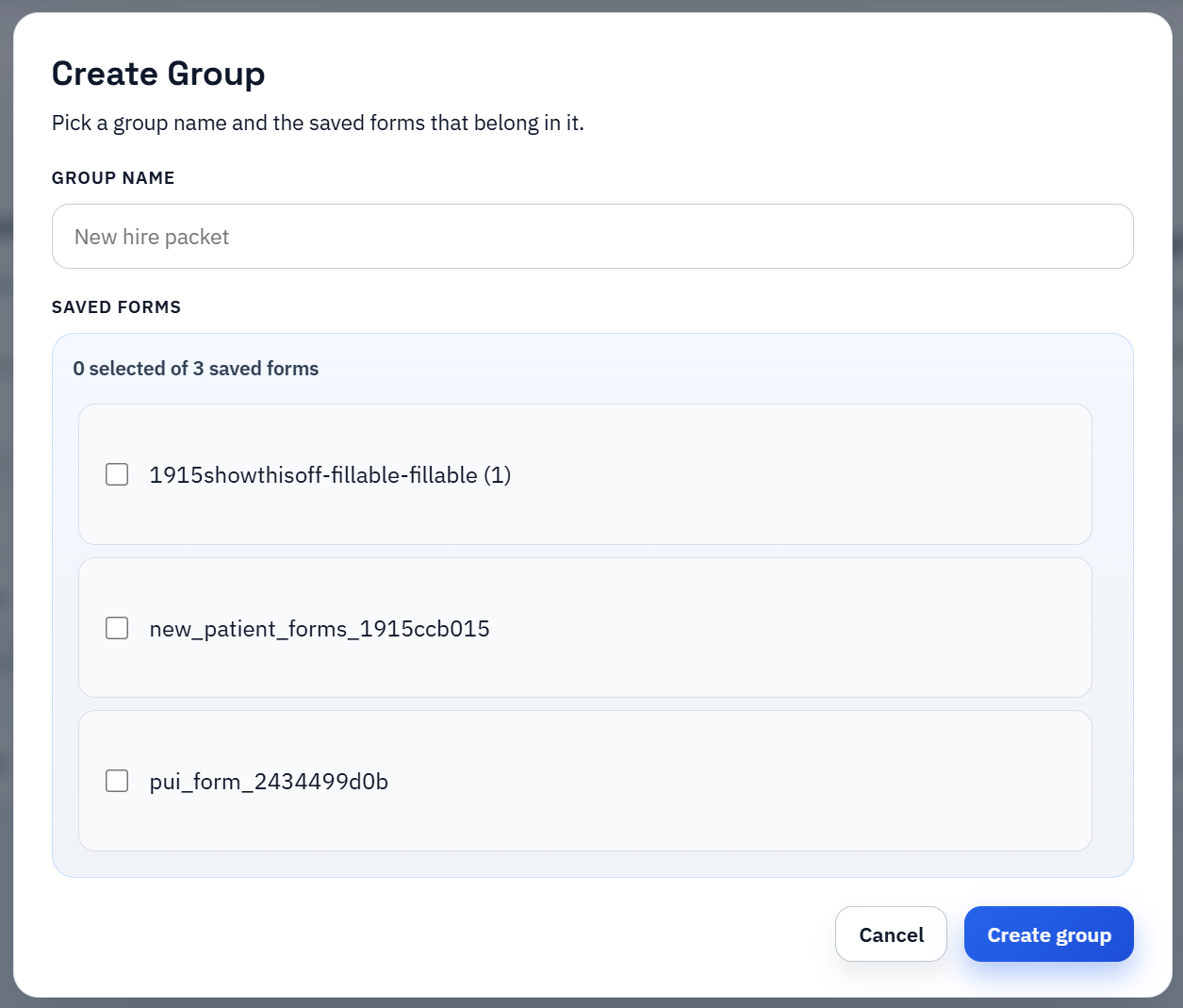
Search & Fill is the practical operator path for packet generation
Once the recurring documents are saved and grouped, the operator path becomes much simpler. Open the packet, search for the right row, apply that selected record, and review the outputs in context. The same person or case stays active while the team moves through the packet instead of reopening each template and re-entering the same record assumptions separately.
That is why packet Search & Fill is such a useful first proof. It keeps a human close to the output. If one document behaves unexpectedly, the team can fix the underlying template while the same row is still in context instead of discovering the mismatch later after a disconnected export step.
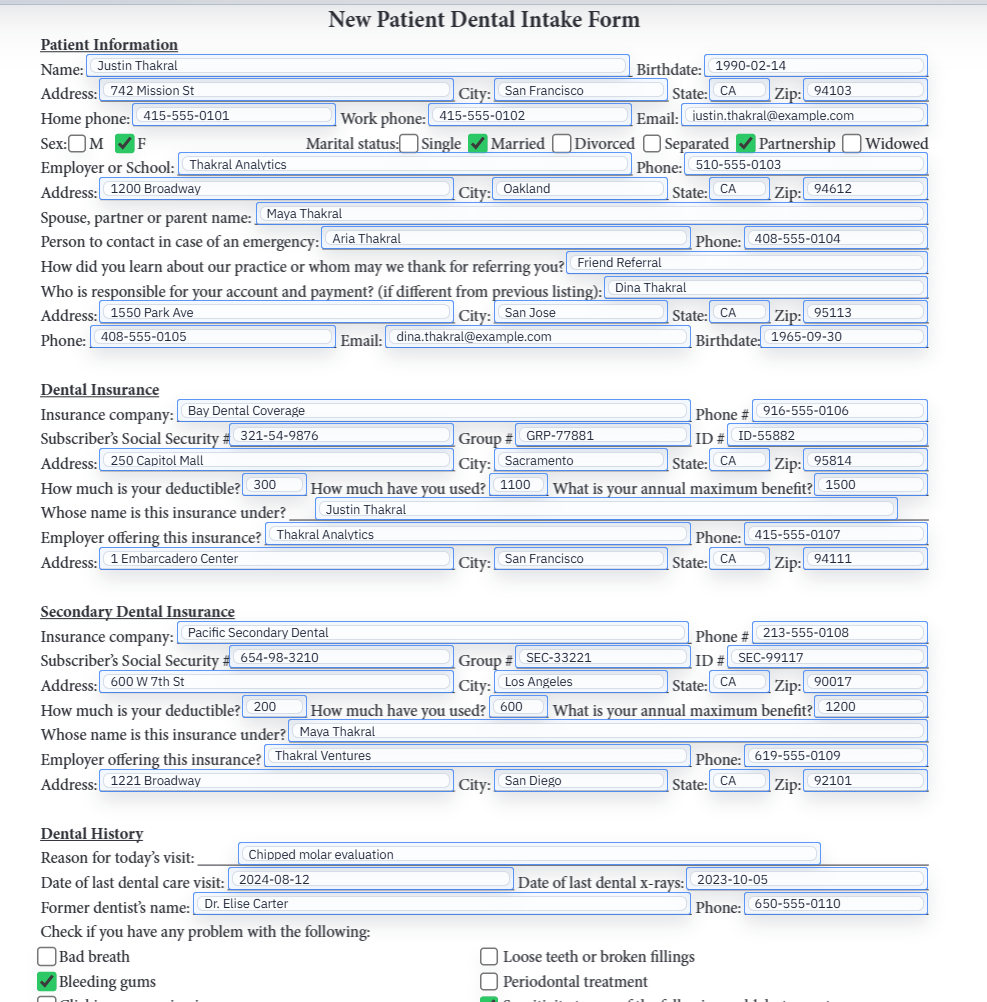
Packet QA should check repeated facts first and edge-case fields second
The fastest way to review a packet is to start with the fields that repeat across several documents. Confirm the person name, address, dates, IDs, and other shared values stay aligned everywhere they appear. Once that base layer is correct, inspect the packet-specific exceptions such as checkbox-heavy disclosures, role-specific sections, or fields that only exist on one member document.
That order matters because packet workflows can feel more complex than they really are. Most errors are not spread evenly across every field. They usually live either in the repeated core fields or in one or two exception sections. Reviewing in that order makes packet QA faster and much easier to repeat.
After Search & Fill proves the packet, expand into API or web-form intake
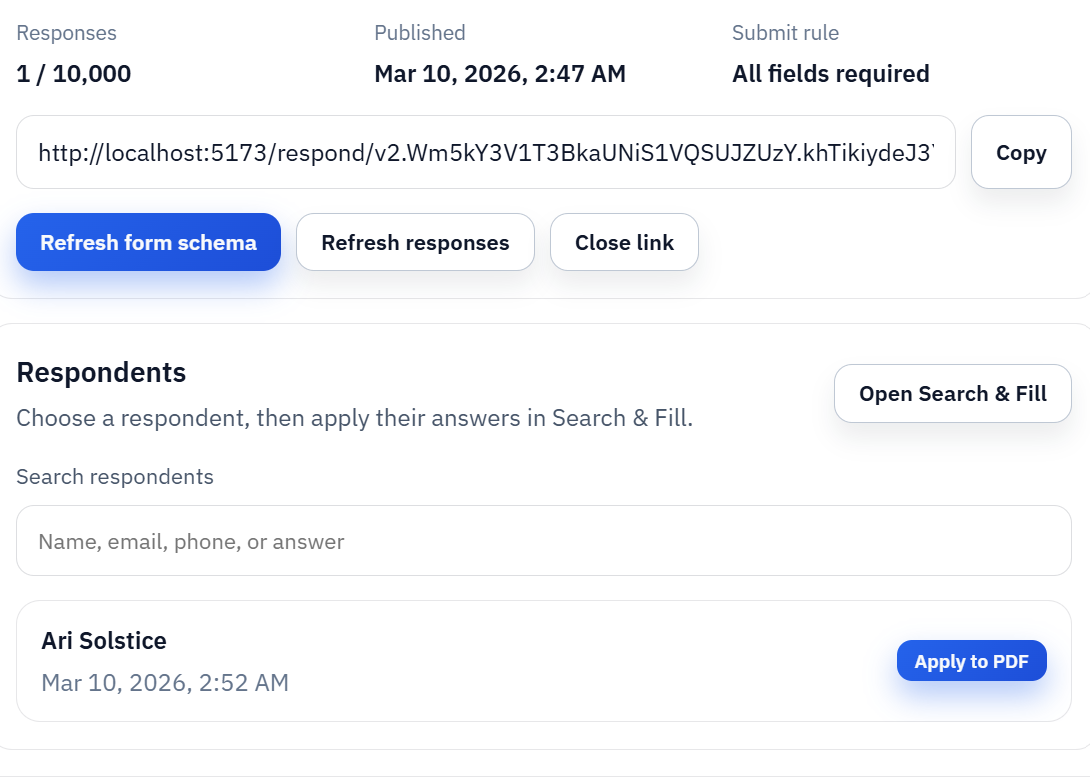
Search & Fill is usually the best first packet workflow because it keeps the review loop tight. After that proof exists, the same packet can serve other channels. Group API Fill is the scale path when another system should request the packet directly. Group Fill By Link is the intake path when the answers still belong to a respondent and should be collected before the PDFs are generated.
The important thing is not the channel by itself. The important thing is that each channel should reuse the same reviewed packet definition. If the API flow, the web-form flow, and the operator flow all behave like separate packet setups, the team loses the main advantage of the template model.
Choose the first packet that repeats constantly, not the packet that looks most impressive in a demo
The right first packet is usually the one that already causes the most repetitive retyping inside the business: onboarding sets, admissions packets, intake bundles, loan packets, or client opening documents. That is where the team will feel the operational difference quickly and where the first-pass QA feedback will be grounded in real work instead of hypothetical future volume.
A lower-authority site or a small ops team should think the same way about content and rollout. Prove one packet that clearly repeats, document it well, show first-hand evidence, and only then widen the library. That creates stronger trust than publishing several thin claims about “automating everything” without showing a believable workflow path.