
Payroll Quarter-End and Year-End PDF Form Automation
Payroll teams already have structured data in payroll systems, exports, and reports. The hard part is moving employer, quarter, wage, tax, employee, authorization, and reporting-agent data into fixed IRS PDFs for review without retyping every field at quarter-end or year-end.

Payroll PDFs repeat employer, period, wage, tax, and authorization data
Quarter-end and year-end payroll work is usually data-rich before anyone opens a PDF. Employer name, EIN, address, quarter, tax year, wages, deposits, adjustments, employee wage statements, reporting-agent authorization, and e-file signature details already live in payroll systems or accounting exports.
The operational pain is the last mile: placing that data into fixed IRS PDFs for review, records, clients, or internal workflows. DullyPDF can help with template setup, field naming, Search and Fill, batch packet generation, and review exports. It should not determine tax liability, filing obligations, e-file format acceptance, or Copy A rules.
Start with the payroll forms that repeat every quarter or year
A payroll PDF workflow should begin with the forms your team touches constantly. Form 941 and 941-X are quarter-end and correction templates. Form 940 is the annual FUTA return. W-2 and W-3 are year-end wage statement and transmittal forms. Form 945, Form 8879-EMP, and Form 8655 support withholding, e-file authorization, and reporting-agent workflows.
Do not collapse employee wage statements, employer tax returns, and reporting-agent authorization into one generic template. They have different record shapes. Build one reviewed template per form, then connect them through a schema that payroll exports can actually supply.


- Form 941 - Employer Quarterly Federal Tax Return, 3 pages in the current catalog entry.
- Form 941-X - Adjusted Employer Quarterly Federal Tax Return, 6 pages in the current catalog entry.
- Form 940 - Employer Annual FUTA Tax Return, 3 pages in the current catalog entry.
- Form W-2 - Wage and Tax Statement, 11 pages in the current catalog entry.
- Form W-3 - Transmittal of Wage and Tax Statements, 2 pages in the current catalog entry.
- Form 945 - Annual Return of Withheld Federal Income Tax, 3 pages in the current catalog entry.
- Form 8879-EMP - Employment Tax e-file Signature Authorization, 2 pages in the current catalog entry.
- Form 8655 - Reporting Agent Authorization, 3 pages in the current catalog entry.
Use a payroll schema that separates employer return data from employee wage statement rows
Payroll PDFs combine several data shapes. Employer returns are period-level records. W-2s are employee-level records. Reporting-agent and e-file authorization forms are role and signer records. A reusable schema needs to separate those shapes instead of forcing every field into one flat set.
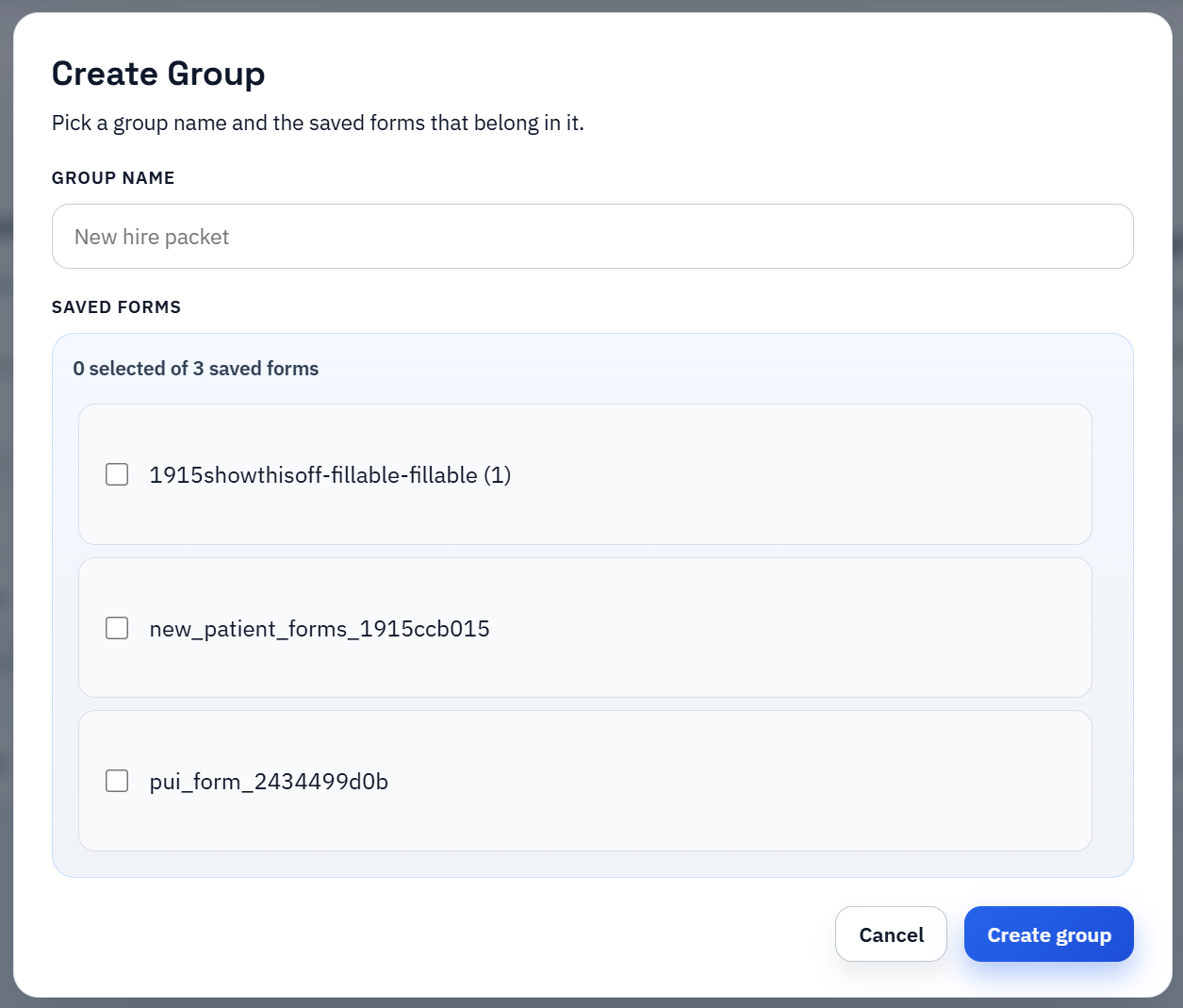
For Search and Fill, this means an employer-quarter row can fill Form 941, an employer-year row can fill Form 940, and employee-year rows can fill W-2 templates. For packet workflows, the group should preserve that distinction while keeping shared employer fields consistent.
- Employer fields: `employer_legal_name`, `employer_ein`, `employer_address`, `trade_name`, `contact_phone`.
- Period fields: `tax_year`, `quarter`, `month_1_liability`, `month_2_liability`, `month_3_liability`, `total_deposits`.
- Wage and tax fields: `wages_subject_to_income_tax`, `social_security_wages`, `medicare_wages`, `federal_income_tax_withheld`.
- Employee fields: `employee_full_name`, `employee_ssn_last4`, `employee_address`, `state_wages`, `local_wages`.
- Authorization fields: `authorized_signer_name`, `signer_title`, `ero_firm_name`, `reporting_agent_ein`, `signature_date`.
Use Search and Fill for review, then batch only after the template is proven
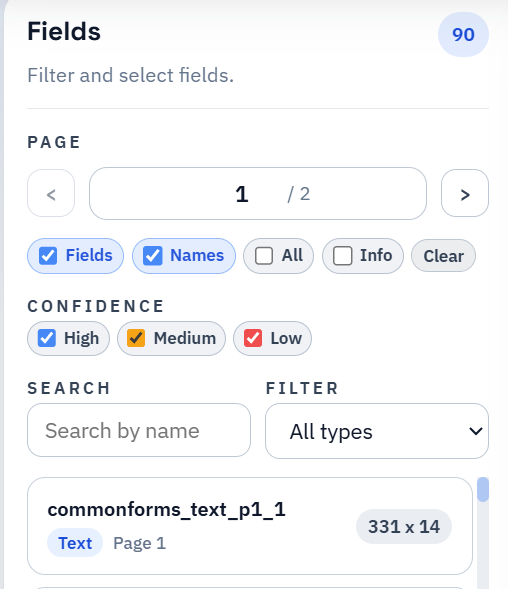
For quarter-end returns, Search and Fill gives payroll staff a practical QA loop. Search the employer and period row, fill Form 941 or 940, inspect the output, correct the mapping, and export the reviewed PDF. That keeps a person close to the numbers instead of turning an untested template into a bulk generator.
Batch filling is useful once the field map has survived realistic data. W-2-style outputs and client payroll packets can then be generated from multiple rows or saved groups. The sequence matters: one clean template, one realistic review, then repeat output.
IRS and SSA filing rules remain outside the PDF automation layer
Payroll PDFs carry filing and copy rules that a PDF tool should not overstate. DullyPDF can prepare templates, map payroll exports, fill PDFs, export review copies, and support packet workflows. It does not calculate taxes, validate deposit schedules, submit employment tax returns, certify e-file acceptance, or determine whether a printed Copy A can be filed.
Before using any completed payroll form outside the workspace, verify the current IRS form page, instructions, e-file guidance, due dates, copy requirements, and SSA wage reporting requirements where applicable. For tax judgment, use IRS guidance, SSA guidance, payroll counsel, or a qualified tax professional.