
Nonprofit Form 990 Packet Automation for Annual Filing Workflows
Nonprofit annual reporting can involve Form 990, 990-EZ, 990-PF, and schedules for public support, supplemental financial statements, fundraising, grants, compensation, narrative explanations, and related organizations. DullyPDF can help organize and fill the PDF packet from reviewed data, while tax preparation and filing positions remain outside the tool.

Form 990 work repeats organization data across the return and schedules
A nonprofit annual filing workflow is not just one PDF. Organization name, EIN, address, tax year, exempt purpose, officer and director details, grant rows, fundraising activity, compensation details, public-support figures, and narrative explanations can move across the main return and several schedules.
DullyPDF is useful when the team already has reviewed accounting, governance, donor, grant, or program data and needs to place it into fixed IRS PDFs for review. It does not prepare the tax return, choose filing positions, decide which schedules apply, validate public-support tests, or submit an e-file.
Start with the main return and the schedules your organization actually files
A high-quality 990 packet should not be a blind template dump. Start with the form family your organization or client type actually uses, then validate the schedules that recur. Form 990, 990-EZ, and 990-PF serve different filing contexts, and schedules should be added only when the underlying filing workflow needs them.
Schedule A, D, G, I, J, O, and R are strong examples because they cover public charity status, supplemental financial statements, fundraising or gaming, grants, compensation, narrative explanations, and related organizations. Those areas often draw from structured data sources that can be mapped into repeatable PDF fields.


- Form 990 - Return of Organization Exempt From Income Tax, 12 pages in the current catalog entry.
- Form 990-EZ - Short Form Return of Organization Exempt, 4 pages in the current catalog entry.
- Form 990-PF - Return of Private Foundation, 13 pages in the current catalog entry.
- Schedule A - Public Charity Status and Public Support, 8 pages in the current catalog entry.
- Schedule D - Supplemental Financial Statements, 5 pages in the current catalog entry.
- Schedule G - Fundraising or Gaming Activities, 3 pages in the current catalog entry.
- Schedule I - Grants and Other Assistance, 2 pages in the current catalog entry.
- Schedule J - Compensation Information, 3 pages in the current catalog entry.
- Schedule O - Supplemental Information, 1 page in the current catalog entry.
- Schedule R - Related Organizations and Unrelated Partnerships, 5 pages in the current catalog entry.
Use a nonprofit filing schema organized by organization, governance, finance, grants, and narratives
The schema should be organized around the nonprofit record, not the PDF field order. Core values like organization legal name, EIN, tax year, accounting method, principal officer, website, mission, and exempt status should be mapped once and reused across the return and schedules.
Schedules need their own repeated-row structures. Grants, officers, directors, contractors, fundraising events, related organizations, and narrative statements all behave differently from single-value header fields. The template map should make those repeated sections explicit so spreadsheet-driven fills can be reviewed without guessing.
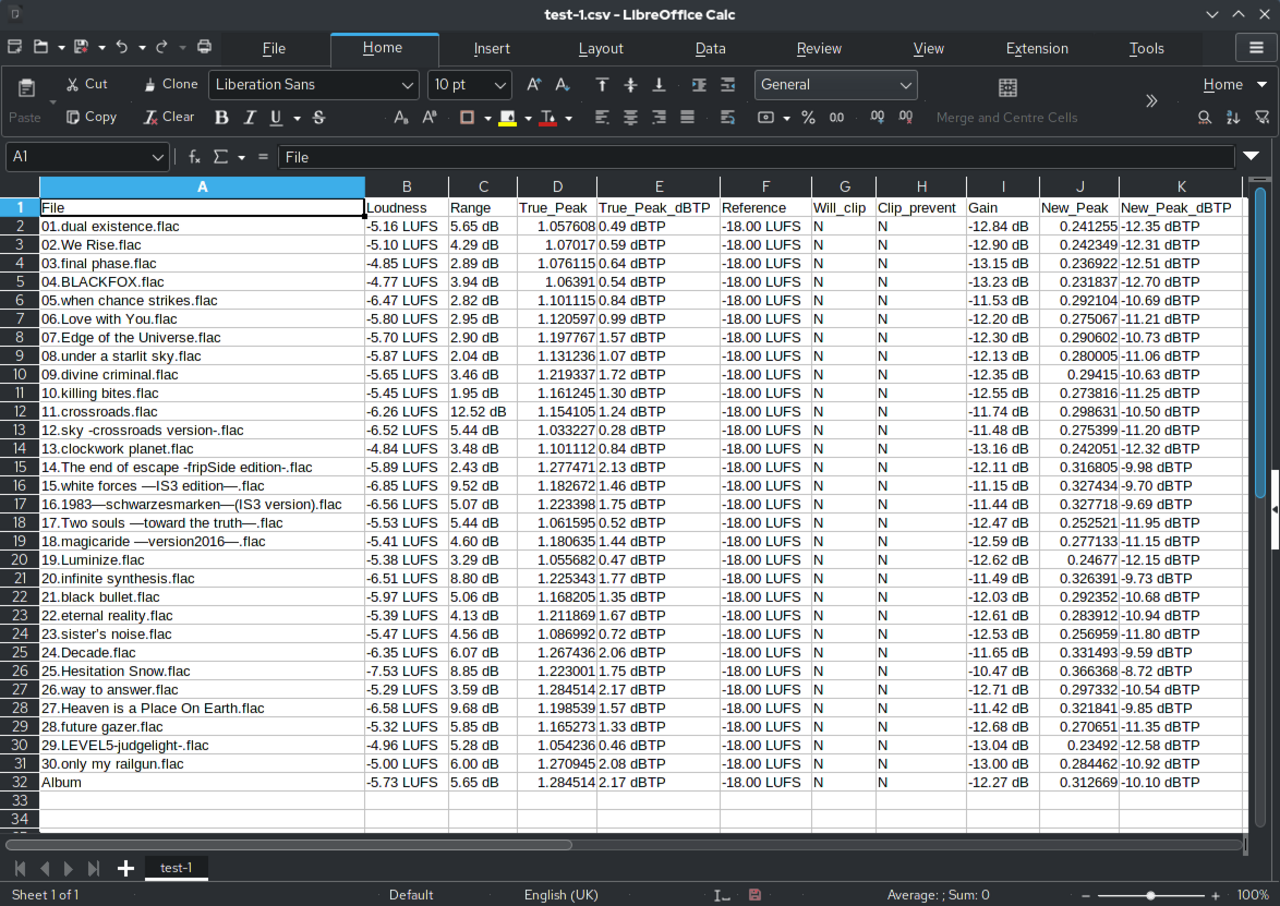
- Organization fields: `organization_legal_name`, `ein`, `tax_year_begin`, `tax_year_end`, `address`, `website`, `mission_summary`.
- Governance fields: `principal_officer_name`, `voting_board_member_count`, `independent_board_member_count`, `policy_conflict_of_interest`.
- Compensation fields: `officer_1_name`, `officer_1_title`, `hours_per_week`, `reportable_compensation`, `other_compensation`.
- Grant fields: `grant_recipient_name`, `grant_recipient_ein`, `grant_amount`, `grant_purpose`, `cash_or_noncash`.
- Narrative fields: `schedule_o_reference`, `schedule_o_explanation`, `program_service_description`, `public_support_explanation`.
Use spreadsheet fills for schedule rows, then review the full packet before any filing step
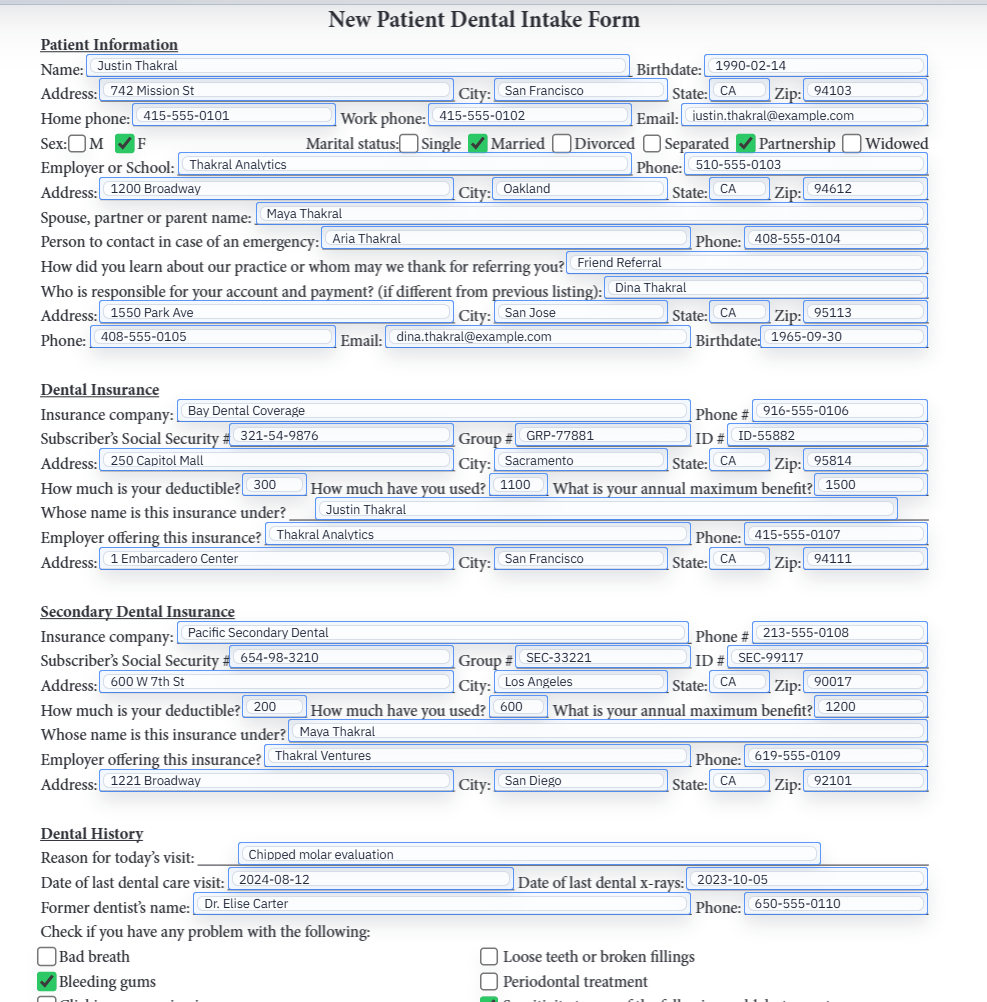
Search and Fill works well when the nonprofit or preparer has a reviewed data export. The operator can select the organization row, fill the main return, then inspect schedule templates with repeated rows and narrative fields. This keeps the PDF output close to the source data review instead of turning the return into manual retyping.
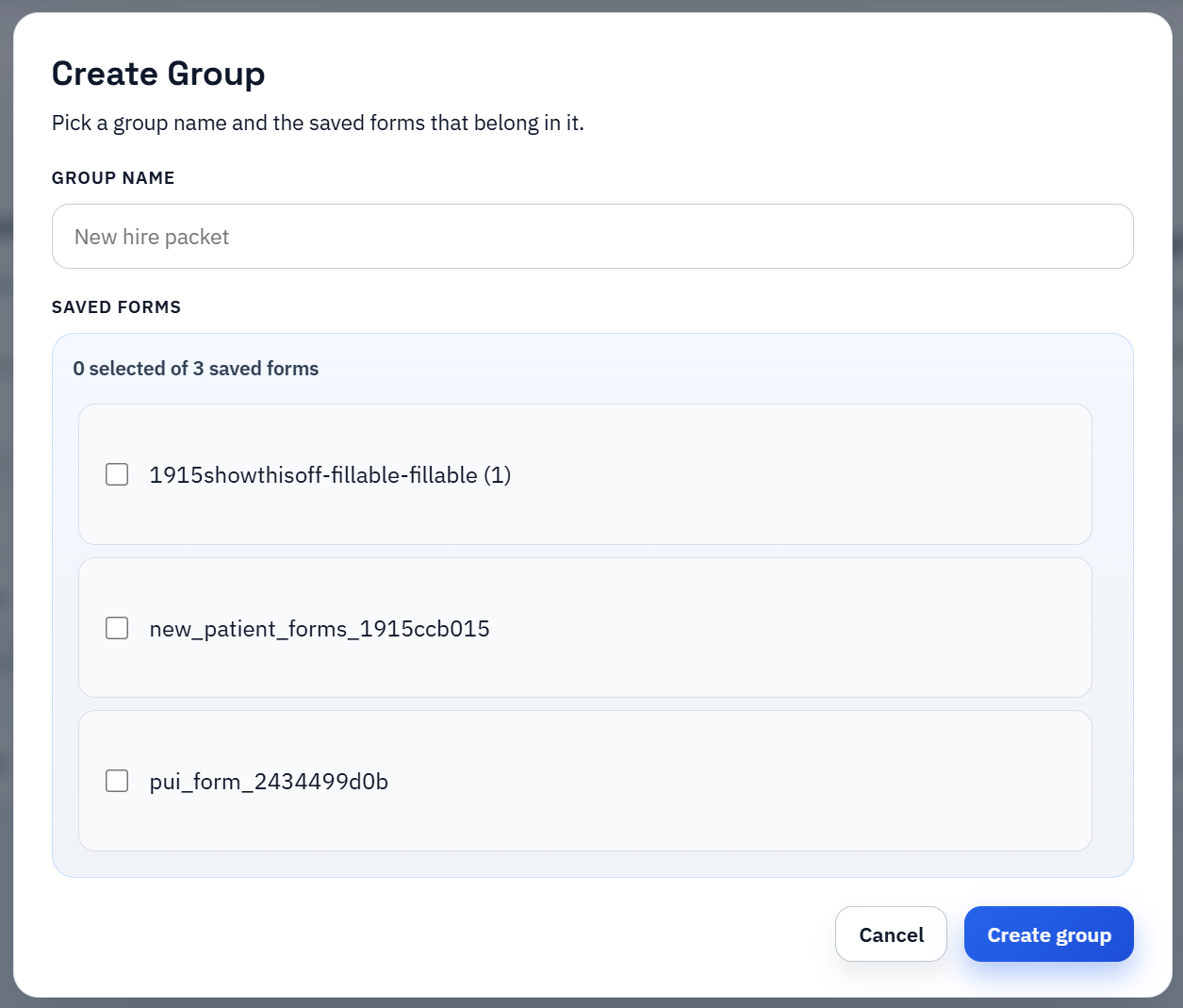
For larger organizations or firms, group workflows can keep the main return and schedules together. The key is still review discipline: validate the template map with a representative return, check repeated rows, inspect narrative overflow, and export a flat review copy before anyone relies on the packet outside the workspace.
DullyPDF fills PDFs; it does not prepare nonprofit tax returns
The 990 family is a tax-return workflow, so the boundary should stay explicit. DullyPDF can prepare reusable PDF templates, map fields, fill reviewed values, and export packets. It does not determine which return or schedules apply, calculate filing thresholds, validate public-support tests, prepare tax positions, or e-file the return.
Before using a completed packet, verify the current IRS Form 990 page, form revision, instructions, schedule requirements, e-file rules, public-inspection requirements, and preparer review process. If the question is about tax law or filing judgment, it belongs with IRS guidance or a qualified tax professional.