

Practice Intake Templates
854 forms
Generic practice and office-intake templates that are not tied to a single government agency but still benefit from saved reusable client or patient layouts.
Commercial workflow page
Start from curated public-domain forms. Open blank PDFs in DullyPDF, save as reusable templates, and connect to Search & Fill, API, or signing.
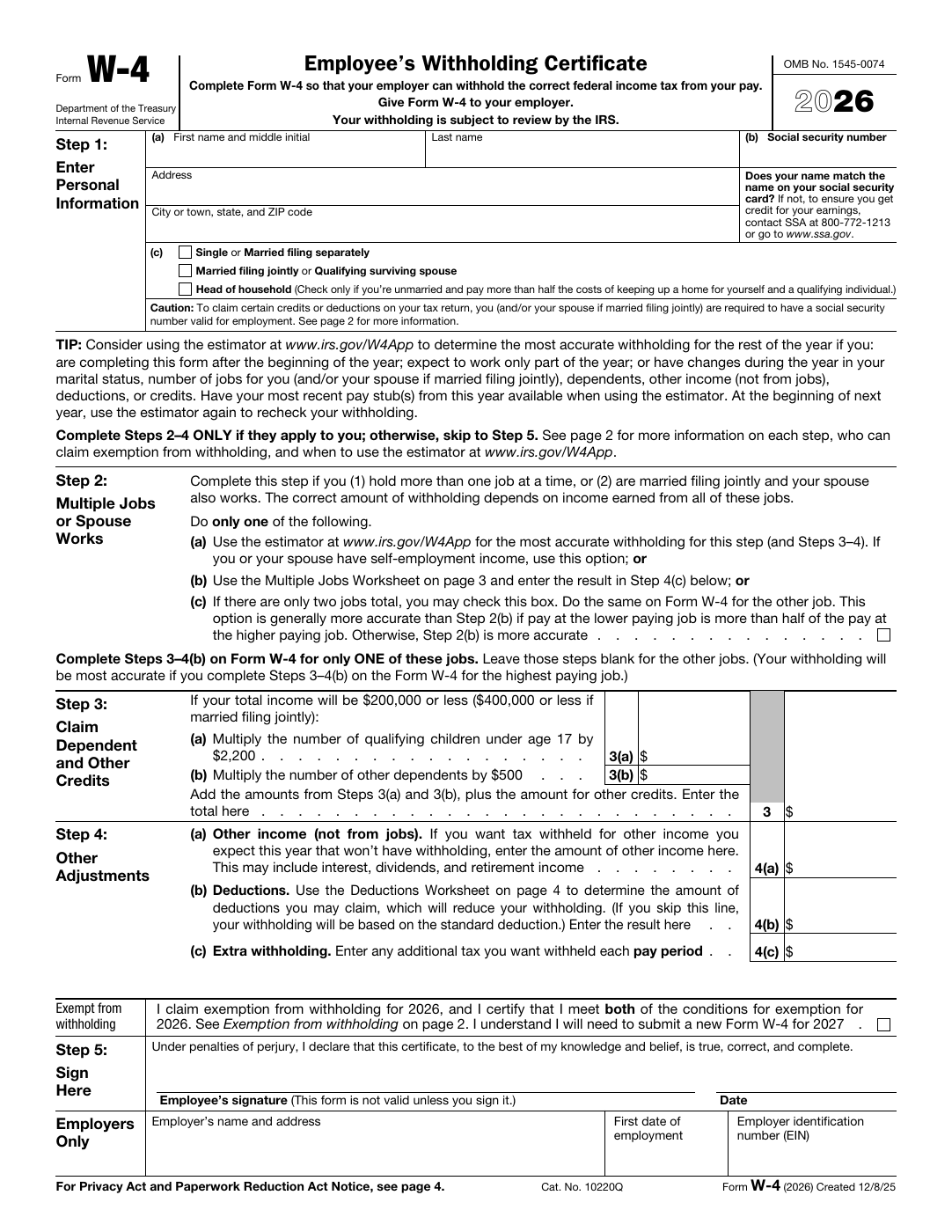
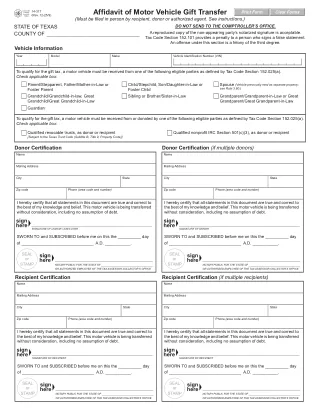
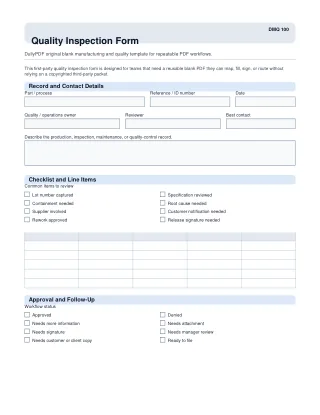
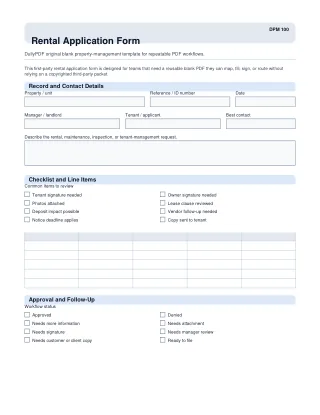
Every category below now carries a short explanation of what that bucket contains. Non-empty categories also show a representative mirrored PDF so the page reads like a real catalog overview instead of a text-only route.
Practice Intake Templates
Generic practice and office-intake templates that are not tied to a single government agency but still benefit from saved reusable client or patient layouts.

State Tax & Revenue
State Tax & Revenue forms are part of the broader DullyPDF catalog coverage for repeat PDF workflows.

Tax — Individual
IRS individual returns, statements, elections, and client-facing filing forms used when taxpayer data already exists in organizers, worksheets, or prep software.
State DMV & Vehicle
State DMV & Vehicle forms are part of the broader DullyPDF catalog coverage for repeat PDF workflows.

Construction & Trades Templates
Construction & Trades Templates forms are part of the broader DullyPDF catalog coverage for repeat PDF workflows.

Field Service Templates
Field Service Templates forms are part of the broader DullyPDF catalog coverage for repeat PDF workflows.

Education & Childcare Templates
Education & Childcare Templates forms are part of the broader DullyPDF catalog coverage for repeat PDF workflows.
Manufacturing & Quality Templates
Manufacturing & Quality Templates forms are part of the broader DullyPDF catalog coverage for repeat PDF workflows.

Tax — Business
Entity returns, elections, and business reporting forms that fit accounting workflows where company, owner, and filing-period data should be reused consistently.

Insurance & Claims Templates
Insurance & Claims Templates forms are part of the broader DullyPDF catalog coverage for repeat PDF workflows.

Federal — Specialized Agencies
Federal — Specialized Agencies forms are part of the broader DullyPDF catalog coverage for repeat PDF workflows.

Logistics & Transportation Templates
Logistics & Transportation Templates forms are part of the broader DullyPDF catalog coverage for repeat PDF workflows.
Real Estate & Property Templates
Real Estate & Property Templates forms are part of the broader DullyPDF catalog coverage for repeat PDF workflows.
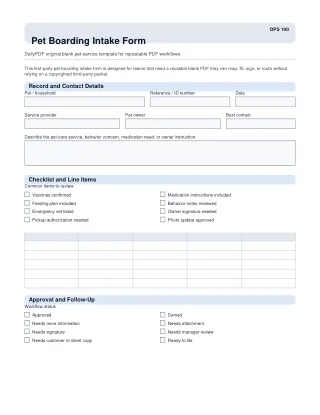
Pet Services Templates
Pet Services Templates forms are part of the broader DullyPDF catalog coverage for repeat PDF workflows.

Beauty & Wellness Templates
Beauty & Wellness Templates forms are part of the broader DullyPDF catalog coverage for repeat PDF workflows.
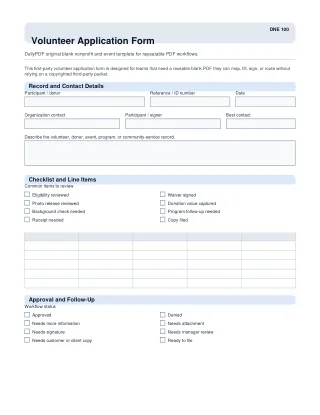
Nonprofit & Community Templates
Nonprofit & Community Templates forms are part of the broader DullyPDF catalog coverage for repeat PDF workflows.
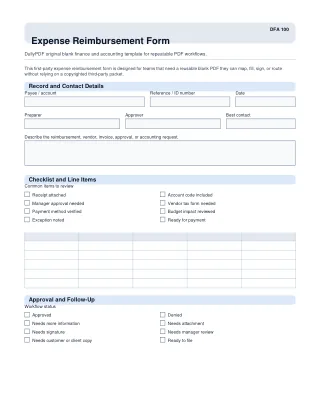
Finance & Accounting Templates
Finance & Accounting Templates forms are part of the broader DullyPDF catalog coverage for repeat PDF workflows.

HR & Onboarding
Hiring, eligibility, withholding, benefits, direct-deposit, and personnel-security forms that recur during onboarding and map cleanly from HRIS or spreadsheet exports.

Agriculture & Food Templates
Agriculture & Food Templates forms are part of the broader DullyPDF catalog coverage for repeat PDF workflows.

Healthcare & Medicine
A broader medical catalog bucket that combines provider-side Medicare forms with patient-health enrollment, claim, authorization, and appeal workflows.
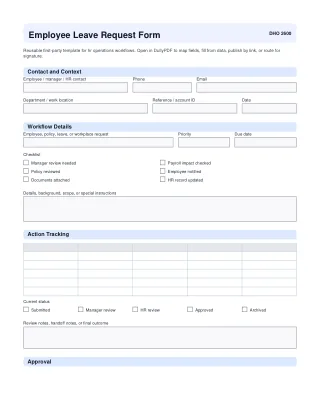
HR Operations Templates
HR Operations Templates forms are part of the broader DullyPDF catalog coverage for repeat PDF workflows.

Retail Operations Templates
Retail Operations Templates forms are part of the broader DullyPDF catalog coverage for repeat PDF workflows.

Finance & Lending Templates
Finance & Lending Templates forms are part of the broader DullyPDF catalog coverage for repeat PDF workflows.

Hospitality & Events Templates
Hospitality & Events Templates forms are part of the broader DullyPDF catalog coverage for repeat PDF workflows.

Legal Office Templates
Legal Office Templates forms are part of the broader DullyPDF catalog coverage for repeat PDF workflows.

Utilities & Energy Templates
Utilities & Energy Templates forms are part of the broader DullyPDF catalog coverage for repeat PDF workflows.

Small Business
SBA lending, certification, servicing, and compliance forms that benefit from turning recurring small-business paperwork into reusable templates.

Tax — Payroll
Payroll returns, withholding, and employer tax forms that are typically driven from payroll systems instead of manual PDF editing.

Home Services Templates
Home Services Templates forms are part of the broader DullyPDF catalog coverage for repeat PDF workflows.

Immigration & USCIS
USCIS petitions, appearance notices, and immigration packets where applicant, sponsor, and filing data should be captured once and reused accurately.

Nonprofit
Exempt-organization returns, registrations, and compliance forms for teams that repeatedly prepare governance, donation, and filing packets.

Safety & Compliance Templates
Safety & Compliance Templates forms are part of the broader DullyPDF catalog coverage for repeat PDF workflows.

Nonprofit & Events Templates
Nonprofit & Events Templates forms are part of the broader DullyPDF catalog coverage for repeat PDF workflows.

Facilities & Maintenance Templates
Facilities & Maintenance Templates forms are part of the broader DullyPDF catalog coverage for repeat PDF workflows.

Property Management Templates
Property Management Templates forms are part of the broader DullyPDF catalog coverage for repeat PDF workflows.

Legal Admin Templates
Legal Admin Templates forms are part of the broader DullyPDF catalog coverage for repeat PDF workflows.

Business Operations Templates
Business Operations Templates forms are part of the broader DullyPDF catalog coverage for repeat PDF workflows.

Labor & Employment
OSHA, FMLA, FECA, and federal-employment forms that support leave, injury, compliance, and screening workflows built on recurring worker and employer data.

Events & Waivers Templates
Events & Waivers Templates forms are part of the broader DullyPDF catalog coverage for repeat PDF workflows.

Veterans (VA)
VA claims, appeals, education, housing, debt, insurance, memorial, and service-related forms used when claimant and supporting-party data must be applied into official veteran-facing packets.

Automotive Service Templates
Automotive Service Templates forms are part of the broader DullyPDF catalog coverage for repeat PDF workflows.

Real Estate & Housing
Settlement statements, tenant packets, housing disclosures, and borrower-facing real-estate forms that usually need structured party, property, and transaction data applied into a fixed layout.

Social Security
SSA benefit, identity, and representative forms for claimant workflows that repeat across intake, updates, and supporting submissions.

State Department (DS forms)
Passport, visa, citizenship, consular, and State Department personnel DS forms used when identity, eligibility, or staffing data must land in official government layouts.

Customs & Logistics
Customs, bonded-shipment, protest, and trade paperwork that depends on shipment, broker, and importer data already tracked outside the PDF.

Patient Health & Appeals
Patient-facing enrollment, complaint, consent, reimbursement, and appeal forms used when respondent or staff-collected data still has to land in an official healthcare layout.

Bankruptcy
Petitions, schedules, and debtor statements that often start from official judiciary PDFs but still need a controlled template workflow before filing or review.

Federal Civil Litigation
Federal civil litigation notices, consent forms, and court administration documents with fixed judiciary layouts and recurring case metadata.

Disaster Recovery & FEMA
FEMA forms used for public assistance, flood insurance, map-revision, labor, and recovery workflows once the core incident or property data is already known.
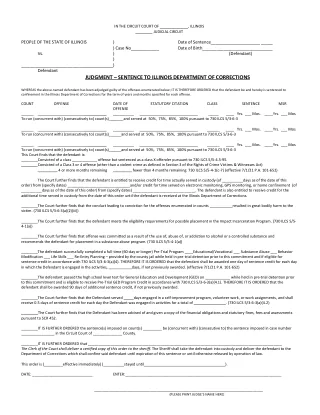
State Courts
State Courts forms are part of the broader DullyPDF catalog coverage for repeat PDF workflows.
ACORD (Insurance)
ACORD insurance workflows are represented here for planning, but the actual forms stay externally sourced because the PDFs are copyright-restricted.
Contracts & Procurement
Federal quotation, vendor, and acquisition forms used in procurement workflows where request, vendor, and contract metadata already exists elsewhere.
Federal Criminal
Federal criminal summonses, warrants, and court-adjacent paperwork that follow fixed judiciary layouts and recurring party or case data.
HIPAA
HIPAA-specific buckets are included so the catalog page explains the workflow coverage, but those source documents stay externally linked instead of mirrored inside DullyPDF.
NAR / Realtor
NAR / Realtor form families are called out here for real-estate workflow coverage, but the PDFs remain externally sourced because the forms are copyright-restricted.
The catalog is for teams that already know which document they need. They are not searching for a generic PDF editor. They need an official-looking blank form such as a W-4, W-9, CMS packet, onboarding document, immigration form, or other repeat layout that should stay visually intact while the underlying record changes from run to run.
That makes the catalog a workflow shortcut, not a final workflow by itself. It reduces the setup cost of finding and staging the source PDF, then hands the document into the normal DullyPDF process where the operator can detect fields, review the geometry, map the schema, and save a reusable template.
The catalog is built around blank public-domain and official-source-style PDF forms that fit recurring operations. The strongest fit is government, healthcare, HR, payroll, tax, immigration, veterans, and other regulated or semi-regulated document families where the visual layout is fixed and the data should be applied consistently.
In practice that means the catalog is closer to a source-document library than to a finished template marketplace. It contains the blank PDF foundation for a workflow, not a promise that every form is already mapped to your exact schema or ready for production use without review.
Each entry is meant to answer the practical questions an operator has before opening the document. The useful metadata is not just the title. A strong catalog entry should tell you what the form is, where it belongs, how large it is, and whether it is worth opening in the editor for your specific workflow.
That is why the DullyPDF catalog pairs the PDF asset with form identifiers, category context, page counts, thumbnails, lightweight descriptions, and direct open-in-editor paths. When the official source is known, the catalog can also preserve that provenance so operators can verify the blank document they are starting from.
Opening a catalog document is the beginning of the workflow, not the end. Once the blank PDF is opened in DullyPDF, the operator still needs to review the detected or embedded fields, fix naming, align the template to the real schema, and run at least one representative fill before treating the template as production-ready.
That distinction matters because it keeps expectations clean. The catalog saves time on source acquisition and document selection. The editor, Search & Fill, API Fill, Fill By Link, and signing surfaces are what turn that blank form into a reliable operational asset.
The catalog is not your saved-template workspace, and it is not a legal claim that every form revision is always the right one for your jurisdiction or filing date. It gives you a structured starting point, but the operator still owns validation, mapping quality, and source-version review before shipping a workflow.
That is especially important for official forms that change periodically. If a filing, agency, or partner requires a specific revision, use the catalog metadata as a convenience layer, then confirm the version and test the filled output before relying on it downstream.
Use the catalog when the source form is already a known recurring document and the cost of locating and staging it manually adds no value. Use upload when your organization has a custom packet, partner-specific layout, or revised internal form that is not represented in the catalog.
That separation keeps the product honest. The catalog accelerates repeat work on widely recognized blank forms. The upload flow stays the better answer for proprietary layouts and one-off documents that only your team controls.
Need deeper technical details about pdf form catalog? Use the Rename + Mapping docs and Search & Fill docs to validate exact behavior.
No. The catalog provides the blank source PDF and entry metadata. You still need to review fields, map the schema, and validate one representative fill for your own workflow.
Yes. Once opened in DullyPDF, a catalog PDF can be reviewed, saved, and reused like any other template in the workspace.
No. Treat the catalog as a structured starting point and confirm the required agency or partner revision before depending on it in production.
Use the links below when you want the actual catalog browser or nearby route pages that already show catalog-backed examples in context.
Use these docs pages to verify the exact DullyPDF behavior behind pdf form catalog before you ship it as a repeat workflow.
These adjacent workflow pages cover nearby search intents teams compare while evaluating pdf form catalog.