
Passport and Consular DS Form Workflow for Reusable Identity Data
Passport and consular workflows reuse identity, parent, guardian, contact, citizenship, consent, and correction data across fixed DS PDFs. DullyPDF can help prepare and review reusable PDF templates, but State Department instructions still control signatures, photos, appointments, mailing, and submission method.

Passport packets repeat identity and consent data across separate DS forms
Passport workflows can involve a first-time application, renewal, minor consent form, correction form, consular report of birth abroad, or special family-circumstances statement. These forms have different submission rules, but the same person and family details often repeat: applicant name, birth details, address, parent or guardian identity, contact information, travel document numbers, and signer details.
A PDF automation workflow should preserve the DS form layout and make the repeated data easier to review. It should not tell a traveler which form to submit, whether they qualify for renewal, when to sign, how to handle photos, or where to apply. Those decisions belong with State Department guidance.
Start with the DS forms that match a real passport or consular workflow
The State Department form family is broad, so a first DullyPDF workflow should stay focused. Build templates only for the DS forms that your team repeatedly prepares, test each one with realistic identity data, and keep a separate review checklist for signature, photo, appointment, and mailing requirements.
DS-11 and DS-82 cover many adult application and renewal workflows. DS-3053 and DS-5525 are special minor-passport support forms. DS-5504 covers some name changes, corrections, and limited-validity replacements. DS-2029 is a consular report of birth abroad application and should be treated as its own family-data workflow.


- DS-11 - Application for a U.S. Passport, 6 pages in the current catalog entry.
- DS-82 - U.S. Passport Renewal Application for Eligible Individuals, 6 pages in the current catalog entry.
- DS-3053 - Statement of Consent or Special Circumstances for a minor passport, 2 pages in the current catalog entry.
- DS-5504 - Name Change, Data Correction, and Limited Passport Book Replacement, 6 pages in the current catalog entry.
- DS-2029 - Consular Report of Birth Abroad application, 8 pages in the current catalog entry.
- DS-5525 - Statement of Exigent or Special Family Circumstances, 2 pages in the current catalog entry.
Use a traveler and family schema rather than one-off DS field labels
Passport forms are role-sensitive. The applicant, child, parent, guardian, consenting parent, non-applying parent, emergency contact, notary, and preparer may be different people. A reusable template should name those roles directly so the same identity record does not spill into the wrong section.
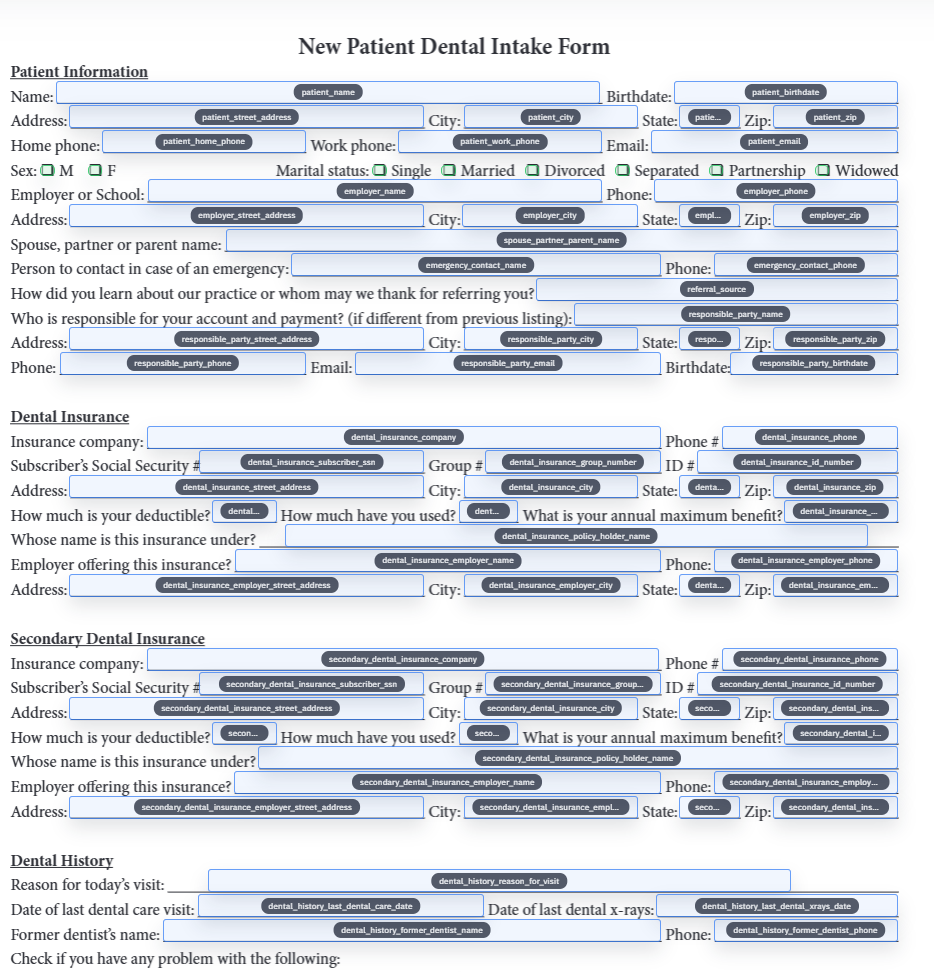
Clear schema names also make review faster. Fields like applicant_full_name, applicant_date_of_birth, parent_1_full_name, parent_2_phone, prior_passport_number, consent_parent_signature_date, and mailing_address are easier to inspect than generic PDF field names.
- Applicant fields: `applicant_full_name`, `applicant_date_of_birth`, `applicant_place_of_birth`, `applicant_ssn_last4`, `applicant_email`.
- Passport fields: `prior_passport_number`, `prior_passport_issue_date`, `prior_passport_book_or_card`, `correction_reason`.
- Parent and guardian fields: `parent_1_full_name`, `parent_1_birthplace`, `parent_2_full_name`, `guardian_relationship`.
- Consent fields: `non_applying_parent_name`, `consent_child_name`, `consent_parent_phone`, `notary_commission_expiration`.
- Contact fields: `mailing_address`, `permanent_address`, `emergency_contact_name`, `emergency_contact_phone`.
Passport forms often need print-ready review, not just browser completion
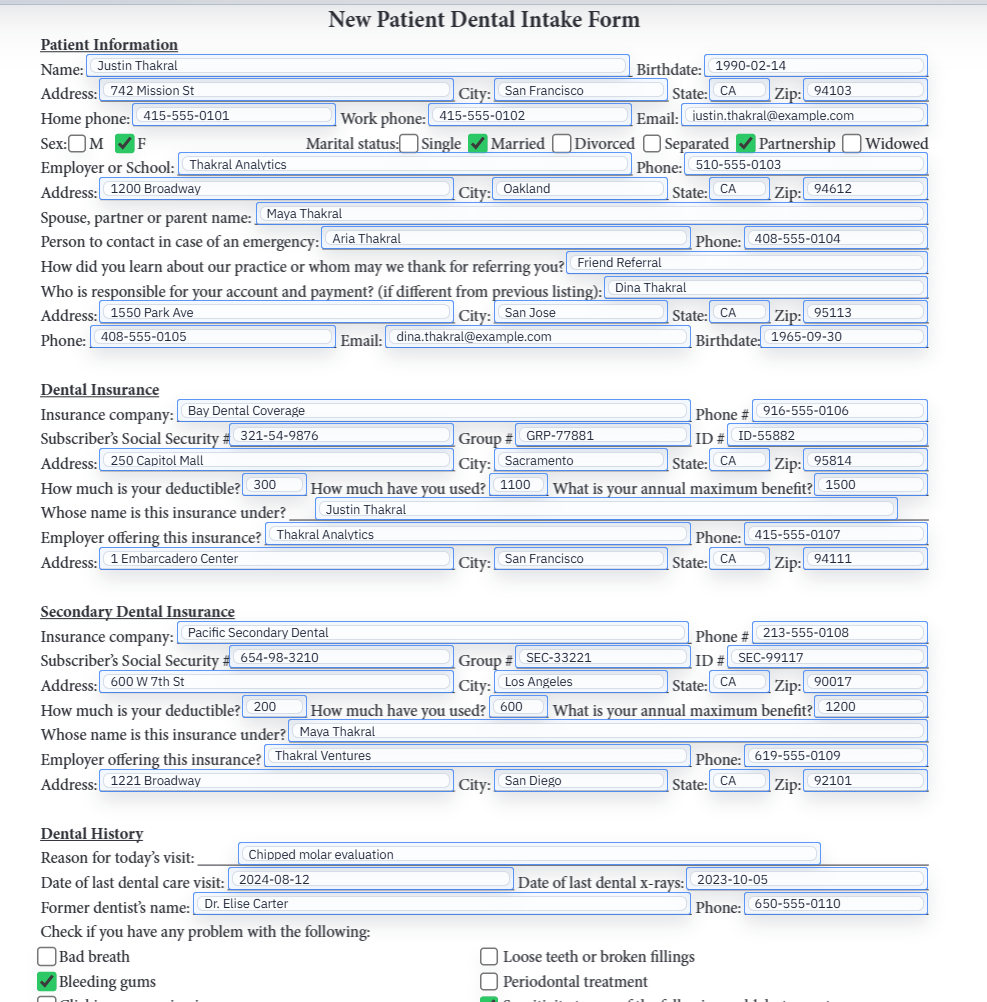
State Department passport workflows often require printing, signing at the correct time, mailing, or appearing at an acceptance facility. A DullyPDF workflow should therefore optimize for clean review output: fill from a saved record, inspect the completed PDF, and export a version that staff can check against the current State Department instructions.
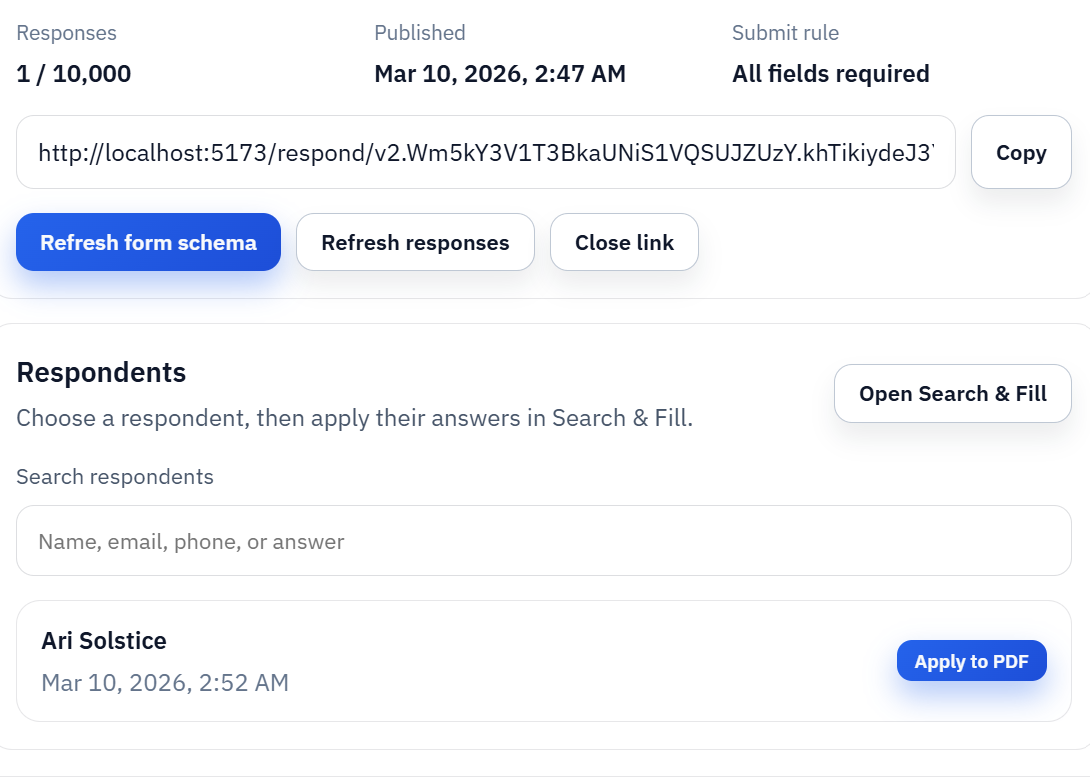
For respondent intake, Fill By Link can collect identity details first, but the owner should still review the generated DS PDF before it is used outside the workspace. That separation keeps the respondent experience simple while preserving the official form layout for final review.
State Department instructions control signatures, photos, fees, appointments, and submission
DullyPDF can help prepare reusable DS templates, collect data, fill fields, and export review copies. It does not submit passport forms, determine form eligibility, calculate fees, validate citizenship evidence, decide when to sign, or replace appointment and acceptance-facility instructions.
Before using a completed DS PDF, verify the current State Department passport forms page, eForms PDF, processing times, photo requirements, fees, signature instructions, and where to apply. The PDF workflow should make preparation cleaner without changing the official passport process.