
VA Disability Claim Packet Automation for Repeated Claimant Data
VA disability paperwork often repeats the same claimant, representative, medical provider, employment, issue, and decision-review details across several fixed forms. A useful workflow keeps the official VA PDFs intact while giving teams a safer way to collect, map, review, and reuse the data behind the packet.

VA claim packets repeat claimant data across several official PDFs
A VA disability workflow may start with a primary compensation application, then add medical-release forms, traumatic-event statements, unemployability forms, supplemental claim forms, or Board Appeal paperwork depending on what the claimant and representative need to prepare. Each document has a different purpose, but the same claimant identity, contact details, file numbers, service details, representatives, providers, and decision references can appear again and again.
DullyPDF is a fit for the document-preparation part of that process. It should not decide eligibility, tell a claimant which review lane to choose, or replace VA instructions. The product value is narrower: turn the blank official PDF into a reviewed reusable template, map repeated fields to stable record names, and make the output easier to check before anyone uses it outside the workspace.
Start with the claim forms that actually recur in your workflow
The Veterans category in the catalog has many forms, but a first automation pass should stay focused. Pick the documents that repeat for your team, review one representative fill for each, and only then group them into a packet workflow. A smaller set of validated templates is more useful than a broad form library where nobody has checked field names and output behavior.
A strong starting set is VA 21-526EZ for disability compensation, VA 21-4142 for authorization to disclose information to VA, VA 21-0781 for mental-health traumatic-event details, VA 21-8940 for unemployability compensation, VA 20-0995 for supplemental claims, and VA 10182 for Board Appeals. Those forms support different stages, but they share the same operational need: claimant and supporting-party data should be collected once and reused deliberately.


- VA 21-526EZ - Application for Disability Compensation, 15 pages in the current catalog entry.
- VA 21-4142 - Authorization to Disclose Information to the Department of Veterans Affairs, 5 pages in the current catalog entry.
- VA 21-0781 - Statement in Support of PTSD Claim, 7 pages in the current catalog entry.
- VA 21-8940 - Application for Increased Compensation Based on Unemployability, 4 pages in the current catalog entry.
- VA 20-0995 - Decision Review Request: Supplemental Claim, 7 pages in the current catalog entry.
- VA 10182 - Decision Review Request: Board Appeal, 3 pages in the current catalog entry.
Use a claimant-centered schema instead of one-off PDF field names
The field names should describe the claimant record and the packet role, not the source PDF coordinate. Names such as veteran_full_name, claimant_file_number, representative_name, provider_name, employment_start_date, and issue_decision_date are easier to reuse than generic labels copied from one page at a time.
VA packets also need careful role separation. The veteran, claimant, surviving claimant, representative, provider, employer, witness, and signer may not all be the same person. If those roles are blurred in the template, Search and Fill can appear to work while putting the right value in the wrong person section.
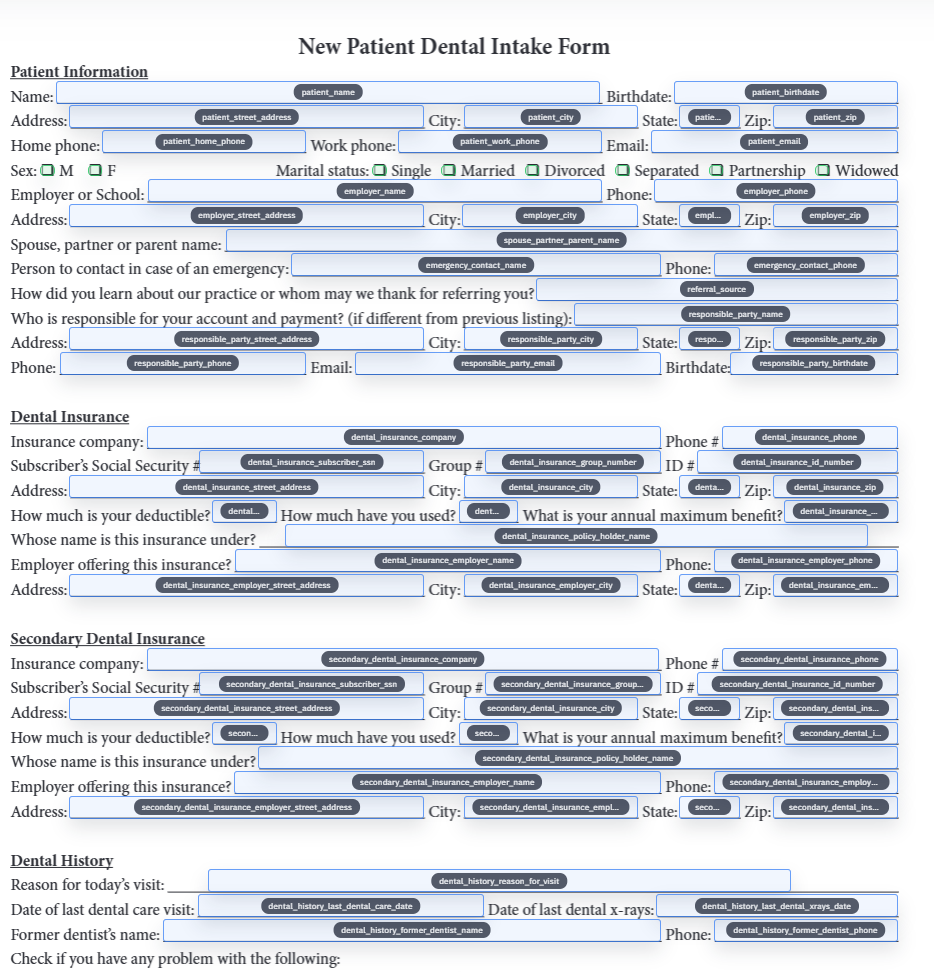
- Claimant fields: `veteran_full_name`, `claimant_full_name`, `va_file_number`, `date_of_birth`, `preferred_phone`, `mailing_address`.
- Representative fields: `representative_name`, `organization_name`, `representative_phone`, `representative_email`.
- Medical-release fields: `provider_name`, `provider_address`, `treatment_start_date`, `treatment_end_date`, `release_signature_date`.
- Decision-review fields: `decision_date`, `issue_description`, `review_option`, `new_evidence_description`, `hearing_preference`.
- Employment fields: `employer_name`, `job_title`, `last_day_worked`, `hours_per_week`, `monthly_earnings`.
Use intake first when the claimant or representative still needs to provide data
Many VA packet workflows start with incomplete information. A claimant, VSO, attorney, claims agent, medical provider, or employer may need to provide details before the packet can be filled cleanly. In those cases, the right first step is often a structured intake flow rather than direct PDF editing.
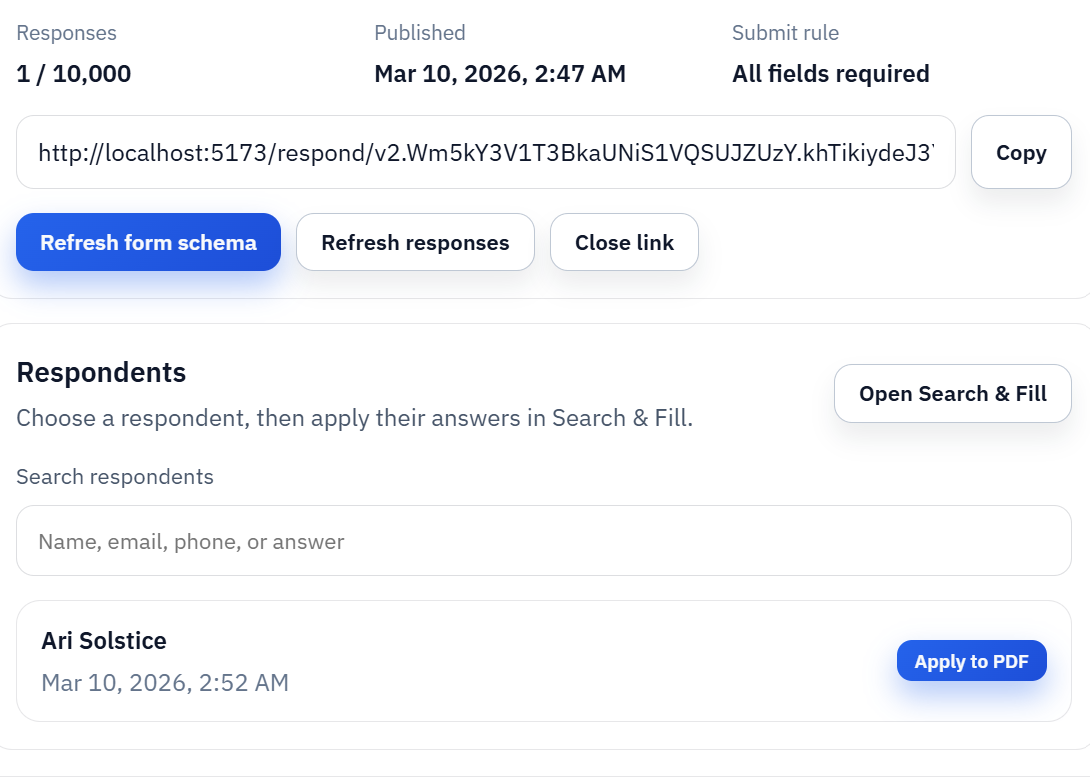
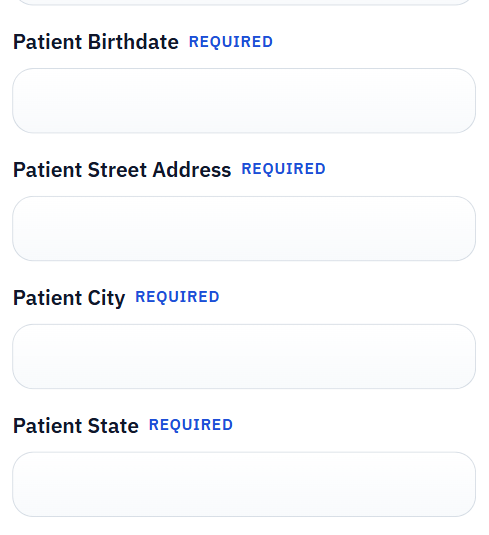
Fill By Link can collect answers through a simpler respondent-facing form. Search and Fill can then use that stored response or a spreadsheet row to populate the reviewed templates. This keeps the respondent experience simpler while letting the owner inspect the final PDF layout before exporting, signing, or using the packet under the current VA instructions.
Validate the packet before it becomes a saved workflow
VA disability forms are a poor fit for blind fill automation. Every form in the packet should be tested with realistic data, reviewed for role mistakes, and checked around signature-adjacent fields, authorization language, checkbox groups, repeated names, and date blocks. The point is to reduce repeated manual entry, not to remove human review from a sensitive workflow.
A practical validation loop is to open each blank catalog PDF, run field detection, rename and map the fields, fill one representative claimant record, export a flat review copy, and compare it against the blank form. After that, the team can save the forms as templates, group them, or publish a narrower API Fill endpoint for a stable internal process.
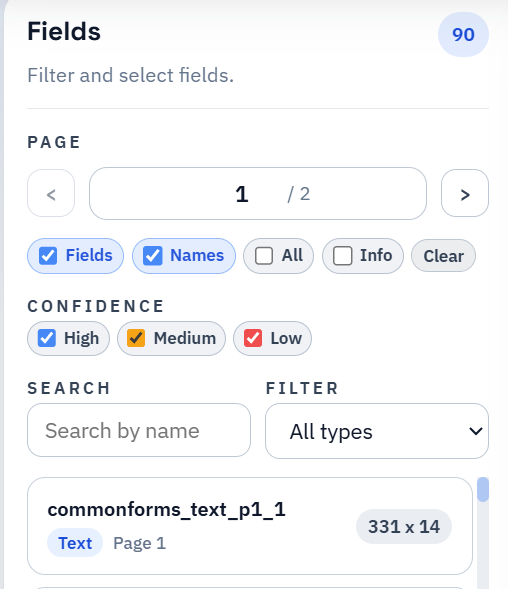
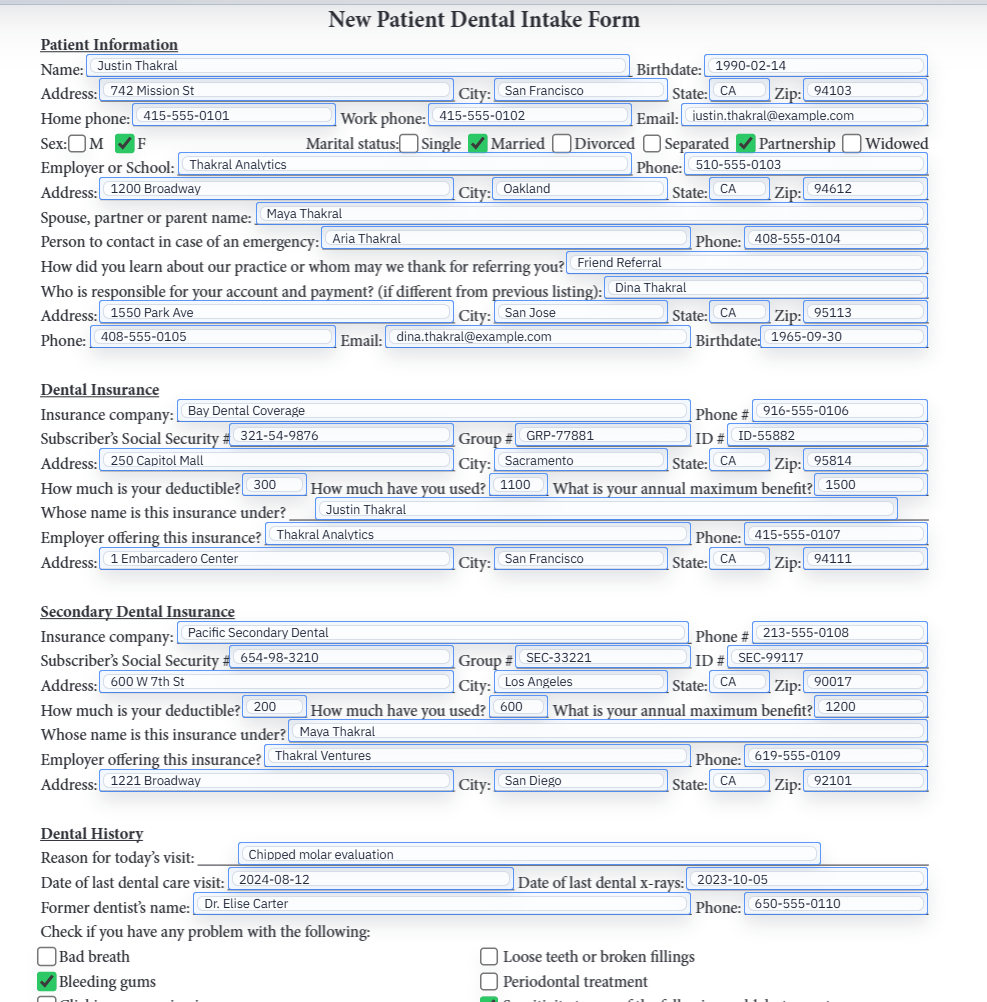
- Review field detections around dense instruction pages, tables, checkboxes, and signature areas.
- Validate that veteran, claimant, representative, provider, and employer data do not cross roles.
- Use flat PDFs for review copies when the recipient does not need to edit AcroForm fields.
- Keep VA.gov as the source of truth for current editions, submission options, signatures, evidence, and appeal/review deadlines.
DullyPDF prepares the PDF workflow; it does not decide VA benefits strategy
This page is about document workflow, not benefits advice. DullyPDF can help prepare reusable templates, collect structured answers, fill repeated fields, export review copies, and support packet-style PDF workflows. It does not file VA claims, choose a claim or appeal path, determine eligibility, identify required evidence, or replace the current VA instructions.
Before using a completed packet outside the workspace, verify the official VA form page, revision date, submission method, signature requirements, supporting evidence instructions, and any time-sensitive review or appeal rules. If the question is about eligibility, deadlines, evidence, or legal strategy, it belongs with VA guidance or an accredited representative, attorney, or claims agent.